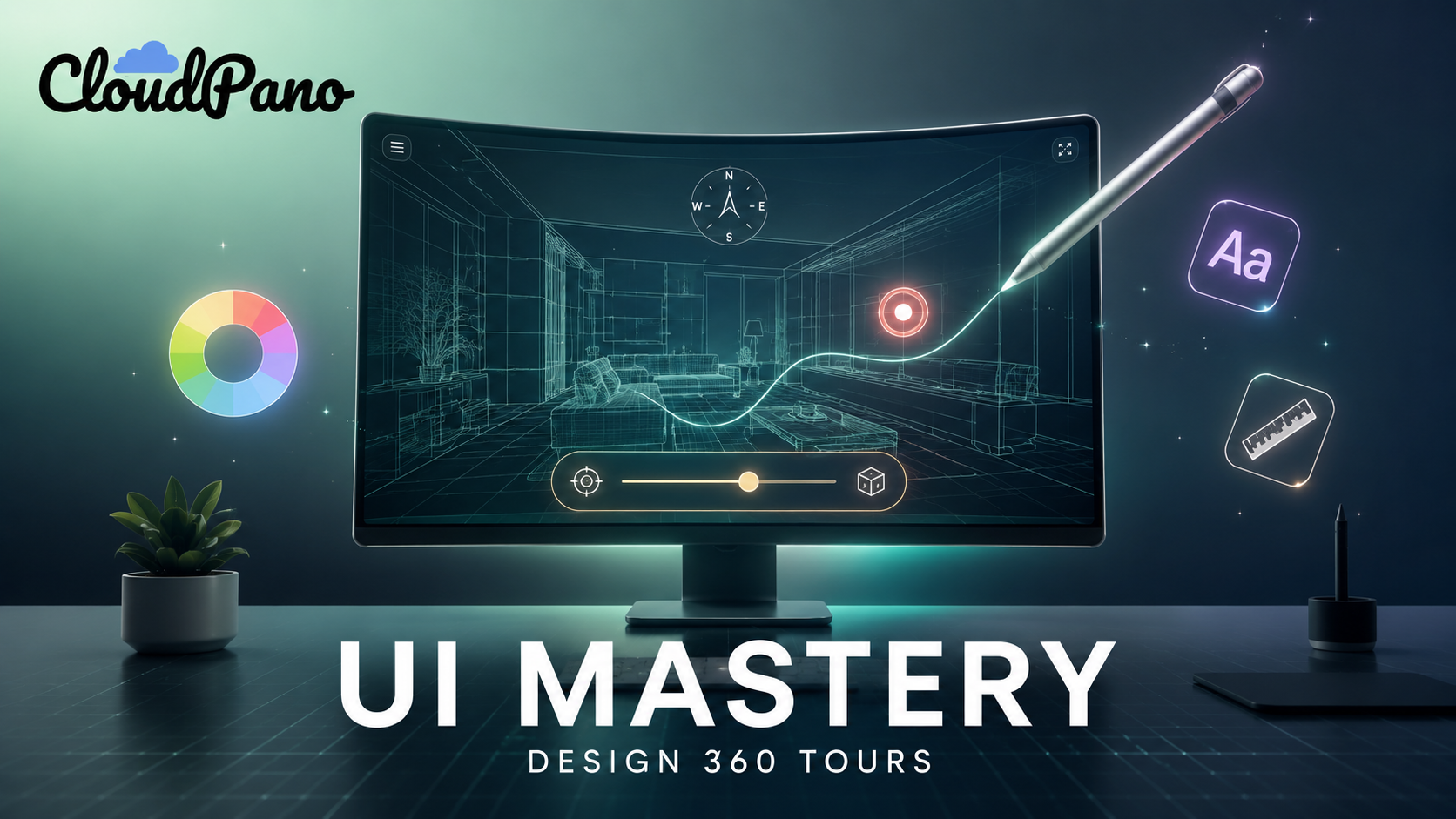
Mastering User Interface Design for 360 Tours

Cloudpano
May 14, 2026
5 min read
Share this post

Mastering User Interface Design for 360 Tours: The Power of the "Anything Button"

In the world of immersive media, the transition from a "cool gadget" to a "business solution" happens at the interface level. For years, real estate photographers and enterprise marketers have struggled with a fundamental UX flaw: the disappearing hotspot. You lead a viewer to a stunning kitchen, but the moment they click into the pantry, the "Book a Viewing" button vanishes.

The sales funnel is broken.

Enter the "Anything Button" philosophy—a shift from static scene-specific links to a "Canvas" mindset where the user interface acts as a persistent concierge, guiding the viewer through a seamless conversion journey.

1. The Canvas Concept: UI as a Persistent Concierge

Traditional virtual tours treat navigation as a breadcrumb trail; if you aren’t looking at the right wall, you can't find the exit. CloudPano’s latest architecture treats the entire 360 viewer as a Canvas.

Unlike standard hotspots, the "Anything Button" is Scene-Agnostic. It "hangs out" in the user’s field of view regardless of which room they are in. This persistence ensures that high-value actions—like scheduling a tour or viewing a floor plan—are always exactly one click away. This isn't just a technical update; it’s a strategic advantage that keeps the "Call to Action" (CTA) top-of-mind.

2. Aesthetics and the Psychology of Style

To command premium rates, your tours must look the part. The "Anything Button" supports advanced styling like Glassmorphism. By using semi-transparent backgrounds, background blurs (frosted glass), and subtle glowing animations, you create an "Apple-esque" interface that feels native to luxury listings and high-end automotive showrooms.

  • Glass Styles: Creates depth without obstructing the 360 photography.
  • Custom Shadows: Gives the UI a tactile, "lifted" feel.
  • Glow Animations: Subtly directs the eye toward the primary conversion goal without being intrusive.

3. The "Anything" Logic: Beyond the Simple Link

The true power of this tool lies in its versatility. It is a trigger for complex internal and external logic:

  • Modals (S/M/L): Pop up information without refreshing the page. Use "Large Modals" for complex data like financing calculators or terms of service.
  • Rich Embeds: Integrate YouTube videos, Calendly booking frames, or Matterport floor plans directly into the canvas.
  • Direct Triggers: One-touch "Click-to-Call" for mobile users or "Back-to-Home" logic for complex commercial spaces.

Traditional Hotspots

Fragmented UX

  • Vanishes when scene changes
  • Hard to find in 360 space
  • High friction for leads

Anything Button

Persistent Navigation

  • Stays visible across all scenes
  • Predictable UI placement
  • Constant Lead Capture

4. Workflow Integration: Drag-and-Drop Success

Implementing this doesn't require a degree in computer science. Within the CloudPano "Apps" section, the workflow is streamlined for speed:

  1. Open the App Editor: Select the "Anything Button" from the sidebar.
  2. Define the Action: Choose between a modal, an external link, or an internal scene trigger.
  3. Style the Canvas: Apply your brand colors and choose your "Glass" intensity.
  4. Set Persistence: Toggle the "Scene-Agnostic" setting to ensure the button follows the viewer.

5. Monetization: The Customization Premium

This is the most critical takeaway for professional photographers: Stop selling "Tours." Start selling "Leads."

When you use the Anything Button to embed a financing calculator or a direct booking link, you are no longer a commodity service. You are providing a Customized Solution. The ability to solve a customer's specific business need—such as increasing showroom appointments or capturing investor data—allows you to charge "a bunch of money" compared to the photographer down the street offering basic 360 spins.

6. Avoiding "Button Fatigue"

With great power comes great responsibility. While the "Anything Button" is powerful, clutting the canvas will lead to "Button Fatigue."

  • Use Hierarchy: Reserve persistent buttons for the most important action (e.g., "Schedule Visit").
  • Consolidate into Modals: Instead of five buttons for "Map," "Specs," and "Video," use one "Details" button that opens a Large Modal containing all three.

The Customization Premium

Stop selling "virtual tours" and start selling "Lead Generation Environments." CloudPano's Anything Button allows you to justify 5x higher fees by solving your client's specific business problems.

📈 Book Your Demo Now →

🚀 Your All-In-One Virtual Experience Stack Starts Here

Share this post
Cloudpano

Choose The Right 360° Camera

Insta360 ONE RS 1-Inch 360 Edition

  • Compact, ready to go anywhere

  • Interchangeable lens that’s upgradeable

  • Dual 1-inch sensors for improved clarity and low light performance

  • Dynamic range and 6K 360° capture

  • 360° photo resolution at 21MP

Learn More

Insta360 X4

  • 8K 360° video recording for ultra-detailed visuals.

  • 4K single-lens mode for traditional wide-angle shots.

  • Invisible selfie stick effect for drone-like perspectives.

  • 2.5-inch touchscreen with Gorilla Glass protection.

  • Waterproof up to 33ft for underwater shooting.

Learn More

Ricoh Theta Z1

  • 360° photo resolution in 23MP

  • Slim design at 24 mm thick

  • Built-in image stabilization for smooth video capture.

  • Internal 19GB storage for photo and video storage.

  • Wireless connectivity for remote control and sharing.

Learn More

Ricoh Theta X

  • 60MP 360° still images for high-resolution photography.

  • 5.7K 360° video recording at 30fps.

  • 2.25-inch touchscreen for intuitive control.

  • USB Type-C port for fast charging and data transfer.

  • MicroSD card slot for expandable storage.

Learn More
Property Marketing
Allows potential buyers to explore properties in detail from anywhere, enhancing the real estate marketing process.
Automotive Spins
Create an interactive virtual showroom and engage affluent digital buyers with live 360º video calls, all through the CloudPano mobile app for a complete automotive sales solution.
Interactive Floor Plans
Create 2D and 3D floor plans with measurements in 4 minutes or less, all from your phone. Download the Floor Plan Scanner app and get your first scan free.

360 Virtual Tours With CloudPano.com. Get Started Today.

Try it free. No credit card required. Instant set-up.
Try it free
Latest posts

See our other posts

Interviews, tips, guides, industry best practices, and news.

How to Make Interactive 360 Tours That Engage Viewers

This article outlines how to transition from basic 360-degree spins to high-engagement interactive virtual tours using the "Anything Button" framework. It details the shift from scene-specific hotspots to a persistent navigation model, where the UI acts as a "Scene-Agnostic Concierge" that follows the viewer through every room. By utilizing modern design principles like Glassmorphism and advanced logic triggers (Modals, Embeds, and Direct Calls), photographers can create a seamless "Canvas" experience. The guide concludes with a focus on Value-Based Pricing, explaining how these customized UX solutions allow creators to move away from commodity pricing and charge premium rates for measurable client ROI.
Read post

Mastering User Interface Design for 360 Tours

This article explores the strategic shift from basic 360-degree panoramas to high-conversion virtual tour interfaces using CloudPano’s "Anything Button." It breaks down the technical and psychological advantages of scene-agnostic navigation—where call-to-action buttons "hang out" and persist across every room in a tour. By moving away from disappearing hotspots and toward a "Canvas" UI model (including Glassmorphism and rich media embeds), real estate photographers and enterprise marketers can transform their work into a high-ticket business solution. The guide emphasizes value-based pricing, teaching creators how to solve specific client needs to justify premium service fees.
Read post

How to Build Interactive Virtual Tours That Enhance User Experience

This article serves as a strategic guide for high-end photographers and agencies looking to master interactive virtual tours. It moves past the technical "how-to" and focuses on the "why-to" of user experience and sales psychology. By implementing CloudPano’s "Anything Button" framework, creators can solve the critical problem of disappearing CTAs during scene transitions.
Read post