


.png)


Scroll through Instagram or TikTok for thirty seconds and you'll notice something every agent needs to know: short-form video is built to capture attention quickly. That's exactly why more agents are reaching for a real estate video maker to turn ordinary listing photos into short, cinematic clips instead of relying solely on static photo carousels.
If you've got a folder of great listing photos sitting unused, you're already sitting on ready-made social content — you just need the right process to unlock it.
This guide walks through how to do that: which photos to choose, how long your clips should be, how to hook viewers in the first few seconds, and how to use captions and hashtags effectively. By the end, you'll have a repeatable system for turning any listing into a batch of short-form videos without picking up a camera or opening a traditional video editor.
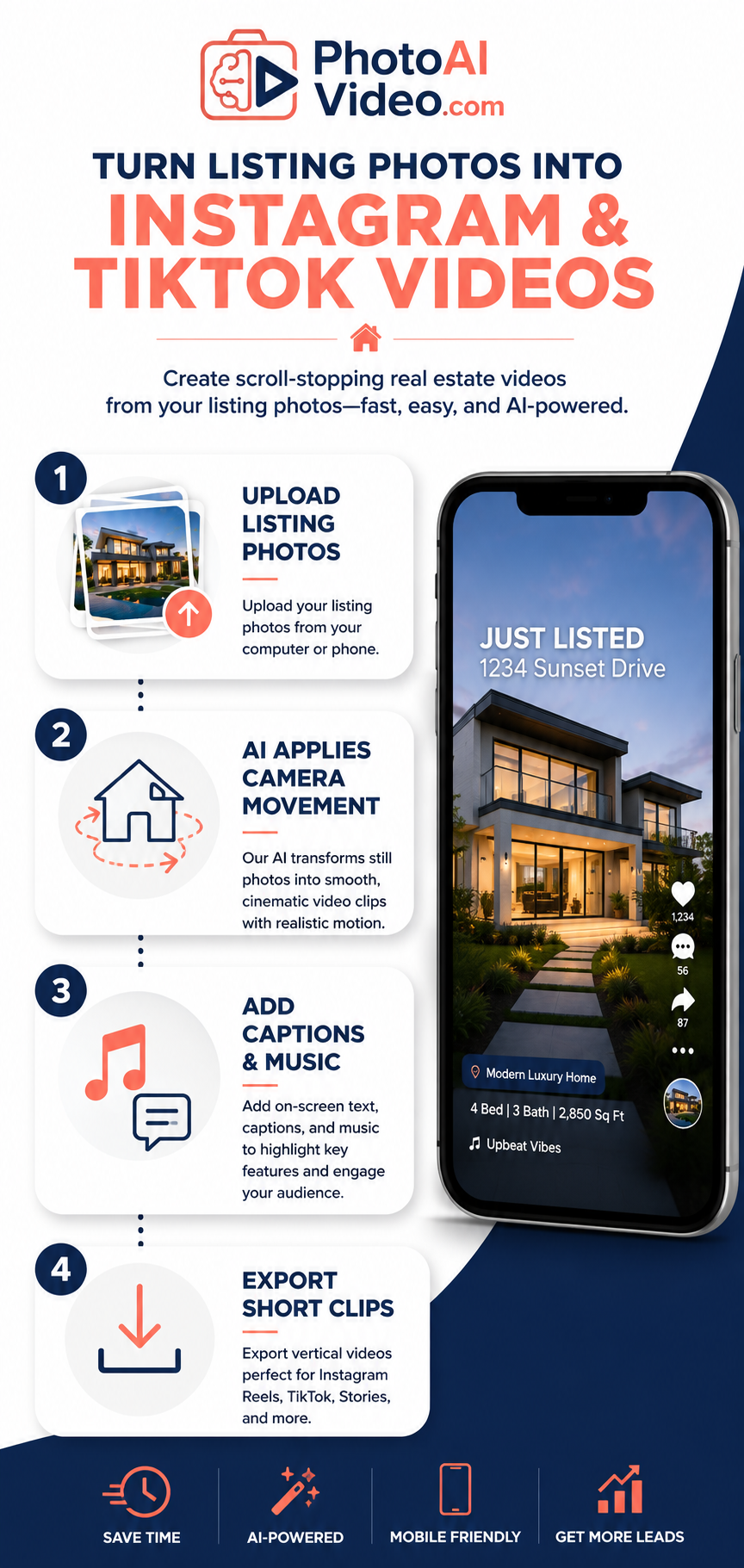
Short-form vertical video has become a major part of how people consume content on their phones. Reels, TikToks, and other vertical clips are designed for quick, mobile-first viewing, making them particularly useful for visually showcasing properties.
For real estate, this format has an obvious advantage: a home isn't just one photo — it's an experience. Video can guide a viewer through a property in a natural sequence, moving from the exterior to the entryway, kitchen, primary suite, backyard, and other standout spaces.
Industry research on video marketing, including Wyzowl's State of Video Marketing report, has consistently highlighted video's usefulness in helping consumers understand products and services. HubSpot's video marketing research also demonstrates the continued importance of video in digital marketing strategies.
Meanwhile, buyer behavior tracked by the Redfin News Data Center illustrates how much of today's home search happens online before a buyer ever contacts an agent.
Put those trends together, and the opportunity is clear: incorporating video gives agents another way to present listings in the formats people increasingly encounter across social platforms.
This is where a real estate video maker can earn its place in your marketing toolkit — not by replacing professional photography, but by giving those photos a second life as engaging short-form content.
Not every listing photo belongs in your video. Cramming all forty photos from an MLS gallery into a short Reel or TikTok can slow down the pacing and make it harder for the strongest features to stand out.
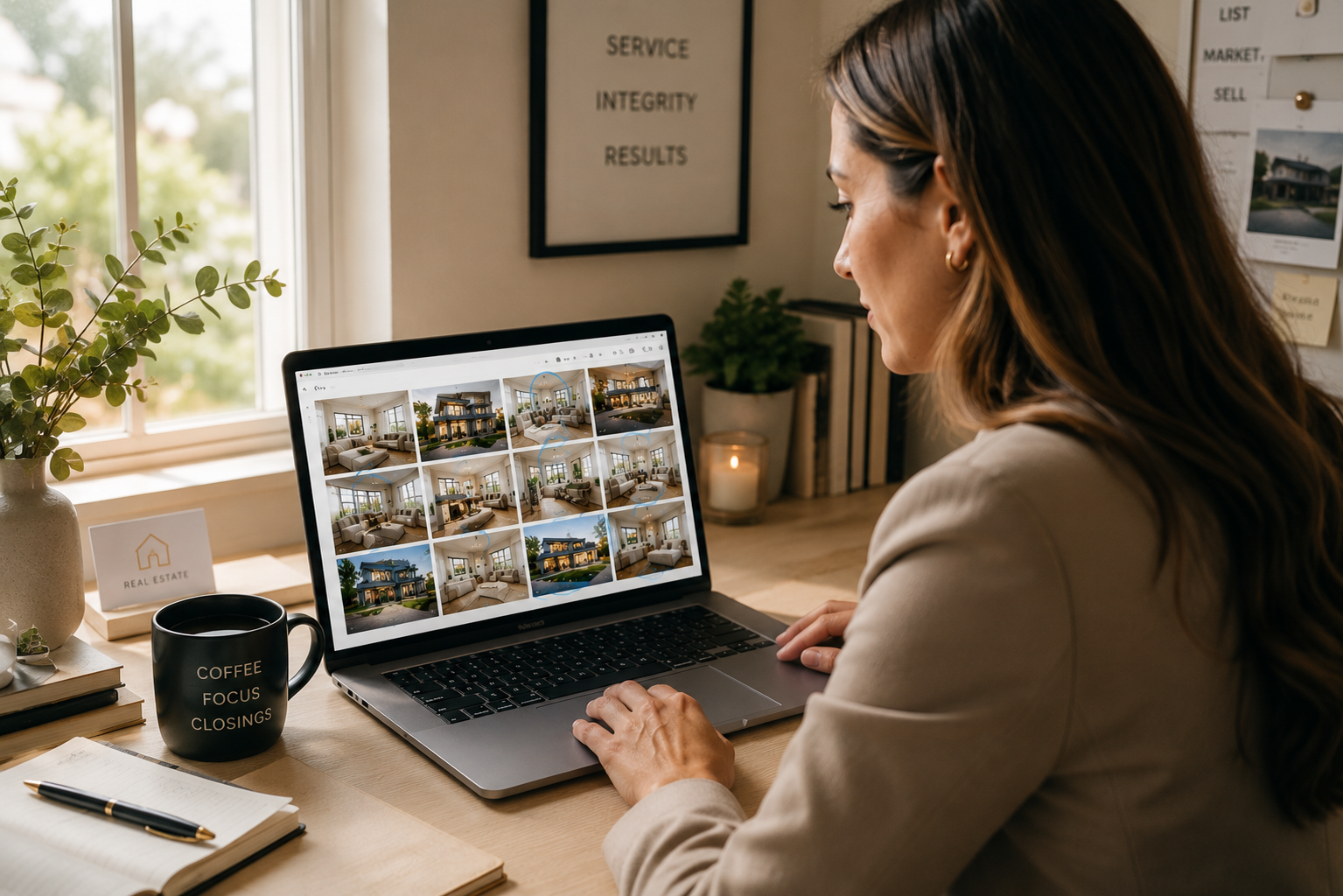
Instead, think like an editor curating a highlight reel:
If you want to see how a curated photo set translates into finished video, browse these real before-and-after video examples to see how still images can become property videos using camera movement, transitions, and branding.
Short-form platforms are designed around concise content, and real estate videos should generally respect that viewing environment.
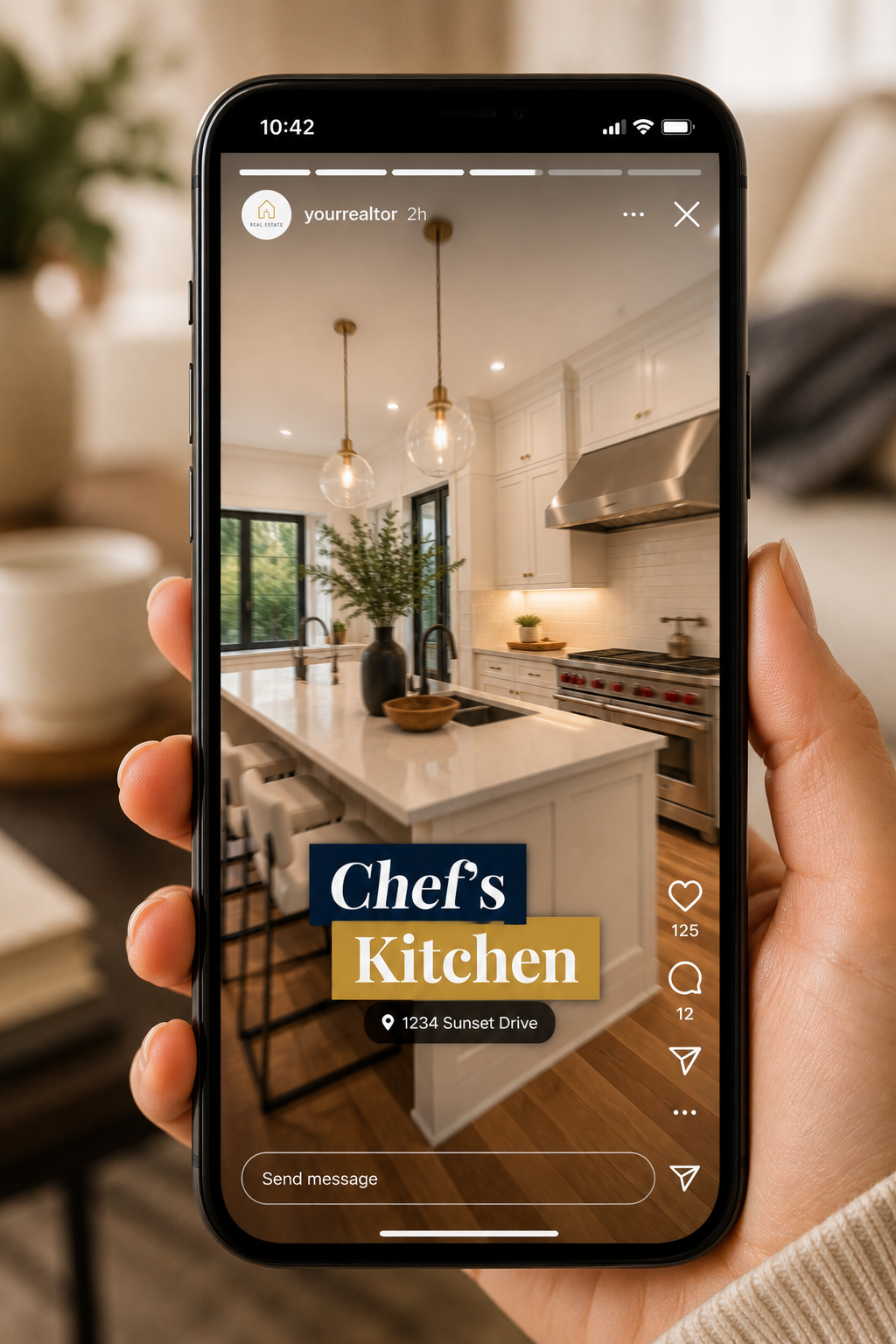
For many listing videos, 15 to 45 seconds is a useful starting range. That's enough time to showcase several rooms while keeping the presentation focused. However, there's no universal ideal length — performance depends on the property, audience, platform, and strength of the content.
A simple pacing formula works well for many listings:
Faster pacing can suit energetic Reels and TikToks, while a slower, more atmospheric edit may work better for certain luxury properties or storytelling styles.
Either way, consistency matters. Smooth visual progression can make a short video feel intentional rather than like a collection of unrelated images.
The opening moments of your video matter. Your first frame and first line of on-screen text should give viewers a reason to keep watching.
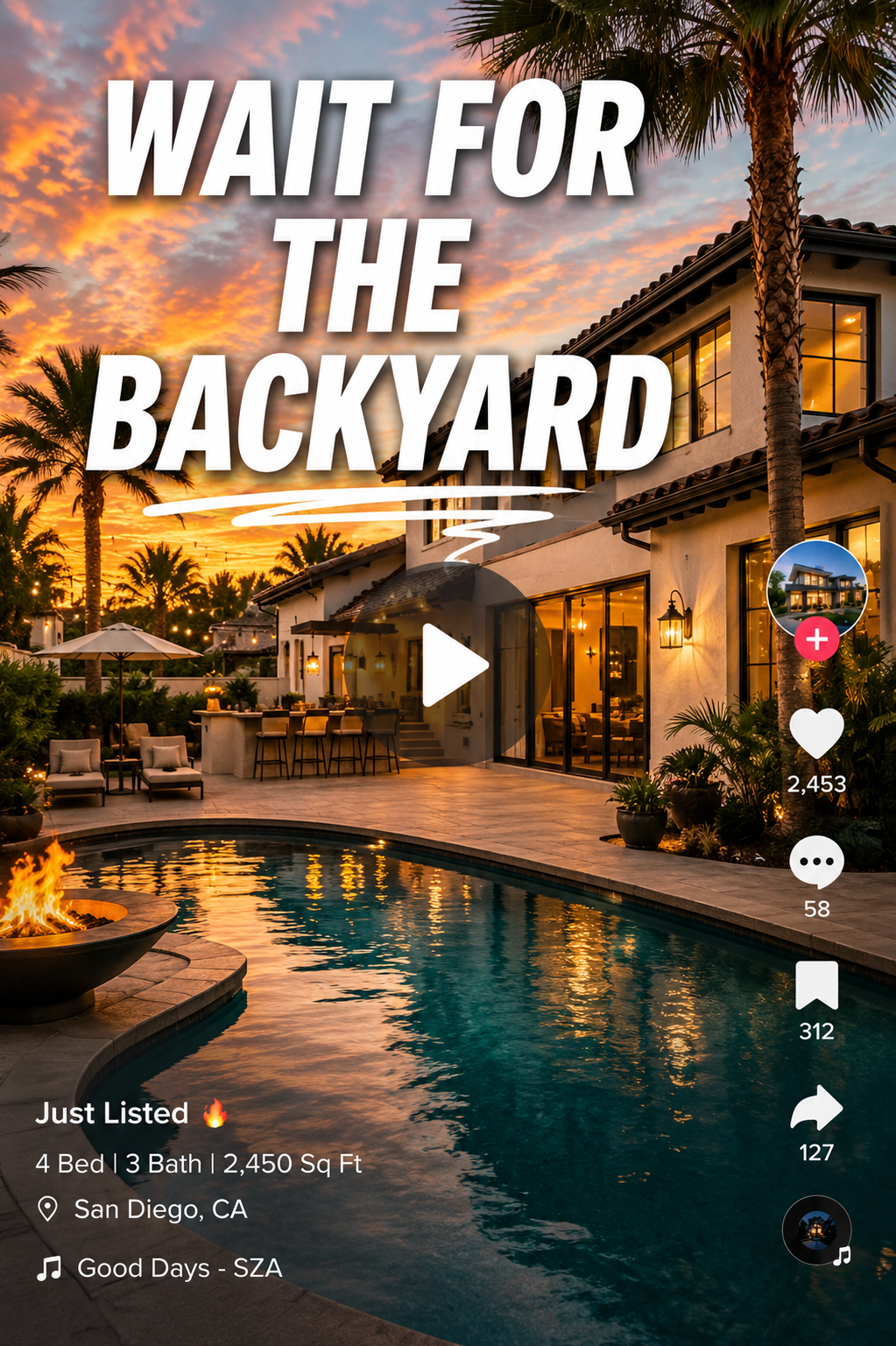
Some hooks worth testing include:
Keep text overlays short and easy to read. Room labels such as "Primary Suite," pricing information, and standout features such as "Walk-In Pantry" or "Private Pool" can give viewers useful context without covering the property imagery.
Captions are also important for viewers who watch without sound or simply need additional context.
Audio can change the feel of the video as well. Depending on the platform and your audience, you might pair a property video with music, original audio, or a clean voiceover highlighting the home's key features.
A short AI-generated voiceover introducing the listing — or a quick agent introduction — can add personality without requiring you to record a complete walkthrough yourself.
Captions and hashtags can provide both viewers and platforms with additional context about your video.
For a listing video, consider combining several types of relevant hashtags:
Rather than adding a large number of unrelated hashtags, focus on a smaller group that accurately describes the property, location, and content.
Your caption should also do more than repeat what's already on screen. Start with a hook, provide useful context such as the price, neighborhood, or standout feature, and finish with a clear call to action.
That might be asking viewers to send you a DM, comment for additional information, schedule a showing, or visit the link in your bio.
One strong video is useful, but consistent publishing gives you more opportunities to reach potential buyers and sellers over time.
There isn't one perfect posting frequency for every real estate account. Your ideal schedule will depend on your audience, available listings, marketing strategy, and ability to maintain quality.
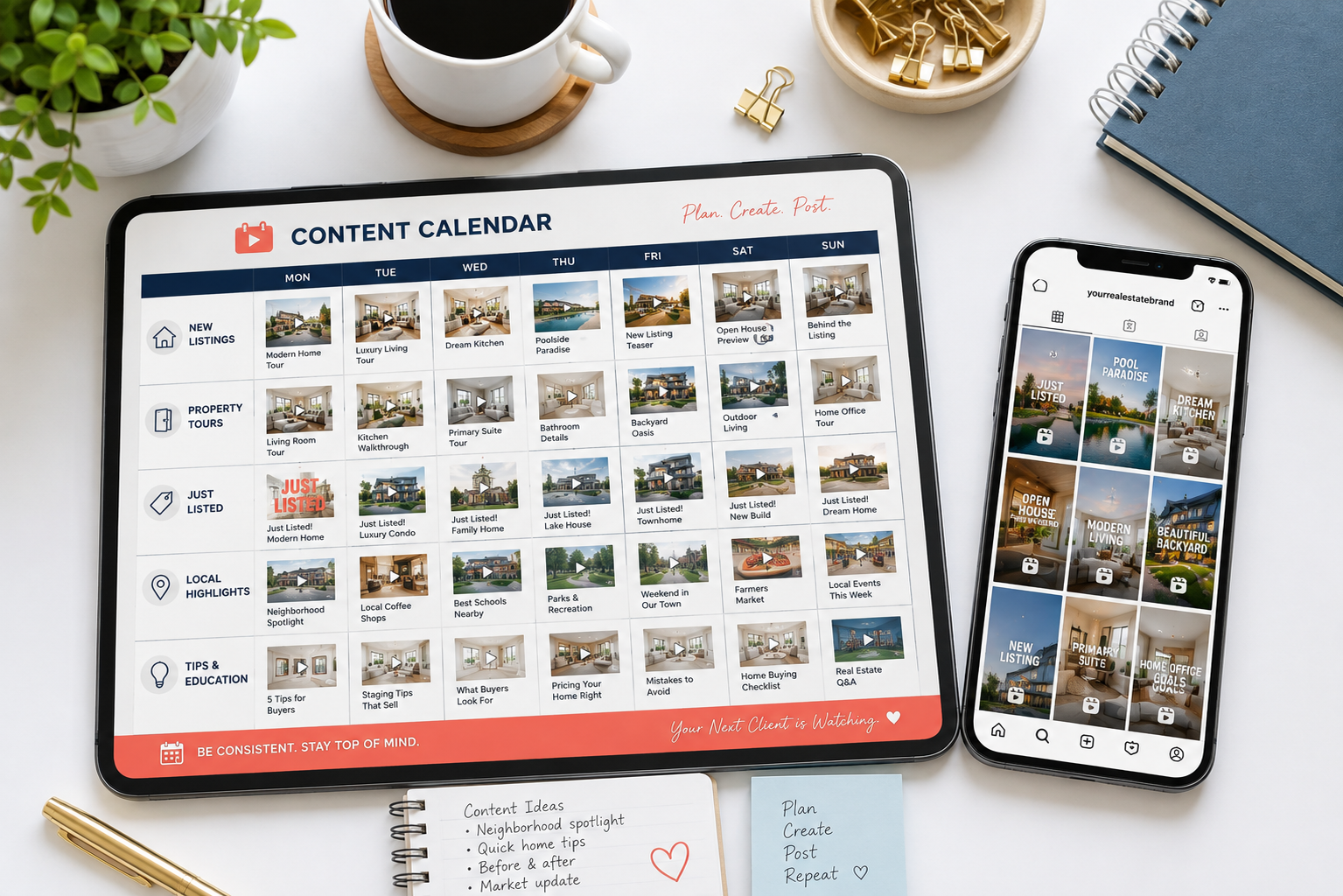
The more practical goal is to establish a schedule you can realistically maintain.
The challenge is that consistency requires content, and producing content manually takes time. Filming, editing, adding music, creating captions, and formatting even a short video can become another substantial task on top of showings, closings, prospecting, and client communication.
That's where a repeatable production process becomes valuable.
This is where a real estate video maker can change the workflow.
Instead of manually editing each listing video one at a time, an AI-driven video generator can take a photo set and apply simulated camera movements — such as pans, zooms, tilts, orbits, and dolly-style motion — to turn still images into moving clips.
From one listing gallery, you can potentially create more than one piece of short-form content. For example, one video might focus on the kitchen, another on the backyard, while another could serve as a quick whole-property teaser.
That type of batch production can make a consistent posting schedule much easier to maintain.
Rather than treating video as a special project for only certain listings, it can become part of your normal marketing workflow: upload your photos, apply your branding, add music or voiceover, and create clips for Instagram, TikTok, or other social channels.
See how a complete listing walkthrough can be created from listing photos to get a better sense of how an automated workflow can fit into your marketing process.
Tools built specifically for real estate agents can also include features designed around this workflow, such as branded intros and outros, AI voiceovers, and AI avatars.
A dedicated real estate video maker for agents can reduce the amount of traditional editing required and make it easier to turn existing listing photography into reusable video content.
For short-form listing videos, 15 to 45 seconds is a useful starting point, but there isn't one ideal length for every video. Test different durations and pay attention to metrics such as watch time, completion rate, saves, shares, and inquiries.
Not necessarily. If you're creating videos from existing listing photography, you may not need to film anything at all. A real estate video maker can add movement, transitions, branding, music, and other elements to still photos.
If you do want to include an agent introduction or original footage, a modern smartphone can be enough for many social media videos when paired with good lighting and clear audio.
There's no universal number that guarantees better reach. Instead of focusing on quantity, choose hashtags that accurately describe the property, location, audience, and content.
A combination of broad real estate terms, local keywords, and specific listing-related tags is generally more useful than filling the caption with unrelated trending hashtags.
There isn't a single posting frequency that works for every agent. A sustainable schedule that allows you to publish useful, high-quality content consistently is more practical than committing to an aggressive schedule you can't maintain.
If you have enough listing and educational content available, posting several times throughout the week gives you more opportunities to test different formats, hooks, and topics.
Every listing you take on is already a potential library of content. The key is turning those assets into videos with the right pacing, hooks, captions, and presentation.
Start with your strongest photos, keep your clips focused, lead with something visually interesting, and create a publishing schedule you can realistically maintain.
Most importantly, don't treat each listing video as a one-time asset. One property can potentially provide multiple pieces of content: a complete tour, a kitchen-focused Reel, a backyard teaser, a "just listed" announcement, a price-focused TikTok, and more.
If you're ready to spend less time manually editing and start producing video more consistently, try turning your next listing's photos into video with PhotoAIVideo and see how easily your existing photography can become short-form content for Instagram and TikTok.


Compact, ready to go anywhere
Interchangeable lens that’s upgradeable
Dual 1-inch sensors for improved clarity and low light performance
Dynamic range and 6K 360° capture
360° photo resolution at 21MP

8K 360° video recording for ultra-detailed visuals.
4K single-lens mode for traditional wide-angle shots.
Invisible selfie stick effect for drone-like perspectives.
2.5-inch touchscreen with Gorilla Glass protection.
Waterproof up to 33ft for underwater shooting.

360° photo resolution in 23MP
Slim design at 24 mm thick
Built-in image stabilization for smooth video capture.
Internal 19GB storage for photo and video storage.
Wireless connectivity for remote control and sharing.

60MP 360° still images for high-resolution photography.
5.7K 360° video recording at 30fps.
2.25-inch touchscreen for intuitive control.
USB Type-C port for fast charging and data transfer.
MicroSD card slot for expandable storage.
.png)

.png)

Try it free. No credit card required. Instant set-up.







.svg)


.svg)