


.png)


The complete Realtor’s guide to boosting engagement, visibility, and offers with immersive media 🚀🎥
The real estate industry is evolving fast — and the agents who adapt will win more listings, attract higher-quality buyers, and close deals quicker. Today’s online-driven market demands more than photos alone. Buyers want 360° views, immersive walkthroughs, drone footage, and cinematic virtual tour videos that let them experience a property instantly.
If you list properties on Northwest MLS (NWMLS), incorporating virtual tour media is one of the most powerful ways to elevate your marketing. This step-by-step guide will teach you exactly how to add virtual tour to MLS, why 360° content performs so well, how to stay in full compliance, and how to embed video virtual tour in real estate listing descriptions and marketing channels.
Let’s take your listings from standard ➜ standout. 🌟
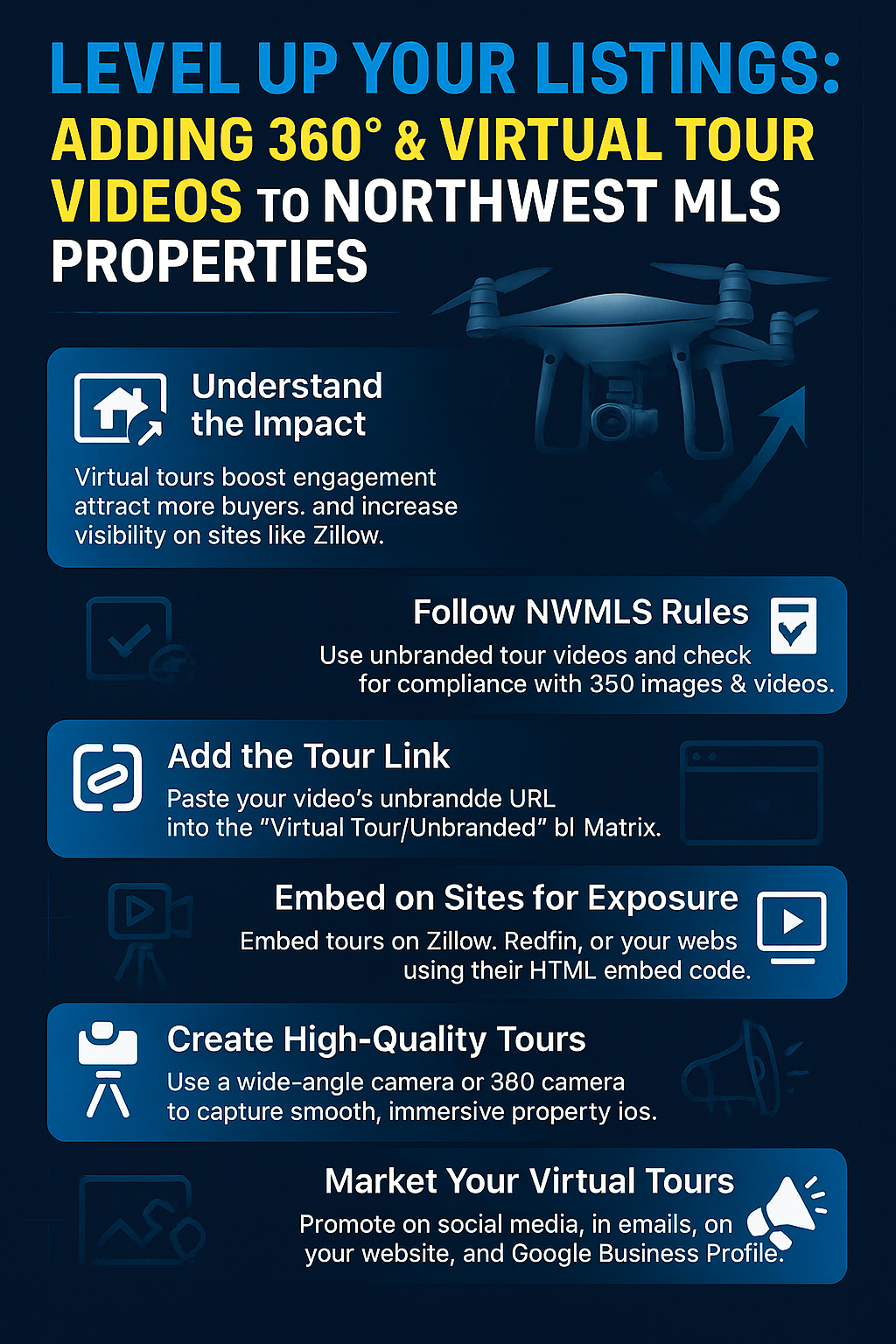
Before we dive into the technical steps, here’s why 360° media and virtual tours are so essential for modern real estate listings:
Buyers spend more time on listings with immersive media — NWMLS analytics confirm dramatic engagement increases when virtual tours are present.
Virtual tours reduce uncertainty. Buyers can explore layout, lighting, flow, and finishes long before they step inside.
Platforms like Zillow, Redfin, and Realtor.com prioritize listings rich with media, giving your listing a visibility advantage.
Many NWMLS markets contain heavy relocation demand. Virtual tours allow out-of-state buyers to explore properties instantly.
Sellers choose agents who use modern marketing tools. Offering 360° and virtual tour video services gives you an upper hand on listing appointments.
In a crowded digital environment, buyers stop scrolling when they see video — and that means more showings, more offers, and quicker closings. 🎉
NWMLS has strict guidelines for all media links, including 360° content and virtual tour videos. To comply:
This means:
❌ No agent names
❌ No phone numbers
❌ No website URLs
❌ No brokerage branding
❌ No logos in the video
❌ No promotional language
As long as your link is unbranded and accessible, you can attach it to your NWMLS listing.
Now, let’s walk through the exact process to add virtual tour to MLS using NWMLS’s listing portal.
Make sure your video meets NWMLS standards:
Approved hosting platforms include:
Once uploaded, copy the clean, unbranded share link.
Go to:
📍 nwmls.com → Member Portal → Listing Input
Select the property you want to edit.
Inside the listing form, look for:
➡ Unbranded Virtual Tour Link (this is required)
➡ Branded Virtual Tour Link (optional; visible only on consumer sites, not in the MLS feed)
Paste your unbranded link ONLY in the unbranded field.
Paste your link into the appropriate field.
Before saving, double-check:
✔ The link opens without ads or pop-ups
✔ No branding appears (intro screens, watermarks, end screens)
✔ The tour loads quickly
✔ The content is clearly visible on mobile
Click Save.
You have now successfully added a virtual tour video to your NWMLS listing. 🎉
After saving your listing:
Virtual tours often show up as a dedicated “Tour” button or an interactive link.
This is how buyers discover and engage with your media — so testing is critical.
360° tours elevate your listing even further because they allow buyers to explore rooms interactively.
Most platforms generate a public unbranded link, which you can paste into NWMLS the same way you upload a standard virtual tour.
If the platform generates both branded and unbranded versions, always paste the unbranded one into the MLS.
While NWMLS supports linking, external marketing pages allow for embedding, which offers a richer visual experience.
Copy the iframe embed code from YouTube, Vimeo, or CloudPano.
Example:
<iframe width="100%" height="450" src="https://www.youtube.com/embed/example" frameborder="0" allowfullscreen></iframe>
Use this code on:
Embedding significantly boosts:
📈 Viewer engagement
📈 Lead conversion
📈 Time spent on site
If you're creating a listing website or marketing PDF, embedding a video virtual tour in real estate listing pages makes the experience far more memorable.
To maximize listing performance, follow these industry-trusted tips:
Drone exteriors, a sweeping living room pan, or a gorgeous kitchen entrance hook viewers immediately.
Buyers want to understand how rooms connect — smooth transitions make all the difference.
Provide panoramic views of key spaces:
A clean, bright thumbnail increases click-through rates in both MLS and syndication portals.
Most buyers view listings on phones. Check mobile playback before uploading.
No branding, logos, or text overlays — ever.
The most competitive listings use all three.
Virtual tours don’t just market properties — they market YOU.
During listing appointments, you can confidently say:
👉 “I produce high-quality 360° and virtual tour videos for all my listings, giving buyers an immersive experience online.”
This statement alone:
Sellers love working with agents who use advanced marketing tools.
Once your virtual tour is added to NWMLS, repurpose it across multiple channels:
Great for capturing local buyers.
Short-form video drives major traffic.
Perfect for SEO and relocation buyers.
Improves your visibility on Maps.
Include a “Virtual Open House” headline.
Use embed code for a seamless viewing experience.
Local homebuyer groups LOVE virtual tours.
The more touchpoints, the faster your listing gains traction.
Adding virtual tour videos and 360° tours to Northwest MLS listings will dramatically level up your real estate marketing.
By learning how to:
✔ Add virtual tour to MLS
✔ Use unbranded, MLS-compliant links
✔ Embed video virtual tour in real estate listing pages
✔ Use 360° and drone footage for immersive experiences
✔ Promote your virtual tour across all platforms
…you instantly stand out as a forward-thinking, tech-powered Realtor.
Modern buyers expect virtual tours.
Top agents use virtual tours.
Smart agents win with virtual tours.
It’s your time to level up and transform your listings into unforgettable digital experiences. 🚀🏡🎥


Compact, ready to go anywhere
Interchangeable lens that’s upgradeable
Dual 1-inch sensors for improved clarity and low light performance
Dynamic range and 6K 360° capture
360° photo resolution at 21MP

8K 360° video recording for ultra-detailed visuals.
4K single-lens mode for traditional wide-angle shots.
Invisible selfie stick effect for drone-like perspectives.
2.5-inch touchscreen with Gorilla Glass protection.
Waterproof up to 33ft for underwater shooting.

360° photo resolution in 23MP
Slim design at 24 mm thick
Built-in image stabilization for smooth video capture.
Internal 19GB storage for photo and video storage.
Wireless connectivity for remote control and sharing.

60MP 360° still images for high-resolution photography.
5.7K 360° video recording at 30fps.
2.25-inch touchscreen for intuitive control.
USB Type-C port for fast charging and data transfer.
MicroSD card slot for expandable storage.
.png)

.png)

Try it free. No credit card required. Instant set-up.







.svg)


.svg)