


.png)


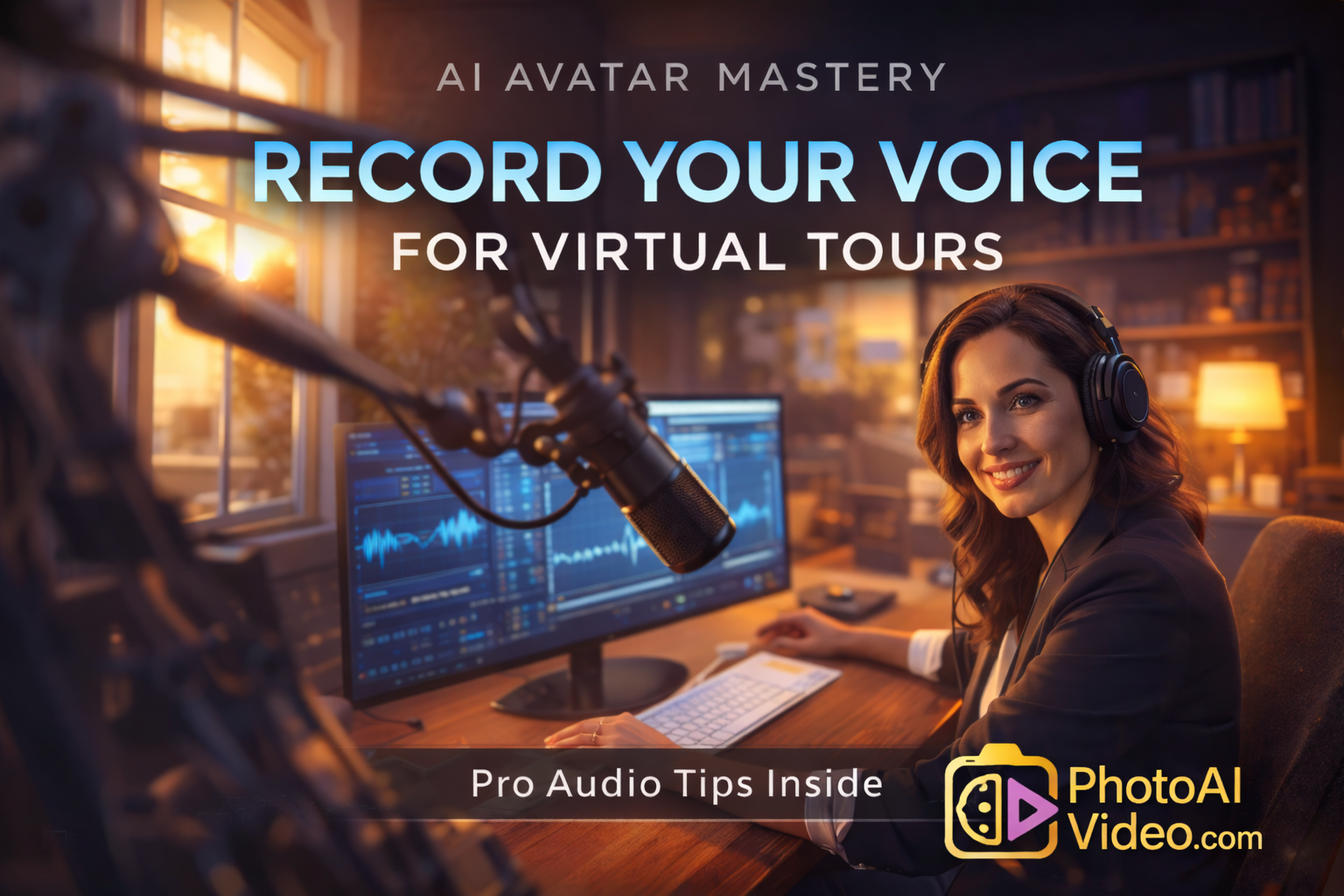
Virtual tours have transformed how buyers explore properties online. Instead of scrolling through static photos, buyers can now step inside homes digitally and navigate rooms in full 360° immersive environments. But there’s one element that can make these experiences even more engaging: a voice-guided AI avatar host.
Imagine entering a virtual tour and being greeted by a friendly presenter who walks you through the home, highlights key features, and explains why the property is special. That’s exactly what happens when you combine AI avatars with a professional voice recording.
But many real estate professionals ask the same question:
How do you properly record your voice for an AI avatar virtual tour?
In this guide, we’ll walk through everything you need to know about AI avatar voice recording, including equipment, recording techniques, scripting tips, and how to integrate your voice into an AI-powered virtual tour.
By the end, you’ll know exactly how to record voice for AI tour and create a more engaging property experience for buyers.
Adding voice narration to a virtual tour does more than simply describe a property. It creates connection and storytelling.
Without narration, visitors must interpret the home themselves. With a voice-guided experience, buyers receive:
✔ Context about the home
✔ Highlights of unique features
✔ Emotional storytelling
✔ Guidance through the property
This is why AI avatar voice recording has become a powerful tool for real estate marketing.
According to the National Association of Realtors, 73% of homeowners say they are more likely to list with an agent who uses video and advanced digital marketing tools.
External Source:
https://www.nar.realtor/research-and-statistics/quick-real-estate-statistics
Voice-guided tours elevate the entire presentation by combining visual exploration with professional narration.
An AI avatar virtual tour combines three technologies:
• 360° property tours
• AI-generated presenters
• Voice narration
Platforms like CloudPano allow viewers to move freely through a property, while AI avatar tools like PhotoAI Video enable agents to place a digital host inside the tour.
The avatar appears on screen and speaks using either:
• Recorded voice narration
• AI-generated voice
• Uploaded audio clips
The result is a guided property walkthrough that feels like a personal showing.
External Source:
https://cloudpano.com
Before recording your voice, you need a clear script.
The goal of an AI avatar voiceover is not to list every detail of the home. Instead, it should guide viewers through the experience naturally.
A good virtual tour voiceover includes:
• A friendly introduction
• Key highlights of the home
• Unique selling points
• A closing invitation to learn more
Example script opening:
“Welcome to this stunning modern home. As you enter the living room, notice the large windows that bring in natural light and create a bright, open atmosphere.”
Keep your tone conversational and natural. Imagine you’re walking a buyer through the home in person.
You don’t need a professional studio to record high-quality voiceovers. However, using the right setup can dramatically improve your results.
🎤 USB Microphone
A dedicated microphone will produce much clearer audio than a laptop mic.
Popular options include:
• Blue Yeti
• Rode NT-USB
• Audio-Technica AT2020USB
🎧 Headphones
Use headphones to monitor your recording and catch mistakes.
🖥 Recording Software
Simple tools like these work well:
• Audacity (free)
• GarageBand
• Adobe Audition
External Source:
https://www.audacityteam.org/
Once your script and setup are ready, it’s time to record.
Here are a few virtual tour voiceover tips that can make your narration sound more professional.
Virtual tour viewers may be exploring the home while listening, so clarity is important.
Smiling while speaking naturally improves tone and energy.
Record in a quiet room with minimal echo.
Instead of recording everything at once, break the script into smaller sections.
This makes editing easier and helps maintain consistency.
After recording your narration, export the audio file as:
• WAV
• MP3
Next, upload it to your AI avatar platform.
Platforms like PhotoAI Video allow you to generate a talking avatar using:
• Text scripts
• Recorded audio files
• AI-generated voices
Once the audio is uploaded, the avatar will synchronize mouth movements with your voice recording, creating a realistic presenter.
External Source:
https://www.photoaivideo.com
Now it’s time to connect the avatar with your virtual tour.
Inside the virtual tour editor (such as CloudPano), you can add custom integrations using embedded code.
Typical steps include:
Once published, the AI avatar automatically appears inside the virtual tour, speaking your recorded narration.
Visitors can explore the home while the avatar guides them through the property.
A great AI avatar tour feels like a real showing. Here are a few additional tips to make your narration more effective.
Instead of listing features, explain how the home feels.
Example:
“Imagine enjoying your morning coffee here while overlooking the garden.”
Buyers connect more with lifestyle than specifications.
Each narration section should be 15–30 seconds long to keep viewers engaged.
Avoid overly scripted wording.
The goal is to sound helpful and friendly.
Adding AI avatar voice recording to virtual tours creates a powerful marketing advantage.
Benefits include:
🏡 Higher engagement from buyers
🏡 More memorable listings
🏡 Stronger digital presentation
🏡 Scalable marketing across multiple properties
Agents can even reuse their AI avatar voice recording across multiple listings, making content creation faster.
This approach helps real estate professionals present homes in a way that feels modern, interactive, and personal.
AI technology continues to transform real estate marketing.
Some emerging trends include:
• AI-generated property videos
• Automated listing presentations
• AI-generated marketing content
• Virtual tour narration with personalized avatars
According to industry research from PwC, AI-powered media creation tools are expected to dramatically reshape marketing workflows across industries.
External Source:
https://www.pwc.com/gx/en/issues/data-and-analytics/artificial-intelligence.html
Voice-driven AI avatars are only the beginning.
Recording your voice for an AI avatar virtual tour is one of the most effective ways to make property tours more engaging and memorable.
By combining clear narration with AI-powered presenters, you can create guided virtual experiences that help buyers better understand and connect with a property.
To recap, here’s the process:
1️⃣ Write a clear virtual tour script
2️⃣ Record your voice using a quality microphone
3️⃣ Upload the audio to an AI avatar generator
4️⃣ Generate the talking avatar video
5️⃣ Embed the avatar into your virtual tour
The result is a modern property presentation that blends immersive visuals with human storytelling.
If you’re looking for a way to elevate your listings and create a more engaging experience for buyers, AI avatar voice-guided virtual tours are one of the most powerful tools available today.
Try recording your first AI avatar voiceover today and see how it transforms your virtual tours. 🚀


Compact, ready to go anywhere
Interchangeable lens that’s upgradeable
Dual 1-inch sensors for improved clarity and low light performance
Dynamic range and 6K 360° capture
360° photo resolution at 21MP

8K 360° video recording for ultra-detailed visuals.
4K single-lens mode for traditional wide-angle shots.
Invisible selfie stick effect for drone-like perspectives.
2.5-inch touchscreen with Gorilla Glass protection.
Waterproof up to 33ft for underwater shooting.

360° photo resolution in 23MP
Slim design at 24 mm thick
Built-in image stabilization for smooth video capture.
Internal 19GB storage for photo and video storage.
Wireless connectivity for remote control and sharing.

60MP 360° still images for high-resolution photography.
5.7K 360° video recording at 30fps.
2.25-inch touchscreen for intuitive control.
USB Type-C port for fast charging and data transfer.
MicroSD card slot for expandable storage.
.png)

.png)

Try it free. No credit card required. Instant set-up.







.svg)


.svg)