


.png)



Deliver property photos through an organized online gallery with fast turnaround and easy one-click downloads in web and print sizes, so agents can review, download, and share their listing photos without back-and-forth.
Taking great property photos is only part of a successful real estate photography business. The experience you provide after the shoot matters just as much.
Once the editing is complete, agents, brokers, property managers, and other real estate professionals need a simple way to view, download, organize, and use their images. A confusing delivery process can make excellent photography feel less professional, while a polished real estate photography gallery delivery experience can leave clients with a strong final impression.

Professional delivery is more than sending a download link. It is about presenting your work well, making the client's job easier, and creating a consistent experience that encourages repeat business.
In this guide, we'll look at practical ways photographers can improve their property photo delivery workflow while creating an experience real estate clients will appreciate.
Real estate professionals often work on tight schedules. Once a property has been photographed, the agent may be waiting for the images to create an MLS listing, update a property website, prepare social media posts, launch advertising, or send marketing materials to potential buyers.
Speed matters, but so does organization.
Imagine receiving 40 beautifully edited photographs as individual email attachments with unclear filenames. The quality of the photography might be excellent, but finding, downloading, and organizing those files becomes extra work for the client.
A professional gallery changes that experience.
Clients can open one link, preview the complete property, select images, and download what they need. This is one reason an organized real estate photography gallery delivery workflow can become an important part of the photographer's overall service.
Your delivery process should ideally feel like an extension of your photography: clean, thoughtful, and professional.
A strong delivery workflow usually accomplishes three things:
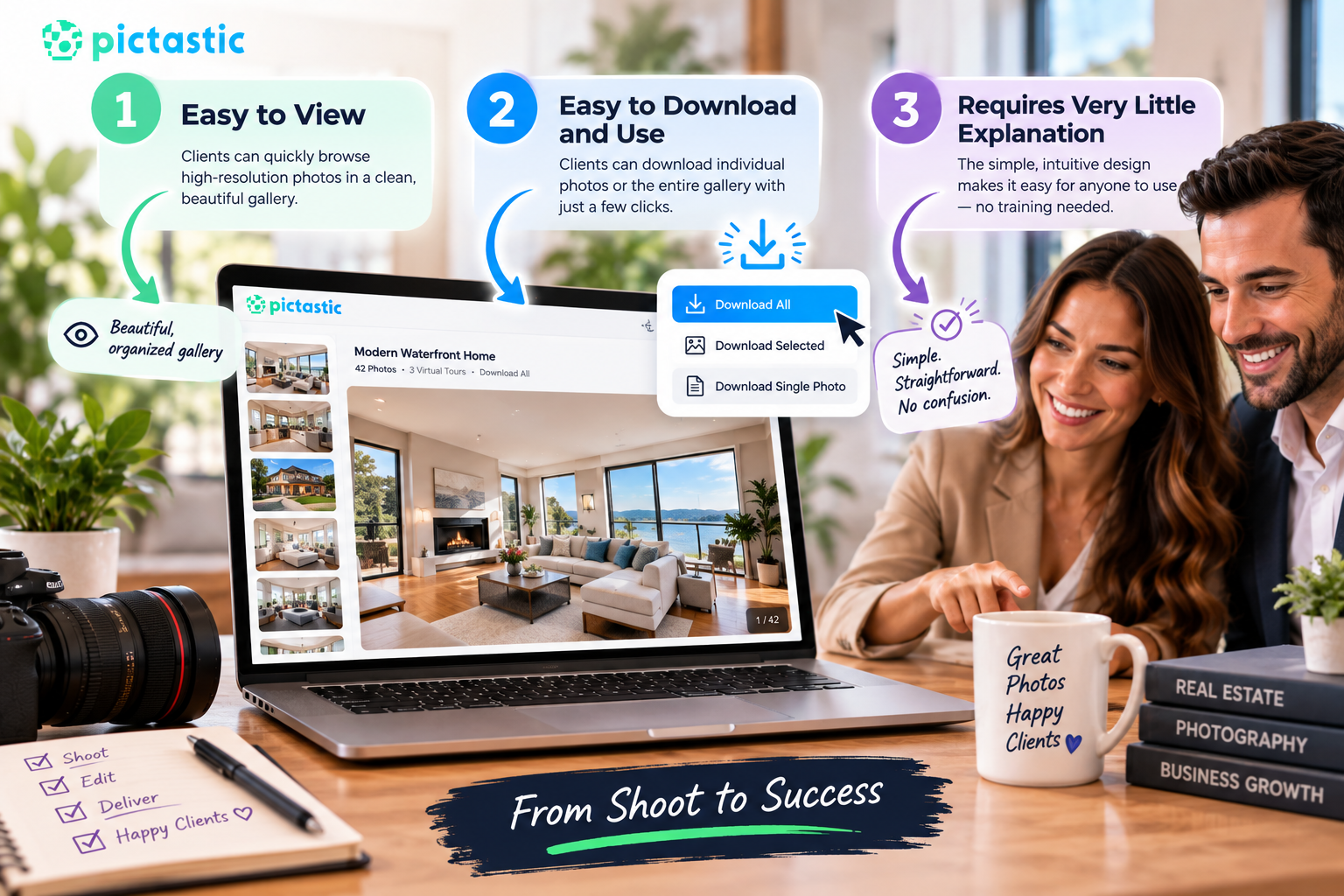
Clients should not have to contact you simply to figure out where their images are or how to download them.
Real estate agents are not necessarily photography or file-management experts. Avoid unnecessary steps.
A client should ideally be able to open the gallery and immediately understand what to do next.
Clear buttons such as "View Gallery," "Download Photos," or "Download All" can reduce confusion. The fewer instructions required, the more polished the experience feels.
A visual gallery allows clients to experience the completed shoot as a collection rather than as a folder filled with files.
This presentation is particularly useful for real estate photography because the photographs tell the story of the property together.
A gallery might naturally progress through:
Exterior → Entry → Living Room → Kitchen → Dining Area → Bedrooms → Bathrooms → Outdoor Spaces
This sequence makes reviewing the property intuitive and helps clients understand how the photos may work together in their listing.
Before sending a gallery, review the images from the client's perspective.
Your editing may be finished, but presentation still matters.
Remove duplicate images, test shots, unnecessary variations, and anything that was not intended for final delivery. A curated gallery is usually easier for clients to work with than an oversized collection containing many nearly identical photos.
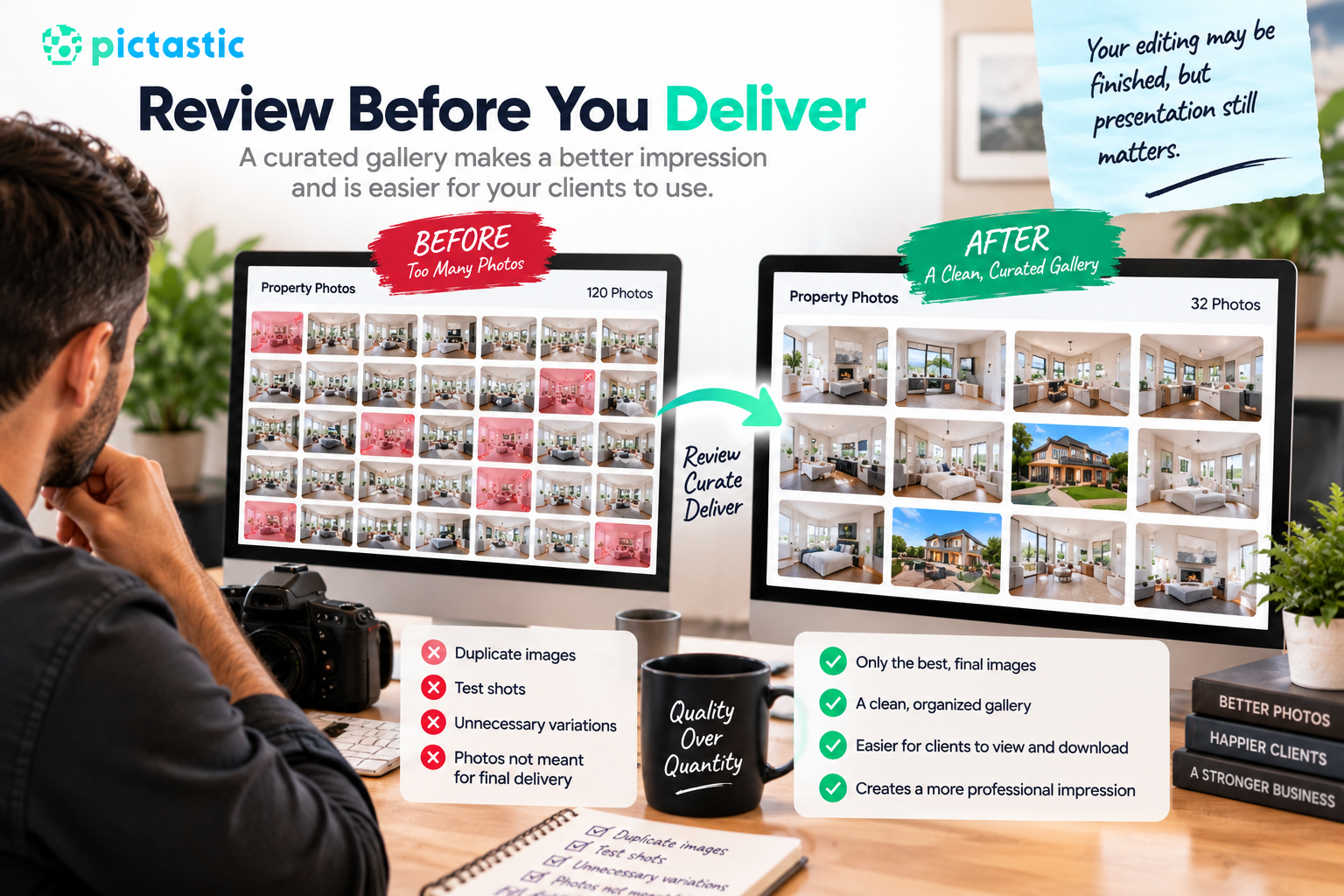
Consider arranging images similarly to how someone might walk through the home.
Start with a strong exterior photograph or another appropriate opening image. Then move naturally through the main living spaces before progressing to bedrooms, bathrooms, specialty rooms, and outdoor areas.
There is no universal sequence for every property, but consistency helps.
A photographer who delivers hundreds of shoots per year can benefit from developing a repeatable organizational system.
Names such as:
DSC_8492_Final_v3.jpg
may make sense internally, but they provide little information to the client.
Consider a consistent naming structure based on the property, shoot, or image sequence.
For example:
PropertyName_001.jpg
PropertyName_002.jpg
PropertyName_003.jpg
Simple naming also makes it easier to identify images when a client asks about a particular photo later.
Different real estate marketing channels may have different image requirements.
A client might need high-resolution photographs for printed materials while using optimized versions for an MLS listing, website, email campaign, or social media.
A good real estate photography gallery delivery system can make these options easier to manage.
High-resolution files are useful when clients need maximum image quality, especially for print marketing or archival purposes.
However, large files can be inconvenient when clients simply want to upload photos to an online listing.
Web-ready files are smaller and generally faster to upload, download, and share.
When practical, clearly label available download sizes so clients do not have to guess which version they should use.
This small detail can reduce questions and make your delivery workflow more efficient.
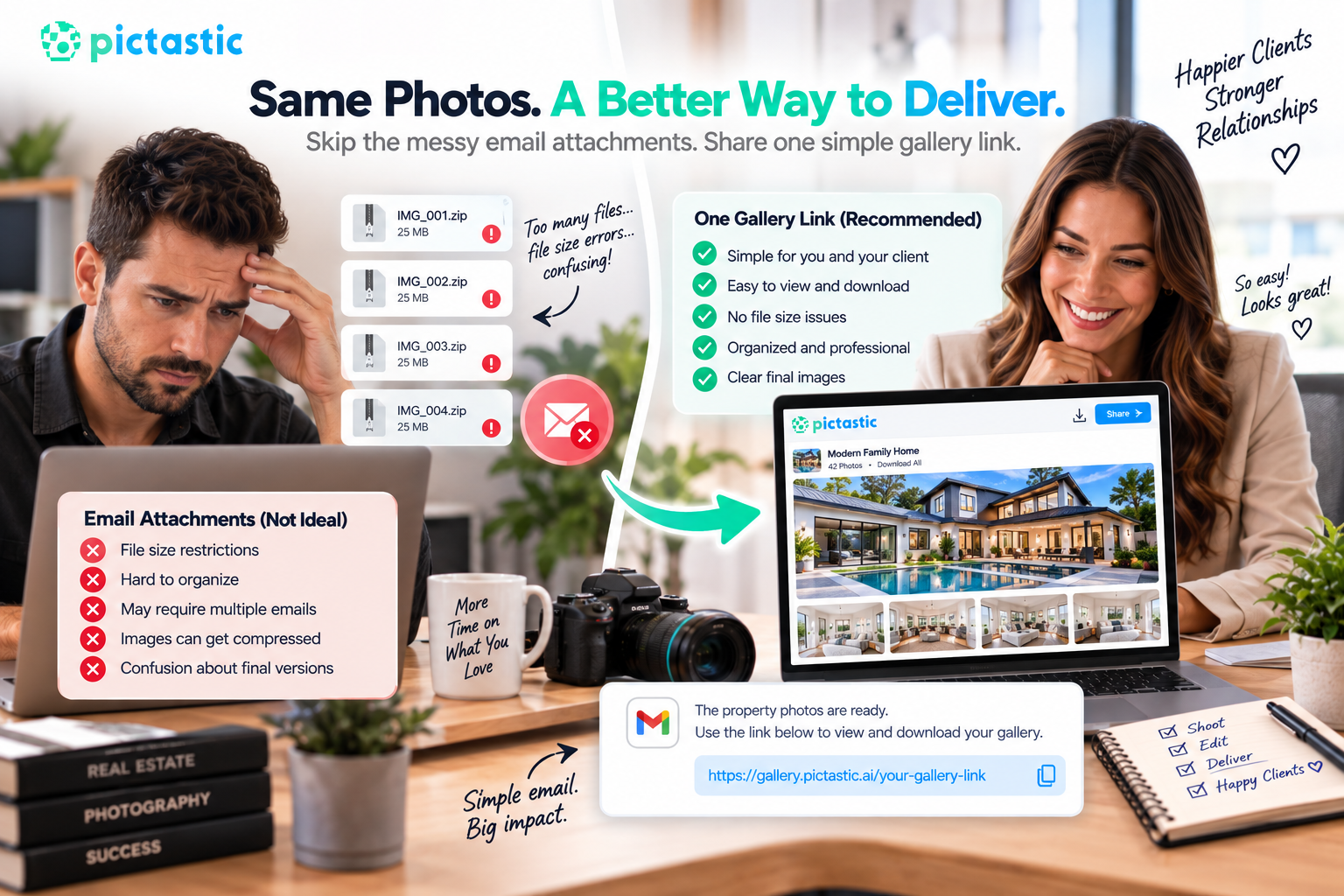
Email works well for communication, but it is rarely the best delivery method for a complete professional real estate shoot.
Large attachments can encounter file-size restrictions, become difficult to organize, or require multiple emails. Image compression may also create uncertainty about which files are the final versions.
Instead, send one clear gallery or delivery link.
Your email can remain simple:
The property photos are ready. Use the link below to view and download your gallery.
That is easier for both the photographer and the client.
Real estate professionals frequently work away from their desks.
An agent may receive your gallery while sitting in a car between appointments, preparing for a showing, or walking through another property.
For that reason, your delivery experience should work well on phones and tablets as well as desktop computers.
Clients should be able to preview photographs, navigate between images, and understand their download options without struggling with tiny controls or awkward layouts.
Mobile usability is no longer an optional extra. It is part of delivering a professional digital experience.
A client gallery is also an opportunity to reinforce your photography brand.
Your logo, business name, or other brand elements can create a more memorable experience than sending a generic cloud-storage folder.
However, branding should support the photography rather than compete with it.
Keep the gallery clean and allow the property images to remain the focus.
Consistent presentation across every shoot can gradually build brand recognition. When clients repeatedly receive organized, polished galleries, they begin to associate that experience with your business.
One of the most important parts of real estate photography gallery delivery is also one of the simplest: the download process.
Do not make clients search for their files.
If your gallery supports it, provide straightforward options such as downloading individual photographs, selected photographs, or the complete gallery.
Before sending a gallery to a client for the first time, test the experience yourself.
Open the link on both desktop and mobile. Try downloading an image. Check that the correct files appear. Make sure there are no unexpected permission requests or access restrictions.
Testing takes only a few minutes and can prevent frustrating client conversations later.
Professionalism also includes responsible handling of client and property data.
Property photographs may reveal addresses, belongings, security equipment, access points, personal photographs, or other details about a home.
Use reputable systems for storing and delivering files, and avoid making private client galleries publicly discoverable unless there is a clear reason to do so.
If you use passwords, expiration dates, access controls, or other security features, explain them clearly to clients.
Photographers should also maintain reliable backups according to their own business policies rather than depending on a delivery gallery as the only copy of completed work.
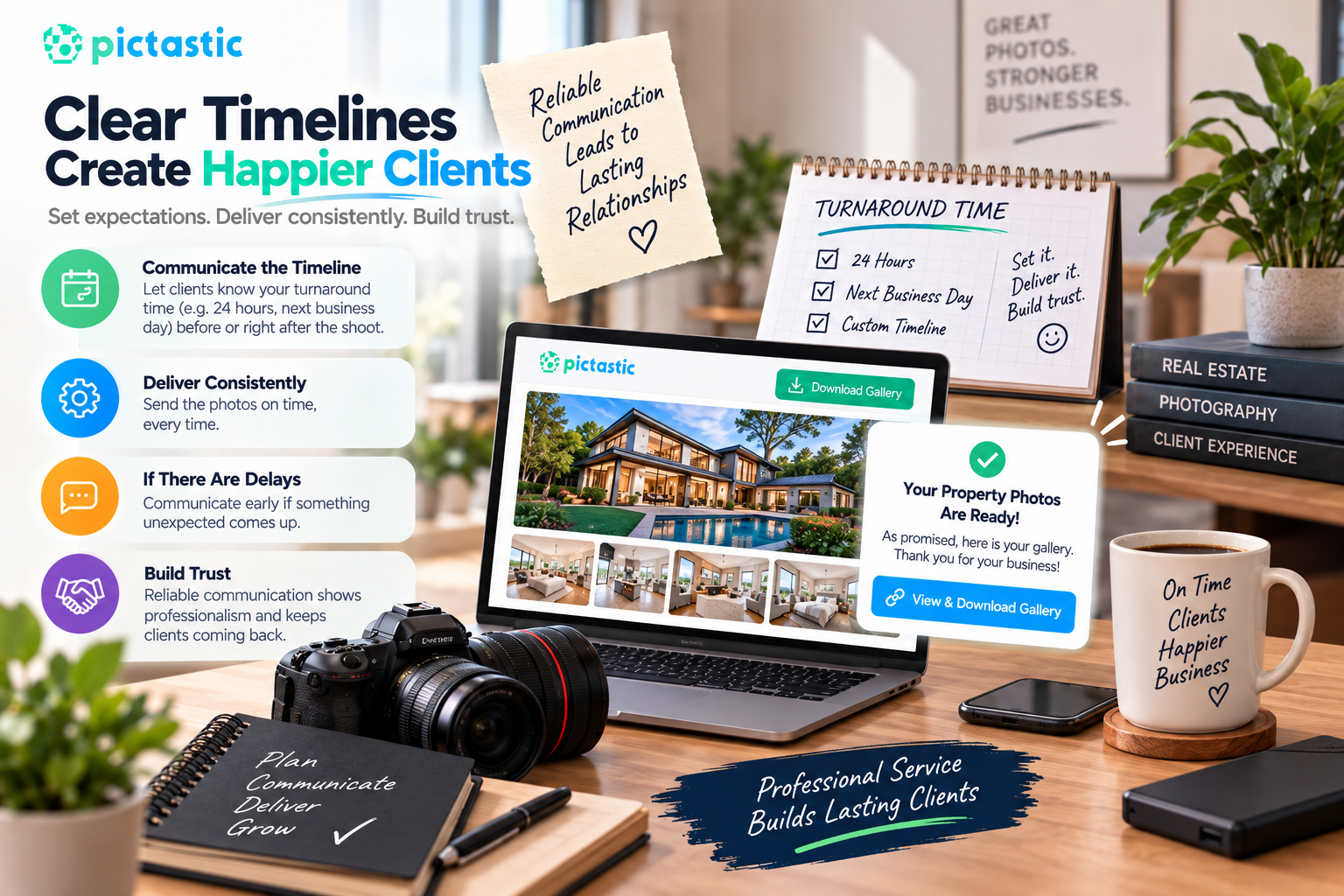
Clients appreciate knowing when they can expect their photos.
If your standard turnaround time is 24 hours, the next business day, or another defined period, communicate that before or immediately after the shoot.
Then deliver consistently.
When unexpected delays occur, communicate early rather than waiting for the client to ask.
Reliable communication builds trust and demonstrates that your photography service is being managed professionally.
As your business grows, manually handling every delivery step can consume valuable time.
Creating a standardized process can make your work more efficient.
A typical workflow might look like this:
Shoot property → Import photos → Edit images → Quality check → Export final versions → Upload gallery → Organize images → Test downloads → Send client link
Once this process becomes consistent, there is less opportunity for forgotten files, incorrect versions, broken links, or other preventable mistakes.
Templates can also help.
For example, create a reusable gallery-ready email that you personalize with the client's name, property information, and delivery link.
Automation can save time, but the client experience should still feel personal.
Even experienced photographers can develop delivery habits that create unnecessary friction.
If clients see several nearly identical copies of every image, they may not know which one to use.
Keep final galleries curated unless the client specifically requested multiple versions.
A folder inside another folder inside another folder creates unnecessary navigation.
Simple organization is usually better.
Always verify gallery permissions before sending a delivery email.
A client clicking your link and seeing "Access Denied" is not the final impression you want.
Test your delivery process on a smartphone occasionally. What works perfectly on your desktop may feel very different on a smaller screen.
If galleries expire after a particular period, tell clients in advance.
This encourages them to download their files and reduces misunderstandings months later.
Real estate photographers often compete on more than image quality.
Clients also remember reliability, communication, turnaround time, consistency, and convenience.
Consider two photographers producing photographs of similar quality.
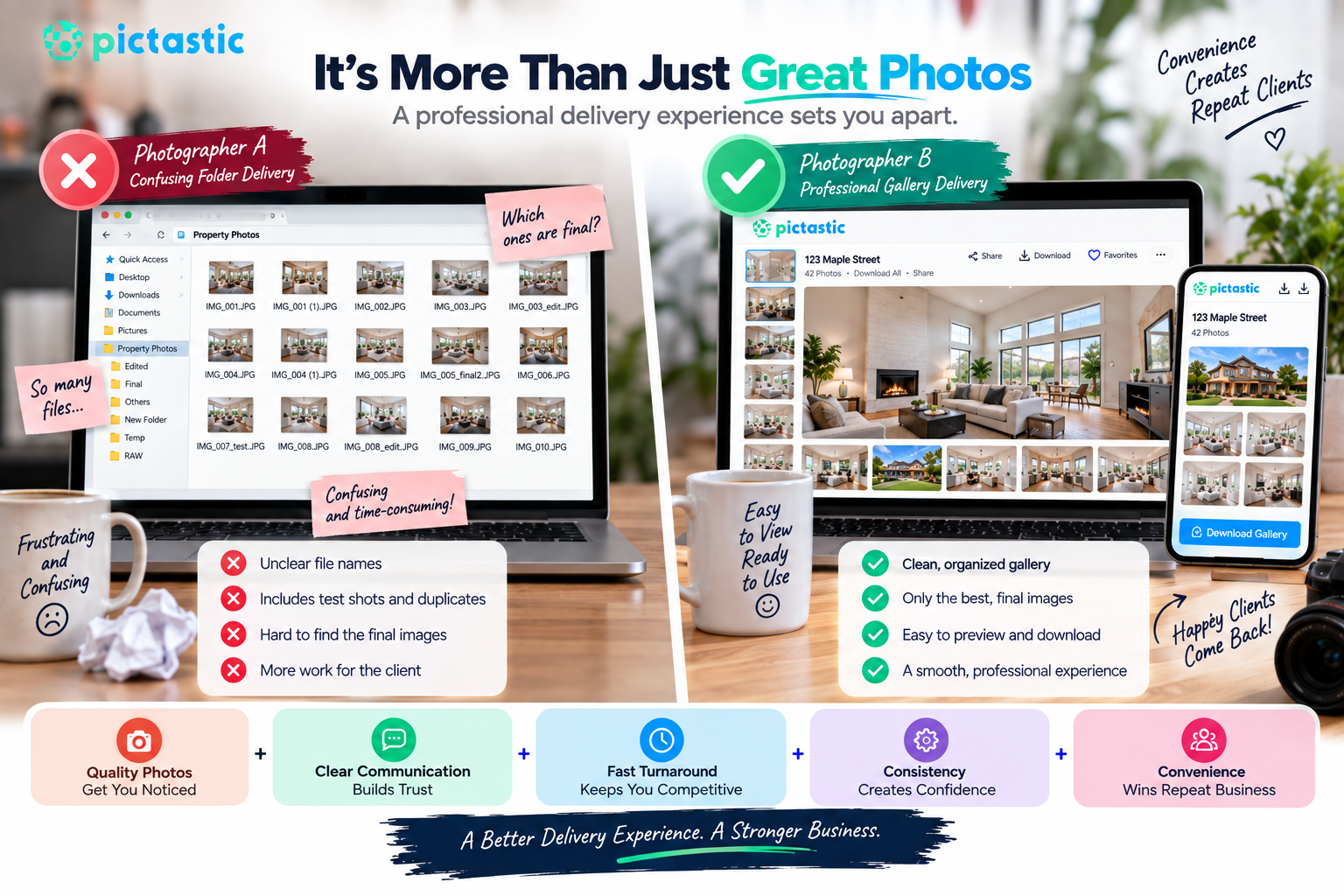
One sends a confusing folder with unclear files.
The other sends an attractive gallery where everything is organized, easy to preview, and ready to download.
The second experience requires less work from the client.
That convenience can matter when an agent needs photography for the next listing.
A polished real estate photography gallery delivery process therefore becomes part of the value you provide, not simply an administrative step after editing.
The photography job does not truly end when you export the final JPEG.
From the client's perspective, the project ends when they successfully receive the images and can use them without difficulty.
That means delivery deserves the same attention you give to composition, lighting, editing, and color.
Keep your galleries organized. Use clear file names. Offer appropriate image sizes. Make downloads straightforward. Test links before sending them. Protect client information and communicate your turnaround and gallery policies clearly.
Most importantly, design the process around the people using it.
A smooth real estate photography gallery delivery experience helps your work look professional from the first photograph to the final download. When clients can quickly access beautiful property images without confusion, you are not only delivering photographs—you are providing a reliable service experience that can help turn a successful shoot into a long-term professional relationship.
Most real estate agents expect edited listing photos within 24 hours of the shoot, so the listing can go live quickly.
Use an online gallery with one shareable link where clients can preview, download, and share photos in web and print sizes.


Compact, ready to go anywhere
Interchangeable lens that’s upgradeable
Dual 1-inch sensors for improved clarity and low light performance
Dynamic range and 6K 360° capture
360° photo resolution at 21MP

8K 360° video recording for ultra-detailed visuals.
4K single-lens mode for traditional wide-angle shots.
Invisible selfie stick effect for drone-like perspectives.
2.5-inch touchscreen with Gorilla Glass protection.
Waterproof up to 33ft for underwater shooting.

360° photo resolution in 23MP
Slim design at 24 mm thick
Built-in image stabilization for smooth video capture.
Internal 19GB storage for photo and video storage.
Wireless connectivity for remote control and sharing.

60MP 360° still images for high-resolution photography.
5.7K 360° video recording at 30fps.
2.25-inch touchscreen for intuitive control.
USB Type-C port for fast charging and data transfer.
MicroSD card slot for expandable storage.
.png)

.png)

Try it free. No credit card required. Instant set-up.







.svg)


.svg)