


.png)


Real estate photographer software can help grow a photography business by streamlining editing, client delivery, scheduling, ordering, and other repetitive tasks. The right platform can also help photographers expand their services with virtual staging, floor plans, 3D walkthroughs, cloud storage, and business analytics while managing more clients efficiently.

Real estate photography has changed dramatically over the past decade. What used to be a straightforward job — show up, shoot the property, deliver a folder of images — has evolved into a much more complex service. Clients now expect fast turnaround times, polished edits, virtual staging, floor plans, and even 3D walkthroughs, often all from the same shoot.
Keeping up with these expectations manually, using scattered tools and outdated workflows, quickly becomes unsustainable. This is where real estate photographer software comes in. The right platform doesn't just make editing faster — it can reshape how your entire business operates, from the moment you book a shoot to the moment a client downloads their final gallery.
In this guide, we'll break down exactly how the right real estate photographer software can transform different parts of your business, what features actually matter, and how to think about choosing a platform that fits how you work. 🔑
A decade ago, most real estate photographers only needed a solid camera, some editing software, and a delivery method. Today, clients frequently expect a full package: high-quality images, HDR blending, sky replacement, virtual twilight conversions, floor plans, and increasingly, 3D virtual tours.
This shift means photographers are no longer just capturing images — they're managing an entire visual content pipeline for each listing. Without the right tools, that pipeline can become disorganized fast, leading to missed deadlines, inconsistent editing quality, and unnecessary hours spent on repetitive tasks.
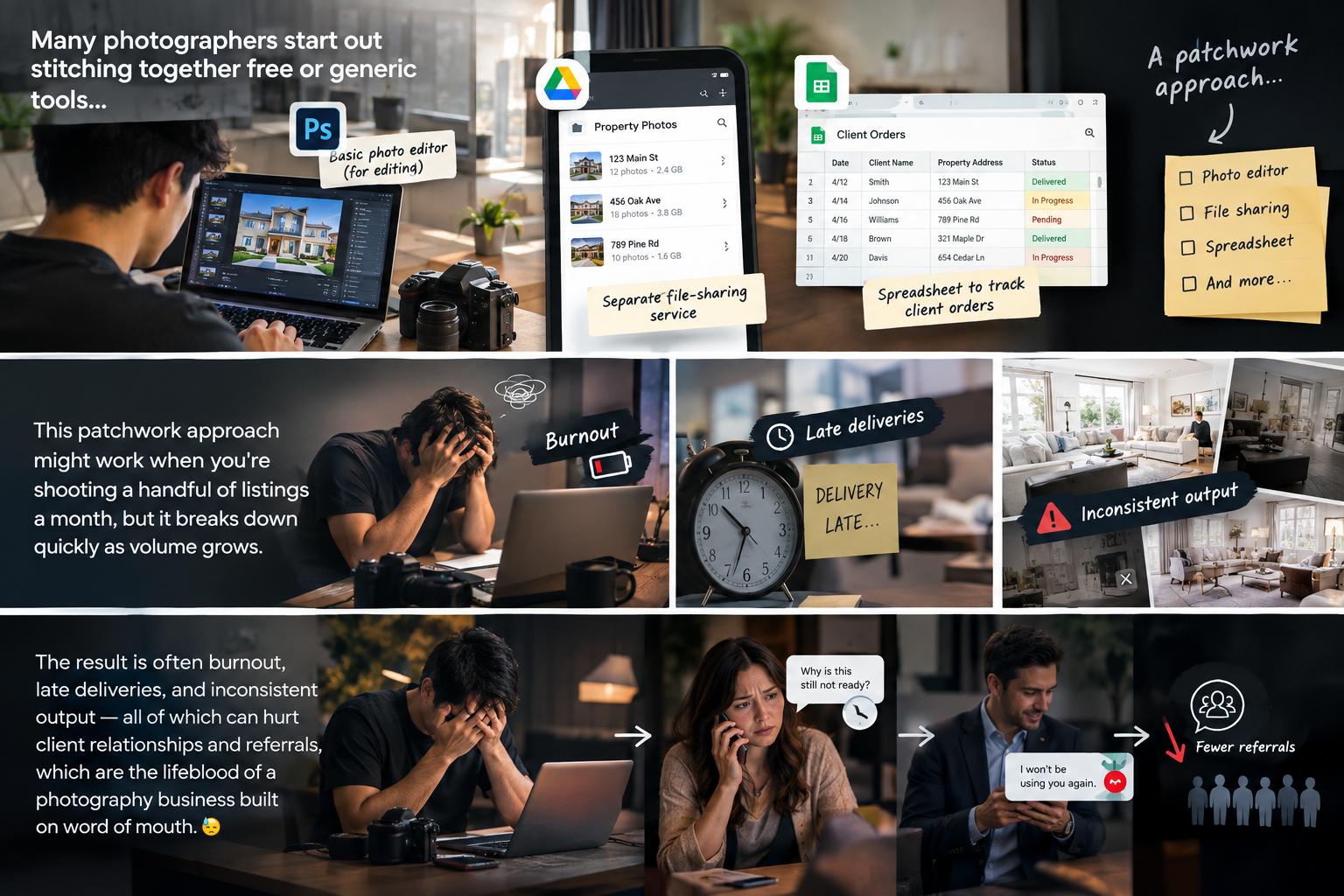
Many photographers start out stitching together free or generic tools — a basic photo editor, a separate file-sharing service, maybe a spreadsheet to track client orders. This patchwork approach might work when you're shooting a handful of listings a month, but it breaks down quickly as volume grows.
The result is often burnout, late deliveries, and inconsistent output — all of which can hurt client relationships and referrals, which are the lifeblood of a photography business built on word of mouth. 😓
One of the biggest time drains in real estate photography is editing — adjusting exposure, correcting perspective distortion, blending HDR brackets, and replacing dull skies. Purpose-built real estate photographer software typically includes batch editing tools and presets designed specifically for real estate images, cutting editing time significantly compared to generic photo editors.
Consistency matters just as much as speed here. Clients get used to a certain look across your galleries, and software built for this niche makes it easier to maintain that consistent style shoot after shoot. 🎨
Instead of manually uploading files to a generic file-sharing service and sending a separate email, dedicated platforms often include built-in gallery delivery. This means clients can view, download, and even order specific print sizes or additional products directly through a branded portal — creating a more professional experience without extra manual work on your end.
Many platforms now include scheduling tools that let clients book shoots directly, select service packages, and pay upfront — removing a huge amount of back-and-forth email coordination. For photographers juggling multiple clients and shoots per week, this kind of automation can free up hours that would otherwise go toward administrative work rather than actual photography.
Virtual staging — digitally adding furniture to empty rooms — has become a popular add-on service, but it traditionally required outsourcing to third-party editors or agencies. Increasingly, real estate photographer software platforms are building AI-powered virtual staging directly into their editing suite, allowing photographers to offer this service in-house, faster and often at a lower cost than outsourcing. 🛋️
Clients increasingly expect more than static images — they want floor plans and immersive walkthroughs that let potential buyers explore a property before ever stepping inside. Software that supports converting a standard shoot into a 2D floor plan or interactive 3D model means photographers can offer these premium services without needing entirely separate equipment or workflows. 🏠
Some platforms go beyond delivery and editing, offering insight into which galleries get the most views, which packages clients purchase most often, and how quickly clients are engaging with delivered content. This kind of data can help photographers make smarter decisions about pricing, packages, and where to focus marketing efforts.
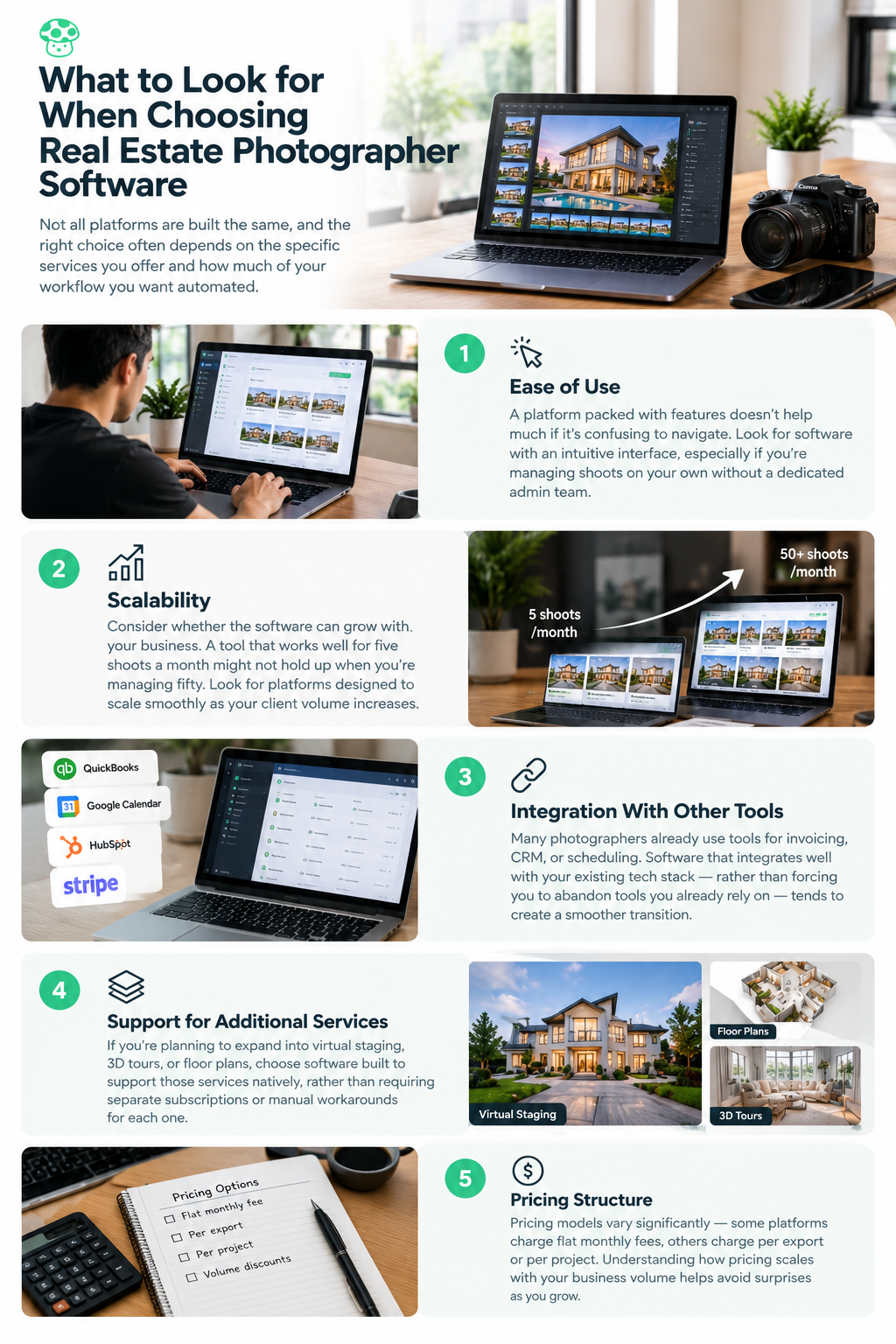
Not all platforms are built the same way, and the right choice often depends on the specific services you offer and how much of your workflow you want automated.
A platform packed with features doesn't help much if it's confusing to navigate. Look for software with an intuitive interface, especially if you're managing shoots on your own without a dedicated admin team.
Consider whether the software can grow with your business. A tool that works well for five shoots a month might not hold up when you're managing fifty. Look for platforms designed to scale smoothly as your client volume increases.
Many photographers already use tools for invoicing, CRM, or scheduling. Software that integrates well with your existing tech stack — rather than forcing you to abandon tools you already rely on — tends to create a smoother transition.
If you're planning to expand into virtual staging, 3D tours, or floor plans, choose software built to support those services natively, rather than requiring separate subscriptions or manual workarounds for each one.
Pricing models vary significantly — some platforms charge flat monthly fees, others charge per export or per project. Understanding how pricing scales with your business volume helps avoid surprises as you grow.
Even photographers handling a modest number of listings each month often find that dedicated software saves enough time on editing and delivery to justify the cost, simply by reducing hours spent on repetitive manual tasks.
While there's a learning curve with any new tool, most modern platforms are designed with onboarding support and intuitive interfaces specifically because providers know switching costs are a real concern for photographers.
AI-assisted editing tools are generally designed to handle repetitive, time-consuming tasks — not replace the photographer's eye for composition, lighting, and client needs. Most photographers find these tools free up time to focus more on the creative and client-facing parts of the job, rather than replacing their expertise altogether.
Losing client images due to a hardware failure or accidental deletion can be devastating for both your reputation and your workload. Platforms with reliable cloud storage and automatic backups add a layer of protection that's easy to overlook until something goes wrong.
If you're currently juggling a patchwork of tools, moving to a dedicated platform doesn't have to happen all at once. A gradual transition tends to work better than an abrupt switch, especially if you have active clients mid-project.
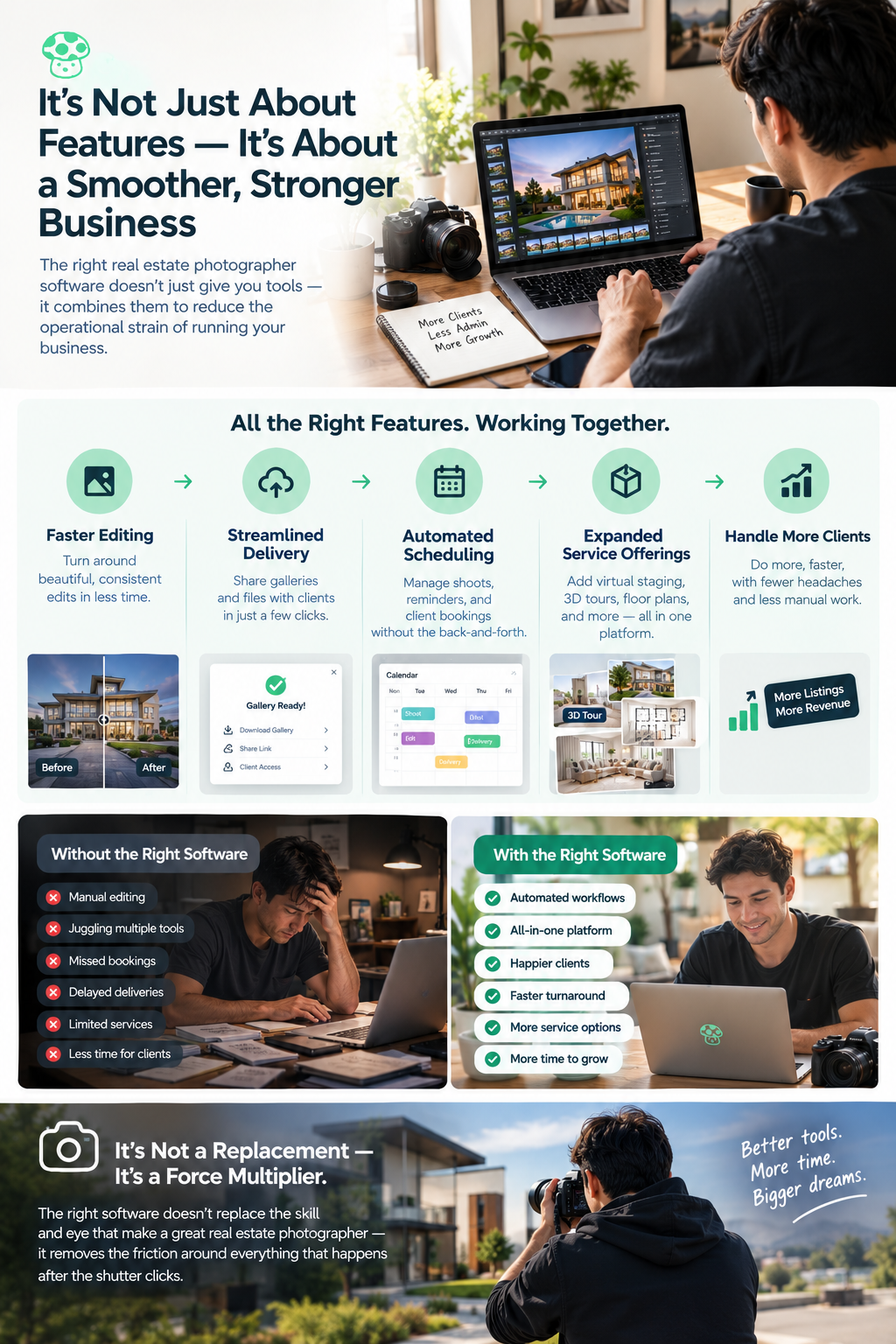
At its core, the value of the right real estate photographer software isn't just about individual features — it's about how those features combine to reduce the operational strain of running a photography business. Faster editing, streamlined delivery, automated scheduling, and expanded service offerings all contribute to a business that can handle more clients without requiring proportionally more hours.
This shift matters most for photographers looking to grow beyond a solo operation, or those simply trying to reclaim time currently lost to administrative busywork. The right software doesn't replace the skill and eye that make a great real estate photographer — it removes the friction around everything that happens after the shutter clicks. 📷
Real estate photography has grown into a much more service-driven business, and the tools photographers rely on need to keep pace with that shift. Choosing the right real estate photographer software can transform not just how quickly you edit and deliver galleries, but how your entire business operates — from client booking through final delivery.
For photographers looking to scale, reduce burnout, and offer a more complete suite of services, investing time in finding the right software isn't just a convenience — it's often one of the most impactful business decisions they can make. 🚀
Real estate photographer software is designed to help photographers manage tasks such as photo editing, client delivery, scheduling, ordering, and file management. Some platforms also support additional services such as virtual staging, floor plans, and 3D walkthroughs.
Look for ease of use, editing and delivery tools, scheduling and ordering automation, cloud storage, integrations, scalable pricing, and support for additional services such as virtual staging, floor plans, and 3D tours.
Yes. The right software can reduce time spent on repetitive editing and administrative work, streamline client delivery, and make it easier to offer additional services. This can help photographers handle a larger workload without increasing manual work at the same rate.
Yes. Solo photographers can benefit from automating repetitive tasks such as editing, scheduling, ordering, and gallery delivery. Dedicated software can be useful even at lower shooting volumes when it saves meaningful time.
AI tools are generally used to automate or assist with repetitive tasks such as image enhancement, virtual staging, and other parts of post-production. They do not replace a photographer's role in composition, lighting, property presentation, and understanding client needs.


Compact, ready to go anywhere
Interchangeable lens that’s upgradeable
Dual 1-inch sensors for improved clarity and low light performance
Dynamic range and 6K 360° capture
360° photo resolution at 21MP

8K 360° video recording for ultra-detailed visuals.
4K single-lens mode for traditional wide-angle shots.
Invisible selfie stick effect for drone-like perspectives.
2.5-inch touchscreen with Gorilla Glass protection.
Waterproof up to 33ft for underwater shooting.

360° photo resolution in 23MP
Slim design at 24 mm thick
Built-in image stabilization for smooth video capture.
Internal 19GB storage for photo and video storage.
Wireless connectivity for remote control and sharing.

60MP 360° still images for high-resolution photography.
5.7K 360° video recording at 30fps.
2.25-inch touchscreen for intuitive control.
USB Type-C port for fast charging and data transfer.
MicroSD card slot for expandable storage.
.png)

.png)

Try it free. No credit card required. Instant set-up.






.svg)


.svg)