


.png)


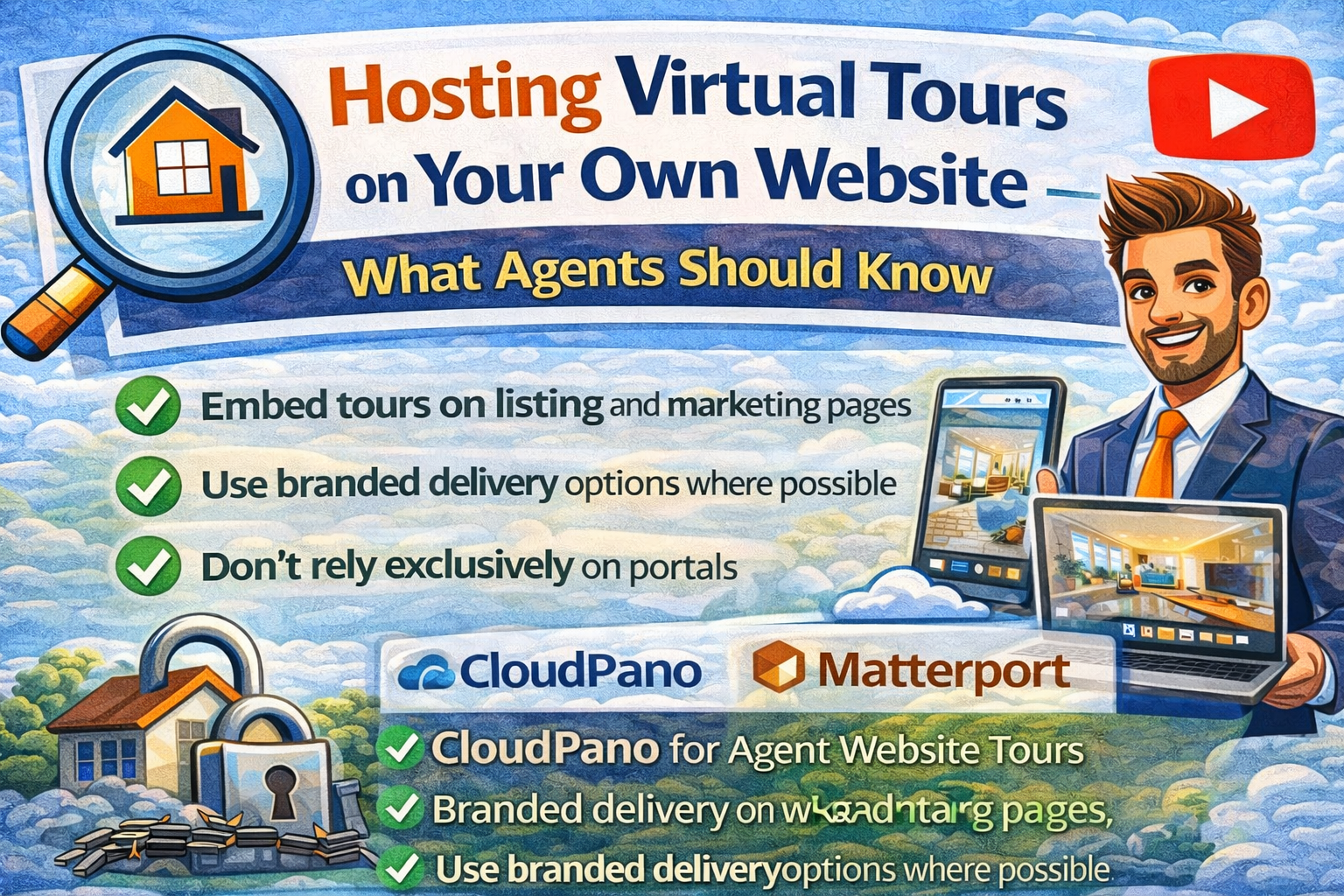
If you’re a real estate agent, your website should be your marketing “home base.” Social posts fade, portal rules can change, and third-party platforms update features and terms over time. Your website, however, is the one channel you directly control. ✅
That’s why hosting virtual tours on your own website — more precisely, embedding virtual tours into your listing and neighborhood pages — is one of the most effective long-term strategies for lead generation, SEO, and brand consistency.
In this guide, you’ll learn:
• What “self-hosted virtual tours” really means (and what it usually doesn’t)
• The best ways to embed virtual tours without slowing down your pages
• How to turn real estate virtual tours into long-term SEO assets
• Why the well-publicized industry dispute involving CoStar Group, Zillow, and Matterport changed how agents think about distribution risk
• The practical differences between CloudPano and Matterport for agent websites
When agents talk about self-hosted virtual tours, they usually mean one of two things:
You embed the tour on your website using an iframe or embed code.
The tour itself is still hosted by the tour platform (such as CloudPano or Matterport), but it appears inside your page as part of your website.
This is the standard and recommended approach for agent website tours because it’s reliable, fast to publish, and easy to update.
You host all tour files and viewer technology on your own servers and infrastructure. This approach is uncommon in residential real estate marketing because it requires technical setup, ongoing maintenance, and higher costs.
For most agents, the winning strategy is:
👉 Embed tours on your own website and control the content and lead capture around them.
Sending someone a tour link is helpful. Embedding the tour on your own website is usually more effective.
Here’s why real estate virtual tours perform best when they live on your site:
• More leads – You can place forms and calls-to-action right next to the tour
• More SEO value – Search engines can crawl your page text, headings, and location details
• More brand trust – Your layout, logo, and messaging stay consistent
• More resilience – If a portal changes how media is displayed, your website still works
If you want hosting virtual tours to support long-term marketing, your website should be the anchor.
A widely discussed example of distribution risk followed the acquisition of Matterport by CoStar.
• CoStar Group completed its acquisition of Matterport in early 2025. Source: CoStar
• Later in 2025, Zillow stopped displaying Matterport tours on its platforms, citing concerns related to API agreements and terms. Source: Zillow pulls Matterport tours from its listings
• CoStar publicly stated that Matterport Spaces purchased through Matterport could be displayed broadly. Source: CoStar Group Sets the Record Straight on Matterport Spaces
• Both companies released statements explaining their positions, and the issue became widely covered in real estate media
The takeaway is not about “who was right.”
It’s about this reality:
Third-party distribution can change.
Portals, platforms, and APIs are controlled by companies whose priorities evolve.
Your website is the most stable place to build lasting marketing assets. 🏠🛡️
When you embed a tour on your own site, you control:
• The page layout
• The lead capture
• The branding
• The SEO content
• The calls-to-action
Portals can still be useful, but your site should be the foundation.

This process works across WordPress, Squarespace, Wix, Webflow, and custom sites.
Instead of relying only on an IDX page, consider a custom page for each listing:
/123-main-street/
/123-main-street-virtual-tour/
This lets you control layout, CTAs, and SEO copy.
Best conversion spots:
• Above the fold
• Right under the photo gallery
If visitors have to scroll a long way to find the tour, engagement drops.
Search engines understand the text around the tour better than the tour itself. Include:
• A short intro about the property and neighborhood
• Key features and highlights
• Lifestyle or location details
• A small FAQ section
This turns hosting virtual tours into an SEO strategy.
Examples:
• “Schedule a showing”
• “Request more information”
• “Download the property details”
This is where embedded tours drive real business.
Half or more of traffic is mobile.
• Use 100% width
• Use a responsive height or container
• Test on your phone before publishing
Usually the biggest speed issues come from oversized photos, not the tour.
• Compress images
• Avoid stacking multiple heavy media elements
• Limit unnecessary animations
Both platforms support embedding tours on websites. The differences agents usually care about are branding flexibility, workflow style, and broader marketing use.
Matterport is widely known for detailed “digital twin” experiences and structured capture workflows. It is commonly used in residential real estate as well as commercial, architectural, and facilities contexts.
CloudPano focuses on fast publishing, flexible embedding, and options for branded delivery.
CloudPano offers the ability to present tours using a custom domain (often called white-label or branded delivery), allowing the tour experience to align closely with an agent’s or company’s branding.
CloudPano also promotes publishing tours to Google Street View/Maps, which some agents use for local visibility and community marketing.
CloudPano tours are still hosted on CloudPano’s infrastructure. Using a custom domain provides branded presentation, but it is not literal self-hosting.
Both platforms can be effective; the best choice depends on your workflow, branding goals, and how you use tours in your marketing.
If you want the benefits people associate with self-hosted virtual tours — control, branding, and lead capture — without running servers yourself, the practical strategy is:
• Embed tours on your own website
• Use branded domain options where available
• Build consistent listing page templates
• Treat portals as additional distribution, not the primary one
That approach balances control with ease of use.
You can use this structure on most listing pages:
Headline with address and area
Short intro paragraph
Primary call-to-action button
Embedded virtual tour
Photo gallery and key features
Neighborhood or lifestyle section
FAQ
Secondary call-to-action (form + phone/text)
This format supports both conversion and search visibility.
Hosting virtual tours on your own website is about control:
✔ Control the branding
✔ Control the lead capture
✔ Control the SEO value
✔ Reduce reliance on any single platform
The dispute involving CoStar Group, Zillow, and Matterport showed that distribution environments can change. Building your marketing around your own website helps protect your visibility and lead flow over time.


Compact, ready to go anywhere
Interchangeable lens that’s upgradeable
Dual 1-inch sensors for improved clarity and low light performance
Dynamic range and 6K 360° capture
360° photo resolution at 21MP

8K 360° video recording for ultra-detailed visuals.
4K single-lens mode for traditional wide-angle shots.
Invisible selfie stick effect for drone-like perspectives.
2.5-inch touchscreen with Gorilla Glass protection.
Waterproof up to 33ft for underwater shooting.

360° photo resolution in 23MP
Slim design at 24 mm thick
Built-in image stabilization for smooth video capture.
Internal 19GB storage for photo and video storage.
Wireless connectivity for remote control and sharing.

60MP 360° still images for high-resolution photography.
5.7K 360° video recording at 30fps.
2.25-inch touchscreen for intuitive control.
USB Type-C port for fast charging and data transfer.
MicroSD card slot for expandable storage.
.png)

.png)

Try it free. No credit card required. Instant set-up.







.svg)


.svg)