


.png)


Virtual tours are now core components of real estate marketing — from agent websites to MLS and IDX displays. But if your tours are tied too tightly to one platform’s rules, you could suddenly lose visibility or control. That’s why future proof virtual tours and a smart virtual tour hosting strategy are essential.
In 2025, a major shift in how a leading portal handles 3D tours highlighted this truth for many real estate professionals: platform dependencies can significantly affect your reach, branding, and asset ownership. Seeing this play out in the market underscores the importance of virtual tour platform stability, avoiding vendor lock-in virtual tours, and protecting your digital marketing investments.
Let’s explore what happened in the industry, what it means for your content, and how you can protect your marketing assets long-term.
In October 2025, Zillow announced it was removing Matterport 3D home tours from its site and its subsidiary StreetEasy. Zillow said this was because CoStar Group — which acquired Matterport — chose not to renew its API agreement and updated its terms to limit how Matterport content could be displayed on third-party platforms. Source: Zillow pulls Matterport tours from listings, blames CoStar
Zillow framed the change as a restriction on how those tours could be used outside of CoStar’s ecosystem. This sparked concern among agents who had relied on Matterport tours for their listings. Source: Zillow removes Matterport 3D home tours from its sites
CoStar pushed back publicly, saying that customers can still share their Matterport “Spaces” anywhere — including on Zillow — and that the API agreement situation is unrelated to how customers share their tours. Source: CoStar disputes Zillow announcement, says clients can share Matterport tours on Zillow
Why this matters: Many agents and photographers were caught off-guard when one of the largest real estate sites stopped displaying a previously supported tour format. That’s a powerful example of how quickly a platform change can affect your virtual tour visibility and why you should plan for flexibility and stability in your tour strategy.
When we talk about future proof virtual tours, we mean creating, hosting, and distributing tours in ways that keep you in control — no matter how platforms change their behavior, API access, or terms.
Here are key objectives of future-proofing:
A strong future-proof strategy means you’re not scrambling if a major portal decides to change how or whether they show your tours.
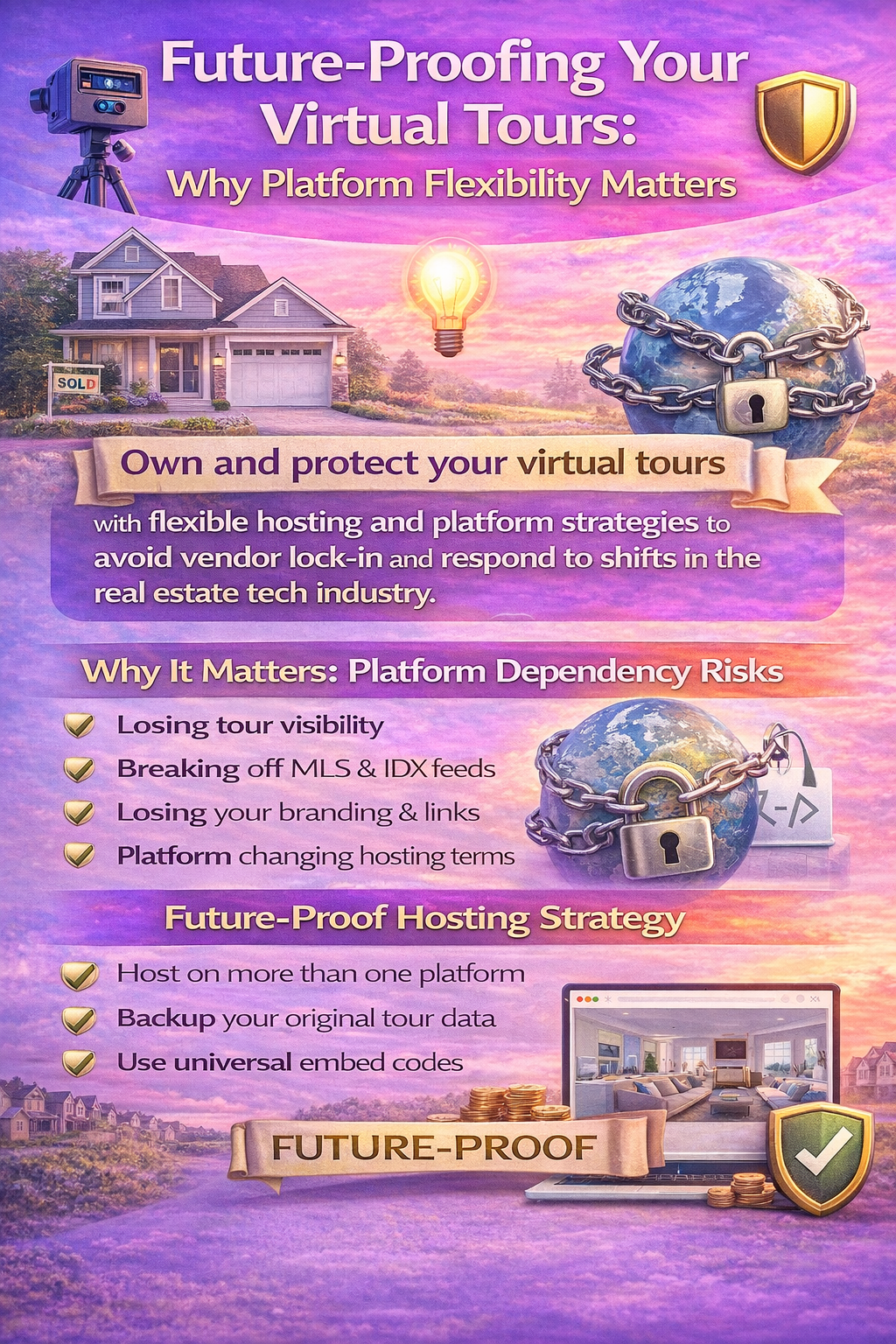
When a virtual tour is tightly locked into a platform’s ecosystem — such as a built-in portal viewer — you risk:
❌ Losing tour visibility on that platform
❌ Impacting IDX or syndicated listing displays
❌ Losing control over branding and distribution
❌ Being forced to re-capture or re-format tours
❌ Breaking links on marketing pages
That’s exactly what many experienced when Zillow removed Matterport tours earlier this year. Because the tours were dependent on Matterport’s API integration with Zillow, when that stopped, so did the display of those tours on one giant portal.
A stable virtual tour platform is one that:
🔹 Lets you own your virtual tour content
🔹 Offers flexible export/embed options (like simple iframes)
🔹 Works with your own domains or sites as primary hosts
🔹 Doesn’t lock you into proprietary tech that’s hard to move
🔹 Lets you generate multiple versions (branded and unbranded)
The idea isn’t to never rely on any external platform — that’s unrealistic — but to ensure that you have other ways to share your tours if a big player (like Zillow) changes its strategy, API, or DS terms.
Vendor lock-in means being dependent on one company’s product and ecosystem such that switching away is costly, difficult, or disruptive. With virtual tours this can manifest as:
✔ Platform-hosted tours with no simple export
✔ Limited options for embedding outside that platform
✔ Proprietary viewing layers that don’t play well elsewhere
✔ Restrictions on how tours can be shared
Locked-in tours may feel convenient at first, but when circumstances change — like licensing terms, API access, or pricing — you can find yourself with fewer options and more risk.
The 2025 Zillow–CoStar/Matterport news reminded many professionals that a tour platform’s stability is more than uptime; it’s about flexibility over time.
Here’s a practical virtual tour hosting strategy that helps future-proof your content:
Don’t rely on only one portal. Publish tours you own to your own website and then syndicate where needed.
Platforms that provide standard iframe embed codes let you place tours on your own pages, blogs, and landing pages — not just on third-party portals.
Always back up original tour assets and files. If you switch platforms later, you’ll avoid re-capturing.
Maintain versions for personal marketing (branded) and versions for MLS/IDX (often unbranded), so you can meet compliance while still promoting your brand.
Some tour platforms let you export tours, metadata, or media to other systems — that’s a big advantage for stability.
Some platforms, like CloudPano, emphasize flexibility in hosting. They let you create tours that you can:
📍 Embed on any website
📍 Use on landing pages, agent sites, email campaigns
📍 Serve from domains you control
📍 Deliver multiple versions tailored to context
This level of control helps you avoid being cornered by platform decisions and gives you virtual tour platform stability that can adapt as portals and view interfaces evolve.
Using multiple vantage points for tours protects your assets:
By diversifying where and how your tours live, you reduce reliance on any one platform’s policies, interface, or API behavior.
Future-proofing isn’t just about risk — it’s also about growth. A smart hosting strategy helps:
⭐ Improve your real estate website rankings
⭐ Provide more content that Google can index
⭐ Drive organic traffic to your own domain
⭐ Reduce bounce rates with immersive tour content
Because tours embedded on your site keep visitors engaged longer, search engines interpret them as valuable interactive content — something that aligns with what users seek. Over time, this supports stronger organic performance and brand recognition.
If a major platform suddenly changes how it displays your tours (like Zillow did with Matterport), here’s a simple approach:
Identify listings that lost tour visibility and prioritize getting new embeds up.
Link property pages back to your own site tour. You control what search engines and browsers see.
Revise social posts, email campaigns, and IDX fields to reference your stable embed.
A proactive virtual tour hosting strategy gives you replacement pathways without scrambling.
Read More:
Branded vs Unbranded Virtual Tours: Marketing Flexibility with CloudPano and Matterport
MLS-Friendly Virtual Tours: CloudPano and Matterport Compliance Explained
The core idea behind future proof virtual tours is simple:
If you own the content and control where it lives, you can adapt to changes in the wider ecosystem — instead of reacting to them.
Whether it’s evolving terms, API changes, or portal wars like the Zillow–Matterport situation, being prepared keeps you in front of audiences, not behind platform policies.
Virtual tours are too valuable to be beholden to a single platform’s whims. By understanding the risks of vendor lock-in virtual tours, choosing tools that give you platform flexibility and stability, and building a virtual tour hosting strategy that centers your own control, you protect one of your key digital marketing assets.
Future-proofing isn’t about predicting every change — it’s about building systems and workflows that give you options, flexibility, and resilience when change inevitably comes.


Compact, ready to go anywhere
Interchangeable lens that’s upgradeable
Dual 1-inch sensors for improved clarity and low light performance
Dynamic range and 6K 360° capture
360° photo resolution at 21MP

8K 360° video recording for ultra-detailed visuals.
4K single-lens mode for traditional wide-angle shots.
Invisible selfie stick effect for drone-like perspectives.
2.5-inch touchscreen with Gorilla Glass protection.
Waterproof up to 33ft for underwater shooting.

360° photo resolution in 23MP
Slim design at 24 mm thick
Built-in image stabilization for smooth video capture.
Internal 19GB storage for photo and video storage.
Wireless connectivity for remote control and sharing.

60MP 360° still images for high-resolution photography.
5.7K 360° video recording at 30fps.
2.25-inch touchscreen for intuitive control.
USB Type-C port for fast charging and data transfer.
MicroSD card slot for expandable storage.
.png)

.png)

Try it free. No credit card required. Instant set-up.







.svg)


.svg)