


.png)


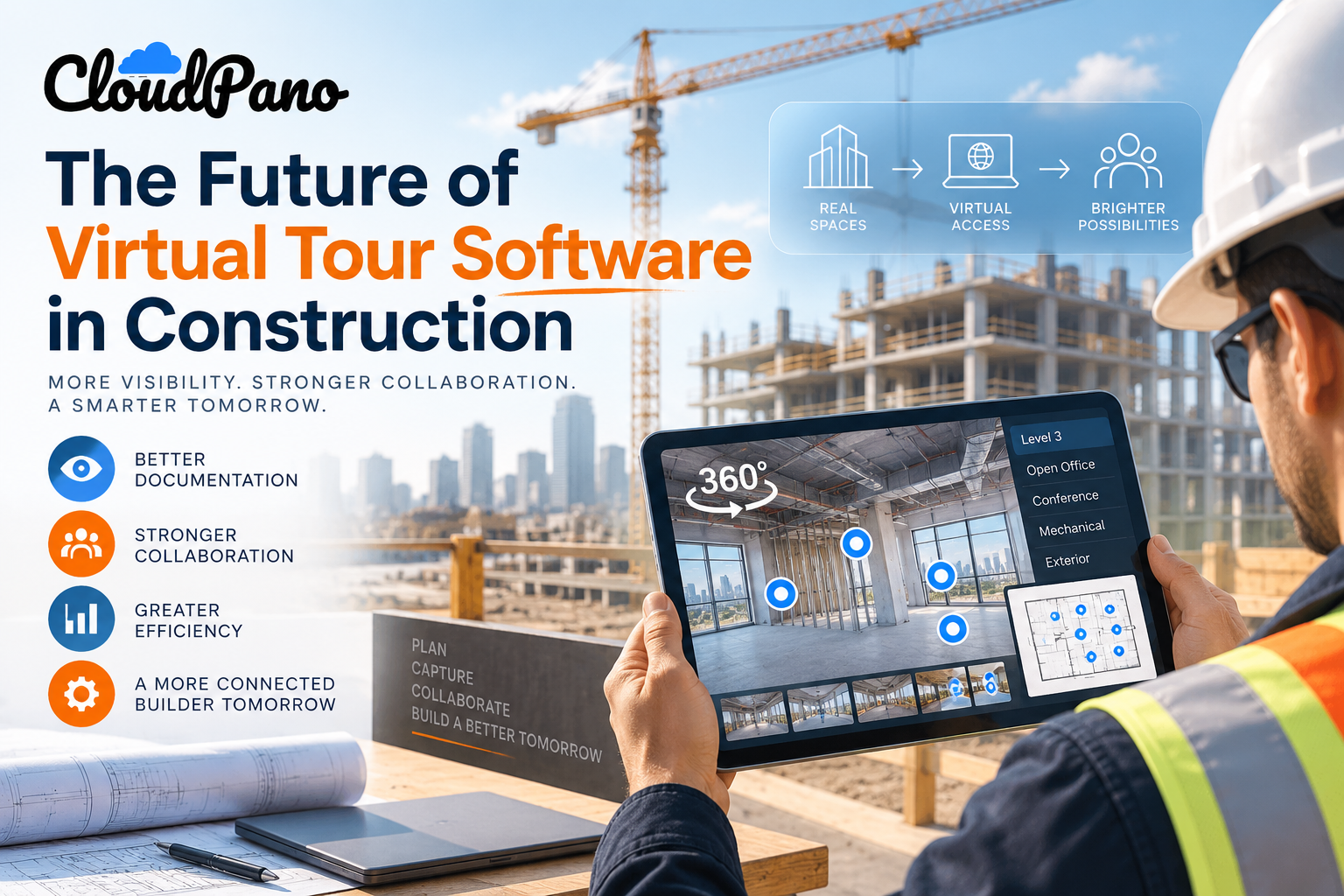
The future of virtual tour software in construction is likely to involve more connected project documentation, tighter integration with project management and BIM systems, greater remote stakeholder participation, and more immersive mobile and VR viewing. Rather than replacing traditional photos, drawings, inspections, or other construction records, virtual tours can complement them by providing navigable spatial documentation of site conditions and project progress.
Walk onto an active job site today and you may see a mix of familiar and increasingly sophisticated technology: laser scanners, drone flyovers, tablets loaded with markup apps, and 360° cameras capturing detailed visual records of spaces.
That last category — virtual tour software for construction — is becoming another option for teams looking to improve site documentation, remote collaboration, and progress visibility.
The bigger question is how its role could continue to expand as projects become more complex and more stakeholders expect convenient access to current site information without always having to visit in person.
This article looks at the directional trends shaping where virtual tour software may be headed in construction — not specific features or release dates, but broader shifts in how documentation, collaboration, and remote oversight are evolving.
These trends build on patterns already visible across the construction industry's adoption of digital tools and provide a useful framework for thinking about where virtual tour technology may fit next.
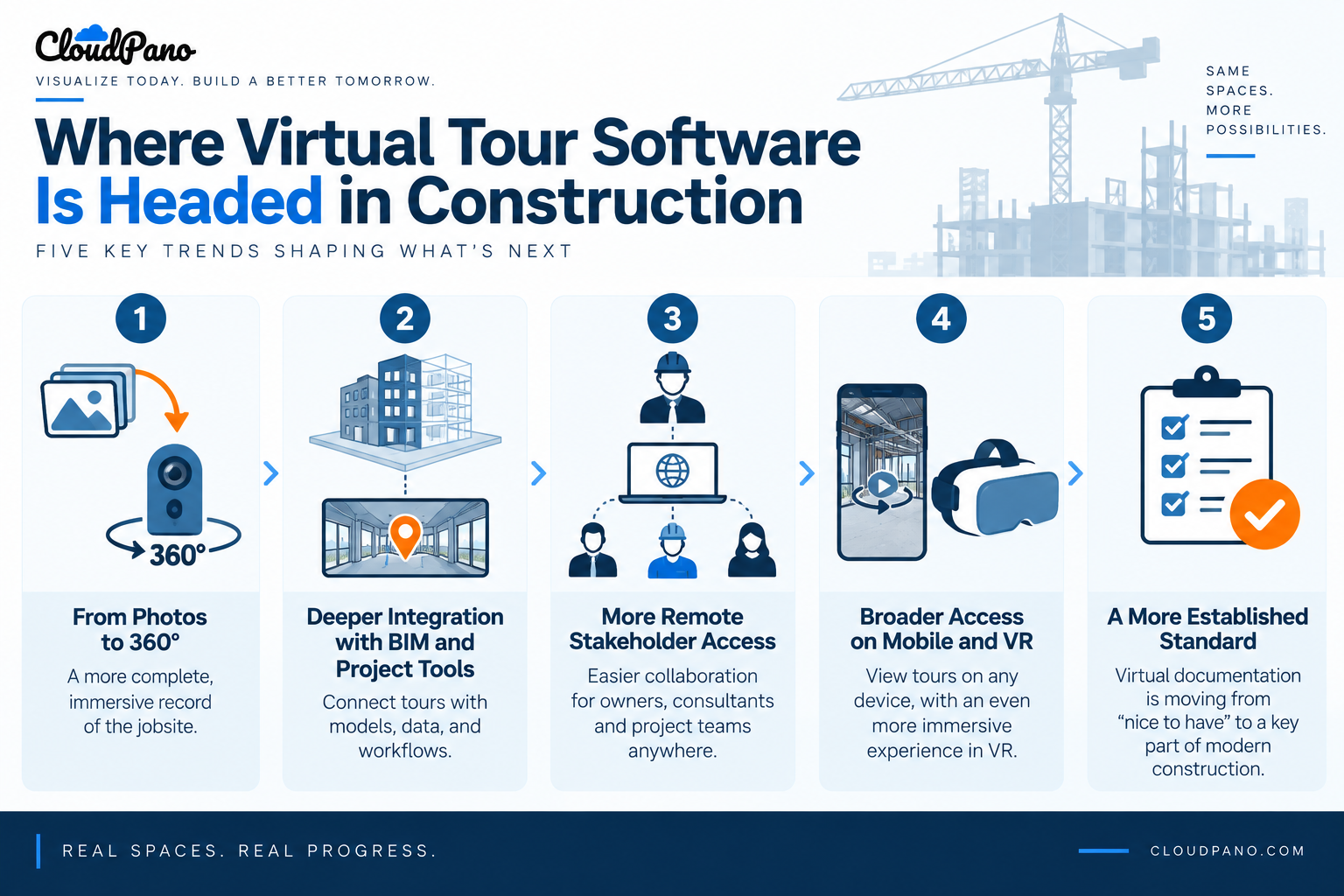
For decades, one of the standard ways to document a construction site has been through collections of photos, sometimes organized by date, location, or job number.
While still useful, traditional photo documentation can leave gaps in spatial context. Teams may need to determine what was behind a wall before it was closed, identify which unit a particular photo came from, or reconstruct a timeline for an insurance claim or punch-list review.
Virtual tours offer a different approach by capturing a space as a navigable visual record rather than relying entirely on disconnected images.
Instead of scrolling through hundreds of photos, a superintendent or owner's representative can move through captured scenes, with hotspot navigation connecting rooms, floors, or other documented areas in a way that more closely reflects the physical layout of the building.
That doesn't mean traditional photo logs are going away. Still images remain useful for close-up details, specific deficiencies, equipment labels, and other information that may require a focused view.
Instead, 360° capture can complement traditional photography by providing broader spatial context, while individual photos document details that require closer inspection.
This reflects a broader pattern in construction technology adoption. Engineering News-Record's construction technology coverage regularly examines the industry's evolving use of digital tools, including drones, robotics, machine learning, and other technologies. ENR has also reported that contractors' adoption of digital tools is growing, although challenges remain.
Rather than an overnight industry-wide shift, virtual tour adoption is more likely to continue project by project as construction teams determine where the technology provides practical value.
On many projects, a virtual tour may still live somewhat separately from the rest of the project's digital record.
It can serve as a useful resource for reference and communication while existing alongside scheduling software, BIM models, drawings, and project management platforms.
Over time, that separation may continue to narrow.
One potential direction is treating virtual tours less as standalone deliverables and more as visual layers connected to the spatial and scheduling data teams already use.
Imagine a tour scene associated with a specific model element, punch-list item, schedule milestone, or inspection record. Instead of a hotspot simply moving the viewer to another room, it could potentially connect that location with relevant project information.
That kind of integration reflects a broader goal of digital construction technology: reducing information silos and making related project data easier to access in context.
Platforms such as Autodesk Construction Cloud focus on connecting design, field, and project information across construction workflows. Virtual tour technology fits naturally within that broader movement toward more connected project information.
This is also where virtual tour software for construction can provide value beyond basic visual documentation.
A tour that can be embedded within an existing project portal or client-facing webpage, for example, can become part of a team's normal communication workflow rather than another destination stakeholders have to remember to visit.
Owners, lenders, insurers, consultants, and other stakeholders often need visibility into construction progress. Historically, many reviews have involved physical site visits, which introduce travel time, scheduling requirements, and logistical challenges.
Remote-capable visual documentation can supplement that process.
An out-of-state owner, for example, may not need to travel for every routine progress update if they can review a current, navigable tour remotely.
Similarly, other authorized project stakeholders may be able to use virtual documentation to gain additional context before determining whether an in-person visit is necessary.
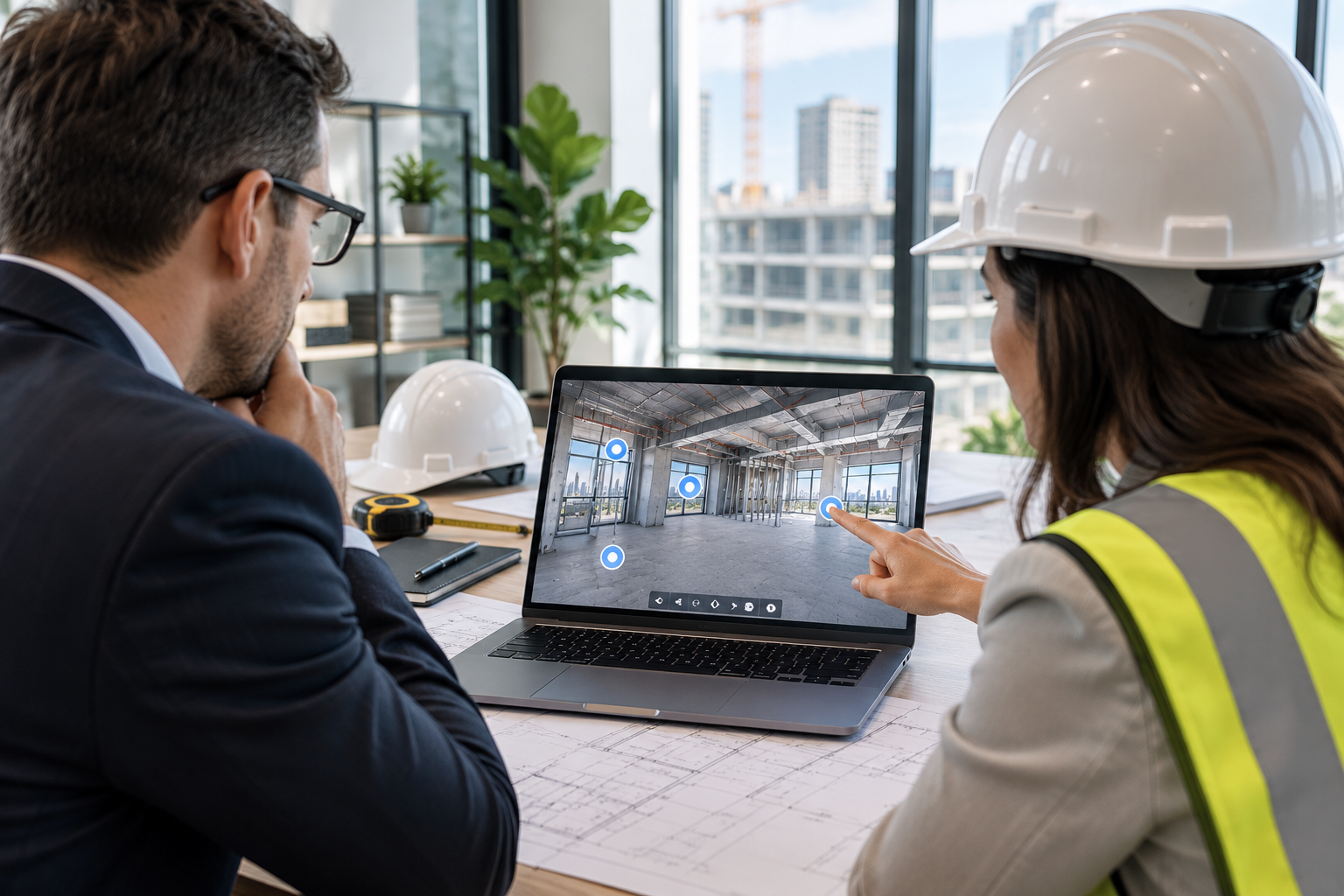
Live 360° video walkthroughs add another option. Someone on-site can guide a remote participant through the space in real time, allowing questions to be discussed while both parties are looking at the relevant conditions.
None of this eliminates the value or necessity of in-person site visits.
Certain inspections, measurements, safety procedures, regulatory requirements, and other activities still require physical presence. Virtual tours should supplement those processes rather than be treated as substitutes for required inspections or verification.
However, as remote collaboration tools improve, more routine progress reviews and visual check-ins may be handled remotely when physical presence isn't necessary.
For construction teams, that creates another reason to evaluate virtual tour software for construction as part of their broader communication and documentation strategy.
A virtual tour viewed on a laptop can provide useful spatial context. Viewing that same tour on a phone in the field or through a compatible VR headset can create a more immersive experience.
As mobile viewing continues to improve and immersive hardware evolves, the gap between reviewing documentation and experiencing a captured space remotely may continue to narrow.
This is particularly relevant to construction because many aspects of a physical environment — including spatial relationships, sightlines, circulation, and the relationship between adjoining spaces — can be difficult to communicate through individual photographs alone.
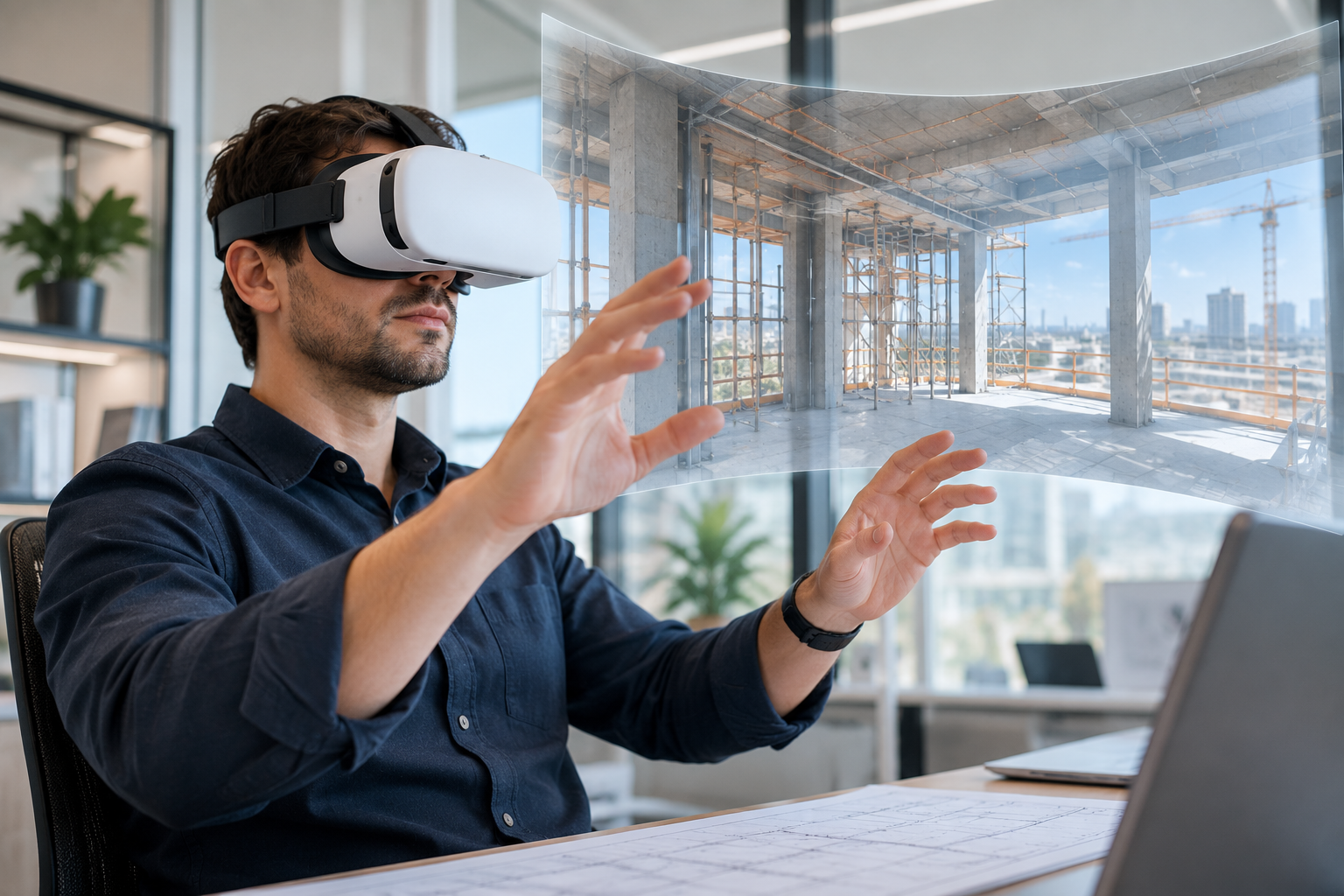
A prospective tenant evaluating a build-to-suit space, a hospital administrator reviewing a clinical unit layout, or a stakeholder following the progress of a renovation may benefit from being able to look around the captured environment rather than relying exclusively on static images.
VR isn't necessary for virtual tours to be useful, and adoption will depend on cost, accessibility, comfort, and the needs of individual projects.
Still, as immersive technology becomes more accessible, VR could become another viewing option for stakeholders who want a stronger sense of spatial presence when traveling to the site isn't practical.
Put these trends together — improved visual documentation, tighter integration with other project tools, increased remote collaboration, and more immersive viewing options — and a broader pattern begins to emerge.
For larger or more complex projects, virtual documentation may increasingly become part of the standard technology toolkit rather than being treated solely as an optional presentation feature.
Part of this fits within a broader emphasis on maintaining useful building information throughout a project's lifecycle.
Resources from the Whole Building Design Guide emphasize organized project documentation across design, construction, commissioning, operations, and maintenance. Its commissioning guidance, for example, describes documentation as a historical record that spans multiple phases and can ultimately support building operations and maintenance.
A navigable, dated visual record can contribute to that larger information set by giving owners, facilities teams, and future project participants additional context about how spaces appeared during different stages of construction.
It shouldn't replace as-built drawings, specifications, inspection records, or other required project documentation. Instead, it can complement those records with spatial visual information that may be difficult to communicate through traditional documents alone.
For smaller projects, adoption may remain more dependent on cost, project complexity, and the number of stakeholders involved.
For larger commercial, institutional, and multi-phase projects — where coordination requirements and documentation needs are often greater — virtual tours may have a stronger opportunity to become a recurring part of project documentation and communication.
The future of virtual tour software in construction, then, may be less about replacing existing tools and more about connecting them.
As construction teams continue digitizing their workflows, the value of 360° documentation is likely to depend on how easily it fits alongside the systems teams already use, how consistently it is maintained, and how effectively it helps stakeholders understand what's happening on-site.
That evolution is already worth watching — and for construction companies evaluating their documentation strategy today, it's a good reason to think beyond the virtual tour as a one-time visual asset and consider how it could become part of a longer-term project information workflow.
Does virtual tour software replace traditional photo documentation?
Not entirely. Virtual tours and traditional photography serve different purposes and often work best together. A 360° tour can provide a broader spatial record of a space or project milestone, while targeted still photos are useful for documenting close-up details — such as a specific fixture, installation issue, or defect that requires a detailed view. Rather than one replacing the other, the two methods can complement each other as part of a more complete visual documentation workflow.
Do site teams need technical training to build a tour?
Not necessarily. Many modern virtual tour platforms are designed around no-code, user-friendly workflows that allow field teams and project managers to create and update tours without coding experience or specialized technical expertise. Teams may still need some basic training to establish consistent capture points, organize scenes, add navigation, and manage sharing settings effectively.
How does virtual tour software help with remote stakeholder involvement?
Virtual tours give owners, consultants, project teams, and other authorized stakeholders a navigable, on-demand way to review captured site conditions without traveling to the project for every routine update. This can make it easier to communicate progress, provide spatial context, and prepare for discussions that may still require an in-person visit.
Some platforms also provide engagement analytics that can help teams understand how viewers interact with a tour. The level of detail available varies by platform, so analytics shouldn't automatically be assumed to identify individual viewers or show exactly who reviewed a particular area.
Is VR required to get value from a virtual tour?
No. A VR headset isn't required to benefit from a virtual tour. VR compatibility can provide a more immersive viewing experience when supported, but virtual tours can also be accessed through standard desktop browsers, tablets, and mobile devices. This flexibility allows stakeholders to choose the viewing method that works best for them.
None of these shifts point to an overnight transformation in how construction projects are documented or reviewed. Instead, the changes are likely to be incremental — tighter integration with existing project tools, greater opportunities for remote collaboration, and evolving expectations around the quality and accessibility of project documentation.
That's a realistic trajectory for an industry where new technology is often evaluated carefully before becoming part of established workflows.
What seems increasingly clear is that construction companies that become comfortable capturing, organizing, and sharing spatial information today may be better prepared as digital documentation practices continue to evolve.
Evaluating virtual tour software for construction isn't necessarily a bet on any particular future feature. It's an opportunity to explore whether better spatial documentation, easier remote access, and stronger connections between visual records and other project information can improve the way teams communicate and document construction today — while preparing for where digital construction workflows may be headed next.
Virtual tour software can be used to create navigable visual records of construction sites. Teams can document project progress, capture spatial conditions, communicate with remote stakeholders, and maintain visual records of spaces at different stages of construction.
Not entirely. Virtual tours provide broader spatial context, while traditional photos remain useful for documenting close-up details, defects, equipment, and specific site conditions. The two can complement each other as part of a construction documentation workflow.
Integration capabilities vary by platform. A developing direction is connecting visual documentation with project information such as BIM models, schedules, punch-list items, inspections, or project management records, reducing the separation between visual records and other construction data.
Virtual tours allow authorized owners, consultants, project teams, and other stakeholders to review captured site conditions remotely. This can provide additional context for progress discussions and help determine when an in-person site visit is necessary.
No. Virtual tours can typically be viewed through desktop browsers, tablets, and mobile devices. VR compatibility can provide a more immersive experience when available, but a headset is not required to benefit from navigable 360° construction documentation.


Compact, ready to go anywhere
Interchangeable lens that’s upgradeable
Dual 1-inch sensors for improved clarity and low light performance
Dynamic range and 6K 360° capture
360° photo resolution at 21MP

8K 360° video recording for ultra-detailed visuals.
4K single-lens mode for traditional wide-angle shots.
Invisible selfie stick effect for drone-like perspectives.
2.5-inch touchscreen with Gorilla Glass protection.
Waterproof up to 33ft for underwater shooting.

360° photo resolution in 23MP
Slim design at 24 mm thick
Built-in image stabilization for smooth video capture.
Internal 19GB storage for photo and video storage.
Wireless connectivity for remote control and sharing.

60MP 360° still images for high-resolution photography.
5.7K 360° video recording at 30fps.
2.25-inch touchscreen for intuitive control.
USB Type-C port for fast charging and data transfer.
MicroSD card slot for expandable storage.
.png)

.png)

Try it free. No credit card required. Instant set-up.






.svg)


.svg)