


.png)


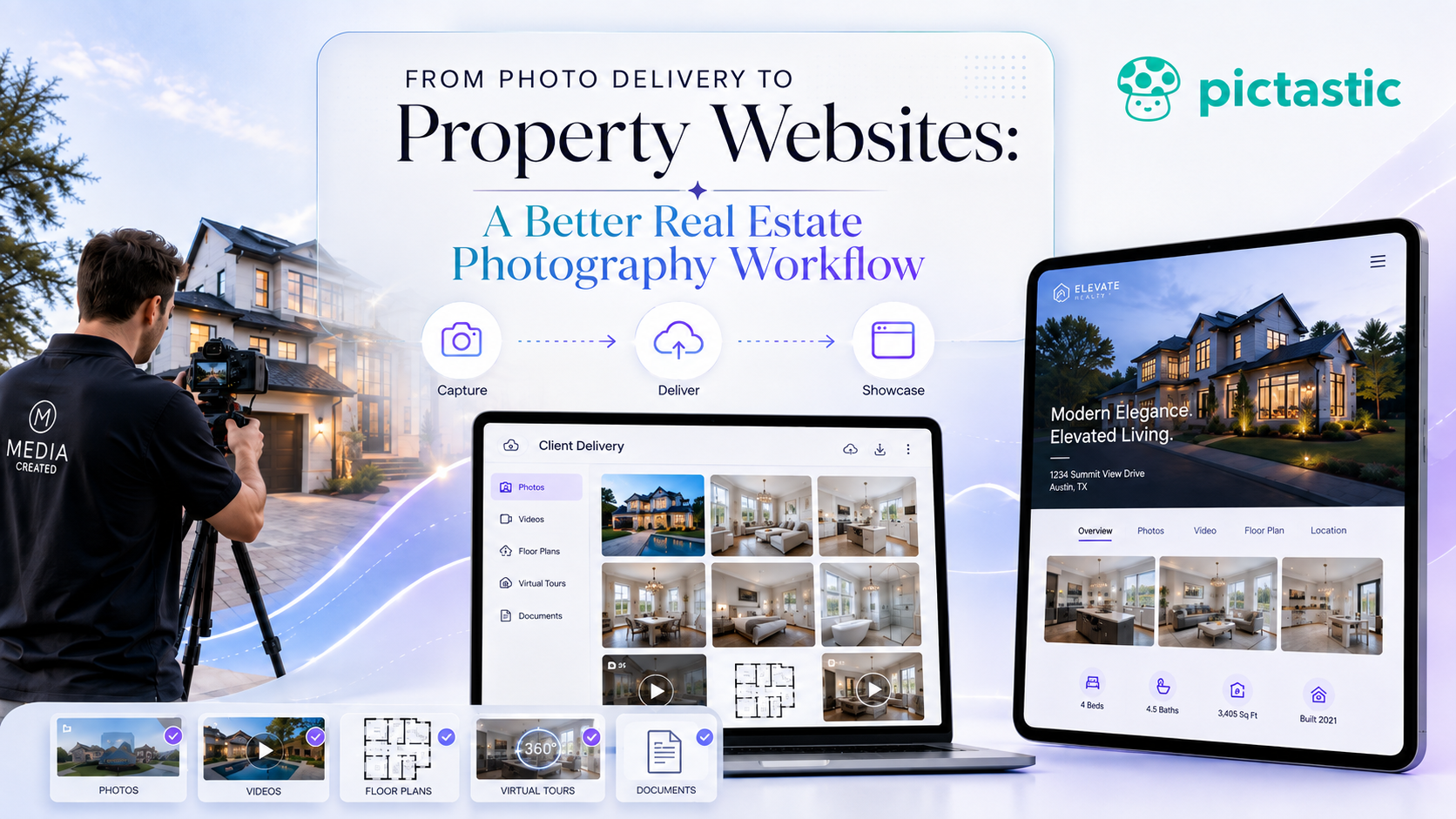
Real estate photography delivery software can help photographers organize photos, videos, floor plans, virtual tours, virtual staging, property websites, payments, and client delivery around a single property project. A connected workflow reduces repetitive tasks, creates a more consistent client experience, and makes it easier to turn one photo shoot into multiple deliverables.
Real estate photography has evolved far beyond simply taking photos and sending a download link.
Today, agents often expect a complete media package that may include professional photography, video, floor plans, virtual tours, virtual staging, and property websites. For photographers, that creates an opportunity to offer more value—but it can also create a complicated workflow.
Using separate tools for file storage, payments, websites, and media delivery can quickly become inefficient. Modern real estate photography delivery software can help organize these services into a more connected process.
A better workflow makes delivery easier for photographers, employees, and clients while creating more opportunities to sell additional services.

The traditional photography workflow was straightforward: photograph the property, edit the images, upload them, and email the agent a link.
That still works, but real estate media companies now offer much more.
A typical order might include:
When every service is handled through a different system, both photographers and clients can become overwhelmed.
A more efficient approach is to organize everything around one property project.
Photos, video, tours, floor plans, and marketing assets can all belong to the same listing instead of being scattered across folders and applications.
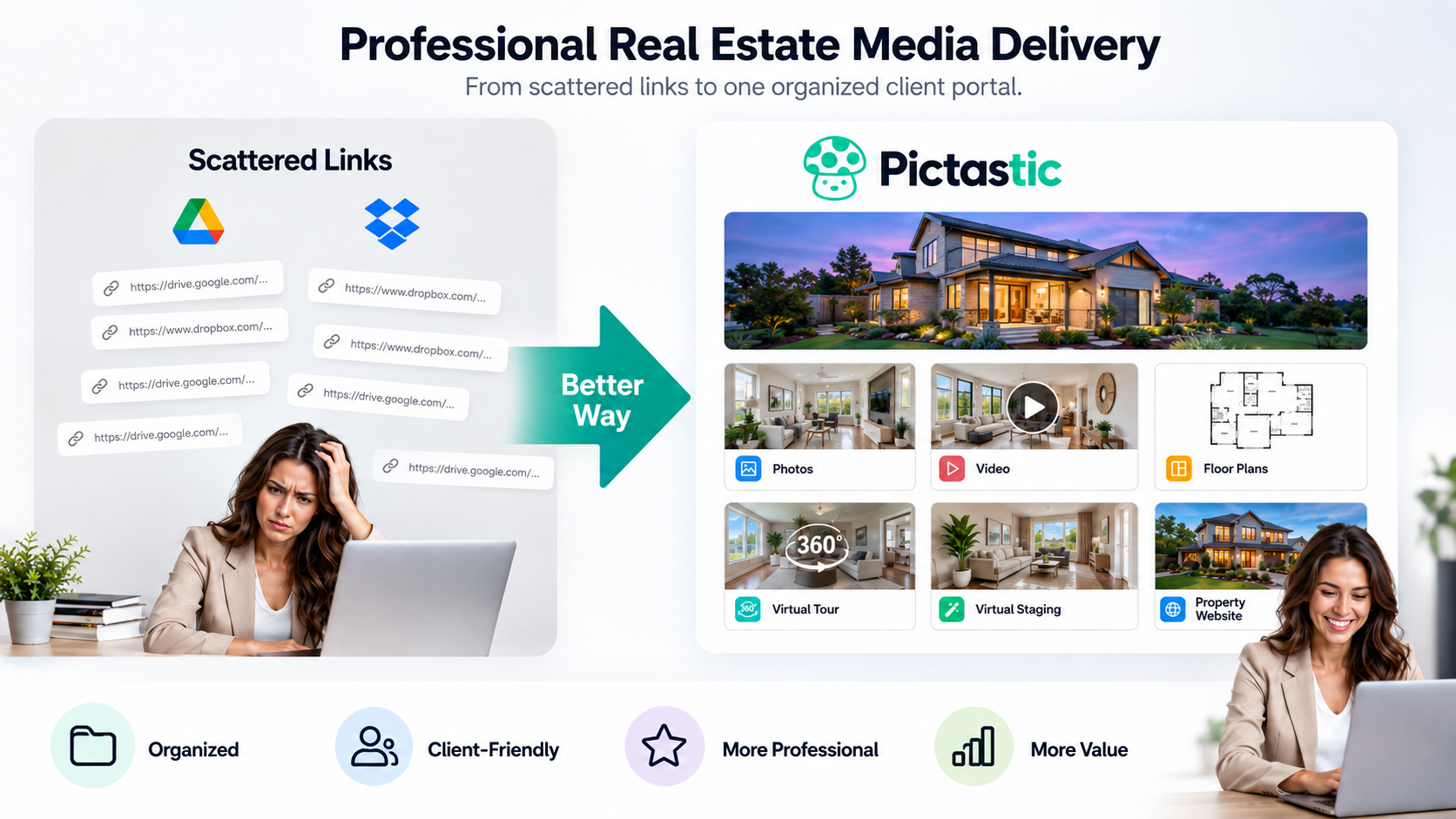
Google Drive and Dropbox can be useful for storing files, but basic file-sharing tools were not specifically designed around the real estate photography client experience.
Professional real estate photography delivery software can provide a more organized way to present completed work.
Instead of receiving several unrelated links, an agent can access a project containing the media associated with the property.
This creates a cleaner experience and makes it easier for clients to understand exactly what has been delivered.
Good delivery is part of the product.
A professional presentation can influence how clients perceive the photographer just as much as the quality of the photography itself.
One of the easiest ways to simplify real estate media delivery is to make the property the center of the workflow.
Each address can become its own media project.
The project might contain the listing photos, video, floor plan, virtual tour, downloadable files, and other marketing assets.
This organization becomes increasingly valuable as a photography company grows.
When a photographer is handling only a few listings, searching through folders may be manageable. At fifty, one hundred, or several hundred projects per month, consistency becomes much more important.
A repeatable project structure reduces confusion and helps team members know exactly where everything belongs.
Photo delivery does not have to be the final step.
Once the photography, video, and other assets have already been organized, much of the content needed for a property website is already available.
This creates a natural extension of the photography workflow.
Instead of uploading media into another website builder, photographers can use a system where the same property assets can help create a polished listing website.
Property websites may feature photography, video, floor plans, virtual tours, property information, and agent contact details.
Branded and unbranded versions can also serve different marketing needs.
When website creation is connected to real estate photography delivery software, photographers can reduce repetitive work while adding another valuable service to their packages.
A real estate photography session can generate much more value than a single image folder.
The same media may support client delivery, property websites, social media, listing presentations, virtual tours, and marketing campaigns.
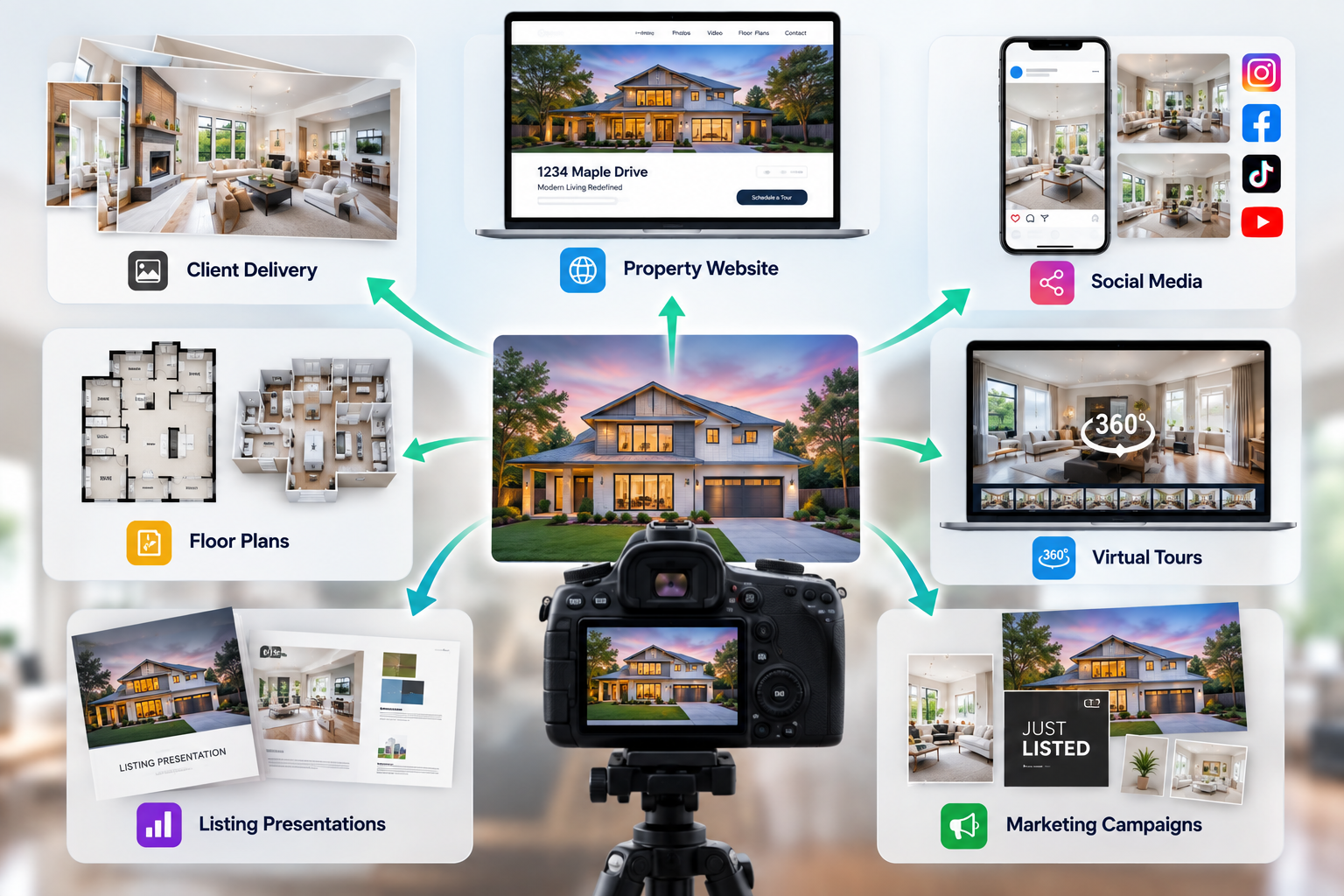
The key is to capture and organize the media once, then reuse it efficiently.
This creates a more scalable business model.
Instead of increasing revenue only by booking more photo shoots, photographers can increase the value of each existing project by offering additional services.
Property websites, virtual staging, and enhanced media delivery can all become potential add-ons.
Virtual staging can fit naturally into a connected real estate media workflow.
Vacant rooms sometimes make it difficult for buyers to imagine how a space could be used. Virtual staging can add furniture and décor to an empty room image while keeping the underlying property visible.
For photographers, this creates another potential service without requiring another on-site visit.
The original image should remain available while staged versions are created for marketing.
Keeping both versions organized within the same property project makes it easier for photographers and agents to manage the listing.
A strong workflow should preserve the original photography.
Clean master files give photographers greater flexibility because the same image may later need to be resized, virtually staged, used on a property website, or optimized for another marketing channel.
Avoid permanently changing the only copy of the image.
Instead, maintain an organized master and create additional versions when required.
This becomes increasingly important as photographers begin delivering media across several platforms and formats.
Payment collection can also become part of the delivery workflow.
Some photography businesses send invoices separately and manually confirm payment before releasing media.
At low volume, this may be manageable.
At higher volume, those small administrative steps can consume significant time.
A connected platform can help create a smoother process where client access, payment, and media delivery work together.
Photographers spend less time checking invoices and sending individual download links, while clients receive a clearer experience.
Consistency should apply to delivery just as much as it applies to photography.
Clients should know what to expect every time they place an order.
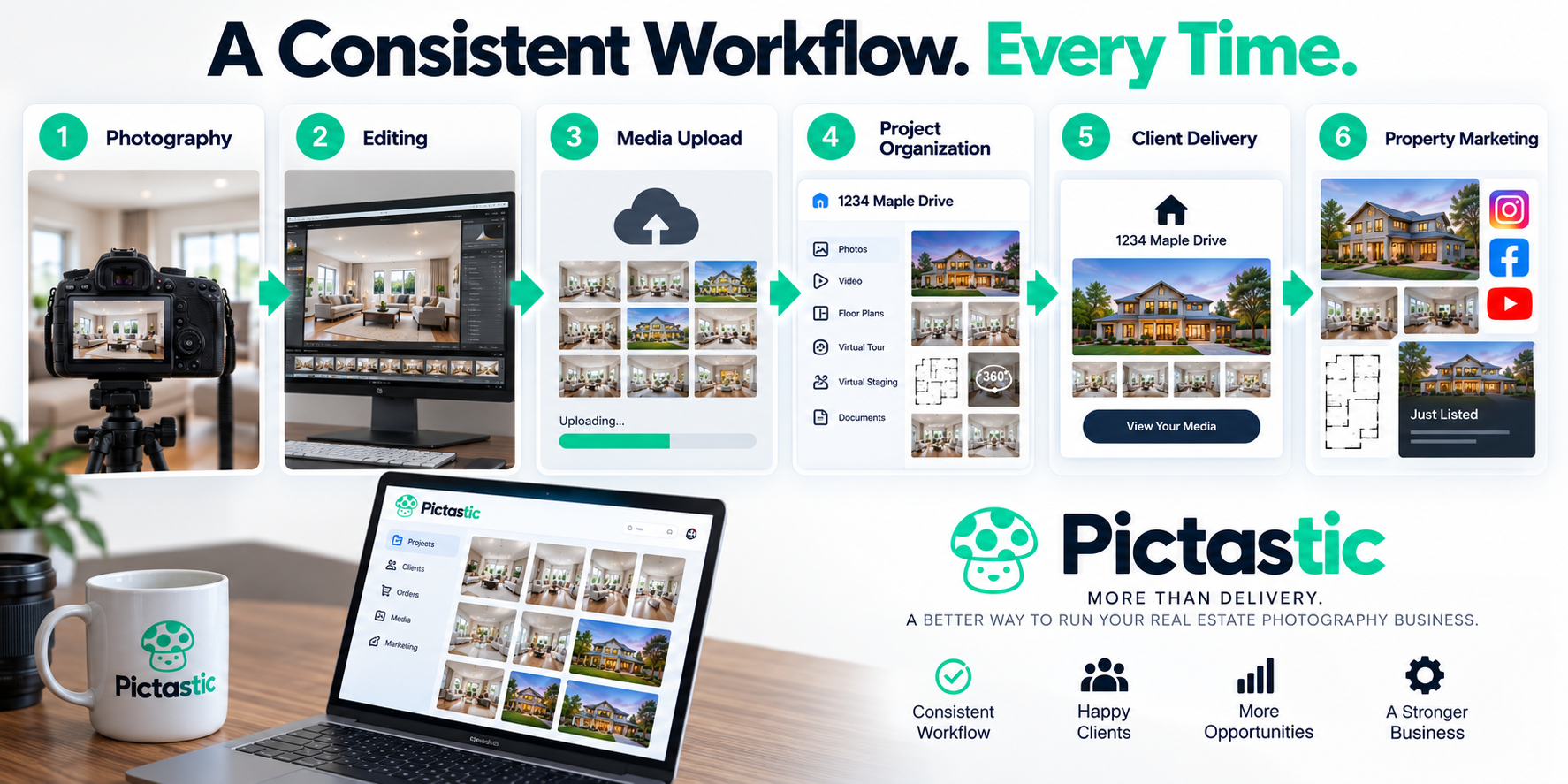
A simple workflow might move from photography to editing, media upload, project organization, client delivery, and property marketing.
The exact steps can vary between photography businesses, but they should be repeatable.
This is where real estate photography delivery software becomes more valuable than a basic storage tool.
It can become part of the operational system behind the photography business.
More tools do not always mean a better workflow.
If employees repeatedly upload the same images, copy property details between applications, or send several links for one project, the software stack may be creating unnecessary work.
Look for opportunities to consolidate related tasks.
Media delivery, client galleries, property websites, virtual staging, and payment workflows can often work more efficiently when they are connected.
The goal is not to eliminate every specialized application.
The goal is to remove duplication.
A good real estate photography workflow should continue working as the business grows.
It should be easy for photographers, editors, virtual assistants, and project managers to understand.
Employees should know where media belongs, how projects are organized, and what must happen before a listing is delivered.
Clients should also be able to quickly find and use their media without complicated instructions.
This becomes especially important for real estate media companies handling dozens or hundreds of properties each month.
A connected workflow can help reduce administrative work while creating a more consistent client experience.
Platforms such as Pictastic can help bring photo delivery, property websites, virtual staging, and other real estate media tools into a more unified workflow.
For photographers looking to move beyond basic file delivery, real estate photography delivery software can become an important part of building a more organized and scalable business.
Explore Pictastic to create a more connected workflow for real estate photography, media delivery, property websites, and client projects.
Real estate photography delivery software helps photographers organize and deliver listing media to clients. Depending on the platform, a property project may include downloadable photos, videos, floor plans, virtual tours, virtual staging, property websites, payment workflows, and other marketing assets rather than relying on separate file-sharing links.
General cloud storage is useful for storing and sharing files, but a dedicated real estate photography workflow can organize multiple media types around a specific property. This can create a more consistent client experience while reducing the need to manage separate folders, links, and applications.
Yes. Photography, videos, floor plans, virtual tours, property information, and agent details already created for a listing can also support a property website. Connecting website creation with the delivery workflow can reduce duplicate uploads and turn existing media into another client deliverable.
A practical workflow can follow Capture → Edit → Upload → Organize → Deliver → Market. Depending on the photographer's services, the property project may also include payment collection, virtual staging, floor plans, virtual tours, videos, and branded or unbranded property websites.
A repeatable delivery system gives photographers, editors, assistants, and project managers a consistent way to organize each listing. As project volume grows, standardized naming, project organization, client delivery, and connected media services can reduce unnecessary manual steps and make the workflow easier for teams to manage.


Compact, ready to go anywhere
Interchangeable lens that’s upgradeable
Dual 1-inch sensors for improved clarity and low light performance
Dynamic range and 6K 360° capture
360° photo resolution at 21MP

8K 360° video recording for ultra-detailed visuals.
4K single-lens mode for traditional wide-angle shots.
Invisible selfie stick effect for drone-like perspectives.
2.5-inch touchscreen with Gorilla Glass protection.
Waterproof up to 33ft for underwater shooting.

360° photo resolution in 23MP
Slim design at 24 mm thick
Built-in image stabilization for smooth video capture.
Internal 19GB storage for photo and video storage.
Wireless connectivity for remote control and sharing.

60MP 360° still images for high-resolution photography.
5.7K 360° video recording at 30fps.
2.25-inch touchscreen for intuitive control.
USB Type-C port for fast charging and data transfer.
MicroSD card slot for expandable storage.
.png)

.png)

Try it free. No credit card required. Instant set-up.







.svg)


.svg)