


.png)


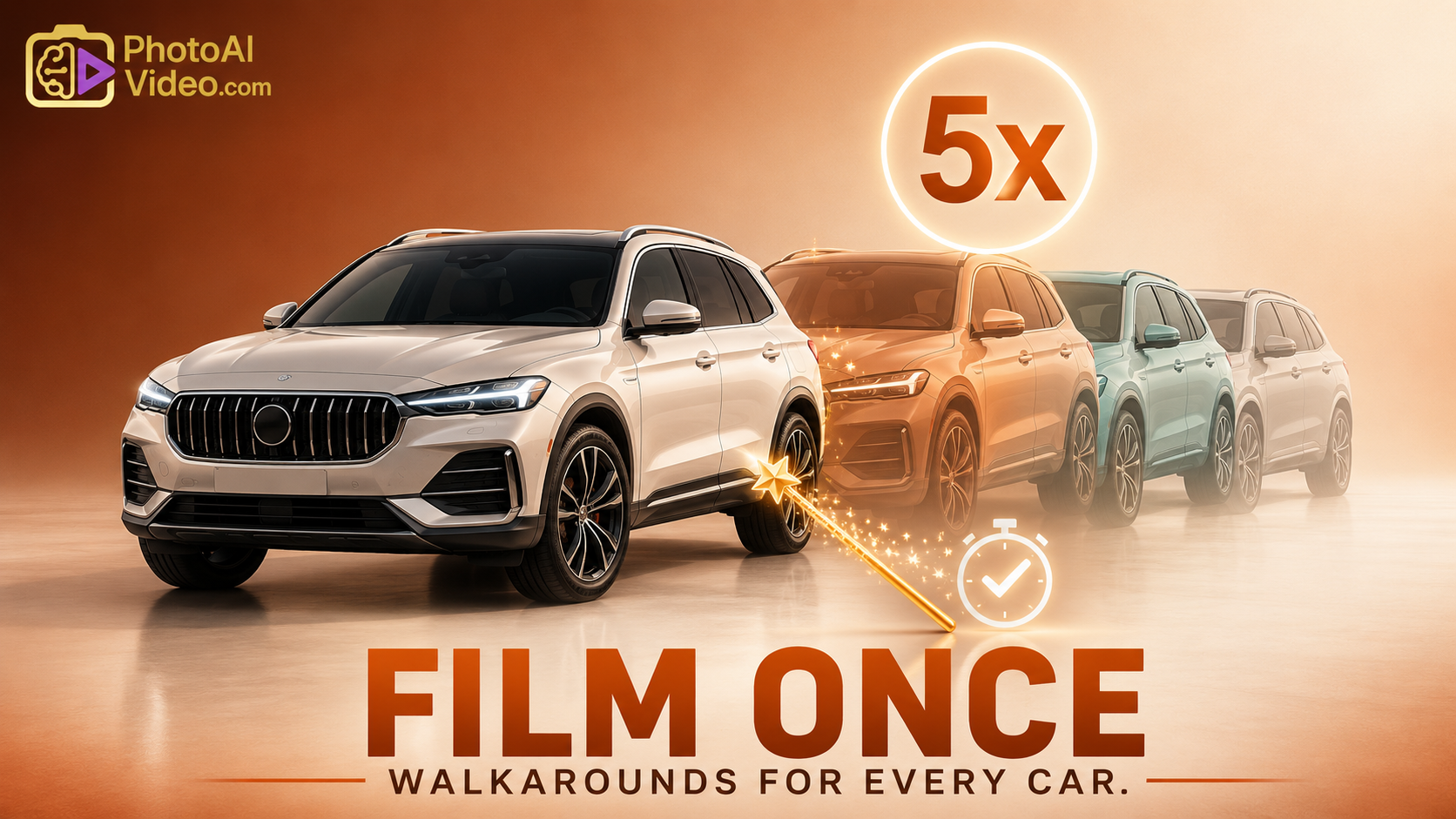
The modern automotive shopper is no longer satisfied with a 20-photo gallery. They demand motion. However, for most high-volume dealerships, the logistics of manually filming every single unit in stock—accounting for weather, lot rot, and staff turnover—is a nightmare. The bottleneck isn't the desire for video; it's the scalability of production.
To win in today's market, dealers must move beyond manual labor and embrace software to turn car listings into video. This is the ultimate efficiency hack: leveraging existing data assets to create a high-impact, video-first VDP (Vehicle Detail Page) experience without ever picking up a camera for 80% of your inventory.
Consumer psychology has shifted. According to Google’s "Think with Google" insights, automotive shoppers spend over 75% of their time researching online before visiting a lot. In that digital window, video acts as the "virtual test drive."
Manual filming is a linear process: 1 car = 15 minutes of filming + 10 minutes of editing. In a 500-unit lot, that is mathematically impossible to maintain. By utilizing alternatives to automotive marketing software that focus on automation, you bridge this gap. You transition from "content creation" to "data orchestration."
Search engines and shoppers alike value unique content. While every dealer has the same OEM stock photos, not every dealer has an automated video engine that stitches together localized data, dynamic pricing, and unique selling points (USPs) like "Lifetime Powertrain Warranty."
The secret to how to create car walkaround videos without filming lies in the "Stitch & Sync" method. This involves taking your existing high-resolution inventory photos and your DMS (Dealer Management System) data to generate a dynamic video file.
Your automated video is only as good as your photos. Invest in a standardized photo booth or a mobile app that ensures consistent angles. This allows the software to create a "Ken Burns" effect that feels like a moving camera.
Instead of a static voiceover, use AI-driven text-to-speech or dynamic graphic overlays. When the price changes in your CRM, the video should update automatically. This ensures your video marketing is always "current-to-the-minute."
Integration is key. Your video engine should automatically push to your website, YouTube, Facebook Marketplace, and even third-party lead providers. This is a core competency discussed in digital transformation studies by Deloitte, emphasizing the need for automated content supply chains.
CPO vehicles require trust. An automated video that highlights the "160-point inspection" and the specific warranty coverage—pulled directly from the OEM data feed—provides more reassurance than a "CPO" badge on a static thumbnail.
Speed to market is everything. A vehicle that is still being detailed doesn't have photos yet. However, a video created using software to turn car listings into video can use stock OEM footage or high-quality placeholder animations to ensure your "Just Arrived" email campaigns have a video link before the competition even gets the car through the wash bay.
To understand the ROI, we must look at the "hidden costs" of manual production: employee benefits, weather delays, and the cost of missed opportunities when a car is sold before it’s even filmed.
High-performance dealerships treat attention as their primary currency. According to McKinsey & Company, personalization at scale is the single biggest driver of value in the next decade of retail.
When you automate your video production, you aren't just saving money; you are buying back time for your sales team. Instead of having a BDC agent spend 3 hours filming cars, they can spend those 3 hours following up on the leads that the videos generated.
While automation is powerful, it must be executed with finesse. Avoid these pitfalls:
For more on the impact of video on trust, see the Pew Research Center’s studies on digital content consumption and trust.
We are approaching a point where "filming" becomes "simulating." Future alternatives to automotive marketing software will likely use NeRF (Neural Radiance Fields) technology to create a 360-degree video from just a handful of 2D photos. Staying ahead of this curve starts with mastering the automated workflows available today.


Compact, ready to go anywhere
Interchangeable lens that’s upgradeable
Dual 1-inch sensors for improved clarity and low light performance
Dynamic range and 6K 360° capture
360° photo resolution at 21MP

8K 360° video recording for ultra-detailed visuals.
4K single-lens mode for traditional wide-angle shots.
Invisible selfie stick effect for drone-like perspectives.
2.5-inch touchscreen with Gorilla Glass protection.
Waterproof up to 33ft for underwater shooting.

360° photo resolution in 23MP
Slim design at 24 mm thick
Built-in image stabilization for smooth video capture.
Internal 19GB storage for photo and video storage.
Wireless connectivity for remote control and sharing.

60MP 360° still images for high-resolution photography.
5.7K 360° video recording at 30fps.
2.25-inch touchscreen for intuitive control.
USB Type-C port for fast charging and data transfer.
MicroSD card slot for expandable storage.
.png)

.png)

Try it free. No credit card required. Instant set-up.






.svg)


.svg)