


.png)


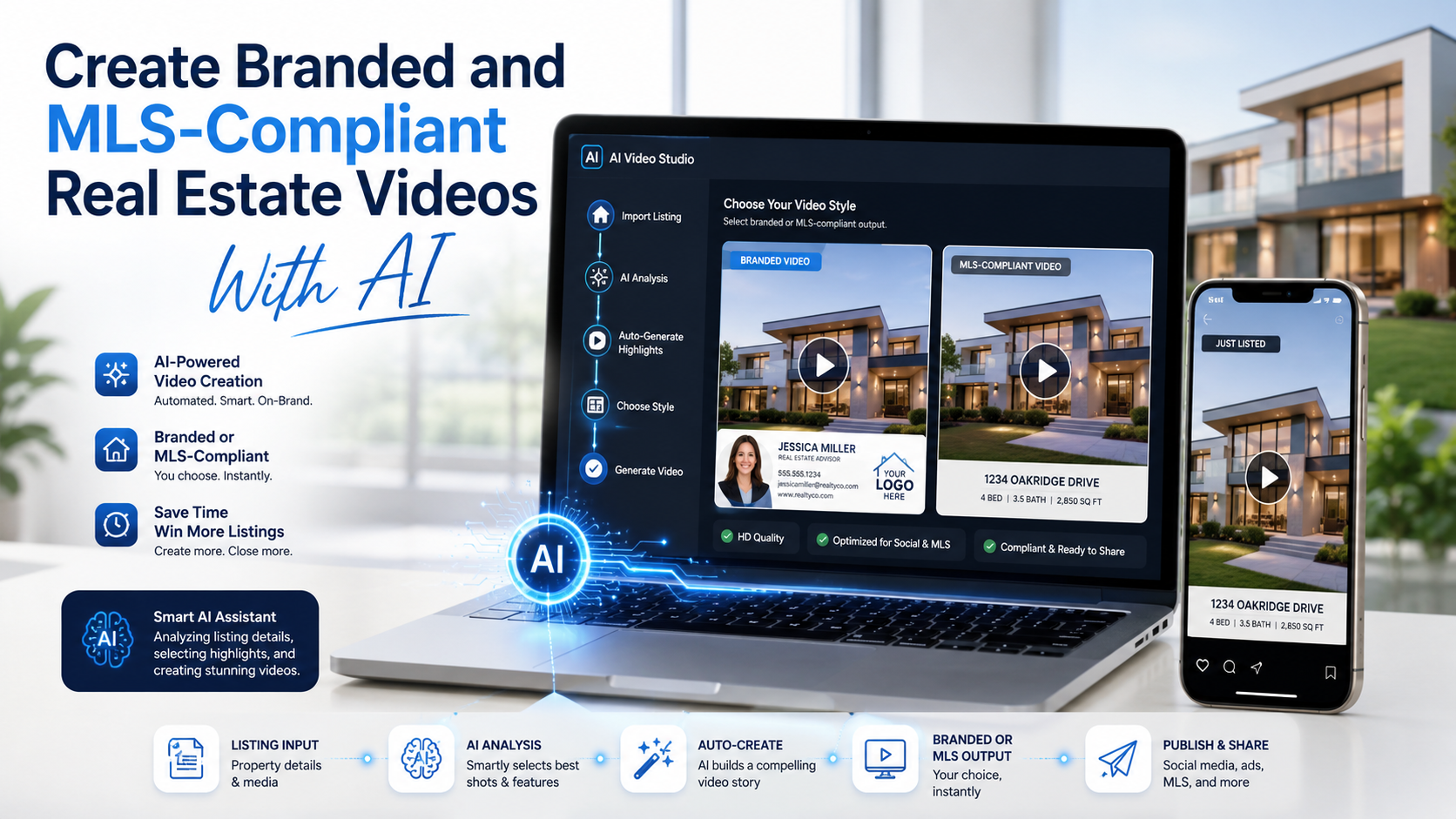
Real estate professionals rarely market a property in just one place. A single listing may appear on the MLS, an agent’s website, Instagram, Facebook, YouTube, email campaigns, paid advertisements, and property-search portals.
The challenge is that the same video may not be appropriate for every platform.
A branded video featuring an agent’s logo, website, phone number, and call to action can work well on social media. That same video may not be accepted in an MLS virtual-tour field if the local MLS prohibits contact information, brokerage branding, watermarks, or promotional messaging.
Creating each version manually takes time. AI video tools offer a more efficient solution by helping agents and photographers turn property photos into multiple video formats from one project.
With the right workflow, you can create:
This guide explains how to create branded and MLS-compliant real estate videos with AI while maintaining accuracy, quality, and control.
An AI-generated real estate video is a property video created from listing photos, captions, branding elements, and other media using automated software.
Instead of manually adding every image to a video timeline, the software may help:
The best AI real estate marketing video software does more than create a basic photo slideshow. It helps users produce a polished marketing asset while reducing repetitive editing work.
AI can speed up production, but the user should still control the final result. The listing agent, photographer, or marketing team remains responsible for reviewing the photo sequence, verifying property information, and confirming whether the finished video follows local advertising and MLS requirements.
Real estate videos generally serve two different purposes.
A branded video promotes the listing and the professional marketing it. An unbranded version focuses only on the property and may be more appropriate for an MLS or another platform with strict advertising rules.
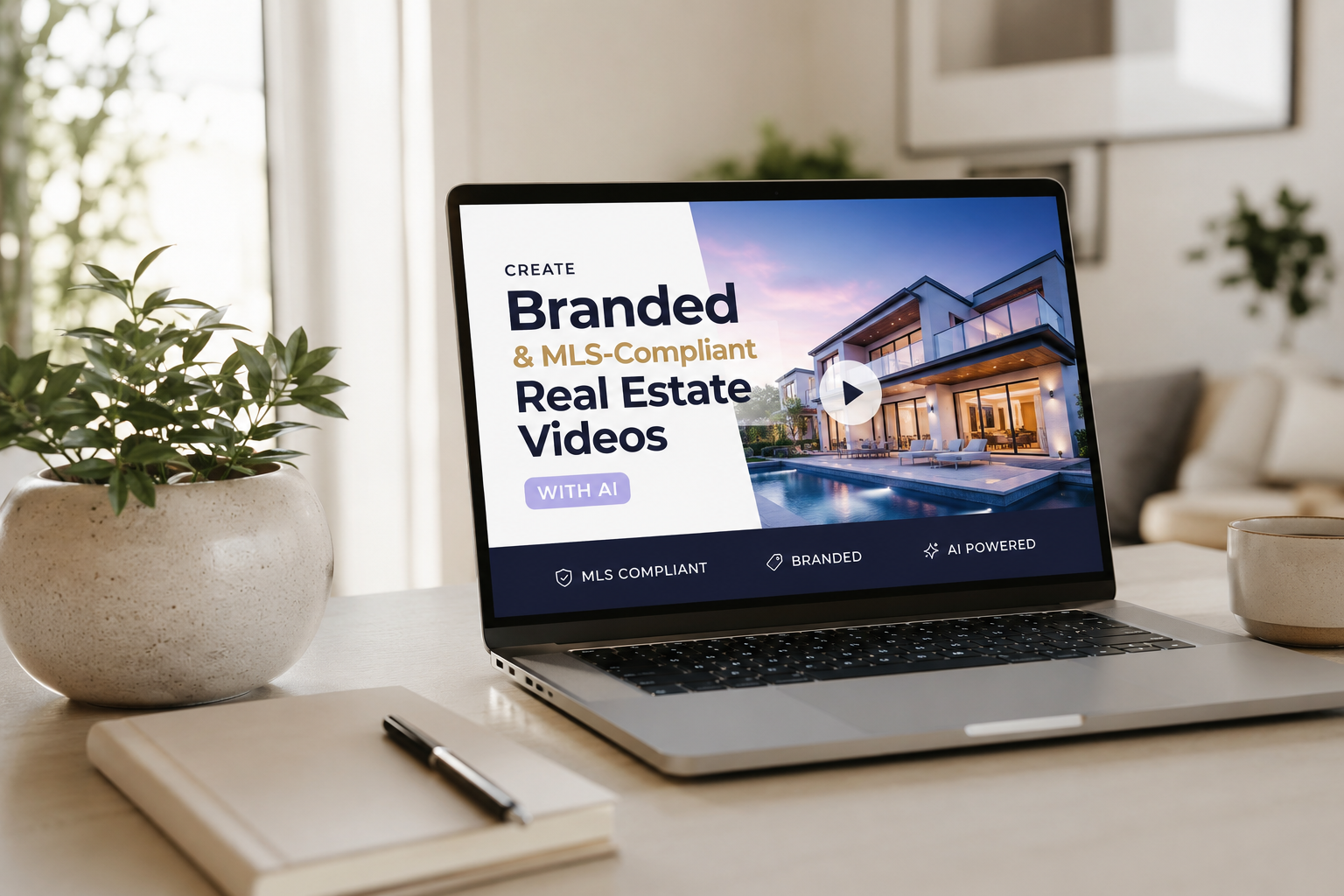
A branded video may include:
These elements help viewers understand who represents the listing and what they should do next.
Branded videos are usually suitable for:
An MLS-focused version removes elements that could be viewed as advertising or lead generation.
Depending on local rules, the video may need to exclude:
The purpose of the unbranded version is to present the property without directing viewers to a particular agent, brokerage, or external website.
However, there is no single rule that applies to every MLS. Requirements differ by region and organization. A video described as “MLS-friendly” is not automatically approved everywhere.
Before publishing, check the current media rules for your specific MLS.
Useful MLS compliant real estate video software should make it easy to create a clean property video without requiring users to rebuild the project from the beginning.
Important features may include:
The software should also allow the user to review every detail before downloading the video.
Automation is helpful, but compliance cannot be guaranteed by software alone. The platform does not know every rule for every MLS, and those rules may change. Human review remains essential.
A repeatable process makes it easier to produce both versions accurately.
Your video quality will depend heavily on the source images.
Select photos that are:
Start with the property’s strongest image. This is often the front exterior, but it could also be a dramatic kitchen, waterfront view, pool, or main living space.
A common photo sequence is:
Avoid adding multiple nearly identical photos. Repetition can make a short video feel slow and reduce viewer interest.
Upload the selected images into your chosen MLS compliant AI video app.
The platform may automatically build a timeline and apply movement to each image. Common motion effects include slow zooms, pans, and simulated camera movement.
Review the generated order carefully.
An automated tool might place a bathroom before the main living room or show the backyard before viewers have entered the house. Rearranging scenes can make the final video feel more like a guided tour.
AI should accelerate the workflow, not make all creative decisions without supervision.
Different platforms favor different video dimensions.
Horizontal video, commonly created in a 16:9 format, works well for:
Vertical video, commonly created in a 9:16 format, is designed for:
Square video can be useful for:
Rather than stretching or cropping one finished video for every platform, generate each format from the original project. This helps preserve image quality and keeps important property features visible.
Text can help viewers quickly understand what makes a property valuable.
Useful details may include:
Verify every detail against the current listing before publishing.
Do not rely on AI to guess what appears in a photo. A visually attractive room should not automatically be labeled as “fully renovated,” “custom-built,” or “luxury” unless those descriptions are accurate and supportable.
Avoid exaggerated claims such as:
Clear, factual language is usually more trustworthy and useful.
The branded video should identify the agent, team, or brokerage without overwhelming the property.
Consider adding:
Keep the opening brief. Viewers should see the property quickly rather than watching a long animated logo sequence.
A branded closing screen might say:
Interested in this property? Contact our team to schedule a private showing.
For social media, you can also include a more direct message:
Send us a message for pricing, availability, or a private tour.
The main purpose of branding is to make the next step clear—not to cover every scene with logos and contact information.
Duplicate the project and remove anything that may conflict with local MLS rules.
This may include:
Replace promotional text with neutral property information.
For example:
Branded version:
Call the Smith Realty Group today to schedule your private showing.
Four-bedroom residence with an open living area and covered outdoor patio.
If your local MLS has especially strict rules, the safest version may include only the property photos, subtle transitions, approved music, and basic factual details.
Watch both versions from beginning to end.
Check for:
Do not review only the editing timeline. Export previews can reveal timing, cropping, or formatting issues that were not obvious during editing.
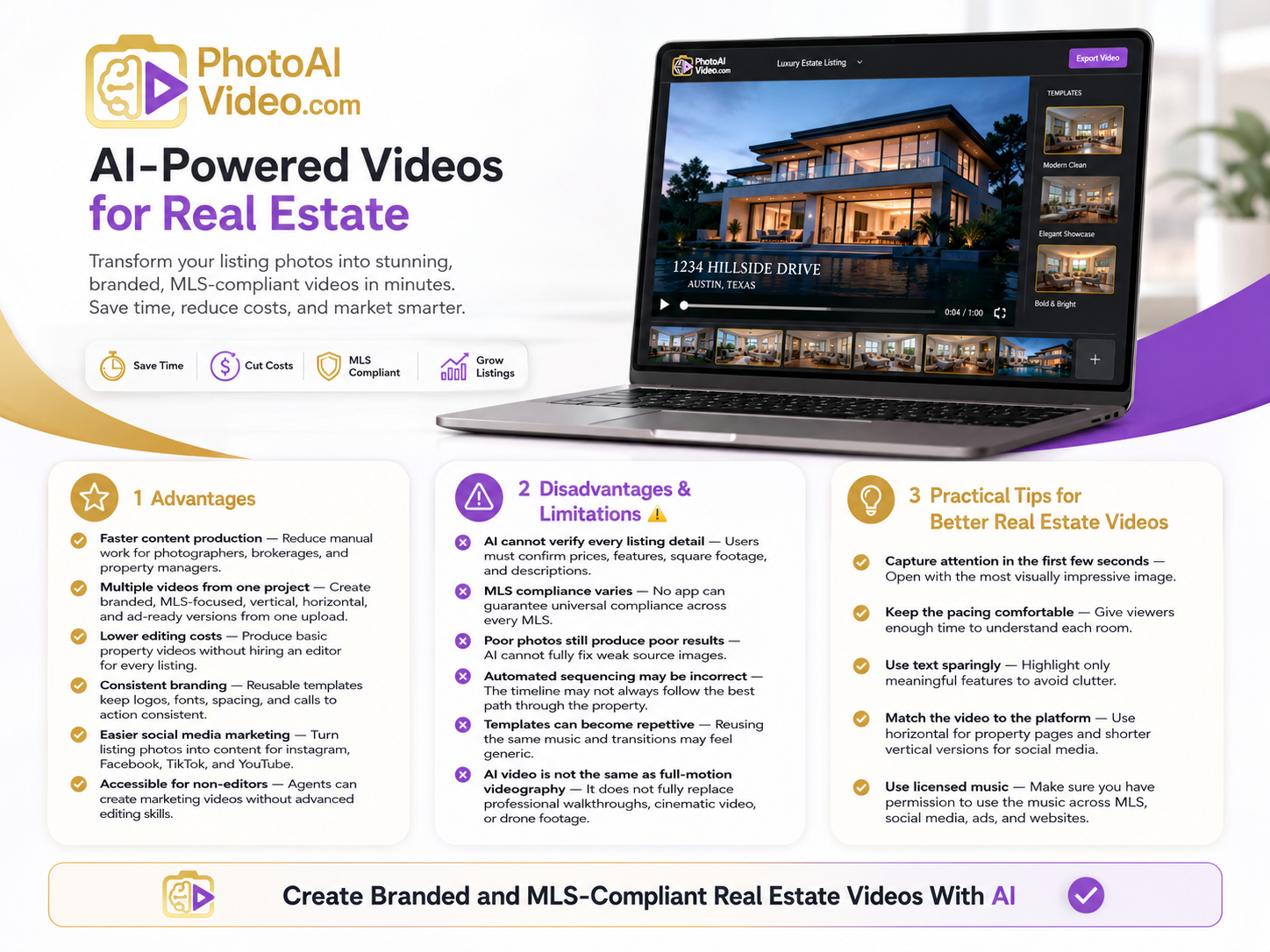
AI can reduce the amount of manual work required to create a property video. This is especially useful for photographers, brokerages, and property managers handling many listings.
One upload can become a branded video, MLS-focused video, vertical Reel, horizontal tour, or advertising asset.
Basic property videos can be produced without hiring an editor for every listing or purchasing complex professional editing software.
Reusable templates help maintain consistent logos, fonts, spacing, transitions, and calls to action across multiple properties.
A listing photo gallery can quickly become fresh video content for Instagram, Facebook, TikTok, and YouTube.
Agents do not need advanced video-production experience to create usable marketing content.
The software may assist with captions, but users must verify prices, features, square footage, and property descriptions.
No app can promise universal compliance because every MLS may have different rules.
AI cannot completely fix blurry, dark, distorted, or badly composed listing photography.
The generated timeline may not follow the most logical path through the property.
Using the same music, transitions, and timing on every listing may make the content feel generic.
A photo-based video can be effective, but it does not fully replace a professionally filmed walkthrough, cinematic production, or drone video.
Open with the most visually impressive image. Avoid long introductions before showing the property.
Give viewers enough time to understand each room. Transitions that are too fast can make a property difficult to evaluate.
Highlight only meaningful features. Too many captions can cover the photos and create visual clutter.
A detailed horizontal video may work well on a property page, while a shorter vertical version is often better for social media.
Confirm that you have permission to use the music across the MLS, social platforms, advertising channels, and client websites where the video may appear.
Use filenames that prevent accidental uploads:
245-Oak-Street-Branded-Vertical.mp4245-Oak-Street-Branded-Horizontal.mp4245-Oak-Street-Unbranded-MLS.mp4Store approved fonts, logos, colors, intros, and closing screens to speed up future projects.
Update or replace the video when the price, status, open house date, or property details change.
Yes. AI video tools can arrange listing photos, add movement, create transitions, insert text, apply music, and export the result in different formats.
A branded video includes agent or brokerage information. An unbranded video focuses on the property and removes promotional elements that may be restricted by an MLS.
No. Removing logos and contact information may help, but each MLS can have its own rules regarding text, music, links, narration, and virtual-tour content.
The ideal length depends on the number of photos and the publishing platform. Short social videos may last 15 to 45 seconds, while a more detailed property video may run longer.
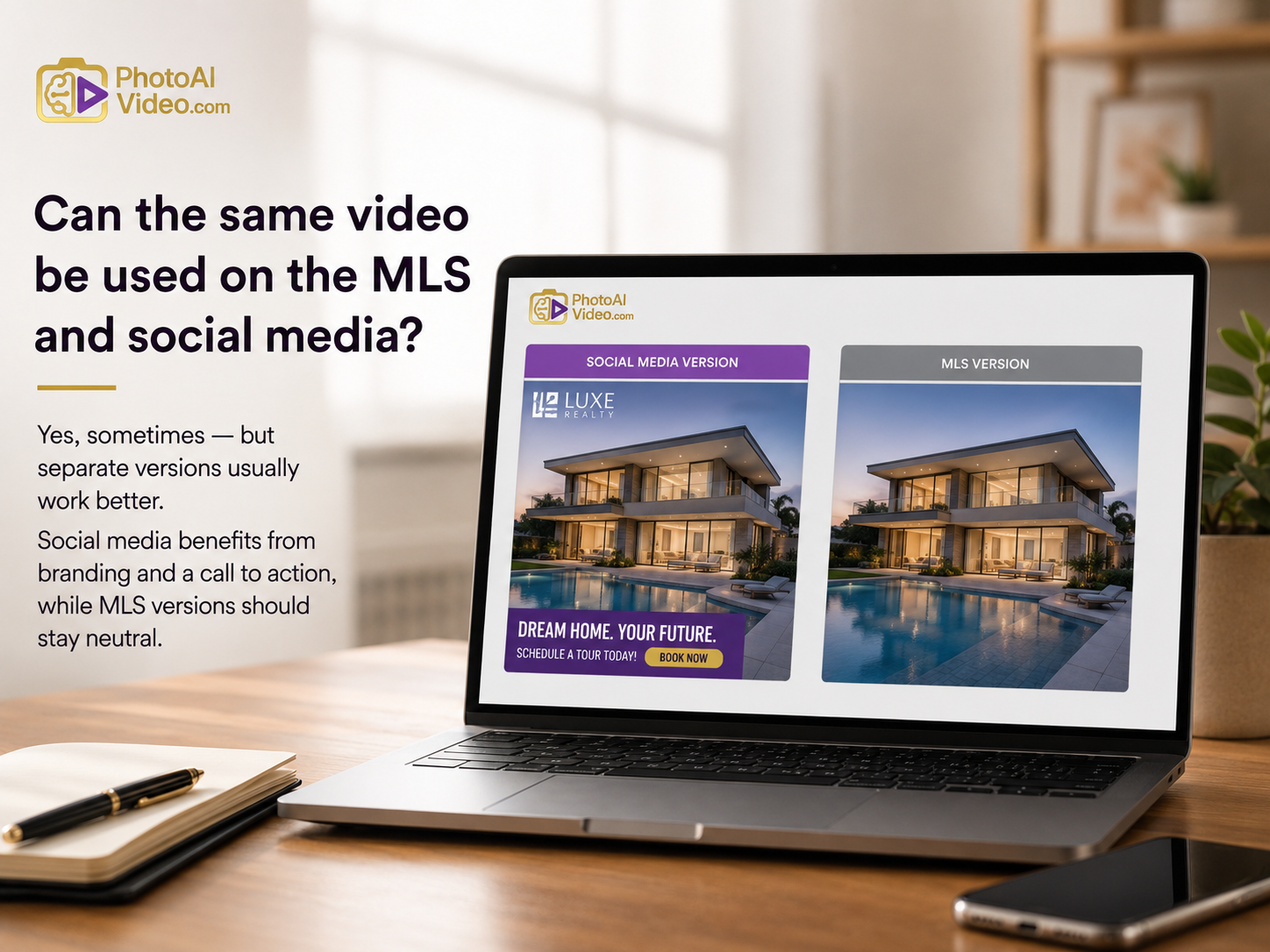
It may be possible, but separate versions are usually more effective. Social media benefits from branding and a call to action, while an MLS version may need to remain neutral.
Real estate professionals should not have to rebuild the same listing video for every marketing channel.
An AI-assisted workflow makes it possible to turn one set of property photos into multiple useful assets. You can create a branded video for social media, an unbranded version for MLS use, and properly formatted videos for mobile and desktop audiences.
The key is to combine automation with professional judgment.
Choose strong photos. Verify every property detail. Keep branding appropriate for the intended platform. Review the final export carefully. Most importantly, confirm the requirements of your local MLS before uploading.
Ready to turn your listing photos into professional property videos?
Create your next branded and MLS-focused real estate video with PhotoAIVideo and build multiple marketing-ready versions from one streamlined project.


Compact, ready to go anywhere
Interchangeable lens that’s upgradeable
Dual 1-inch sensors for improved clarity and low light performance
Dynamic range and 6K 360° capture
360° photo resolution at 21MP

8K 360° video recording for ultra-detailed visuals.
4K single-lens mode for traditional wide-angle shots.
Invisible selfie stick effect for drone-like perspectives.
2.5-inch touchscreen with Gorilla Glass protection.
Waterproof up to 33ft for underwater shooting.

360° photo resolution in 23MP
Slim design at 24 mm thick
Built-in image stabilization for smooth video capture.
Internal 19GB storage for photo and video storage.
Wireless connectivity for remote control and sharing.

60MP 360° still images for high-resolution photography.
5.7K 360° video recording at 30fps.
2.25-inch touchscreen for intuitive control.
USB Type-C port for fast charging and data transfer.
MicroSD card slot for expandable storage.
.png)

.png)

Try it free. No credit card required. Instant set-up.







.svg)


.svg)