


.png)


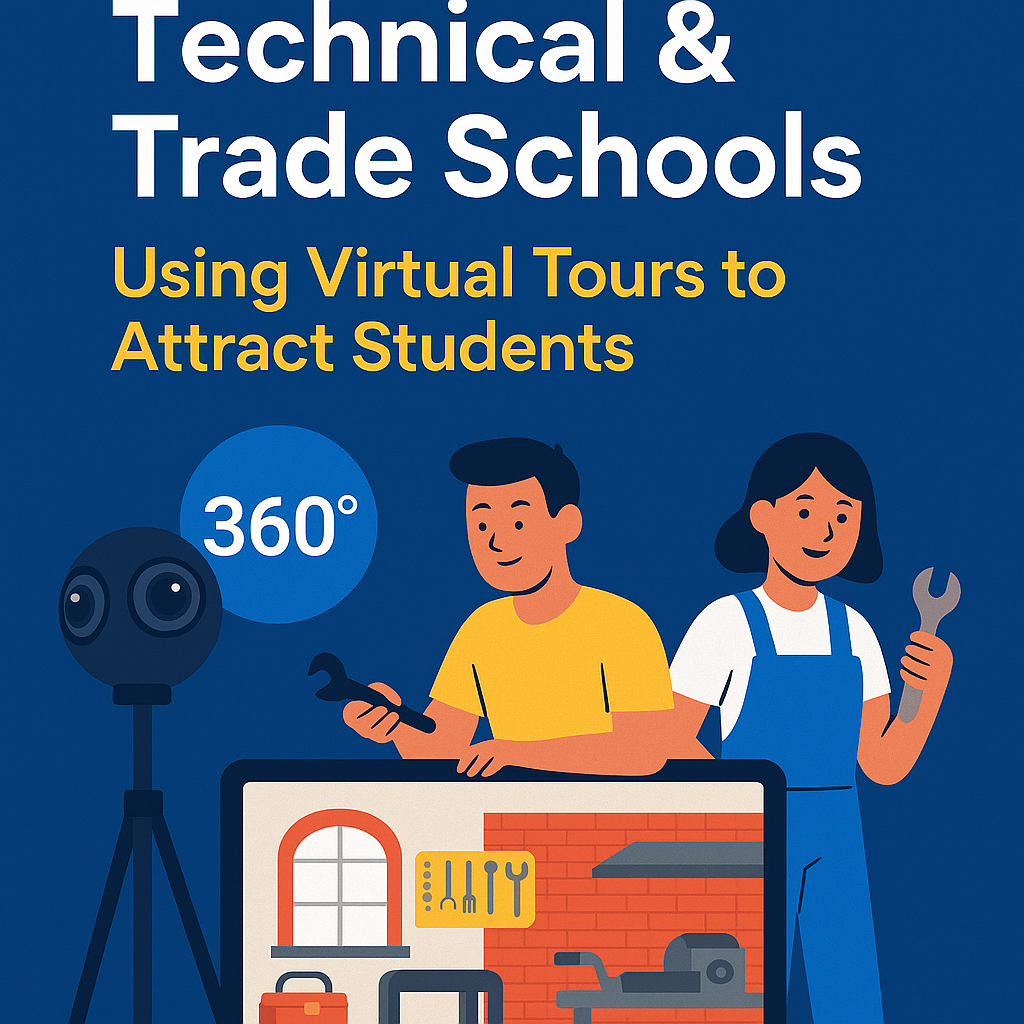
The education landscape is rapidly changing — and technical and trade schools are leading the way in offering hands-on, career-focused learning for a new generation of students. 🚀 But as competition grows, how can your institution stand out and attract more qualified applicants?
The answer lies in immersive digital experiences — specifically, 360° virtual tours powered by CloudPano.
Virtual tours give prospective students the ability to explore your facilities, labs, and classrooms from anywhere in the world — helping them feel confident and excited about enrolling. 🌍✨ Check out how CloudPano is transforming campus tours in higher education → CloudPano for Universities
In this comprehensive guide, you’ll discover how CloudPano helps technical and trade schools market their programs, boost engagement, and showcase their campuses in the most innovative way possible. With a real estate video app, agents can quickly produce professional listing videos that attract more buyers.
Unlike traditional universities, technical and vocational programs emphasize practical, real-world skills. Whether it’s welding, automotive repair, culinary arts, HVAC, or healthcare training — the facilities themselves are a big part of your value proposition. 🛠️👨🍳
When students and parents can’t visit in person, a virtual tour bridges the gap — offering an authentic look into:
With CloudPano, these spaces come alive through 360° interactive visuals, clickable info spots, and even live video chat tours.
💡 When students can virtually “step inside” your programs, enrollment rates increase dramatically.
Read: Virtual Open Day: How to Run It with CloudPano at Your University
There are many virtual tour tools out there, but CloudPano stands apart for education-focused institutions.
Here’s why:
CloudPano’s simple drag-and-drop interface allows schools to create stunning 360° virtual tours without needing advanced technical skills. Upload panoramas, link rooms together, and create an experience that feels like walking through campus in person.
With CloudPano Live, admissions representatives can host live guided tours inside the virtual experience — chatting with prospective students while navigating the space together.
This is especially powerful for:
Add your school’s logo, colors, and interactive hotspots linking to:
Each element reinforces your brand and provides deeper context about your programs.
Unlike enterprise-level software, CloudPano offers budget-friendly pricing perfect for educational institutions — from small trade academies to national technical networks.
“CloudPano helps schools deliver modern, mobile-friendly experiences that impress students without draining resources.”
Let’s look at how CloudPano’s virtual tour technology directly impacts student recruitment and engagement.
When students see your classrooms, equipment, and instructors in action, they feel reassured about program quality.
This transparency builds credibility — especially for career changers or adult learners seeking to invest in their education.
💬 “It’s one thing to read about your facilities — it’s another to see them.”
CloudPano lets students visualize their future, which increases their confidence in choosing your school.
Modern students are visual learners. A 360° virtual tour keeps them engaged longer than static photos or text-based brochures.
Here’s how trade schools use CloudPano to drive engagement:
The result? More clicks, more inquiries, and more applications. 📈
Many technical students are willing to relocate for quality training — but only if they know what to expect.
Virtual tours allow out-of-town or international applicants to explore facilities as if they were on-site, helping them visualize their experience before enrolling.
This accessibility gives your school a global recruitment edge.
When local employers, unions, or government agencies can virtually tour your facilities, it strengthens trust and opens doors for new collaborations.
Use your CloudPano tour to:
A professional, interactive presentation reflects your school’s commitment to innovation and excellence. 🌟
Virtual tours don’t just replace in-person visits — they enhance them.
For example:
Every click, every view, and every conversation creates another opportunity to connect.
Read: From Admissions to Alumni: Virtual Tour Use Cases in Higher Education
Ready to get started? Here’s how your admissions or marketing team can build a professional virtual tour in under an hour.
1️⃣ Capture Your 360° Photos
Use a camera like the Ricoh Theta Z1 or Insta360 One X2 to take panoramic shots of your classrooms, labs, and common areas.
2️⃣ Upload to CloudPano
Log into your CloudPano dashboard, upload your images, and drag them into your desired order.
3️⃣ Add Interactive Hotspots
Link scenes together and add info spots for:
4️⃣ Embed Your Branding
Upload your logo, add your school colors, and include an introductory welcome video.
5️⃣ Publish and Share
Once your tour is ready, embed it on your website, share it on social media, or use QR codes in marketing materials.
💡 Tip: Schedule a “Live 360° session” to personally guide students through your virtual campus — just like an open house!
Once your tour is live, CloudPano provides built-in analytics to track performance.
Keep an eye on key metrics like:
These insights help you refine your marketing strategy and improve conversion rates.
Imagine this: A prospective student named Alex is researching welding programs. He’s interested but unsure which school offers the best facilities.
He finds your CloudPano virtual tour, clicks in, and immediately sees:
By the end of the experience, Alex is not just informed — he’s excited. He books a call with admissions, applies, and eventually enrolls.
That’s the power of immersive marketing. 🔥
Today’s students expect digital engagement. Whether they’re 18-year-olds fresh out of high school or mid-career professionals looking to upskill, they value visual proof and accessibility.
CloudPano helps you deliver both.
By integrating virtual tours into your recruitment funnel, your trade school can:
“Virtual tours don’t replace human connection — they amplify it.”
As technology continues to evolve, CloudPano remains the go-to solution for educational institutions that want to stay ahead of the curve.
Attracting students in 2025 requires more than brochures and photos — it demands experiential storytelling.
CloudPano gives technical and trade schools the tools to:
✅ Showcase hands-on training environments
✅ Build trust and transparency
✅ Engage audiences globally
✅ Convert online visitors into enrolled students
If your goal is to grow enrollment and inspire confidence in your programs, there’s no better time to launch your school’s virtual tour on CloudPano. 🌎🎓
Key Takeaway:
👉 Virtual tours aren’t just digital marketing tools — they’re enrollment engines. With CloudPano, you can transform how students see your programs, connect with your brand, and take the next step toward their future careers.


Compact, ready to go anywhere
Interchangeable lens that’s upgradeable
Dual 1-inch sensors for improved clarity and low light performance
Dynamic range and 6K 360° capture
360° photo resolution at 21MP

8K 360° video recording for ultra-detailed visuals.
4K single-lens mode for traditional wide-angle shots.
Invisible selfie stick effect for drone-like perspectives.
2.5-inch touchscreen with Gorilla Glass protection.
Waterproof up to 33ft for underwater shooting.

360° photo resolution in 23MP
Slim design at 24 mm thick
Built-in image stabilization for smooth video capture.
Internal 19GB storage for photo and video storage.
Wireless connectivity for remote control and sharing.

60MP 360° still images for high-resolution photography.
5.7K 360° video recording at 30fps.
2.25-inch touchscreen for intuitive control.
USB Type-C port for fast charging and data transfer.
MicroSD card slot for expandable storage.
.png)

.png)

Try it free. No credit card required. Instant set-up.







.svg)


.svg)