


.png)


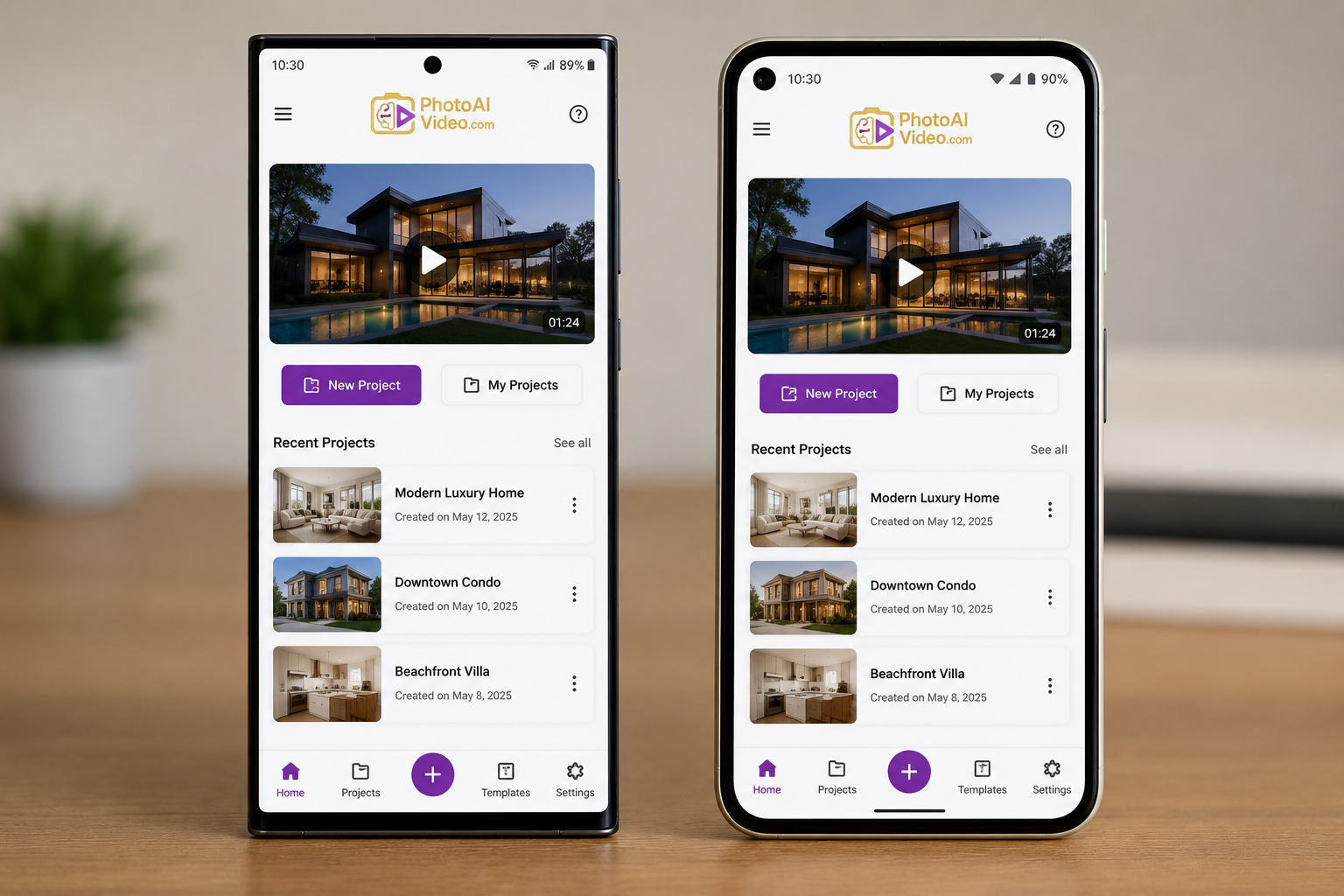
New agents joining a brokerage can bring almost any phone with them. Walk into a typical office and you'll often find a mix of devices — a few Samsung Galaxy phones, a few Pixels, and usually at least one iPhone in the group.
For an individual agent, that phone choice is largely a matter of personal preference. For a brokerage trying to standardize how the entire team markets listings, however, it raises a practical question: does the app you choose work consistently across Samsung and Pixel devices, or are some agents going to have a different experience than others?
For a well-designed Android real estate video app, the specific phone brand may matter less than you think. Here's why, and how Photo Ai Video approaches the workflow across Android devices.
Samsung Galaxy and Google Pixel phones both run Android, and modern models from both brands offer capable cameras. The meaningful differences tend to involve camera processing, hardware capabilities, and software features rather than whether either device can capture usable real estate photos.
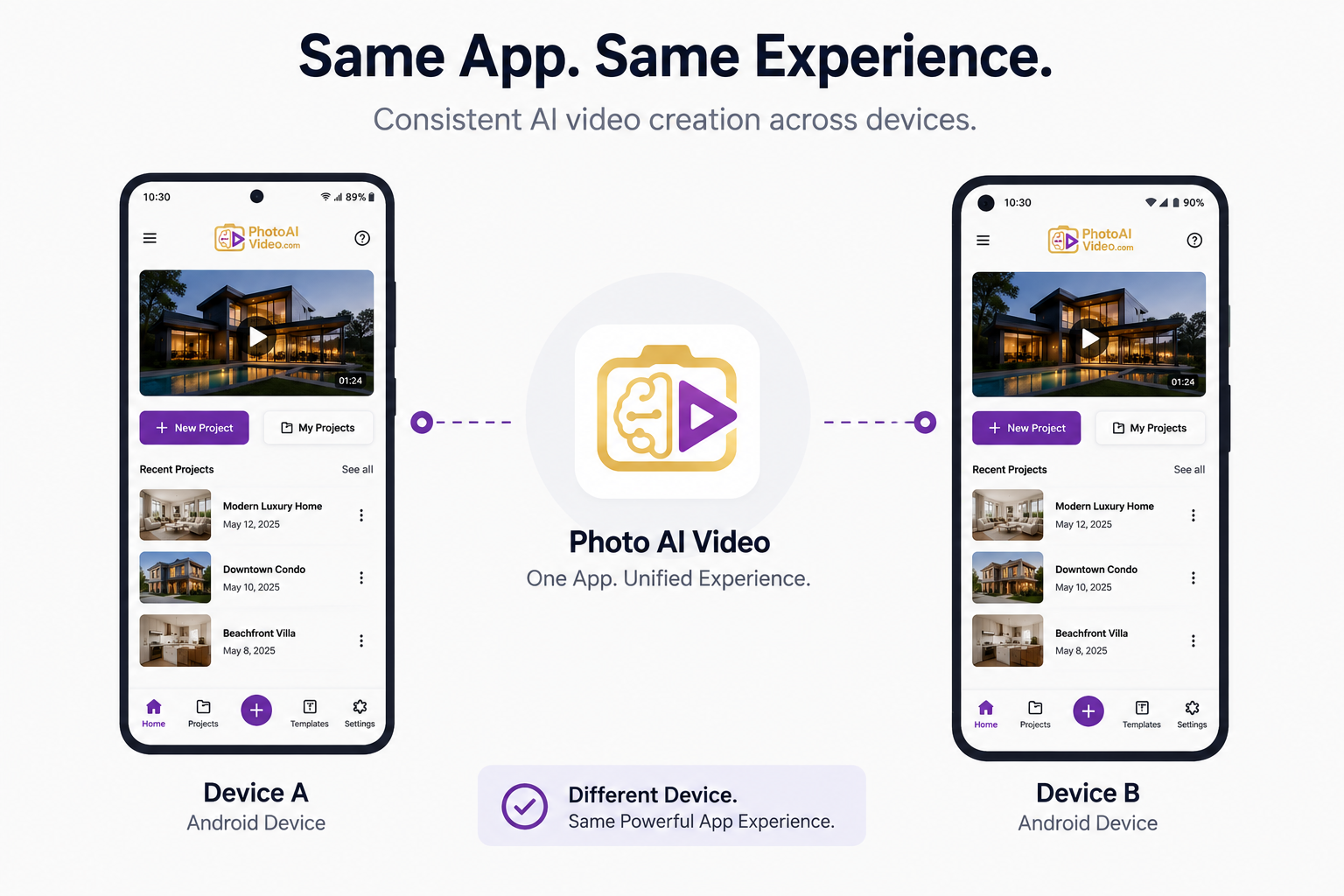
When those photos are being turned into listing videos, the app itself becomes another important part of the equation. Its generation process, workflow, and output can have a significant impact on the finished result.
That's useful to know if you're advising a team: rather than mandating a particular phone brand, it may be more practical to standardize the app and workflow everyone uses to create listing videos.
Whether it's a Galaxy or a Pixel in someone's pocket, the basic requirements for AI real estate video are similar: a compatible version of Android, enough available storage for your photos and video exports, and a reliable internet connection if the app requires online processing.
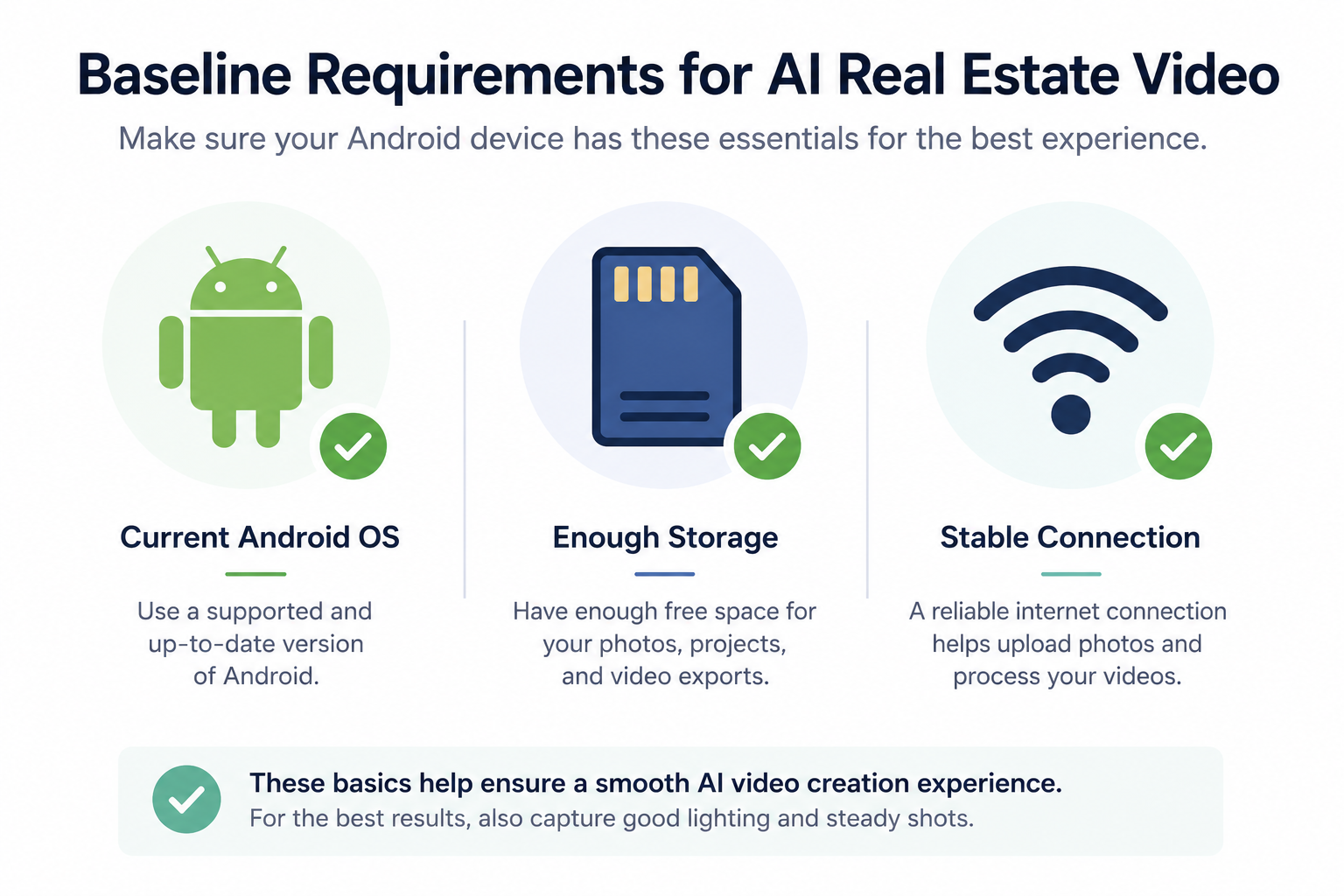
Beyond that baseline, many device differences become less important once the photos have been uploaded to the app. At that point, the quality of the source images and the capabilities of the video-generation tool become key factors in the final result.
Photo Ai Video follows the same core workflow on compatible Android devices: upload your listing photos, describe the style you want, generate the video, review the result, and export it.
That device-agnostic workflow is useful for brokerages that don't want to dictate everyone's personal phone choice. Instead of maintaining separate processes for Galaxy and Pixel users, teams can focus on teaching agents the same photo-to-video workflow.
For current Android compatibility and device requirements, check the app's Google Play listing before implementing it across an entire team.
It's worth separating two things that affect a finished video: the quality of the source photos and the quality of the AI-generated video created from those photos.
Samsung's own support resources (Samsung Support) and Google's Pixel camera guidance (Pixel camera tips) offer guidance for getting better results from smartphone cameras.
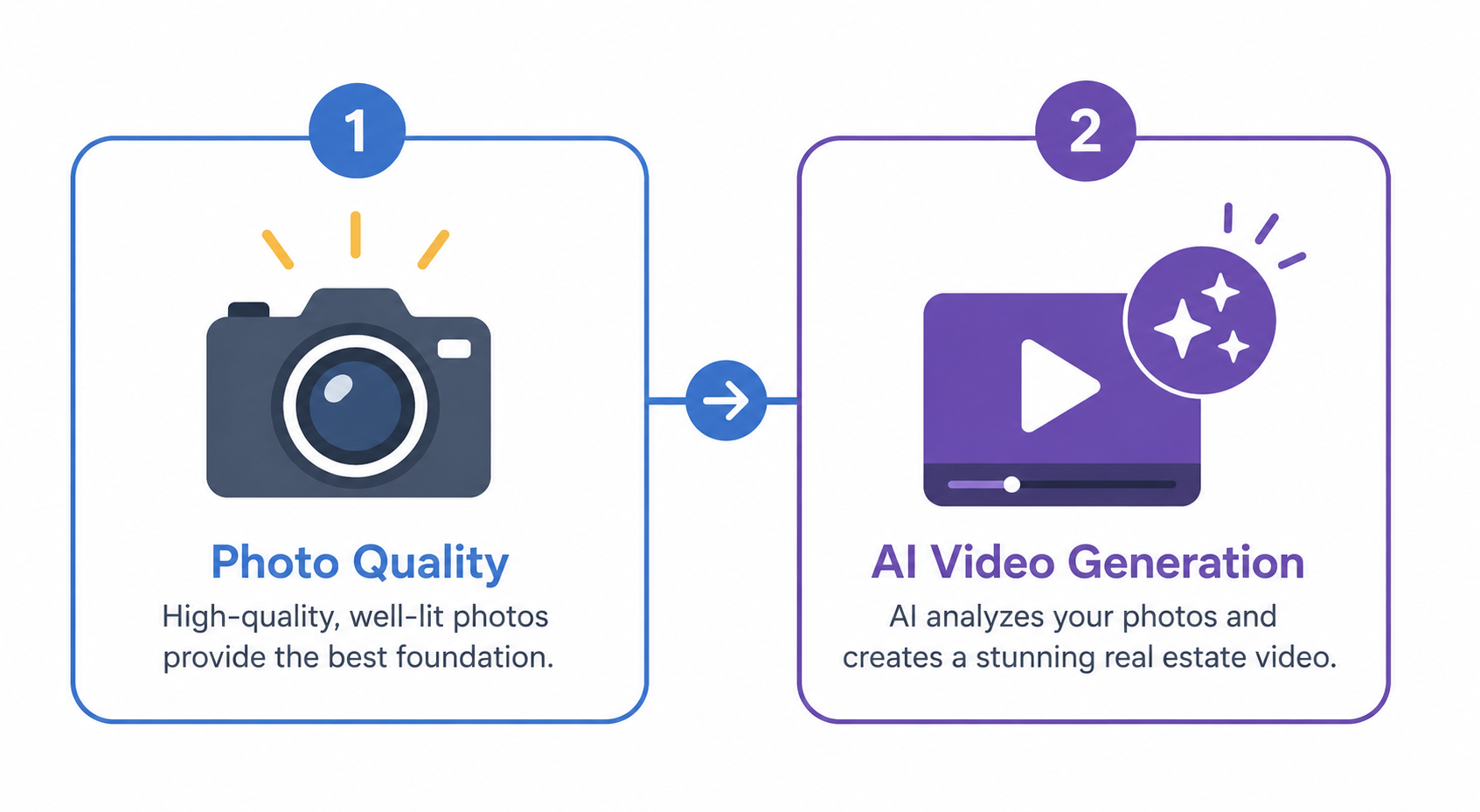
Regardless of brand, the fundamentals remain important: good lighting, steady framing, thoughtful composition, and consistent angles across a property.
Get those right, and you're giving the AI better material to work with. In practice, a carefully photographed property on a capable mid-range phone can often provide better source material than poorly composed shots from a newer flagship device.
The basic workflow is the same on compatible Android devices:
Install the app from Google Play, start a project for the property, upload your photos, describe the style you want, generate the video, review the result, and export it in the format you need.
There's no need to build separate Galaxy and Pixel workflows for those core steps. If you're switching between Android brands or training a team that uses several different devices, that consistency can make onboarding considerably simpler.
For a brokerage or team, the practical takeaway is to standardize the workflow rather than the hardware.
Instead of pushing everyone toward a single phone brand — which can be both impractical and unnecessary — choose an AI real estate video app that supports the devices your agents already use and establish a consistent process for creating listing videos.
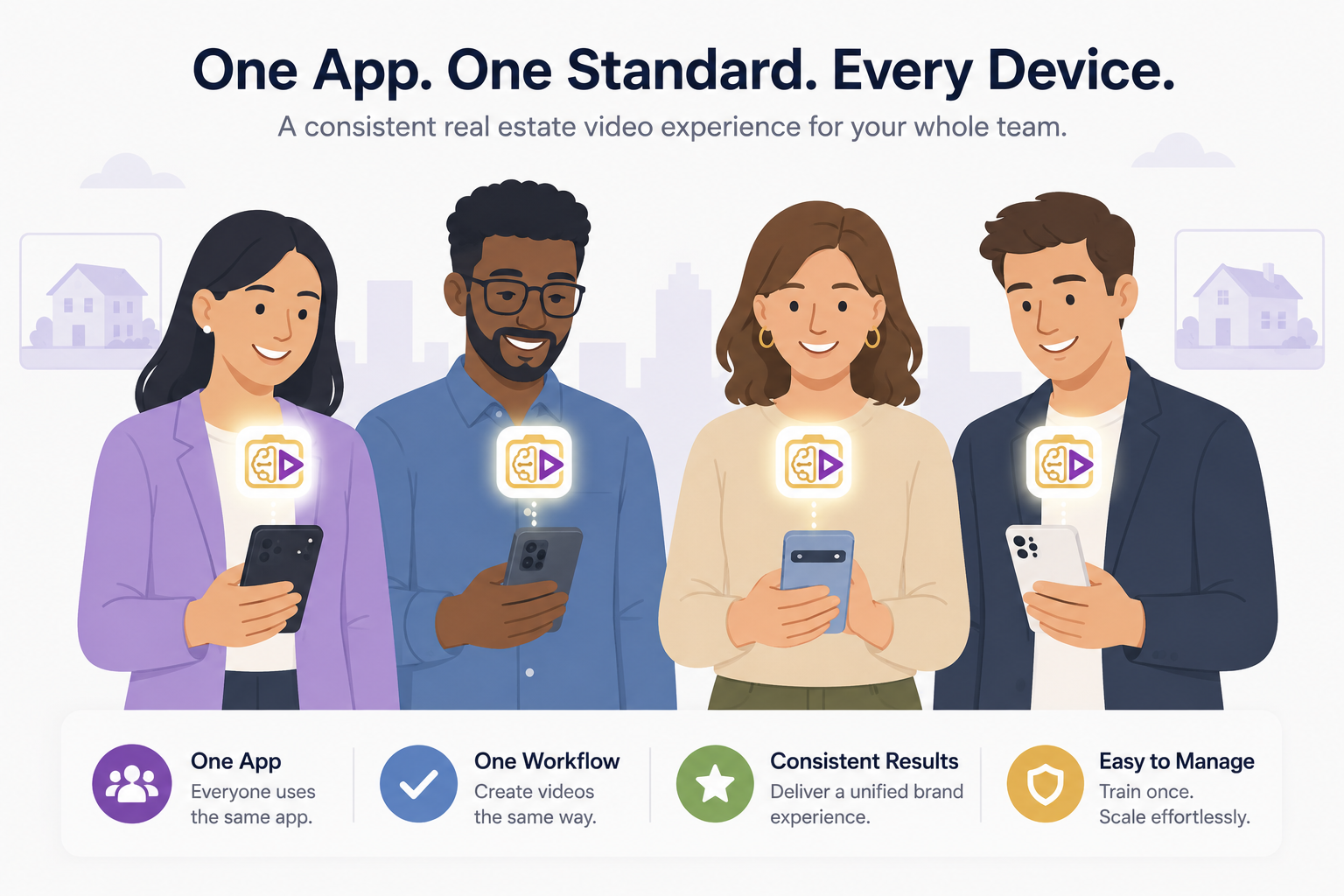
That approach is easier to maintain and avoids turning personal hardware preferences into a company-wide requirement.
It's also worth remembering, according to StatCounter, that iOS currently holds a larger share of the U.S. mobile market than Android. A genuinely mixed-device brokerage may therefore have iPhone users to account for separately when developing a team-wide workflow.
Since many agents may carry an iPhone rather than a Samsung Galaxy or Google Pixel, it's important to be clear that this guide focuses specifically on the Android side of a mixed-device team.
If your brokerage needs one workflow that works across both platforms, confirm the app's current iOS and Android availability before implementing a single-app policy across the entire team. Availability and features can differ between platforms and may change over time.
For a brokerage genuinely split between Android and iPhone users, a sensible approach is to evaluate the app separately on each platform rather than assuming complete feature parity. Your internal documentation should also make it clear which platforms and versions have actually been tested by your team.
For a team lead or broker trying to put this into practice without turning it into a major project, the policy can remain short and device-agnostic.
Choose one app as the team standard, create a one-page internal guide covering the core workflow — create a project, upload photos, describe the style, generate, review, and export — and share it with everyone using a supported device.
Pair that with a few simple photo-capture guidelines, such as using good natural light, keeping the phone steady, and maintaining consistent framing throughout the property.
That's a more durable policy than one built around specific hardware because it doesn't need to be rewritten every time someone upgrades their phone or a new agent joins with a different device.
New hires are exactly where device-based policies can become inconvenient.
A brokerage that quietly assumed everyone used the same phone brand may suddenly have to decide whether to accommodate a new agent's device or ask them to switch. If the team's chosen app already supports that agent's phone, imposing a hardware requirement may be unnecessary.
A more flexible approach is to onboard new agents to the team's standard workflow rather than to a specific phone model. Give them the same internal guide everyone else uses, confirm that their device meets the app's current requirements, and let the software provide the consistency.
This also makes the policy more future-proof. A standard built around "the app and workflow we use" can survive new generations of Samsung, Pixel, and other Android devices much more easily than one built around "the phones our team currently has."
It's a small shift in framing, but it can make the difference between a policy you establish once and one you have to revisit every time your agents upgrade their personal devices.
Does performance differ by device?
Performance can vary depending on the phone's hardware, Android version, available storage, network connection, and the app's current compatibility requirements. However, the core photo-to-video workflow can remain the same across supported Android devices. For the best results, focus on capturing high-quality source photos and make sure your device meets the app's current requirements.
Which Samsung models are supported?
Check the Google Play listing for current compatibility and Android requirements. Google Play can also indicate whether an app is compatible with the device you're using.
Can a team standardize on one app across devices?
Yes, provided the app supports the devices and Android versions being used across the team. Standardizing the app and workflow can be more practical than requiring every agent to use the same phone brand.
For a Pixel-specific deep dive, see our guide to the best AI real estate photo-to-video app for Pixel phones. For a broader comparison, check out our roundup of the best mobile apps for real estate photos to AI video.
Download Photo Ai Video free on Google Play and try it on the Android phone you're already carrying.


Compact, ready to go anywhere
Interchangeable lens that’s upgradeable
Dual 1-inch sensors for improved clarity and low light performance
Dynamic range and 6K 360° capture
360° photo resolution at 21MP

8K 360° video recording for ultra-detailed visuals.
4K single-lens mode for traditional wide-angle shots.
Invisible selfie stick effect for drone-like perspectives.
2.5-inch touchscreen with Gorilla Glass protection.
Waterproof up to 33ft for underwater shooting.

360° photo resolution in 23MP
Slim design at 24 mm thick
Built-in image stabilization for smooth video capture.
Internal 19GB storage for photo and video storage.
Wireless connectivity for remote control and sharing.

60MP 360° still images for high-resolution photography.
5.7K 360° video recording at 30fps.
2.25-inch touchscreen for intuitive control.
USB Type-C port for fast charging and data transfer.
MicroSD card slot for expandable storage.
.png)

.png)

Try it free. No credit card required. Instant set-up.






.svg)


.svg)