


.png)


When it comes to selling cars online, image quality isn’t just about lighting and angles.
It’s also about file format.
Choosing the best image format for dealership inventory can impact:
Dealerships often ask:
Should I use JPEG or PNG for inventory photos?
In this guide, we’ll break down the differences, explain when to use each format, and help you determine the best image format for dealership inventory in modern digital retail.
If you want to see how optimized studio images are generated and downloaded in multiple formats, watch the full walkthrough here:
Let’s dive in. 🚀
Your vehicle photos appear across:
Each platform has different requirements and performance expectations.
If your images are:
It directly affects user experience and search performance.
Choosing the best image format for dealership inventory ensures your photos look professional and load fast.
JPEG (Joint Photographic Experts Group) is the most widely used image format for photography.
It uses compression to reduce file size while maintaining visual quality.
Because inventory photos typically contain complex details and gradients, JPEG performs extremely well for automotive images.
For most dealerships, JPEG is the default — and for good reason.
Page speed is critical for SEO and user experience.
JPEG files are compressed efficiently, meaning:
Google prioritizes performance.
Faster images = better SEO. 🔎
Modern JPEG compression preserves detail very well.
With properly exported high-resolution images (1K or 4K), JPEG maintains:
Especially when using AI-generated studio backgrounds and shadow generation, JPEG delivers excellent results.
Almost every:
Supports JPEG.
This makes workflow seamless.
Upload → Publish → Done. ✅
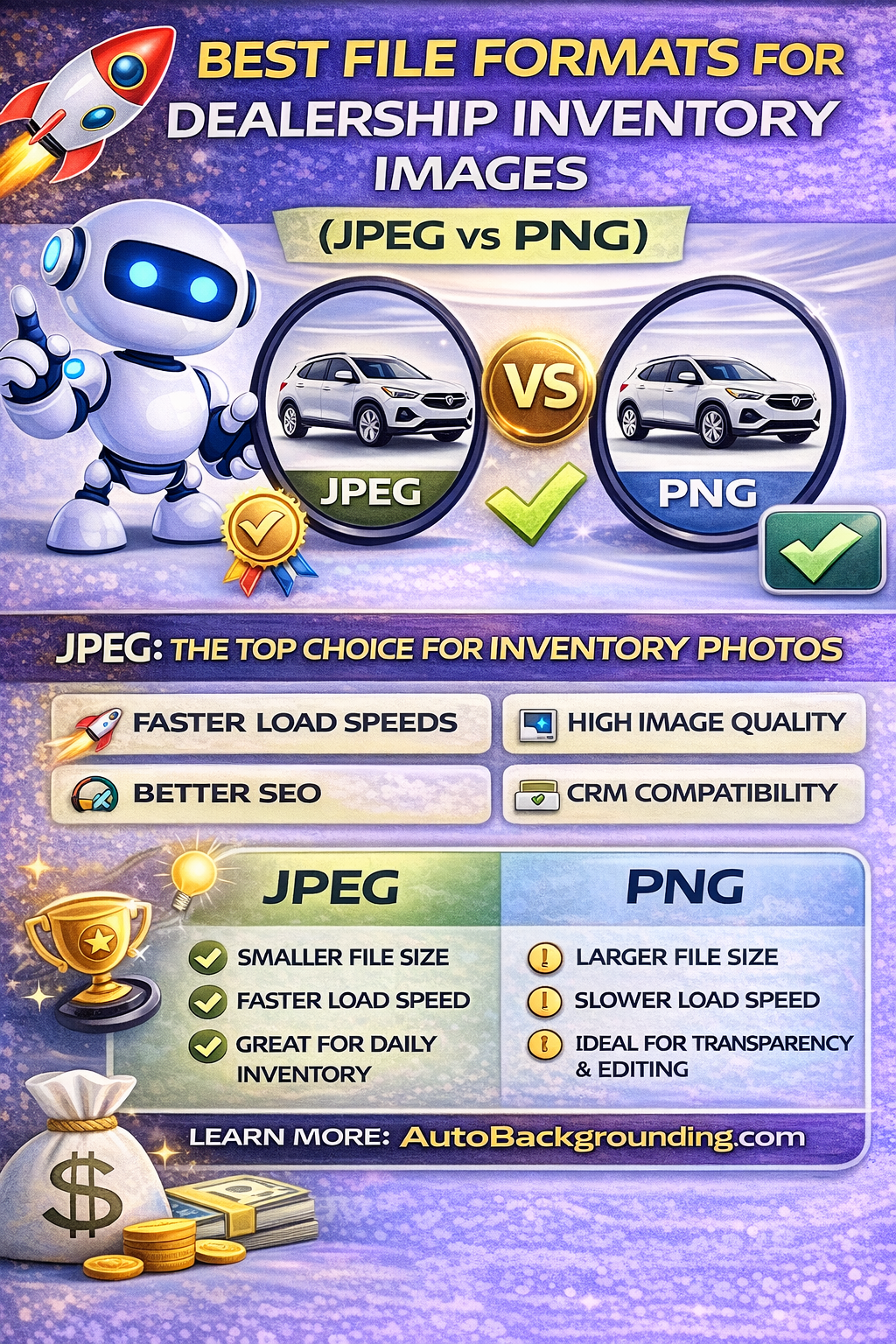
PNG (Portable Network Graphics) is a lossless image format.
It preserves every pixel of detail and supports transparency.
PNG is excellent for certain use cases — but not always ideal for high-volume dealership inventory.
PNG can be useful when:
For example, if you’re exporting a cutout vehicle for use in advertising materials, PNG may be beneficial.
However, for daily inventory uploads, file size becomes a concern.
Let’s think about real dealership workflows.
Most dealerships process:
If each image is significantly larger due to PNG format, your website may slow down.
Slow sites reduce:
That’s why JPEG often remains the best image format for dealership inventory.
Modern AI automotive background removal systems now allow you to download images in:
This flexibility is important.
For example:
If you’re generating a clean white studio background using a prompt like:
“Clean white studio background with soft shadows”
You likely don’t need transparency.
JPEG is ideal for final publishing.
Search engines evaluate:
Large PNG files can slow mobile browsing.
JPEG compression improves mobile loading speed.
And mobile users represent the majority of car shoppers today.
Optimizing for speed directly impacts ranking.
That’s another reason JPEG is often the best image format for dealership inventory.
High-volume dealerships rely on bulk automation.
Modern AI tools allow you to:
When downloading large batches of images, file size efficiency matters.
JPEG allows you to:
PNG bulk downloads can become heavy and slower to manage.
The goal is not just small files.
It’s optimized files.
For dealership inventory:
Modern AI platforms automatically balance this during export.
This ensures your studio-enhanced vehicle images look professional without bloating your site.
Some AI systems now offer 4K output.
Should you always use it?
Not necessarily.
While 4K images look incredible, they may be larger in file size.
For standard inventory pages:
The key is matching image resolution to platform requirements.
Beyond file format, consistency matters more.
With AI-powered background locking and saved presets, dealerships can:
Whether exporting in JPEG or PNG, consistent dealership inventory photos increase trust.
Better presentation → More clicks → Faster sales.
Storage costs matter at scale.
Thousands of PNG files consume significantly more space than JPEG equivalents.
For dealerships hosting inventory internally or across multiple systems, JPEG reduces storage overhead.
That translates into operational savings.
As AI continues to improve:
File format flexibility remains important.
But performance-driven JPEG exports will likely continue to dominate dealership inventory workflows.
For most dealerships:
Use JPEG as your primary publishing format.
Use PNG only when:
This balanced approach ensures:
Choosing the best image format for dealership inventory is not complicated.
For daily inventory photos:
JPEG is typically the best choice.
It offers:
PNG has its place — but mainly for design workflows.
When combined with AI-powered background removal, studio generation, and realistic shadow automation, properly optimized JPEG images create professional, high-converting listings.
Your photos are your first impression.
Make sure they load fast — and look incredible. 🚗✨
Upload.
Generate.
Process.
Download.
Done. 🚀


Compact, ready to go anywhere
Interchangeable lens that’s upgradeable
Dual 1-inch sensors for improved clarity and low light performance
Dynamic range and 6K 360° capture
360° photo resolution at 21MP

8K 360° video recording for ultra-detailed visuals.
4K single-lens mode for traditional wide-angle shots.
Invisible selfie stick effect for drone-like perspectives.
2.5-inch touchscreen with Gorilla Glass protection.
Waterproof up to 33ft for underwater shooting.

360° photo resolution in 23MP
Slim design at 24 mm thick
Built-in image stabilization for smooth video capture.
Internal 19GB storage for photo and video storage.
Wireless connectivity for remote control and sharing.

60MP 360° still images for high-resolution photography.
5.7K 360° video recording at 30fps.
2.25-inch touchscreen for intuitive control.
USB Type-C port for fast charging and data transfer.
MicroSD card slot for expandable storage.
.png)

.png)

Try it free. No credit card required. Instant set-up.





.svg)


.svg)