


.png)



Virtual tours used to be a premium add-on — something you offered on your best listings and skipped on everything else because the cost and hassle just weren't worth it for a modest condo or a starter home. That math has changed. Here's why virtual tours are worth offering on every listing now, and how to do it without blowing up your budget or your margins.
It's easy to treat a virtual tour as a nice-to-have rather than something that moves the needle. In practice, it does more work than most agents give it credit for.
A virtual tour lets a buyer self-qualify before they ever set foot in the property. Someone can walk through the layout, get a real sense of flow and space, and decide whether it's worth a showing — all without you or the buyer's agent spending time on a visit that wasn't going to lead anywhere. That saves everyone's time, but it also means the buyers who do book a showing are more seriously interested, which tends to move listings toward offers faster.

There's also a broader engagement effect. Listings with richer, more interactive media tend to hold a buyer's attention longer than a static photo gallery — Zillow's research on listing media has repeatedly pointed to stronger visual content correlating with higher buyer engagement on a listing page. NAR's own data on virtual tours similarly reflects how much buyer behavior has shifted toward expecting richer digital previews before committing to an in-person visit. None of this means a tour magically sells a house on its own — but it does mean a listing without one is working with a real disadvantage against comparable listings that have one.
If virtual tours are this useful, why haven't they been standard on every listing for years? Mostly because of cost and complexity.
Traditional virtual tour production has often meant one of a few expensive paths: buying dedicated scanning hardware, paying for a software subscription regardless of how many tours you actually produce in a given month, or hiring an outside agency to handle the whole thing project by project. Any of those can make sense for a high-end listing where the margin supports it. They make a lot less sense for a $250,000 starter home, where adding a few hundred dollars of tour production cost can eat meaningfully into your package's profitability.
That cost barrier is exactly why virtual tours got treated as a premium extra rather than a baseline offering. The tools weren't built with volume, modest listings in mind — they were priced for infrequent, high-value use.
This is where a per-tour credit model changes the equation. Instead of a flat monthly subscription or a big hardware investment, you pay for exactly the tours you produce, at a rate that drops as your volume goes up.
As an illustrative example, affordable virtual tours with TourFlash have worked out to around $4.85 per tour on a starter bundle — and that per-run rate drops further with larger bundles, which matters a lot if you're doing more than one or two listings a month. If you're handling, say, six listings monthly, that's a meaningfully different cost profile than paying for a subscription tier sized for occasional use, or hiring out tour production listing by listing.
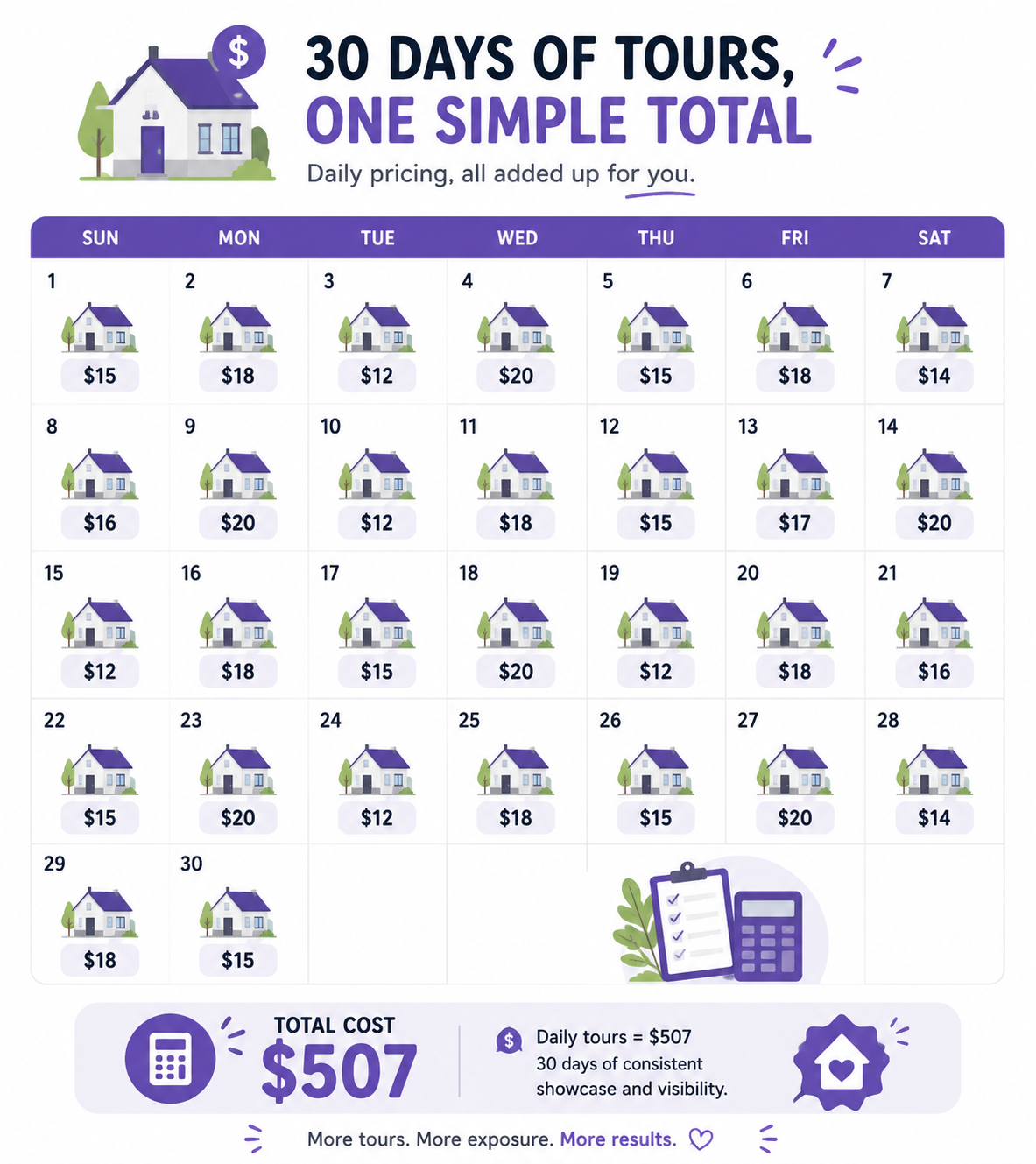
The bigger shift is what this does to your decision-making. When a tour costs a few dollars instead of a few hundred, "should I add a virtual tour to this listing" stops being a real question — you just do it, on every listing, because the cost no longer changes your math in a meaningful way. If you're producing tours at any real volume, it's worth looking at bundle pricing for multiple listings rather than paying rate by rate, since the per-tour cost keeps dropping as the bundle size grows.
If you're an agent bundling photography and tour production into a listing package — either doing it yourself or coordinating with a photographer — here's a simple way to keep the math straightforward:

A low-cost tour doesn't have to look low-cost. A few habits go a long way toward keeping the final result polished, even on a modest budget:
None of these require expensive equipment or advanced technical skill. They're mostly about capture discipline, which costs nothing beyond a bit of extra attention on-site.
Virtual tours aren't the expensive, premium add-on they used to be. With per-tour pricing bringing the cost down to a few dollars per listing, there's little financial reason left to treat them as optional — and plenty of evidence that listings with a richer virtual walkthrough hold buyer attention better than static photos alone. If you're not offering a tour on every listing yet, the cost barrier that used to justify skipping it has mostly disappeared.


Compact, ready to go anywhere
Interchangeable lens that’s upgradeable
Dual 1-inch sensors for improved clarity and low light performance
Dynamic range and 6K 360° capture
360° photo resolution at 21MP

8K 360° video recording for ultra-detailed visuals.
4K single-lens mode for traditional wide-angle shots.
Invisible selfie stick effect for drone-like perspectives.
2.5-inch touchscreen with Gorilla Glass protection.
Waterproof up to 33ft for underwater shooting.

360° photo resolution in 23MP
Slim design at 24 mm thick
Built-in image stabilization for smooth video capture.
Internal 19GB storage for photo and video storage.
Wireless connectivity for remote control and sharing.

60MP 360° still images for high-resolution photography.
5.7K 360° video recording at 30fps.
2.25-inch touchscreen for intuitive control.
USB Type-C port for fast charging and data transfer.
MicroSD card slot for expandable storage.
.png)

.png)

Try it free. No credit card required. Instant set-up.







.svg)


.svg)