


.png)


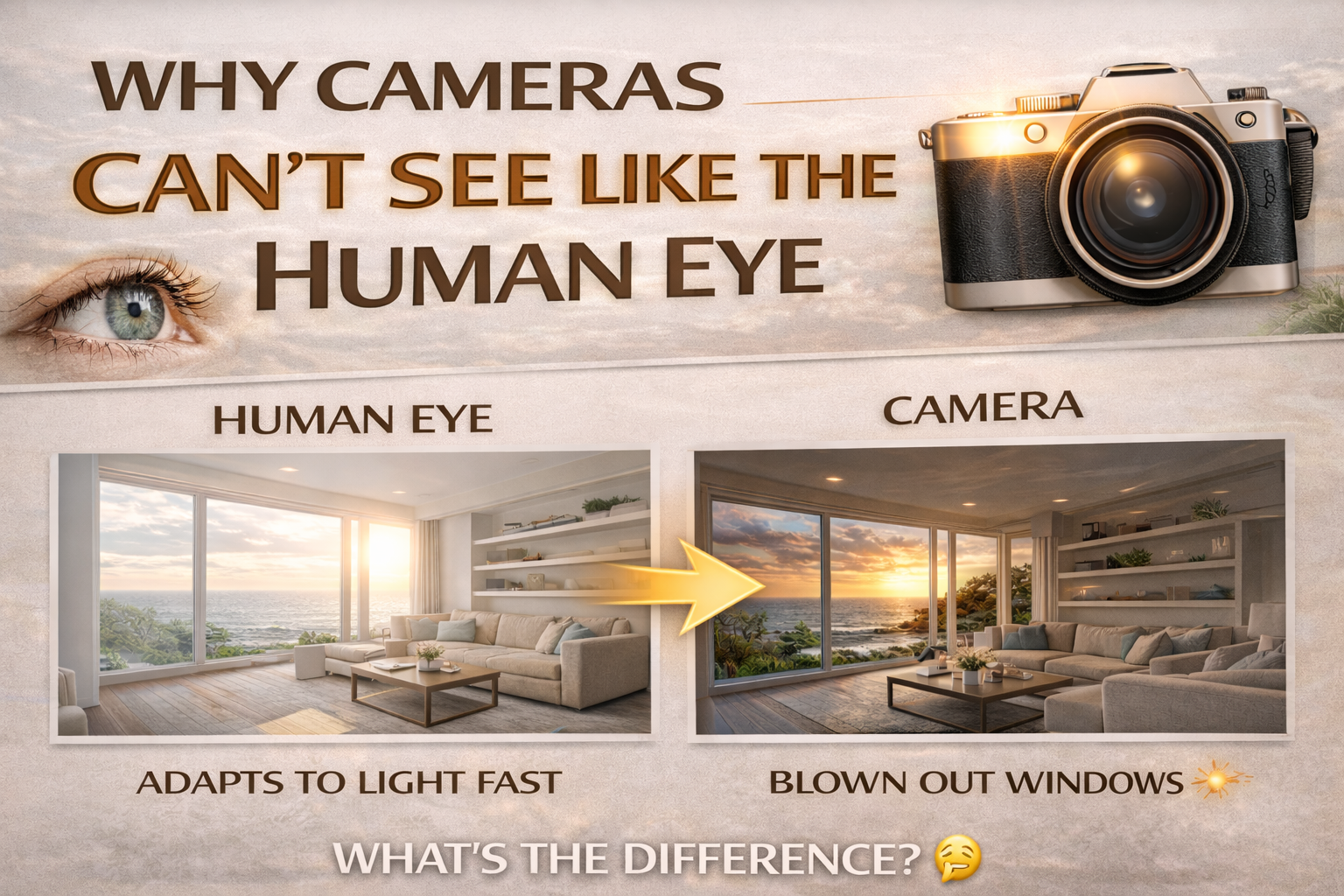
Understanding Camera vs Human Eye Dynamic Range
Have you ever looked at a beautiful sunset and thought, “Wow, this looks incredible!” — only to take a photo and feel disappointed by the result? Maybe the sky looks blown out, or the foreground is too dark. That’s because of the difference between camera vs human eye dynamic range.
Our eyes are incredibly advanced. Cameras are powerful tools, but they simply don’t see the world the way we do. Understanding this difference is one of the biggest steps toward improving your photography.
In this guide, we’ll explore why cameras struggle with contrast, what dynamic range really means, and how photographers overcome these limitations. Let’s break it down. 🌅
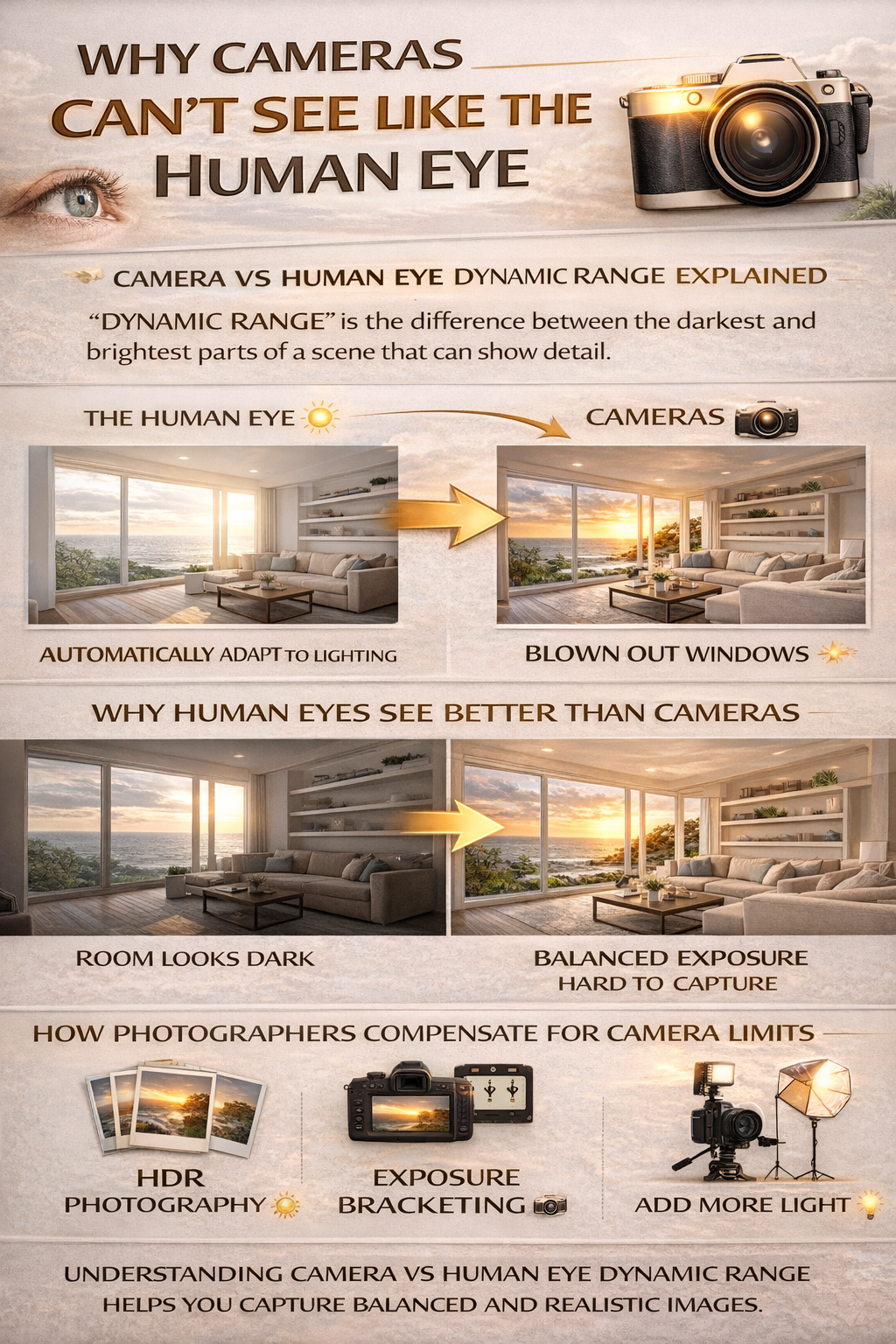
Dynamic range is the difference between the darkest and brightest parts of a scene that can still show detail.
When discussing camera vs human eye dynamic range, we’re comparing:
👁️ How much light variation your eyes can handle
📷 How much contrast a camera sensor can capture
The gap between these two is the reason photos often don’t match what we saw in real life.
Your eyes and brain work together to constantly adjust to changing light.
You can walk from a dark room into bright sunlight and still see detail almost instantly. Your pupils adjust, and your brain processes multiple exposures in real time.
Because of this, the camera vs human eye dynamic range difference is huge. Your vision can handle extremely bright highlights and deep shadows at the same time.
Cameras use sensors to capture light. While modern sensors are impressive, they have a fixed dynamic range.
This means:
❌ If you expose for bright areas, shadows may go black
❌ If you expose for shadows, highlights may blow out
Unlike your eyes, cameras can’t automatically blend multiple exposures in real time.
Your brain constantly processes visual information.
It combines:
✔ Multiple focus points
✔ Continuous exposure adjustments
✔ Contrast correction
✔ Color balance
So when you look at a high-contrast scene, your brain creates a balanced perception — even though the lighting varies dramatically.
That’s a key reason the camera vs human eye dynamic range difference is so noticeable.
Imagine standing in a living room and looking outside on a sunny day.
👁️ You see the room clearly
👁️ You see the outdoor view clearly
Take a photo with a camera:
📷 The room looks dark
OR
📷 The window looks pure white
This is the perfect example of camera vs human eye dynamic range in action.
Cameras must choose a single exposure for each photo. They can’t instantly adapt like your eyes.
High-contrast scenes include:
🌅 Sunsets
🏠 Interiors with windows
🌇 Cityscapes at dusk
These scenes often exceed a camera’s dynamic range.
Because of the camera vs human eye dynamic range gap, photographers use special techniques.
Multiple exposures are blended together to simulate the range of human vision.
Photographers capture several shots at different exposures.
Adding light to shadows reduces contrast in the scene.
These methods help cameras produce images closer to what our eyes see naturally.
HDR (High Dynamic Range) photography was developed specifically to solve the camera vs human eye dynamic range problem.
By combining multiple exposures, HDR creates a final image that retains detail in both bright and dark areas.
When done well, HDR mimics human visual perception.
RAW files capture more highlight and shadow information than JPEGs.
This extra data allows photographers to recover detail in editing, helping narrow the gap between camera vs human eye dynamic range.
Another big difference:
👁️ Your eyes constantly adjust exposure as you look around
📷 A camera captures only one moment in time
When you glance at shadows, your eyes adapt to see detail there. When you look at bright areas, they adjust again.
Cameras don’t have that continuous adaptability.
Because cameras compress dynamic range into a limited space, images can look less vibrant or realistic compared to what you saw.
Understanding camera vs human eye dynamic range helps explain why your photos sometimes feel less dramatic than the real scene.
Soft, even lighting reduces the dynamic range challenge.
That’s why photographers love:
🌤 Cloudy days
🌅 Golden hour
🌇 Blue hour
These times of day reduce the contrast gap between cameras and human vision.
Newer camera sensors have greater dynamic range than older models. But even the best cameras still can’t fully match the human eye.
That’s why technique remains more important than gear.
Real estate photography often deals with extreme contrast:
🪟 Bright outdoor views
🛋 Dim interiors
Understanding camera vs human eye dynamic range explains why HDR and flash techniques are so common in property photography.
They help listings look closer to what buyers would see in person.
Landscapes often include bright skies and dark land.
Without managing dynamic range, photographers must choose which part of the scene to prioritize.
Techniques like graduated filters and HDR help bridge the gap.
Here’s the key takeaway:
👁️ The human eye constantly adjusts and blends multiple exposures
📷 Cameras capture a limited range in a single shot
That’s why photos sometimes look less balanced than real life.
Understanding camera vs human eye dynamic range changes the way you approach photography. Instead of being frustrated when your camera doesn’t capture what you saw, you can use techniques that compensate for its limitations.
Shoot in RAW. Use bracketing. Try HDR when needed. Pay attention to lighting.
When you learn to work with your camera’s dynamic range instead of against it, your photos will start looking much closer to the way you experience the world. 📸✨


Compact, ready to go anywhere
Interchangeable lens that’s upgradeable
Dual 1-inch sensors for improved clarity and low light performance
Dynamic range and 6K 360° capture
360° photo resolution at 21MP

8K 360° video recording for ultra-detailed visuals.
4K single-lens mode for traditional wide-angle shots.
Invisible selfie stick effect for drone-like perspectives.
2.5-inch touchscreen with Gorilla Glass protection.
Waterproof up to 33ft for underwater shooting.

360° photo resolution in 23MP
Slim design at 24 mm thick
Built-in image stabilization for smooth video capture.
Internal 19GB storage for photo and video storage.
Wireless connectivity for remote control and sharing.

60MP 360° still images for high-resolution photography.
5.7K 360° video recording at 30fps.
2.25-inch touchscreen for intuitive control.
USB Type-C port for fast charging and data transfer.
MicroSD card slot for expandable storage.
.png)

.png)

Try it free. No credit card required. Instant set-up.







.svg)


.svg)