


.png)


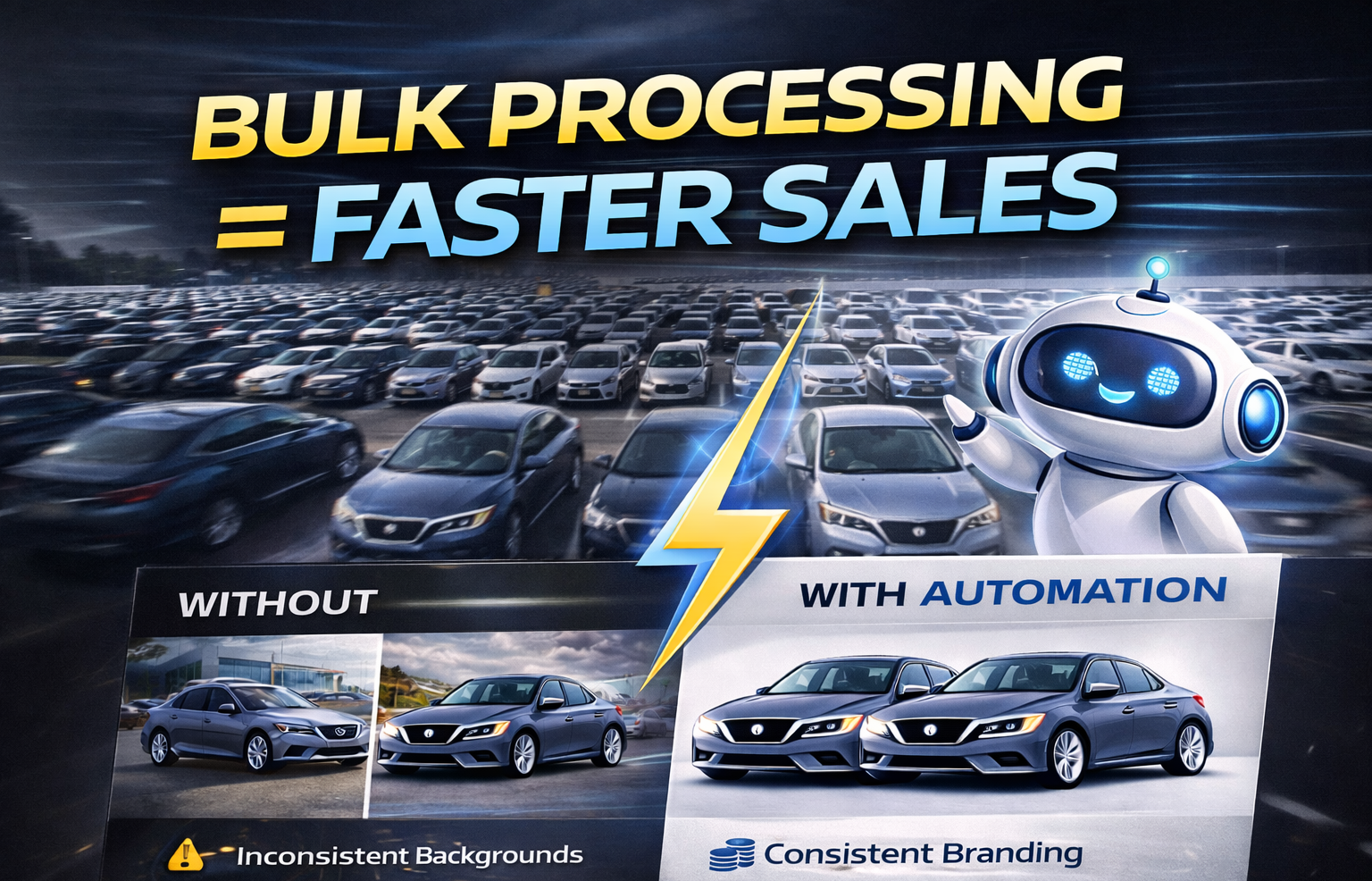
If you manage a large auto group with multiple rooftops, high inventory turnover, and aggressive digital marketing goals, one thing becomes clear very quickly:
Manual photo editing does not scale.
When you're processing dozens — or even hundreds — of vehicles daily across multiple locations, efficiency becomes more than a convenience. It becomes infrastructure.
This is why bulk dealership photo processing is no longer optional for large auto groups. It’s essential.
In this guide, we’ll break down exactly why bulk processing matters, how it transforms operations, and why AI automation is now the backbone of scalable dealership image workflows. 🚀
Large auto groups face challenges that smaller dealerships simply don’t.
You may be managing:
• 3, 5, or 20+ rooftops
• Hundreds of vehicles in inventory
• Constant trade-ins and new arrivals
• Daily listing updates
• Strict brand standards
Each vehicle typically includes:
• 15–25 photos
• Interior and exterior angles
• Detail shots
• Feature highlights
Now multiply that across multiple locations.
Without bulk dealership photo processing, bottlenecks are inevitable.
Traditional editing workflows often involve:
• Individual image uploads
• Manual background removal
• Inconsistent lighting correction
• Repetitive setup steps
• Time-consuming exports
If one vehicle takes 20 minutes to fully edit and you process 50 vehicles per day across rooftops, the math becomes unsustainable.
Manual editing:
• Slows time-to-market
• Increases labor costs
• Creates inconsistency
• Delays inventory publishing
In today’s competitive automotive market, delays cost money.
Inventory freshness directly impacts sales velocity.
The faster a vehicle is:
• Photographed
• Processed
• Published online
The faster it can generate leads.
Bulk dealership photo processing allows large groups to reduce the time between vehicle arrival and listing publication.
Faster uploads = More exposure = Faster sales.
One of the most powerful features in modern AI automotive editing platforms is the ability to save backgrounds automatically.
For example:
You generate a “clean white studio background with soft shadows.”
That background is stored in a “Recent” tab.
Now across multiple rooftops:
• Click the preset
• Apply instantly
• Maintain consistency
This eliminates repeated setup and ensures every location uses the same visual standard.
Consistency across rooftops strengthens corporate branding.
Bulk dealership photo processing becomes truly powerful when background locking is introduced.
Background locking allows you to:
• Select one studio environment
• Lock it for an entire batch
• Apply it to every uploaded vehicle
Every car receives:
• Identical lighting
• Consistent shadows
• Uniform presentation
• Professional polish
Instead of re-prompting for every vehicle, you set it once and reuse it.
That’s how large auto groups scale efficiently.
Many large groups rely on outdoor lots for photography.
But outdoor conditions introduce variability:
• Weather changes
• Time-of-day lighting shifts
• Background clutter
• Construction zones
• Seasonal inconsistencies
AI-generated studio creation solves this permanently.
By typing a simple prompt like:
“Minimal white infinity wall with soft shadows”
The AI:
• Cuts out the vehicle
• Generates realistic lighting
• Adjusts perspective
• Enhances presentation
• Outputs high-resolution images
Now every rooftop operates within the same virtual studio.
That’s true brand alignment.
Large auto groups need to process volume quickly.
Instead of editing one vehicle at a time:
• Upload multiple vehicles
• Select background preset
• Lock environment
• Click bulk process
The system handles:
• Vehicle isolation
• Shadow generation
• Perspective correction
• Lighting adjustment
• Resolution formatting
Processing that once took hours now takes minutes.
This operational shift transforms productivity.
Large auto groups often struggle with:
• Inconsistent photography
• Different editing standards
• Varying lighting conditions
• Uneven presentation quality
Bulk dealership photo processing ensures:
• Shared presets
• Standardized visual style
• Unified branding
• Identical presentation
Corporate marketing teams can define one studio style and enforce it across every rooftop.
This strengthens buyer trust.
Large groups must consider cost efficiency.
Manual editing increases:
• Payroll expenses
• Outsourcing fees
• Revision cycles
• Training costs
AI-powered bulk dealership photo processing reduces:
• Per-image editing time
• Labor dependency
• Operational overhead
With scalable subscription pricing and discounted bulk credit usage, high-volume processing becomes cost-effective.
Efficiency compounds as volume increases.
Automation doesn’t eliminate oversight.
Modern platforms include:
• Compare view (Before vs After)
• Single-view mode for final output
This allows:
• Corporate review
• Brand audits
• Quick corrections
Large groups can process at scale without sacrificing quality.
After processing, images can be:
• Downloaded in bulk
• Exported in JPEG or PNG
• Uploaded directly into CRM systems
Large auto groups benefit from:
• Faster listing updates
• Immediate inventory visibility
• Streamlined marketing workflows
Time saved in editing accelerates revenue generation.
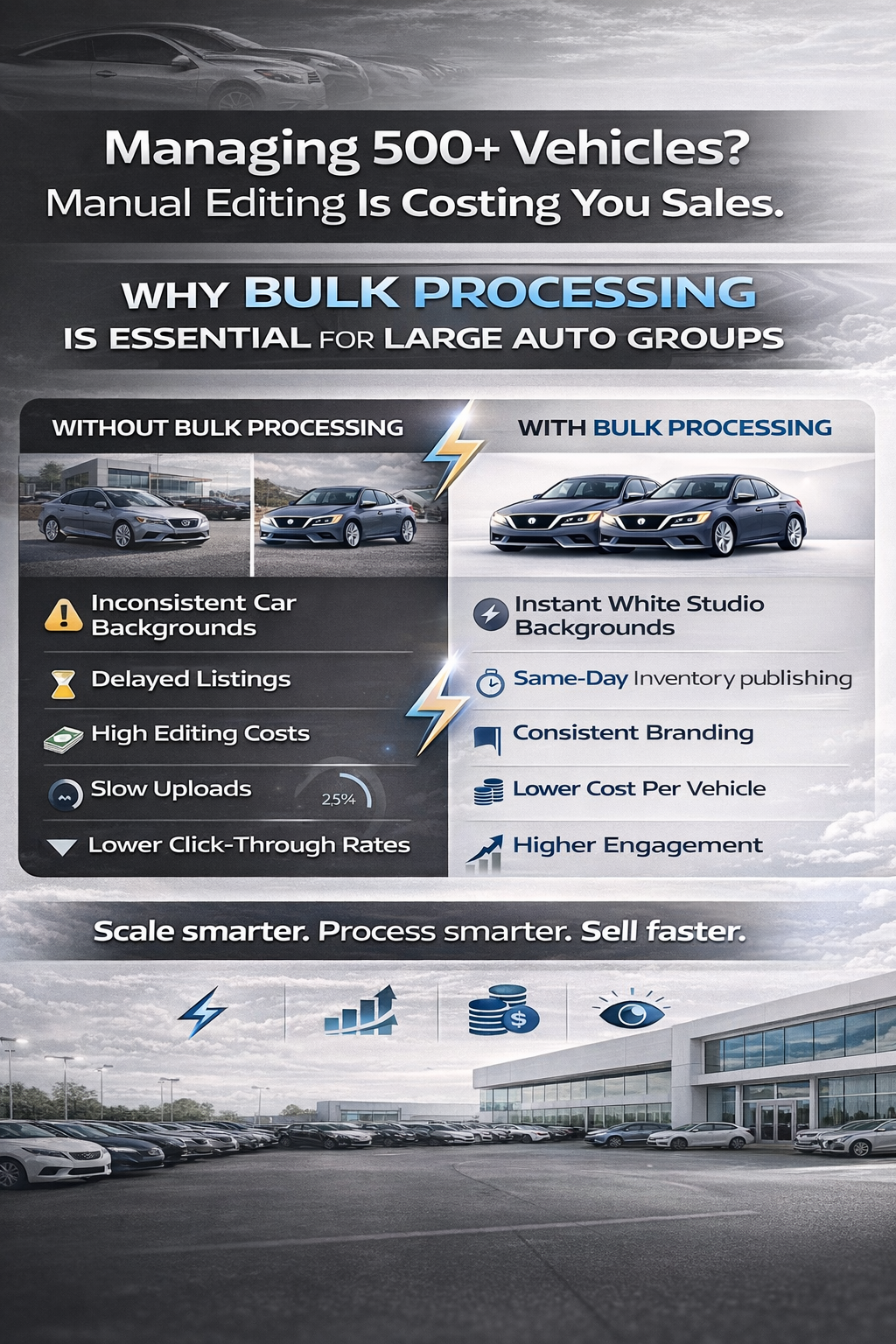
Online vehicle presentation impacts buyer behavior.
Professional studio-style images:
• Increase click-through rates
• Improve engagement
• Enhance perceived value
• Build buyer confidence
Inconsistent lot photos reduce trust.
Bulk dealership photo processing ensures every vehicle appears premium.
Premium perception drives stronger conversions.
As auto groups expand:
• More rooftops
• Larger inventory
• Higher marketing demands
Bulk processing scales naturally with growth.
Instead of hiring more editors, groups leverage automation.
Growth without proportional labor cost increase is strategic advantage.
Digital retail in automotive continues to grow.
Consumers expect:
• Clean presentation
• Consistent branding
• Fast inventory updates
Bulk dealership photo processing is not a short-term solution.
It’s a foundational digital infrastructure.
Large auto groups that implement scalable workflows today remain competitive long-term.
Avoid:
• Allowing each rooftop to choose different backgrounds
• Skipping background locking
• Overcomplicating workflows
• Ignoring batch processing features
Keep it streamlined:
Upload → Select Preset → Lock → Bulk Process → Review → Publish.
Morning:
• Vehicles photographed at multiple rooftops
Midday:
• Images uploaded in bulk
• Corporate-approved studio preset selected
• Background locked
• Batch processed
Afternoon:
• Quick review
• Bulk download
• Inventory platforms updated
No backlog.
No inconsistency.
No bottleneck.
Large auto groups don’t succeed through manual effort alone.
They succeed through systems.
Bulk dealership photo processing provides:
• Speed
• Consistency
• Scalability
• Cost efficiency
• Brand alignment
In today’s digital-first automotive market, presentation matters.
And when you combine AI automation, background locking, and batch processing, you transform vehicle image production from a bottleneck into a competitive advantage.
Upload. Lock. Process. Publish.
That’s why bulk processing is essential for large auto groups. 🚗✨


Compact, ready to go anywhere
Interchangeable lens that’s upgradeable
Dual 1-inch sensors for improved clarity and low light performance
Dynamic range and 6K 360° capture
360° photo resolution at 21MP

8K 360° video recording for ultra-detailed visuals.
4K single-lens mode for traditional wide-angle shots.
Invisible selfie stick effect for drone-like perspectives.
2.5-inch touchscreen with Gorilla Glass protection.
Waterproof up to 33ft for underwater shooting.

360° photo resolution in 23MP
Slim design at 24 mm thick
Built-in image stabilization for smooth video capture.
Internal 19GB storage for photo and video storage.
Wireless connectivity for remote control and sharing.

60MP 360° still images for high-resolution photography.
5.7K 360° video recording at 30fps.
2.25-inch touchscreen for intuitive control.
USB Type-C port for fast charging and data transfer.
MicroSD card slot for expandable storage.
.png)

.png)

Try it free. No credit card required. Instant set-up.






.svg)


.svg)