


.png)


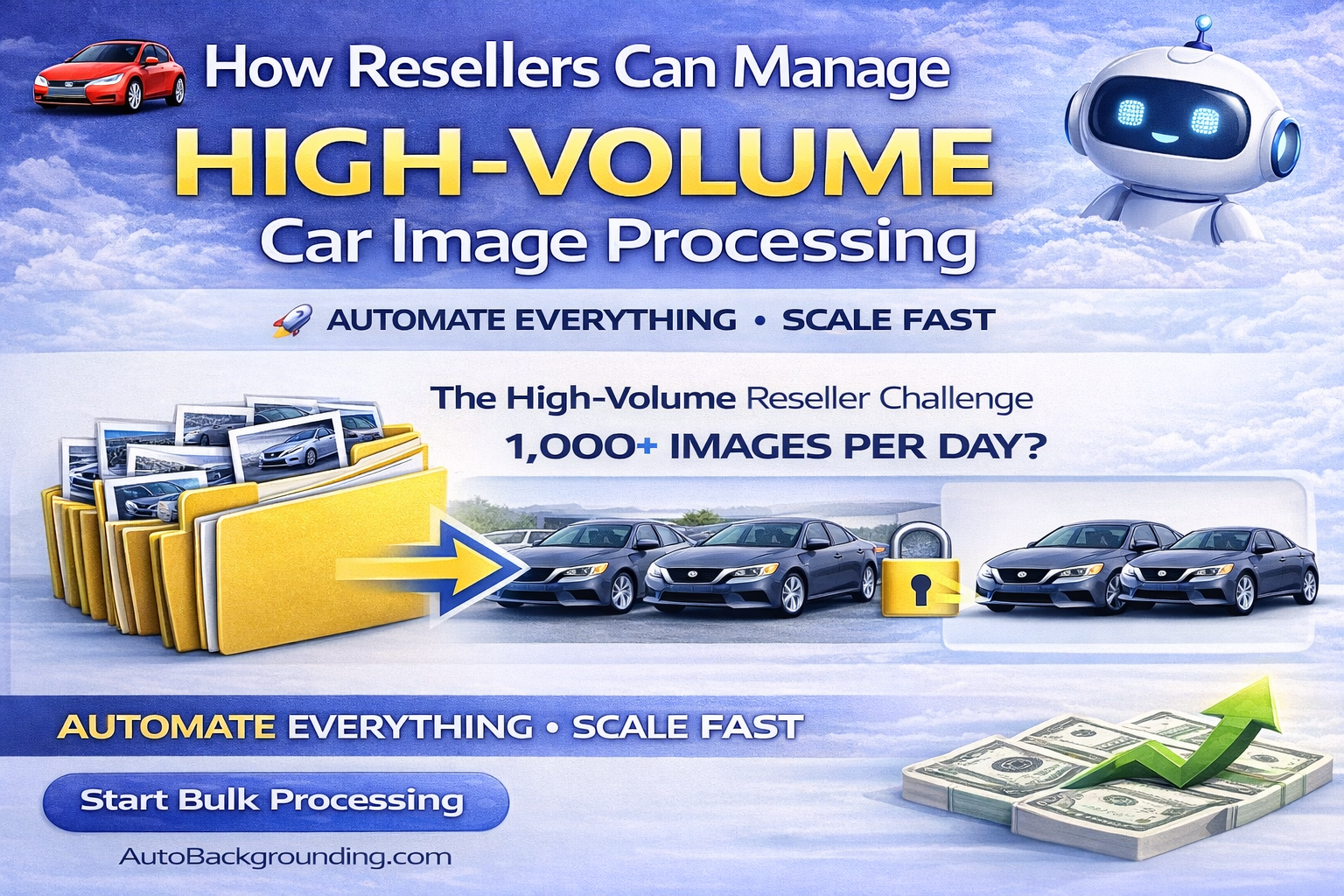
In today’s digital automotive marketplace, speed and consistency are everything.
If you’re a reseller managing vehicle photos for multiple dealerships, rooftops, or dealer groups, you already understand the challenge: high volume, tight timelines, and demanding brand standards.
Processing 10 cars a day is one thing. Processing 100+ vehicles daily across multiple clients is another level entirely.
This is where modern car photo reseller software powered by AI becomes a game-changer.
In this guide, we’ll break down exactly how resellers can manage high-volume car image processing efficiently, profitably, and at scale — using evergreen strategies built for long-term growth. 🚀
Resellers face unique operational pressures:
• Multiple dealership clients
• Different brand requirements
• Tight turnaround times
• Large daily image uploads
• Quality control expectations
• Consistent output demands
Manual editing workflows simply do not scale.
When editing is done image-by-image, bottlenecks form quickly. Labor costs increase. Turnaround times stretch. Clients become frustrated.
The solution is automation.
Let’s break it down.
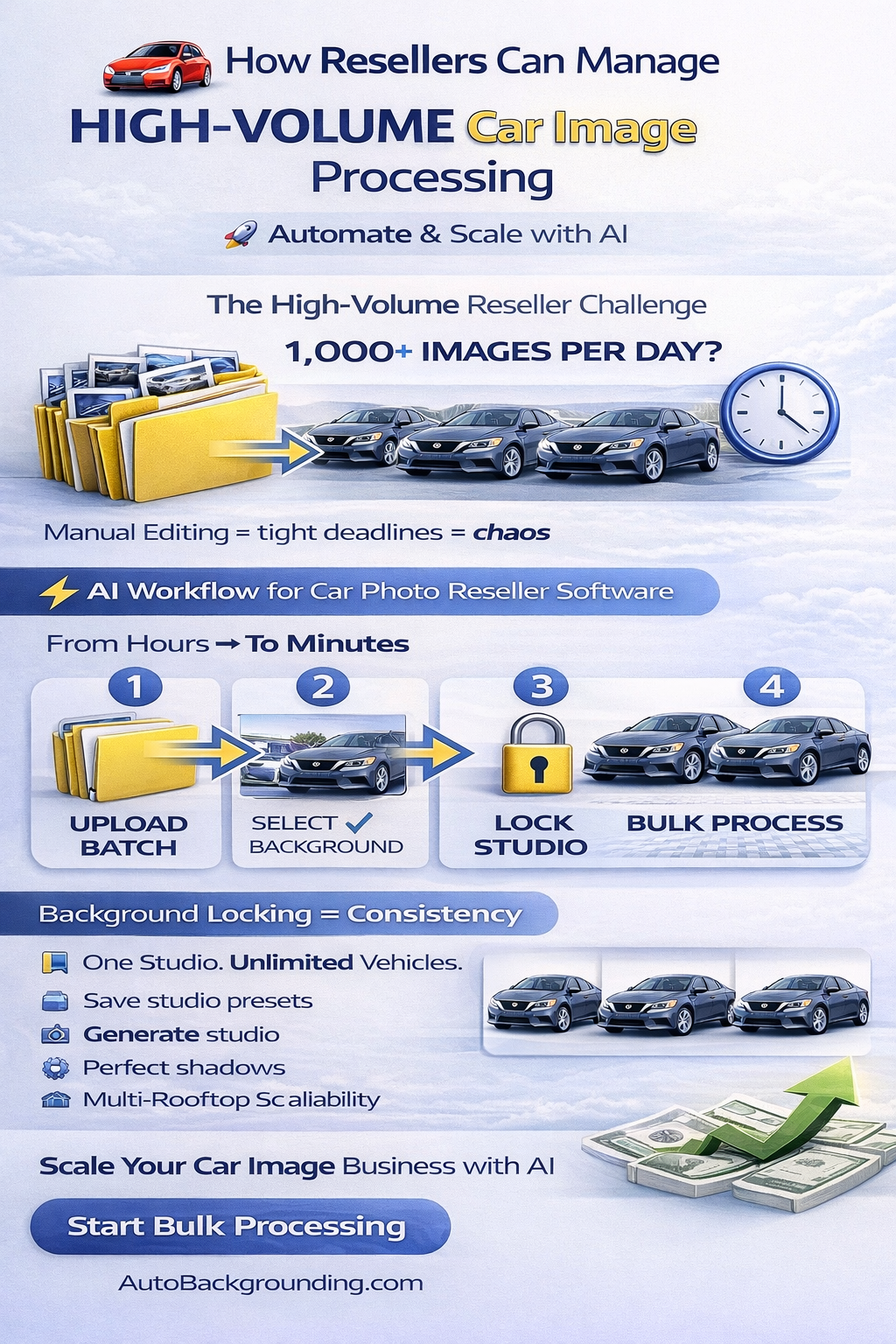
If one vehicle has 20 images and you manage 50 vehicles per day:
That’s 1,000 images daily.
Manual background removal and editing at even 2 minutes per image equals over 30 hours of editing.
That math doesn’t work.
High-volume resellers must:
• Automate cutouts
• Standardize backgrounds
• Process images in batches
• Eliminate repetitive manual steps
Modern car photo reseller software enables this at scale.
Before processing begins, resellers need structure.
Best practice includes:
• Organizing images by dealership
• Creating folders by inventory batch
• Standardizing file naming conventions
• Setting brand presets per client
When structure is in place, automation becomes seamless.
One powerful feature for resellers is the ability to save studio backgrounds.
For example:
• Dealership A prefers white infinity wall
• Dealership B wants a branded showroom look
• Dealership C uses a neutral gray studio
Once generated, these backgrounds can be saved in a “Recent” or preset tab.
Now, instead of re-uploading or re-prompting for every batch:
• Click the saved preset
• Apply instantly
• Move to processing
This eliminates variability and reduces setup time dramatically.
When processing high-volume inventory, consistency is non-negotiable.
Background locking allows resellers to:
• Select one reference studio
• Lock it for an entire batch
• Apply it to every uploaded vehicle
This ensures:
• Identical lighting tone
• Consistent shadow placement
• Uniform vehicle positioning
• Brand alignment across listings
For resellers serving multi-rooftop dealer groups, this is critical.
Consistency builds trust.
Trust builds renewals and long-term contracts.
Instead of editing one image at a time, resellers should:
• Upload multiple vehicles simultaneously
• Select background preset
• Click bulk process
• Let AI complete the batch
The AI handles:
• Vehicle cutouts
• Background replacement
• Shadow generation
• Perspective correction
• Lighting adjustments
• High-resolution export
Processing 50 vehicles at once becomes possible.
That’s true scale.
Resellers often receive inconsistent source photos:
• Overcast lighting
• Harsh sun glare
• Mixed lot backgrounds
• Different camera angles
Instead of relying on perfect photography, AI-generated studio environments solve this.
By typing a prompt such as:
“Clean white studio background with soft shadows”
The system:
• Generates a proportional studio
• Corrects perspective
• Enhances presentation
• Adds realistic shadows
Now every vehicle appears professionally staged — regardless of the original environment.
This reduces back-and-forth revisions and saves time.
Even at scale, quality matters.
Modern tools allow resellers to toggle between:
• Before vs After view
• Single final output view
This enables:
• Quick visual audits
• Error spotting
• Client satisfaction checks
Automation should speed up production — not reduce standards.
Once processing is complete, bulk download options allow:
• JPEG exports for web
• PNG exports for higher resolution
• Zipped folders for client delivery
Resellers can:
• Upload directly into dealership CRMs
• Provide cloud folders
• Push to listing platforms
Fast turnaround becomes a selling point.
Resellers often manage:
• 3 dealership clients
• 5 dealer groups
• 10+ rooftops
Without structured automation, managing multiple brand standards becomes chaotic.
With car photo reseller software, you can:
• Create background presets per client
• Lock visual styles
• Process batches separately
• Maintain consistent delivery timelines
Scalability equals profitability.
High-volume processing without automation leads to:
• Increased labor costs
• Freelancer dependency
• Delayed project delivery
• Lower profit margins
With AI bulk processing:
• Labor costs decrease
• Processing speed increases
• More clients can be handled
• Margins improve
Subscription-based software with volume discounts further reduces cost per image.
As processing volume grows, efficiency improves.
Dealerships care about:
• Speed
• Consistency
• Professional presentation
• Brand alignment
When a reseller delivers:
• Identical studio-quality images
• Fast turnaround
• Scalable capacity
They become indispensable.
Better presentation → More clicks → Higher perceived value → Faster sales.
Dealerships notice results.
The automotive market continues evolving digitally.
Consumers expect:
• Clean visuals
• Fast listing updates
• Consistent presentation
Resellers who adopt scalable AI workflows remain competitive long-term.
Automation isn’t a temporary trend.
It’s foundational infrastructure.
Avoid these pitfalls:
• Processing vehicles individually instead of batching
• Forgetting to lock backgrounds
• Switching studio styles mid-client
• Ignoring quality review
• Overcomplicating workflow
Keep it simple:
Preset → Lock → Bulk Process → Deliver.
To stand out in the market:
• Market speed as your advantage
• Emphasize consistent studio quality
• Showcase before/after examples
• Highlight bulk capabilities
• Offer multi-rooftop standardization
Resellers who use professional car photo reseller software can scale without sacrificing quality.
That combination is powerful.
Managing high-volume car image processing as a reseller requires more than skill — it requires systems.
With AI-powered bulk editing tools, you can:
• Upload large batches
• Apply saved background presets
• Lock visual environments
• Process multiple vehicles instantly
• Download and deliver efficiently
That’s how modern resellers manage scale.
The workflow is simple:
Upload → Select Preset → Lock Background → Bulk Process → Review → Deliver.
When you master high-volume automation, you transform from an image editor into a scalable visual production partner for dealerships.
And in today’s competitive automotive market, that’s exactly what wins long-term contracts. 🚗✨


Compact, ready to go anywhere
Interchangeable lens that’s upgradeable
Dual 1-inch sensors for improved clarity and low light performance
Dynamic range and 6K 360° capture
360° photo resolution at 21MP

8K 360° video recording for ultra-detailed visuals.
4K single-lens mode for traditional wide-angle shots.
Invisible selfie stick effect for drone-like perspectives.
2.5-inch touchscreen with Gorilla Glass protection.
Waterproof up to 33ft for underwater shooting.

360° photo resolution in 23MP
Slim design at 24 mm thick
Built-in image stabilization for smooth video capture.
Internal 19GB storage for photo and video storage.
Wireless connectivity for remote control and sharing.

60MP 360° still images for high-resolution photography.
5.7K 360° video recording at 30fps.
2.25-inch touchscreen for intuitive control.
USB Type-C port for fast charging and data transfer.
MicroSD card slot for expandable storage.
.png)

.png)

Try it free. No credit card required. Instant set-up.






.svg)


.svg)