Yes. You can create basic virtual tours using a smartphone, compatible panoramic photography applications, and virtual tour software. However, a dedicated 360-degree camera is recommended for professional projects because it offers faster image capture, more consistent results, and better panoramic coverage.
Starting a virtual tour business is an exciting opportunity for entrepreneurs who want to offer immersive digital experiences to real estate agents, hotels, restaurants, educational institutions, and local businesses.
As more organizations look for interactive ways to showcase their spaces online, virtual tour services can provide opportunities for project-based and recurring revenue.
Fortunately, you do not need an expensive photography studio or advanced technical expertise to get started. With the right virtual tour business equipment, you can create professional, interactive experiences while keeping your initial investment relatively affordable.
This guide explains the essential equipment, recommended cameras, software, accessories, startup costs, and optional upgrades you need to launch and grow a successful virtual tour business.
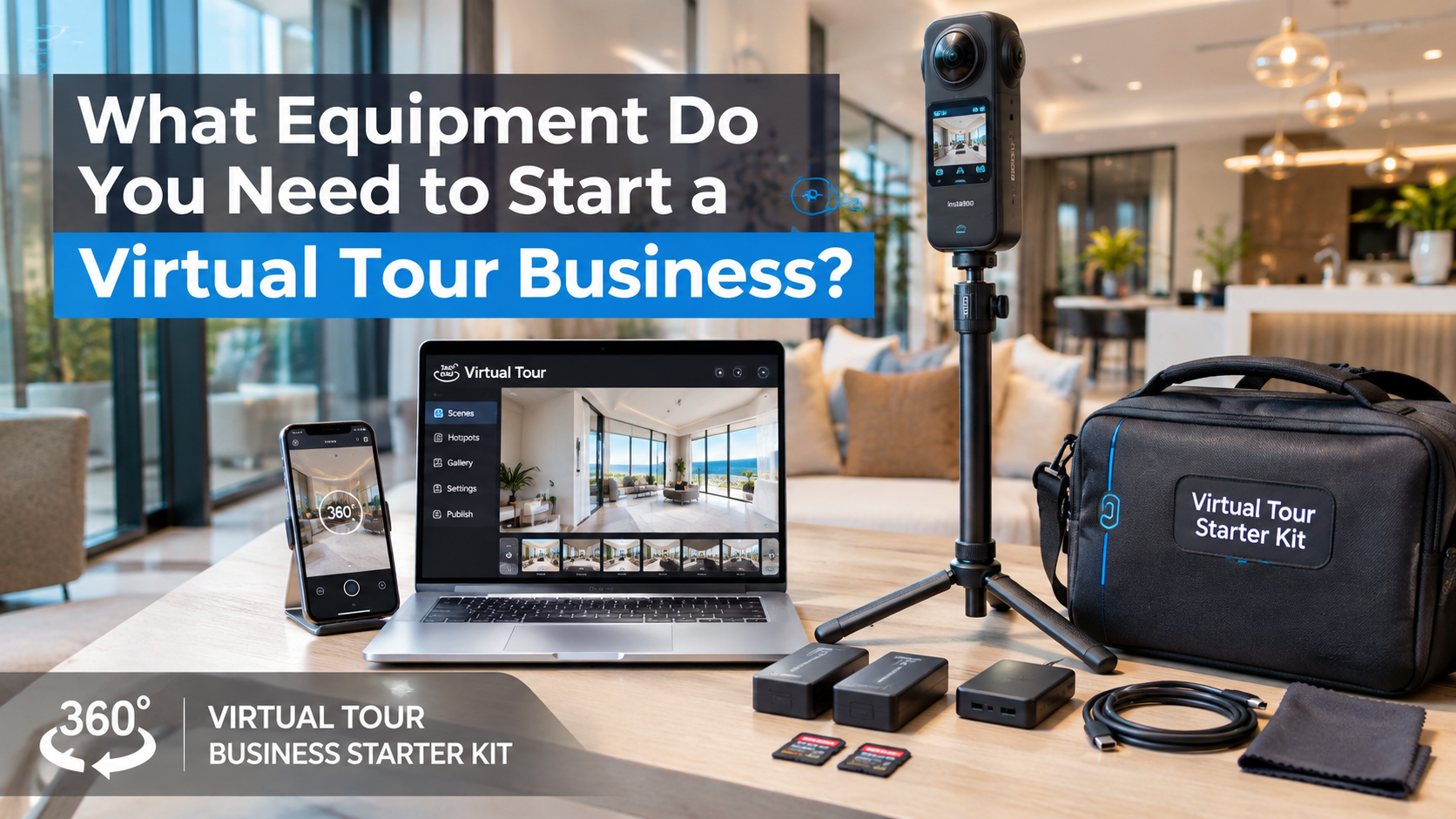
To start a virtual tour business, you need a 360-degree camera, a stable tripod or monopod, a smartphone or tablet, virtual tour software, a computer, and reliable internet access. Additional equipment, such as spare batteries, external storage, and photo editing software, can improve productivity and image quality.
A beginner can typically build a basic virtual tour equipment kit for approximately $400–$800, assuming they already own a compatible smartphone and computer.
The exact investment depends on your target market, camera preferences, software subscription, and service offerings.
A 360-degree camera is the foundation of most virtual tour businesses. Unlike traditional cameras, it captures the surrounding environment in every direction, allowing viewers to explore a location interactively.
Modern 360 cameras use multiple lenses and image-stitching technology to produce spherical photographs that can be uploaded to virtual tour platforms.
Several camera manufacturers offer equipment suitable for commercial virtual tour photography.
The Insta360 enterprise real estate photography guide provides examples of how compact 360 cameras can support property marketing and virtual tour production.
Similarly, Ricoh THETA cameras offer specialized spherical photography capabilities suitable for real estate and commercial environments.
When choosing a camera, consider:
Do not choose a camera based exclusively on its advertised video resolution. Still-image quality, exposure control, and stitching performance are particularly important for professional photographic virtual tours.
A tripod or monopod keeps your camera stationary while capturing panoramic photographs.
Consistent camera positioning is important because viewers should feel as though they are naturally moving through a property rather than jumping between uneven viewpoints.
A slim-profile monopod with a stable base is often preferred for 360 photography because it reduces the amount of equipment visible at the bottom of the image, also known as the nadir.
For standard interior virtual tours, positioning the camera approximately four to five feet above the floor can create a comfortable viewing perspective.
However, the ideal height may vary depending on the property layout and intended experience.
Always prioritize stability, especially when photographing outdoor locations or working around customers.
Capturing high-quality 360 photographs is only the first step. You also need virtual tour software that transforms individual panoramic images into an interactive experience.
Virtual tour software allows you to upload photographs, connect rooms, customize navigation, add interactive elements, and publish completed tours online.
Choosing the right platform is particularly important for entrepreneurs who plan to manage multiple clients and generate recurring revenue.
Look for a platform that offers:
Entrepreneurs can explore CloudPano's virtual tour software for entrepreneurs to learn how a dedicated platform can support virtual tour creation, client delivery, business branding, and growth.
Unlike equipment that primarily supports image capture, your virtual tour software influences how efficiently you create, manage, and deliver projects to customers.
A smartphone or tablet is an essential part of most modern virtual tour photography workflows.
Many 360 cameras connect to mobile devices through Wi-Fi or Bluetooth, allowing photographers to remotely control the camera, preview images, adjust settings, and transfer photographs.
Remote operation is especially useful because photographers can move out of the camera's view before capturing an image.
Your mobile device can also help you:
You do not necessarily need to purchase a new smartphone. A compatible device with sufficient storage and reliable connectivity is usually enough to get started.
Although some virtual tours can be created through mobile workflows, a computer makes editing, organizing, and managing larger projects more efficient.
A reliable laptop or desktop computer allows you to process panoramic photographs, create interactive tours, manage client files, and handle administrative tasks.
These specifications are general recommendations rather than mandatory system requirements.
For standard browser-based virtual tour creation, an expensive workstation is usually unnecessary. More powerful computers become beneficial when processing high-resolution panoramas, RAW images, videos, or advanced virtual staging projects.
Professional virtual tour photography often involves adjusting images before uploading them to a tour platform.
Editing can improve exposure, color consistency, brightness, and overall presentation.
Common editing tasks include correcting white balance, recovering shadows, reducing noise, removing visible tripod elements, and repairing minor stitching imperfections.
Popular options include Adobe Lightroom, which supports photo organization and image adjustments, and GIMP, a free image editing application that provides tools for retouching and image manipulation.
Beginners can start with free editing tools and invest in premium software when their workload increases.
When editing spherical images, preserve the original equirectangular format, typically with a 2:1 aspect ratio. Improper cropping or distortion can create noticeable problems when photographs are displayed inside a virtual tour.
High-resolution panoramic photographs can consume substantial storage space, particularly when capturing large commercial properties.
Reliable storage equipment helps prevent file loss and allows you to maintain organized project archives.
Depending on your camera, your storage equipment may include high-speed microSD cards, external SSDs, portable hard drives, and cloud storage services.
Some cameras use internal storage, so always verify device compatibility before purchasing memory cards.
Establishing a consistent backup process is equally important. Keep original photographs and finished project files in separate storage locations whenever possible.
A professional backup strategy protects your business from accidental deletion, equipment failure, and unexpected client revision requests.
Battery management is essential when completing multiple photography appointments or capturing large properties.
Running out of power during a scheduled shoot can cause delays, additional travel expenses, and an unprofessional client experience.
Depending on your camera model, consider purchasing:
For cameras with non-removable batteries, a compatible portable charger may be especially useful.
Always charge your equipment before appointments and confirm that you have sufficient power for the entire project.
A virtual tour business often requires traveling between residential properties, commercial buildings, and other client locations.
Protective accessories help keep your equipment safe during transportation.
A practical equipment kit should include a padded camera case, protective lens covers, microfiber cleaning cloths, a lens blower, and a durable equipment bag.
Because 360 cameras have exposed lenses on multiple sides, they can be particularly vulnerable to scratches and impact damage.
Even a small lens scratch may become visible in panoramic photographs and affect multiple client projects.
Taking care of your equipment reduces replacement expenses and helps maintain consistent image quality.
The cost of starting a virtual tour business depends on the equipment you already own and the quality of services you intend to offer.
Entrepreneurs who already have a smartphone and computer can significantly reduce their startup expenses.
The following table provides illustrative equipment budgets in US dollars.
Virtual tour software, optional editing subscriptions, computer purchases, transportation, marketing, insurance, and business registration should be budgeted separately.
Actual prices vary by retailer, country, equipment availability, and camera model.
Starting with essential equipment allows entrepreneurs to test demand before committing to more expensive professional systems.
Once your business attracts consistent clients, additional equipment can help you expand your services and increase revenue opportunities.
Traditional cameras are useful for offering professional real estate photography alongside virtual tours.
With a panoramic tripod head and specialized stitching software, they can also produce high-resolution spherical images, although this workflow requires more time and technical expertise.
Drone photography can provide aerial property views, neighborhood perspectives, and promotional footage.
Before offering drone services, check applicable aviation regulations, licensing requirements, and local flight restrictions.
A laser distance meter can support property measurements and floor plan services.
This accessory is particularly useful when working with real estate agents, property managers, and commercial clients who require accurate spatial information.
Specialized scanning equipment may be beneficial for construction documentation, architectural projects, digital twins, and advanced property visualization.
However, it is generally unnecessary for entrepreneurs offering standard photographic virtual tours.
Yes. You can start a virtual tour business with an affordable 360 camera, a basic monopod, a compatible smartphone, and virtual tour software.
Professional results depend on photography technique, lighting, camera placement, image quality, and tour presentation—not simply equipment price.
Some entrepreneurs also expand their services by offering Google Maps imagery. Google Maps' Photo Sphere publishing guidelines explain how panoramic photographs can be prepared and contributed using compatible photography workflows.
Publishing individual Photo Spheres and creating connected Street View tours may involve different requirements and tools.
Starting with affordable equipment gives entrepreneurs the flexibility to upgrade based on actual customer demand rather than anticipated business growth.
If you are working with a limited budget, prioritize purchases that directly contribute to creating and delivering virtual tours.
A practical purchasing order is:
Use your existing smartphone and computer whenever possible.
Before accepting paid assignments, create sample virtual tours to practice image capture, navigation, editing, and publishing. These projects can also become part of your professional portfolio.
As your business grows, reinvest a portion of your revenue into equipment upgrades that improve productivity or expand your service offerings.
Starting a virtual tour business does not require a massive upfront investment. With a reliable 360 camera, stable tripod, compatible mobile device, computer, and professional virtual tour software, entrepreneurs can begin creating immersive digital experiences for a wide range of industries.
The key is to prioritize essential equipment, develop an efficient workflow, and focus on delivering consistent quality.
Rather than purchasing every available photography accessory, start with the tools you need to serve your first clients successfully.
As your virtual tour business grows, you can expand your equipment collection, introduce additional services, and develop new revenue opportunities.
With the right equipment, software, and business strategy, virtual tour photography can become a scalable service for today's increasingly digital marketplace.
A dedicated 360-degree camera from Insta360 or Ricoh THETA is a practical starting point. The best option depends on your budget, still-image quality requirements, software compatibility, and target market.
Yes, compatible smartphones and panoramic photography applications can create basic virtual tour imagery. However, a dedicated 360 camera generally provides a faster and more consistent workflow for commercial projects.
No. A dedicated 360-degree camera is sufficient for most standard virtual tours. DSLR and mirrorless cameras are optional upgrades for specialized panoramic photography and additional photography services.
A basic equipment setup can cost approximately $400–$800 if you already own a computer and smartphone. Additional expenses include software subscriptions, marketing, transportation, and business operating costs.
A dedicated virtual tour platform is recommended for commercial services. It allows you to connect panoramic photographs, add interactive features, manage projects, and deliver completed virtual experiences to clients.
1. Insta360 – Real Estate Photography Solutions
https://www.insta360.com/enterprise/industries/real_estate
Provides information about 360-degree cameras and their applications in real estate photography and virtual tour creation.
2. Ricoh THETA – 360-Degree Cameras
https://us.ricoh-imaging.com/pages/ricoh-theta
Provides information about spherical cameras designed for immersive photography and professional virtual tours.
3. Adobe Lightroom – Photo Editing Software
https://www.adobe.com/products/photoshop-lightroom.html
Explains professional photo editing capabilities, including exposure correction, color adjustments, and image enhancement.
4. GIMP – GNU Image Manipulation Program
https://www.gimp.org/
Provides information about free, open-source image editing software suitable for photo retouching and enhancement.
5. Google Maps Help – Create and Publish Photo Spheres
https://support.google.com/maps/answer/7012050
Provides guidance on creating and publishing 360-degree panoramic imagery.


Compact, ready to go anywhere
Interchangeable lens that’s upgradeable
Dual 1-inch sensors for improved clarity and low light performance
Dynamic range and 6K 360° capture
360° photo resolution at 21MP

8K 360° video recording for ultra-detailed visuals.
4K single-lens mode for traditional wide-angle shots.
Invisible selfie stick effect for drone-like perspectives.
2.5-inch touchscreen with Gorilla Glass protection.
Waterproof up to 33ft for underwater shooting.

360° photo resolution in 23MP
Slim design at 24 mm thick
Built-in image stabilization for smooth video capture.
Internal 19GB storage for photo and video storage.
Wireless connectivity for remote control and sharing.

60MP 360° still images for high-resolution photography.
5.7K 360° video recording at 30fps.
2.25-inch touchscreen for intuitive control.
USB Type-C port for fast charging and data transfer.
MicroSD card slot for expandable storage.


Try it free. No credit card required. Instant set-up.