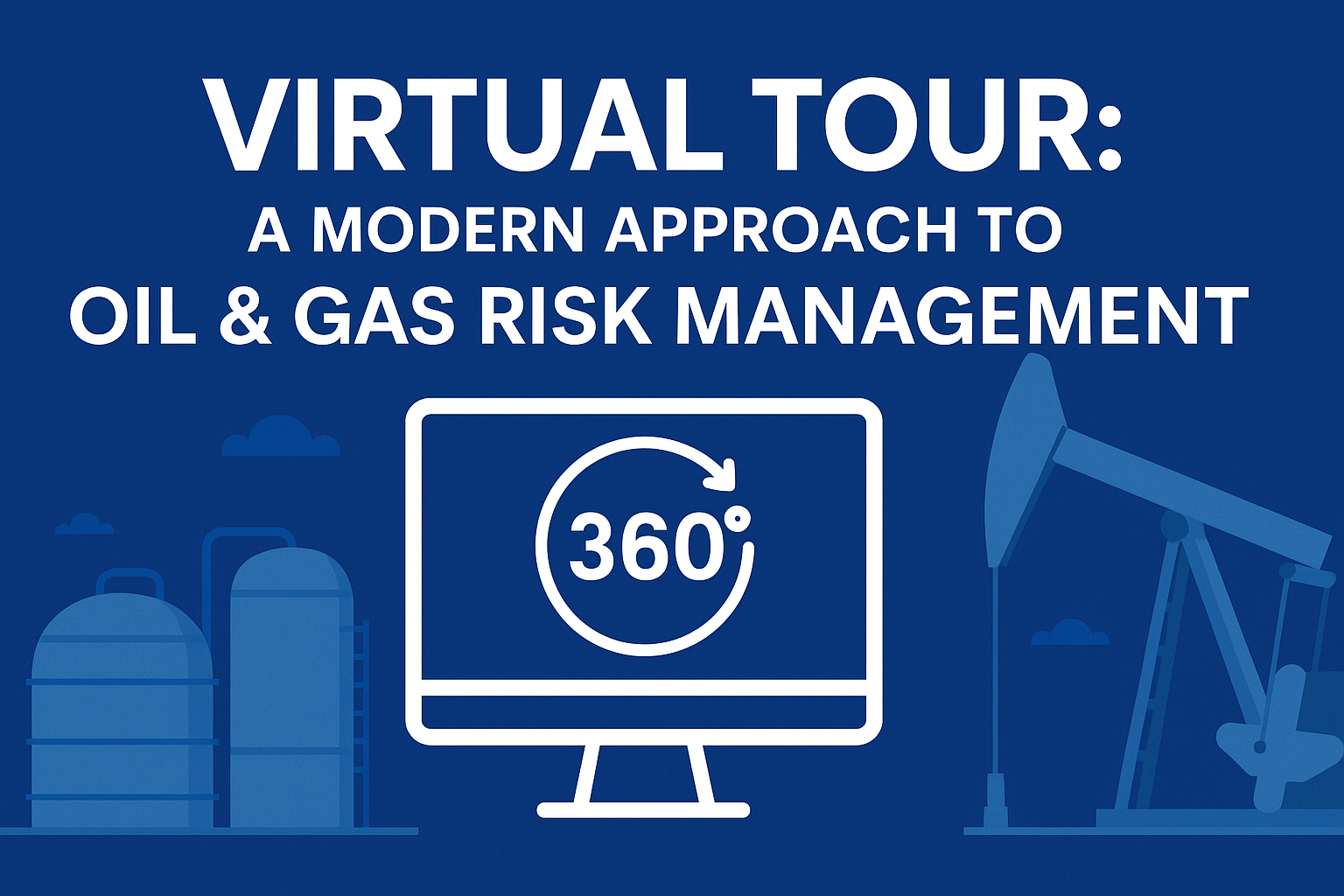
Virtual Tour: A Modern Approach to Oil & Gas Risk Management

Cloudpano
July 29, 2025
•
5 min read
Share this post

⚠️ Virtual Tour: A Modern Approach to Oil & Gas Risk Management

In the high-stakes world of oil and gas, risk isn’t a possibility — it’s a constant. From safety hazards and environmental exposure to operational errors and equipment failures, companies face pressure to predict, prevent, and respond with speed and accuracy. That’s why forward-thinking teams are embracing 360° virtual tours as a modern risk management solution.

These immersive tools are helping oil and gas companies visualize risks, document controls, and train proactively — all while reducing costs and boosting operational visibility. 🎥🛢️

🔍 The Evolving Risk Landscape in Oil & Gas

Risk in this sector comes from every direction:

  • 🔥 Fire, explosion, and toxic release hazards
  • 🏗️ Equipment and infrastructure failure
  • 🚨 Human error and lack of hazard awareness
  • ⚖️ Non-compliance with safety or environmental regulations
  • 🌎 Public and reputational risks from incidents

While audits and paperwork help, they’re not enough. Today’s sites need visual tools that bring risk to life and make it easier to manage in real-time.

📌 Related: Enhancing Compliance: Virtual Tours for Oil & Gas Safety Protocols

🖥️ What Is a 360° Virtual Tour in Oil & Gas?

A 360° virtual tour is a digital replica of a real oil and gas site — captured with panoramic or drone imagery. These tours allow users to explore the site remotely and interact with key safety and risk data.

Use cases include:

  • ⚠️ Hazard identification and documentation
  • 📋 Safety protocol reinforcement
  • 🎓 Risk training and onboarding
  • 📂 Compliance reporting and audit preparation
  • 👁️ Stakeholder review and pre-inspection previews

📌 Explore: Virtual Safety Walkthroughs: A Game Changer in Oil and Gas Training

✅ 7 Ways Virtual Tours Reduce Risk in Oil & Gas

Here’s how immersive site tours are transforming risk management from reactive to proactive.👇

1️⃣ Visualize and Mitigate Hazards Before They’re Encountered

360° tours give workers, supervisors, and safety leads the ability to spot risks virtually before entering the site.

  • Highlight hazard zones like hot surfaces, gas leaks, trip hazards
  • Annotate SOPs and emergency responses
  • Visually map escape routes and muster points

📌 Related: Immersive Hazard Recognition in Oil and Gas: The Power of Virtual Tours
📌 Bonus: Boost Safety in Oil and Gas with VR-Based Hazard Recognition Virtual Tours

2️⃣ Standardize Safety Training Across Every Job Site

Inconsistent training leads to inconsistent behavior. Virtual tours help standardize safety communication across all regions and teams.

  • Reinforce safety zones and compliance visually
  • Embed training videos and documents in hotspots
  • Use virtual walkthroughs in LMS systems

📌 Explore: Train Your Oil and Gas Workforce Remotely with Interactive Virtual Tours

📌 Also see: Virtual Tours for Oil and Gas Safety Training: What You Need to Know

3️⃣ Document Safety Controls and Response Tools Visually

Virtual tours serve as living documentation of what safety measures are in place.

  • Show extinguishers, shutoff valves, signage
  • Highlight PPE-required zones
  • Embed emergency action plans

📌 Read: Showcase Oil & Gas Safety Standards with Immersive 360° Virtual Tours

4️⃣ Support Pre-Inspection and Regulatory Reviews Remotely

Use virtual tours as a pre-audit tool or remote inspection walkthrough to reduce in-person visits and improve transparency.

📌 Learn more: Remote Monitoring Made Easy with Oil and Gas Virtual Walk-Throughs

📌 Bonus: How Drones and 360° Virtual Tours Power Remote Oil and Gas Inspections

5️⃣ Improve Emergency Preparedness and Response Training

Simulate spills, shutdowns, or fires with 360° visuals — helping teams rehearse for worst-case scenarios safely.

📌 Check out: Train for Oil and Gas Emergencies with 360 Virtual Tours and Smart Documentation Tools

📌 Explore: Oil and Gas Emergency Preparedness Enhanced: 360 Virtual Tours + Documentation Software

6️⃣ Onboard Contractors and New Hires Faster, Safer

Send virtual tour links before Day One to help newcomers learn the site layout, spot hazards, and understand safety rules instantly.

📌 Must-read: Preparing New Hires with Oil and Gas Virtual Safety Orientation Tours

📌 Related: Digital Onboarding for Refineries: The Power of 360° Virtual Tours

7️⃣ Maintain Visual Records for Audit Trails & Accountability

Virtual tours create a visual, time-stamped archive of your site’s risk environment and control measures — useful for:

  • 📆 Annual inspections
  • 📂 Legal defense in case of incidents
  • 🧠 Root cause analysis

📌 Dive into: Streamlining Compliance: 360° Safety Documentation in the Oil and Gas Sector

🛠️ How to Build a Virtual Tour for Risk Management

  1. 📷 Capture your site with a 360° camera or drone
  2. 💻 Upload the content to CloudPano
  3. 🛑 Tag hazards, SOPs, muster points, and safety features
  4. 🔗 Share securely with workers, partners, or inspectors
  5. 🔄 Update periodically for evolving risk conditions

📌 Guide: How to Create an Oil and Gas Safety Training Virtual Tour that Saves Lives

👥 Who Benefits from This Approach?

  • 🧯 HSE managers – for training and reporting
  • 🛠️ Field supervisors – for worksite readiness
  • 🧑‍🏫 Trainers – for onboarding
  • 📋 Compliance officers – for visual inspection records
  • 📈 Executives – for reducing liability and improving trust

📊 Real Results: The ROI of Virtual Risk Management

✅ 35% drop in incidents reported during first 30 days of employment
✅ 50% faster onboarding of contractors
✅ Reduced inspection costs and fewer audit penalties
✅ Improved stakeholder perception of operational safety

📌 Bonus: Boost Oilfield Training Efficiency with 360° Virtual Tours on CloudPano

🧠 Final Thought: Don’t Just Manage Risk — Visualize It

Modern risk management isn’t just about data — it’s about demonstrating awareness, preparation, and control. Virtual tours make all of that visible and actionable.

It’s time to turn your risk protocol into a 360° visual asset — so everyone on your team, from interns to inspectors, can operate with clarity and confidence.

📌 Next: Step Into Safety: Virtual Tours for Oil and Gas Industry Training

‍

Share this post
Cloudpano

Choose The Right 360° Camera

Insta360 ONE RS 1-Inch 360 Edition

  • Compact, ready to go anywhere

  • Interchangeable lens that’s upgradeable

  • Dual 1-inch sensors for improved clarity and low light performance

  • Dynamic range and 6K 360° capture

  • 360° photo resolution at 21MP

Learn More

Insta360 X4

  • 8K 360° video recording for ultra-detailed visuals.

  • 4K single-lens mode for traditional wide-angle shots.

  • Invisible selfie stick effect for drone-like perspectives.

  • 2.5-inch touchscreen with Gorilla Glass protection.

  • Waterproof up to 33ft for underwater shooting.

Learn More

Ricoh Theta Z1

  • 360° photo resolution in 23MP

  • Slim design at 24 mm thick

  • Built-in image stabilization for smooth video capture.

  • Internal 19GB storage for photo and video storage.

  • Wireless connectivity for remote control and sharing.

Learn More

Ricoh Theta X

  • 60MP 360° still images for high-resolution photography.

  • 5.7K 360° video recording at 30fps.

  • 2.25-inch touchscreen for intuitive control.

  • USB Type-C port for fast charging and data transfer.

  • MicroSD card slot for expandable storage.

Learn More
Property Marketing
Allows potential buyers to explore properties in detail from anywhere, enhancing the real estate marketing process.
Automotive Spins
Create an interactive virtual showroom and engage affluent digital buyers with live 360º video calls, all through the CloudPano mobile app for a complete automotive sales solution.
Interactive Floor Plans
Create 2D and 3D floor plans with measurements in 4 minutes or less, all from your phone. Download the Floor Plan Scanner app and get your first scan free.

360 Virtual Tours With CloudPano.com. Get Started Today.

Try it free. No credit card required. Instant set-up.
Try it free
Latest posts

See our other posts

Interviews, tips, guides, industry best practices, and news.

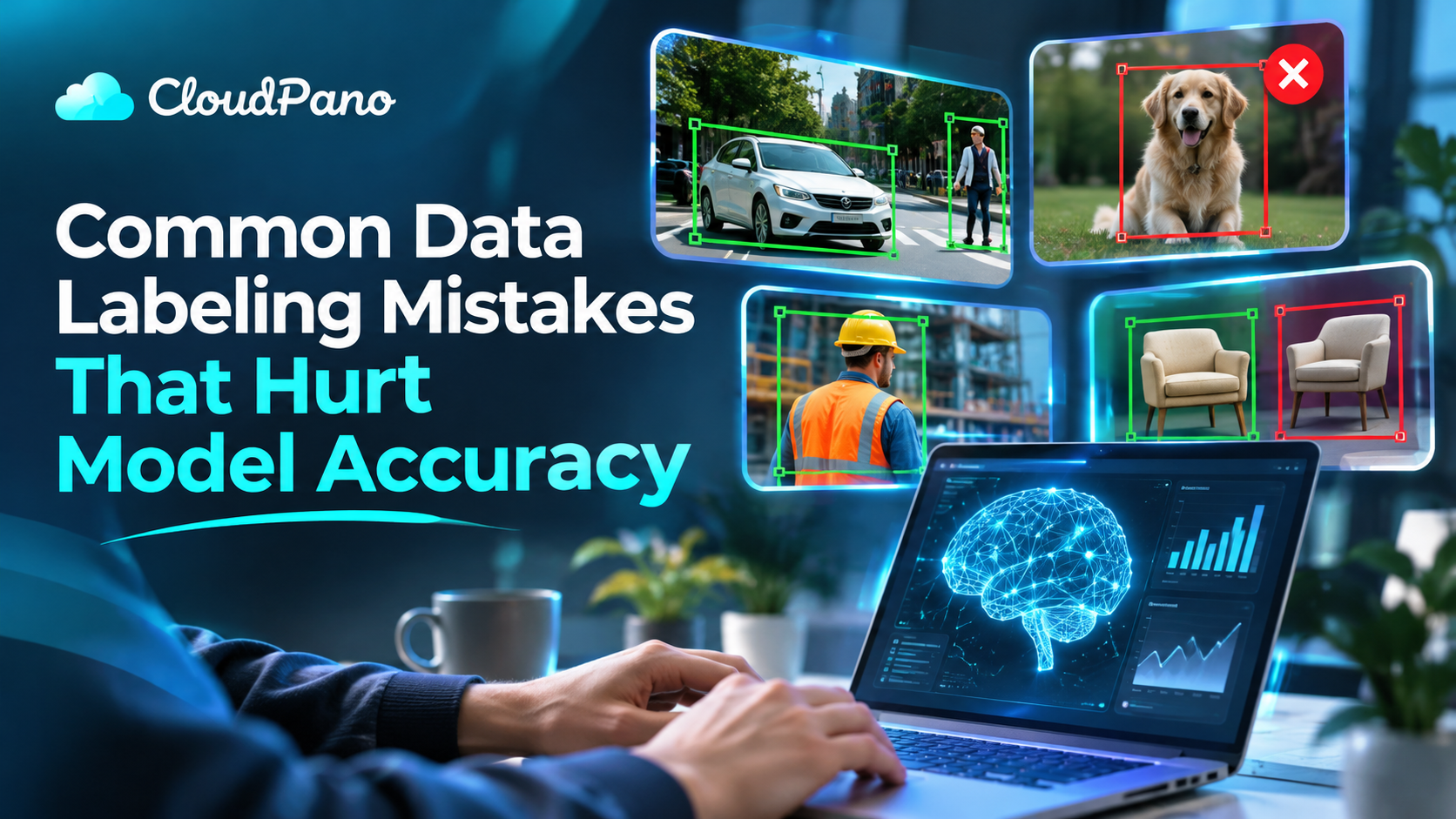
Common Data Labeling Mistakes That Hurt Model Accuracy

Data labeling mistakes can significantly affect AI model accuracy, reliability, and real-world performance. This guide explores 10 common annotation errors, including inconsistent labeling guidelines, incorrect annotations, missing edge cases, class imbalance, and inadequate quality assurance. Learn practical strategies to improve annotation consistency, train reviewers, monitor labeling quality, and prevent costly model errors. Discover how professional data labeling services can help organizations build accurate, reliable datasets for computer vision, large language models, robotics, and other AI applications.
Read post

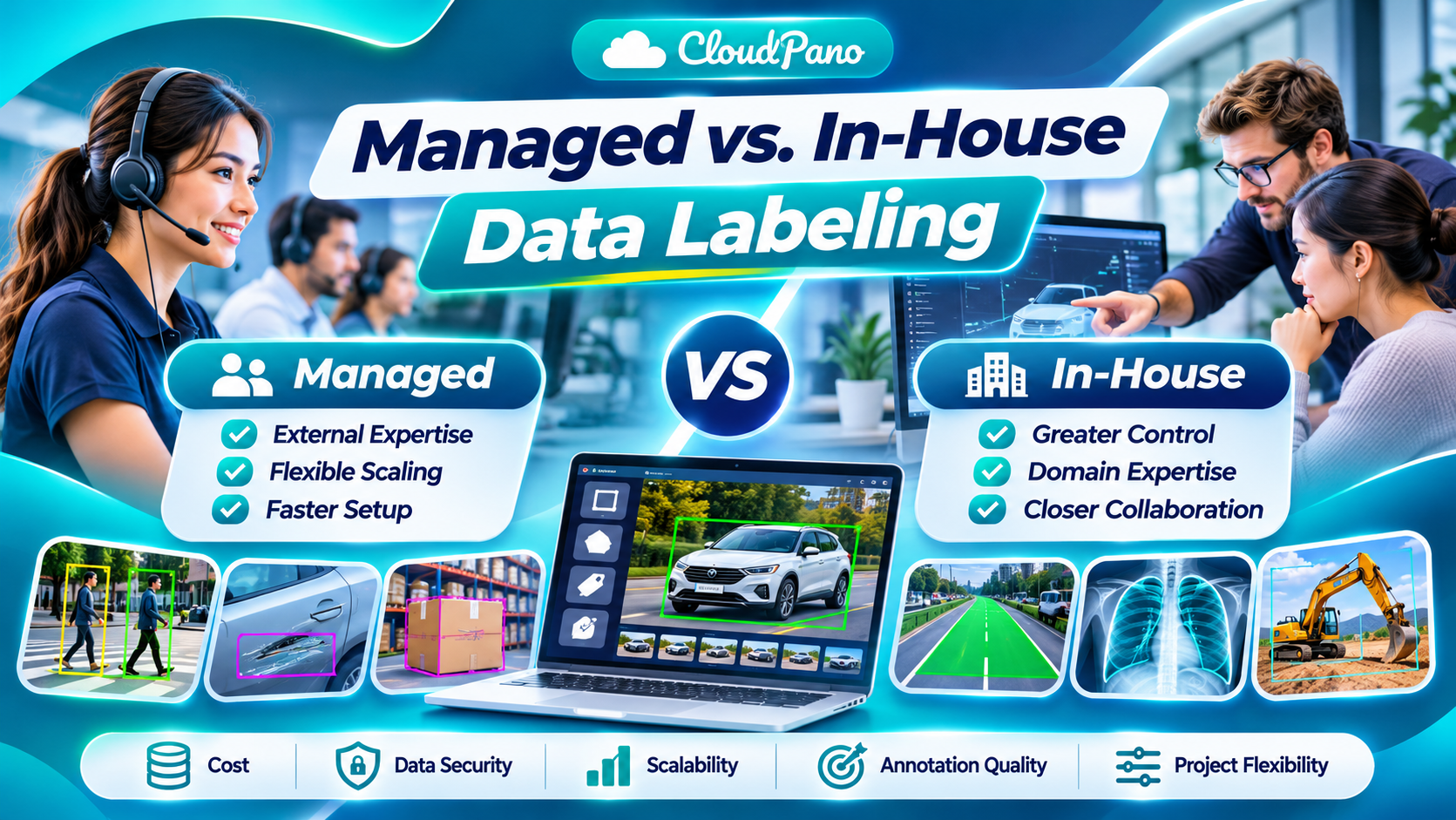
Managed vs. In-House Data Labeling

Choosing between managed and in-house data labeling is an important decision for AI development teams. This guide explores the key differences between managed vs in-house labeling, including costs, annotation quality, data security, scalability, and operational control. Discover the advantages and limitations of each approach, practical examples from computer vision and robotics, and how hybrid labeling workflows can combine external capacity with internal expertise. Learn how to select the right annotation strategy for your project's requirements, resources, and long-term AI goals.
Read post

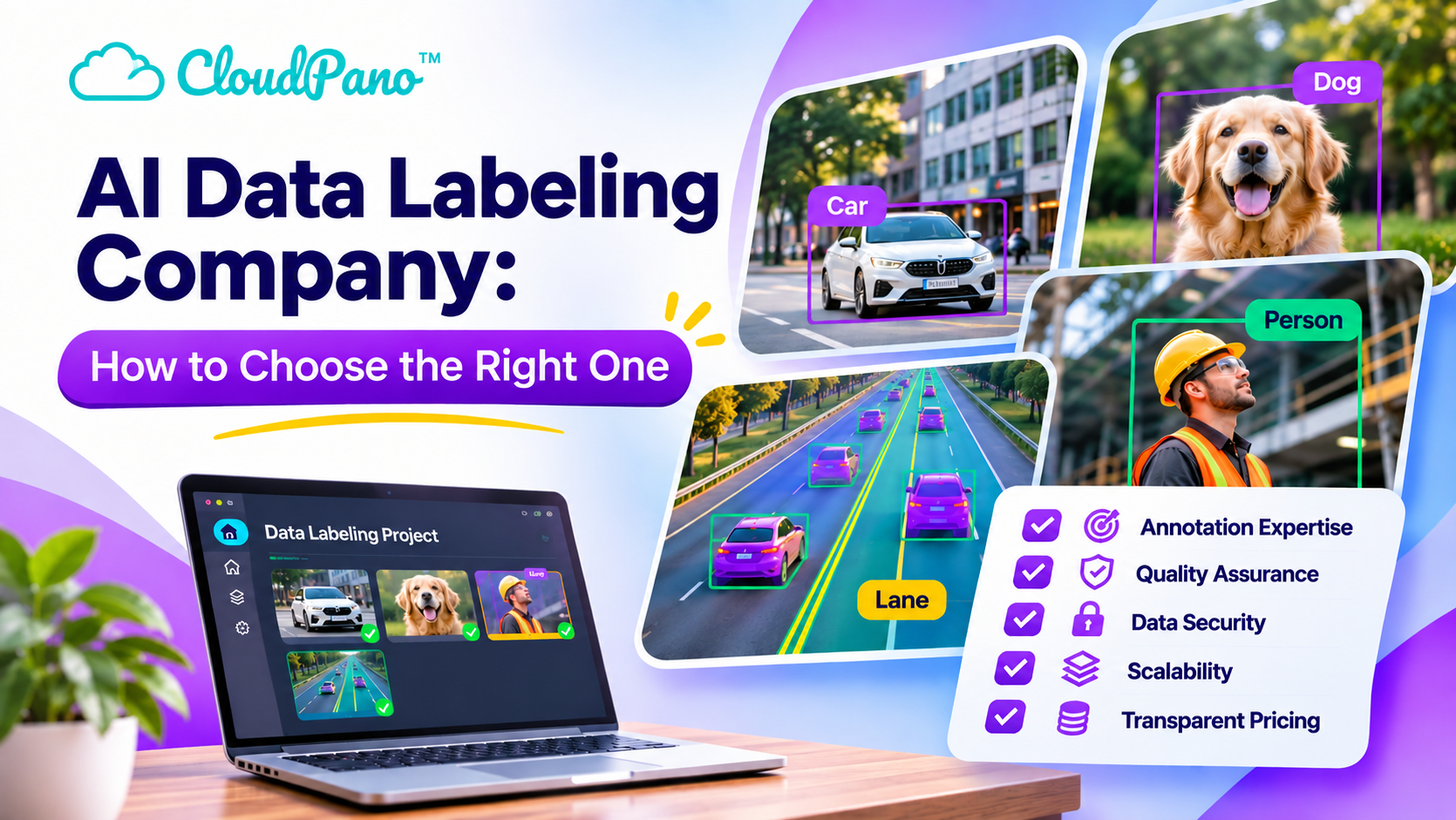
AI Data Labeling Company: How to Choose the Right One

Choosing the right AI data labeling company is essential for developing accurate and reliable artificial intelligence systems. This guide explains how to evaluate annotation providers based on data quality, industry expertise, security, scalability, pricing, and project management. Learn about different annotation services, common mistakes to avoid, and the importance of human review. Discover a practical five-step evaluation process to help you select a trustworthy labeling partner that meets your AI development requirements.
Read post