Upload a Photo and Create an AI Avatar for Real Estate Videos (Step-by-Step)

CloudPano
February 9, 2026
5 min read
Share this post

Upload a Photo and Create an AI Avatar for Real Estate Videos (Step-by-Step)

Video has become one of the most powerful tools in real estate marketing. Buyers want to see and hear information before they ever schedule a showing. Sellers expect agents to present listings professionally across websites, social media, and ads. But traditional video creation takes time, confidence, and repeated effort.

That’s why more agents are choosing to upload a photo and create an AI avatar for real estate videos. With a single image, you can generate talking videos for listings, walkthroughs, social media, and explainers—without ever turning on a camera 📸🤖

This evergreen, SEO-friendly guide breaks down the exact step-by-ste process so anyone can get started, even with zero technical experience.

What Does It Mean to Upload a Photo and Create an AI Avatar?

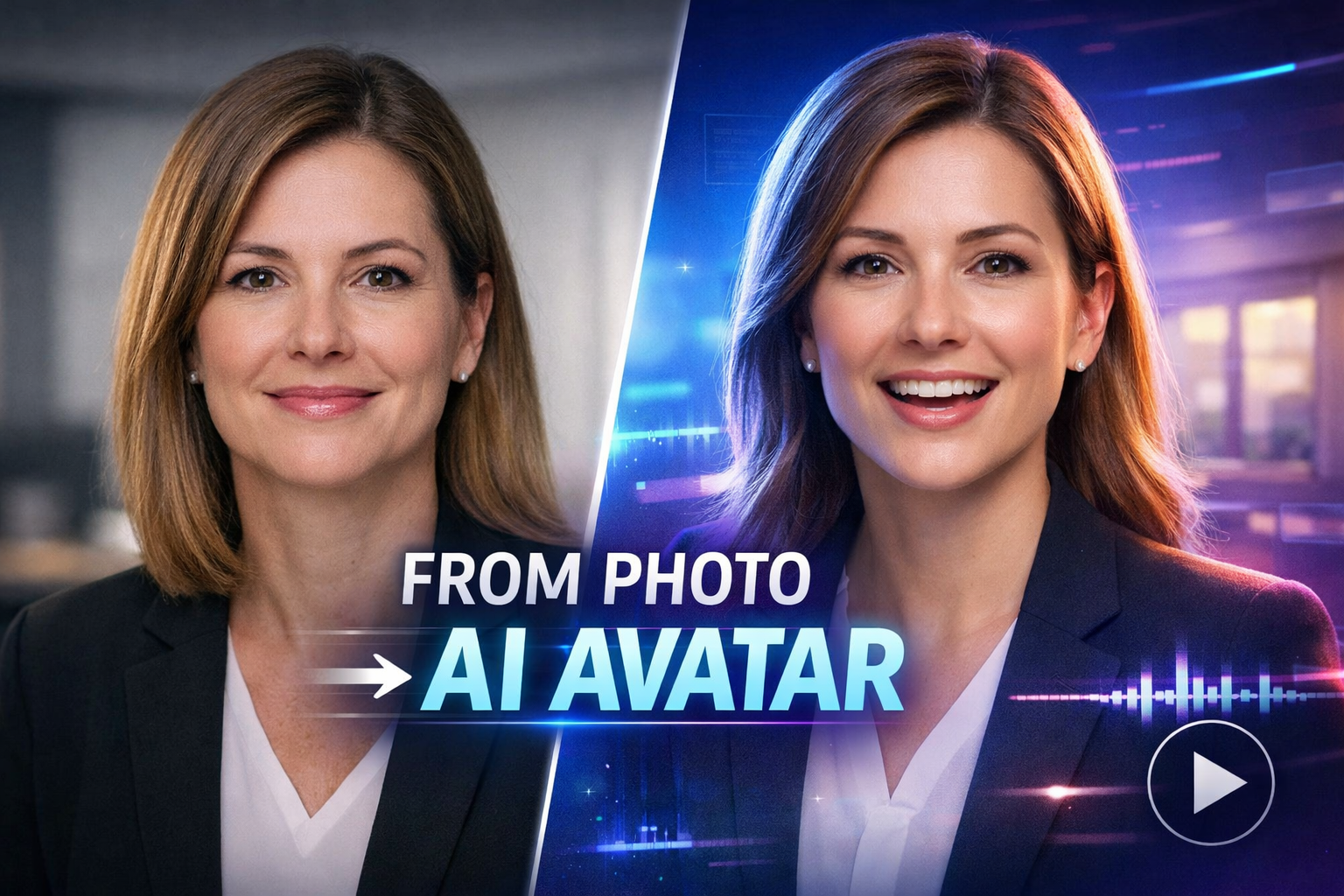
An AI avatar is a digital presenter generated from a photo. Advanced AI technology analyzes facial features and animates them so the avatar can:

  • Speak naturally
  • Lip-sync to text or audio
  • Display subtle facial expressions
  • Appear in professional video formats

For real estate agents, this means one headshot can become a reusable video presenter that works across dozens of listings and platforms.

Instead of recording yourself again and again, you upload a photo once and let the AI handle the rest.

Why Real Estate Agents Are Using AI Avatars

Uploading a photo to create an AI avatar solves many of the biggest challenges in real estate video marketing.

Here’s why adoption is accelerating 🚀

🎥 No filming or camera setup
⏱️ Videos created in minutes
😌 No on-camera anxiety
📱 Optimized for mobile-first platforms
🔁 Reusable across unlimited properties
🎯 Consistent personal branding

Agents who once avoided video are now producing more content than ever—without burnout.

Step 1: Choose the Right Photo to Upload

Everything starts with the photo. The better the photo, the more natural your AI avatar will look.

Best photo guidelines:

  • Front-facing headshot
  • Neutral or uncluttered background
  • Even lighting (natural light works well)
  • Clear face with no obstructions
  • No sunglasses, hats, or extreme angles

Professional realtor headshots are ideal, but modern smartphone photos work perfectly fine 📷

💡 Tip: A relaxed, friendly expression produces the most natural avatar movements.

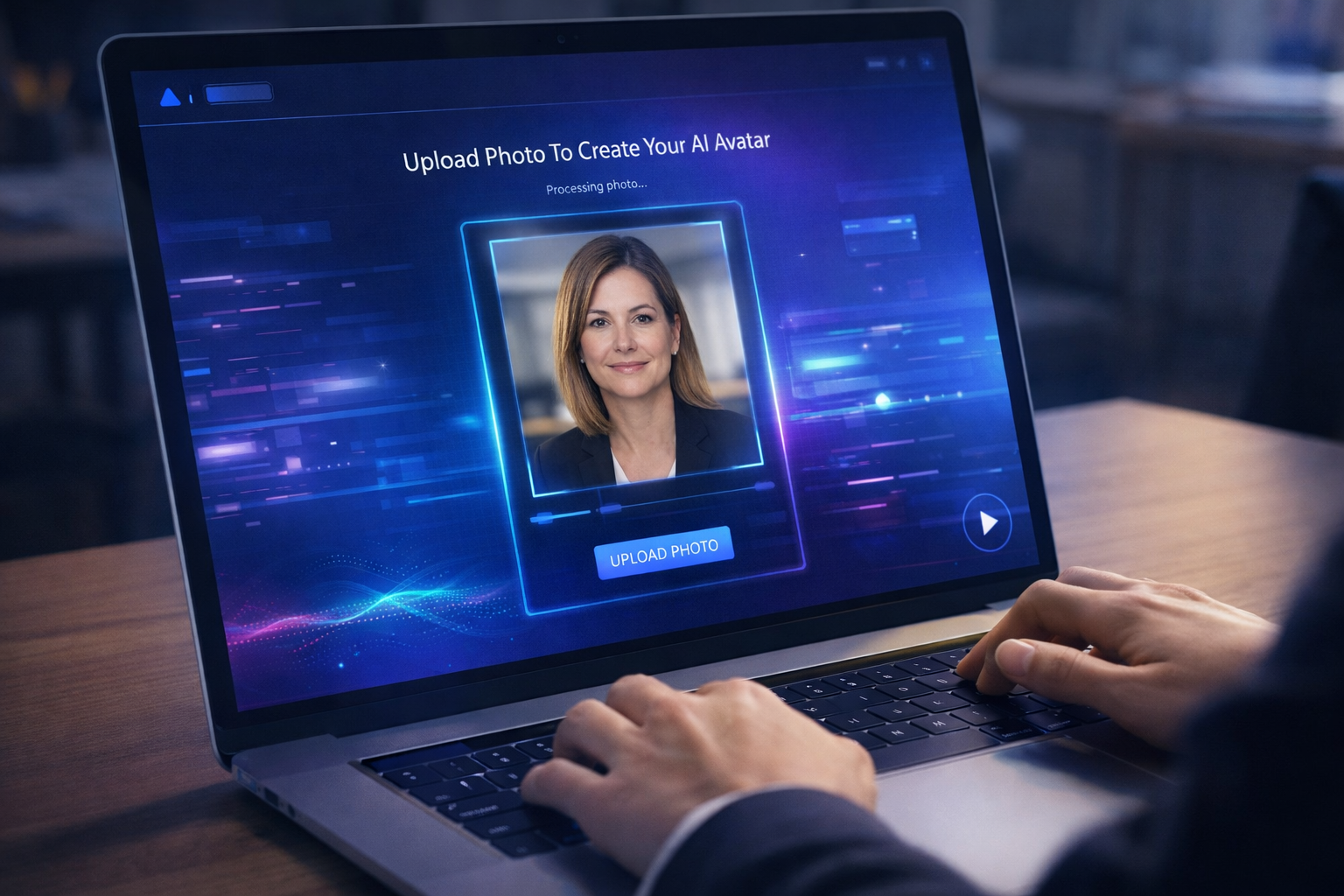
Step 2: Upload the Photo to the AI Avatar Platform

Once your photo is ready, upload it into the AI avatar tool.

Behind the scenes, the system:

  • Detects facial landmarks
  • Maps mouth and eye movement
  • Prepares the image for animation

This process usually takes only seconds. No editing or technical skills required.

After upload, you’ll see a preview of your avatar base before generating videos.

Step 3: Choose the Video Style and Orientation

AI avatars are flexible and can be used across many real estate video formats.

Popular options include:

  • Talking-head presenter videos
  • Listing introduction videos
  • Property walkthrough explainer videos
  • Vertical videos for social media
  • Landscape videos for websites and YouTube

One avatar can be reused across all formats, saving time and maintaining consistency ⏳

Step 4: Write a Script for Your AI Avatar

Your AI avatar will speak exactly what you write, so keep scripts clear, natural, and conversational ✍️

Example real estate script:

“Welcome to this beautiful four-bedroom home located in a quiet neighborhood close to schools and shopping. Let’s take a quick look inside and see what makes this property special.”

Script best practices:

  • Short, simple sentences
  • Friendly and professional tone
  • Focus on benefits, not just features
  • Avoid stiff or overly salesy language
  • End with a clear call-to-action

AI avatars sound best when scripts feel like real human speech.

Step 5: Select a Voice That Matches Your Brand

Most AI avatar tools offer multiple voice options:

  • Male or female
  • Calm or energetic
  • Professional or friendly

Some platforms support voice cloning, allowing the avatar to sound like you—without recording every video 🎙️

If speed matters most, default voices work extremely well for real estate use cases.

Step 6: Generate the AI Avatar Video

Once everything is set:

  1. Review your script
  2. Choose voice and format
  3. Click generate

Within minutes, your AI avatar video is ready 🎉

The avatar will:

  • Lip-sync accurately
  • Use natural facial movement
  • Deliver your message smoothly

No cameras, no retakes, no editing software required.

Step 7: Use Your AI Avatar Videos Across Your Marketing

Now it’s time to put your videos to work 💥

Real estate agents use AI avatar videos on:

  • Listing pages
  • Property detail websites
  • Email follow-ups
  • Instagram, Facebook, and TikTok
  • YouTube Shorts
  • Ads and landing pages

Because the avatar is reusable, you can create dozens of videos quickly—without starting from scratch.
How AI Avatar Videos Improve Real Estate Marketing

Uploading a photo to create an AI avatar doesn’t just save time—it improves results.

Key benefits include:

  • Higher engagement on listings
  • More consistent branding
  • Faster turnaround for new properties
  • Increased video output
  • Stronger buyer connection

Buyers engage more with videos that feel personal, even when they’re AI-generated.

Common Mistakes to Avoid

To get the best results, avoid these common issues ❌

  • Uploading blurry or angled photos
  • Writing overly long scripts
  • Sounding robotic or unnatural
  • Ignoring mobile-friendly formats
  • Skipping calls-to-action

Simple, clear, and human always performs best.

Real-World Ways Agents Use AI Avatars

Agents are using AI avatars creatively across their businesses:

🏡 Listing introductions
🎥 Property walkthrough narration
📣 Social media content at scale
📧 Personalized follow-up videos
🧠 Buyer and seller education

Some agents even use avatars for:

  • Market updates
  • Neighborhood guides
  • Team introductions

The versatility makes AI avatars a long-term asset, not a one-time tool.

AI Avatars vs Traditional Real Estate Videos

Traditional video creation requires:

  • Scheduling
  • Lighting and audio
  • Multiple takes
  • Editing and revisions

AI avatar videos require:

  • One photo
  • A script
  • A few clicks

The result is more content, faster delivery, and less friction.

Are AI Avatar Videos Good for SEO?

Yes ✅
AI avatar videos can improve SEO by:

  • Increasing time on page
  • Improving engagement metrics
  • Enhancing listing and blog pages
  • Supporting video-rich search results

When embedded on property pages and blogs, AI avatar videos help search engines better understand and rank your content.

Final Thoughts: AI Avatars Are the Future of Real Estate Video

The ability to upload a photo and create an AI avatar for real estate videos is no longer experimental—it’s becoming the new standard.

If you want to:

  • Create more video content
  • Avoid filming stress
  • Stay consistent across platforms
  • Scale your marketing efficiently

AI avatars offer a smarter, faster way to show up everywhere your buyers are 👏

One photo. Unlimited videos. Smarter real estate marketing.

🚀 Your All-In-One Virtual Experience Stack Starts Here

Share this post
CloudPano

Choose The Right 360° Camera

Insta360 ONE RS 1-Inch 360 Edition

  • Compact, ready to go anywhere

  • Interchangeable lens that’s upgradeable

  • Dual 1-inch sensors for improved clarity and low light performance

  • Dynamic range and 6K 360° capture

  • 360° photo resolution at 21MP

Learn More

Insta360 X4

  • 8K 360° video recording for ultra-detailed visuals.

  • 4K single-lens mode for traditional wide-angle shots.

  • Invisible selfie stick effect for drone-like perspectives.

  • 2.5-inch touchscreen with Gorilla Glass protection.

  • Waterproof up to 33ft for underwater shooting.

Learn More

Ricoh Theta Z1

  • 360° photo resolution in 23MP

  • Slim design at 24 mm thick

  • Built-in image stabilization for smooth video capture.

  • Internal 19GB storage for photo and video storage.

  • Wireless connectivity for remote control and sharing.

Learn More

Ricoh Theta X

  • 60MP 360° still images for high-resolution photography.

  • 5.7K 360° video recording at 30fps.

  • 2.25-inch touchscreen for intuitive control.

  • USB Type-C port for fast charging and data transfer.

  • MicroSD card slot for expandable storage.

Learn More
Property Marketing
Allows potential buyers to explore properties in detail from anywhere, enhancing the real estate marketing process.
Automotive Spins
Create an interactive virtual showroom and engage affluent digital buyers with live 360º video calls, all through the CloudPano mobile app for a complete automotive sales solution.
Interactive Floor Plans
Create 2D and 3D floor plans with measurements in 4 minutes or less, all from your phone. Download the Floor Plan Scanner app and get your first scan free.

360 Virtual Tours With CloudPano.com. Get Started Today.

Try it free. No credit card required. Instant set-up.

Try it free
Latest posts

See our other posts

Interviews, tips, guides, industry best practices, and news.

Best Headshots for Creating a Real Estate AI Avatar (What Works & What Fails)

This guide explains how to choose the best headshots for creating a real estate AI avatar, breaking down exactly what works and what fails when using photos to generate AI-powered talking avatars. You’ll learn why lighting, background, facial expression, and photo quality matter, how bad headshots can ruin avatar realism, and how to select images that create professional, trustworthy AI avatars for real estate marketing. Perfect for agents, brokers, and teams looking to scale video content with AI while maintaining authenticity and credibility.
Read post

Upload a Photo and Create an AI Avatar for Real Estate Videos (Step-by-Step)

This guide shows real estate agents how to upload a photo and create an AI avatar for real estate videos without filming or editing. It walks through the full step-by-step process, from choosing the right headshot to generating professional listing videos, walkthrough explainers, and social media content. Designed to be beginner-friendly and evergreen, the article explains how AI avatars help agents save time, stay consistent on video, and scale real estate marketing with ease.
Read post

How to Create an AI Avatar From a Photo for Real Estate Marketing

This guide explains how real estate agents can upload a single photo and instantly create a professional AI avatar for real estate videos. It walks through the full step-by-step process, from choosing the right photo to generating listing videos, walkthrough explainers, and social media content—without filming or editing. Designed for beginners and experienced agents alike, the article shows how AI avatars help scale video marketing, improve engagement, and maintain consistent branding across listings and platforms.
Read post