


.png)


If you want to close more clients in the virtual tour industry, there’s one tool that beats everything else:
✅ A strong demo.
Not a sales pitch.
Not a complicated presentation.
Not a long explanation of features.
Just a clean, professional virtual tour demo that instantly shows value in seconds.
That’s why virtual tour demos are one of the most powerful assets you can create for your business. They remove doubt, build trust, and make prospects feel confident saying yes.
In this guide, you’ll learn exactly how to use virtual tour demos to improve your closing rate, speed up virtual tour sales, and turn demos into a predictable client acquisition system.
Let’s break it down. 🚀
Virtual tours are a visual product. That gives you a major advantage over many other service businesses.
Most marketing services are hard to “see” upfront:
But virtual tours? They’re immediately understandable.
A prospect can click your demo and instantly think:
✨ “This looks professional.”
✨ “This would build trust for my business.”
✨ “This makes me stand out online.”
✨ “I want this.”
That’s why virtual tour demos shorten the sales cycle dramatically.
When built correctly, your demo does what a salesperson does:
You can literally close clients without lengthy calls when your demo is strong enough.
For many providers, the demo becomes the #1 factor in successful virtual tour sales.
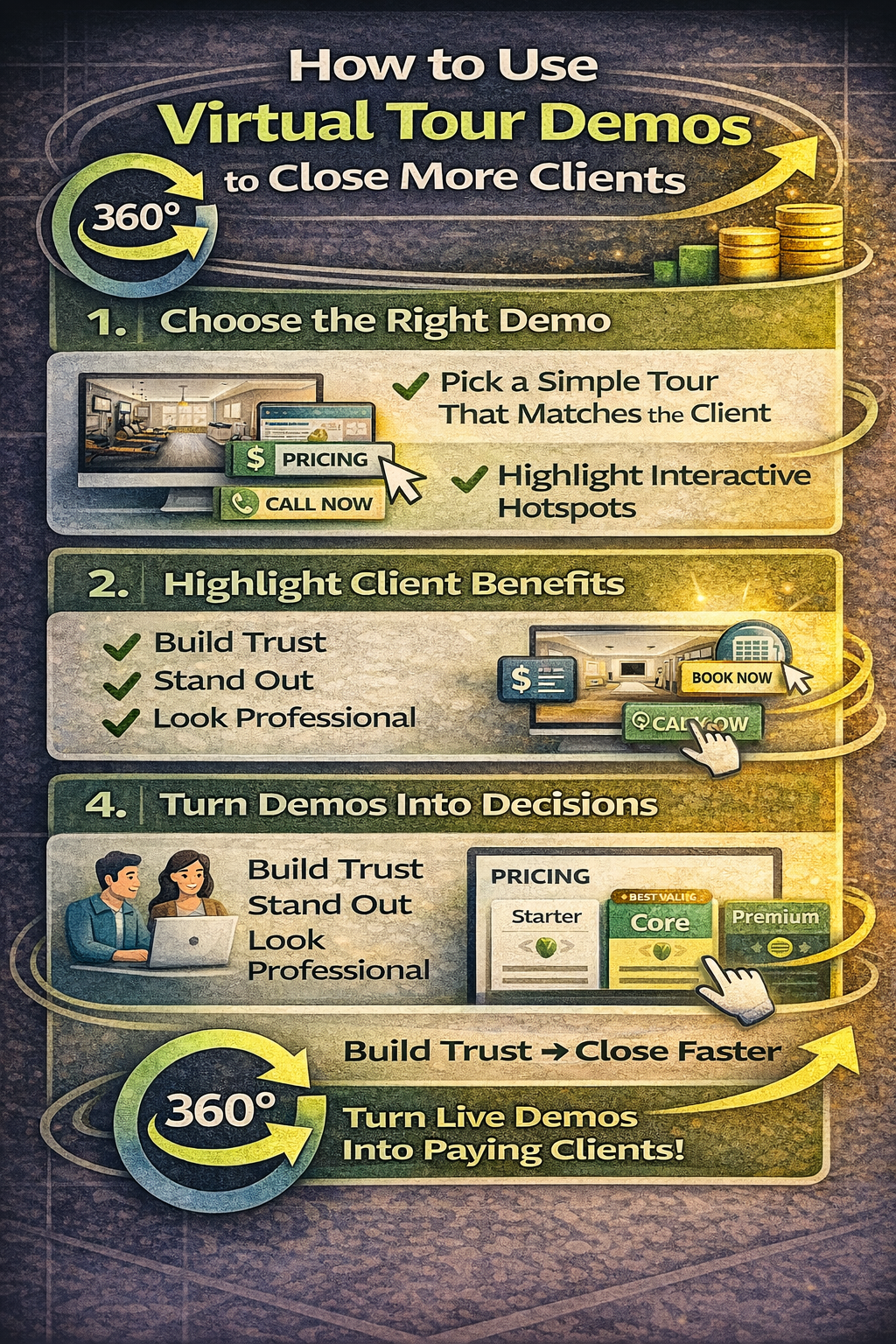
A portfolio is designed to show variety.
A demo is designed to convert.
The problem is most providers show demos that are:
A demo isn’t supposed to impress photographers.
It’s supposed to impress business owners.
Before we go tactical, here’s what a great demo must accomplish:
The prospect should instantly understand:
If your demo is confusing, the prospect assumes:
“My customers will be confused too.”
Your demo should look clean, bright, professional.
Your demo must feel like a marketing asset, not a “tech toy.”
You don’t need 30 demos.
You need 3 that match your target buyers.
Use for:
This demo should highlight trust + customer experience.
Use for:
This demo should highlight layout + flow.
Use for:
This demo should highlight comfort + credibility.
When you have a demo that matches your prospect’s world, you multiply conversions.
A perfect demo tour is often:
✅ 8–15 scenes max
Too many scenes creates fatigue.
Your prospect isn’t here to explore—they’re here to decide.
Think of your demo as a highlight reel.
Include:
Avoid:
Hotspots should communicate sales utility.
Examples:
When prospects see action buttons inside the tour, they immediately understand the point:
“This is a conversion tool.”
That’s a key moment in virtual tour sales.
Add:
Avoid:
You want the demo to feel premium and calm.
Most providers send demos like this:
“Here’s a demo.”
That’s weak.
Instead, use a 1-sentence framing statement that tells them what to look for.
This tiny change increases demo conversion dramatically.
Here’s a simple script you can use in DMs, email, or calls:
This is short, modern, and not salesy.
After they view your demo, don’t ask:
“Do you want one?”
Instead ask:
“Which option fits you best?”
Offer 2 or 3 package options.
Example:
This eliminates negotiation and pushes people toward upgrading naturally.
This is one of the easiest ways to increase virtual tour sales without more leads.
Most virtual tour sales don’t happen instantly.
They happen after follow-up.
The best follow-up message is short and confident:
Hey [Name] — here’s the demo again.
This is what customers use to explore your business before they arrive.
Want me to send the 2 package options?
This converts because:
If demos only live on your laptop, you’re missing out.
Put your demos everywhere:
✅ Website homepage
✅ Pricing page
✅ Google Drive share folder
✅ Email signature
✅ Instagram highlight
✅ Pinned Facebook post
✅ QR code on flyers
✅ DM templates
✅ Outreach campaigns
Your demo should become your always-on lead closer.
One of the biggest upgrades you can make is having separate demo links like:
Why this matters:
Prospects trust what feels relevant.
A gym owner doesn’t want to see a house tour.
A dentist doesn’t want to see a bar tour.
When the demo matches the niche, your close rate increases fast.
Here are the demo killers:
And the biggest one:
❌ sending the demo with no context
Always frame the value.
When your demo looks premium, you can charge premium.
Cheap-looking demos force cheap pricing.
But strong virtual tour demos:
That’s why demos are not just a selling tool—they’re a pricing tool.
If you want more clients, don’t talk more—show more.
Virtual tour demos are one of the fastest ways to:
Start with one clean demo.
Then build a repeatable system:
Demo → Package options → Follow-up → Close.
That’s the path to consistent client flow. 🚀📸


Compact, ready to go anywhere
Interchangeable lens that’s upgradeable
Dual 1-inch sensors for improved clarity and low light performance
Dynamic range and 6K 360° capture
360° photo resolution at 21MP

8K 360° video recording for ultra-detailed visuals.
4K single-lens mode for traditional wide-angle shots.
Invisible selfie stick effect for drone-like perspectives.
2.5-inch touchscreen with Gorilla Glass protection.
Waterproof up to 33ft for underwater shooting.

360° photo resolution in 23MP
Slim design at 24 mm thick
Built-in image stabilization for smooth video capture.
Internal 19GB storage for photo and video storage.
Wireless connectivity for remote control and sharing.

60MP 360° still images for high-resolution photography.
5.7K 360° video recording at 30fps.
2.25-inch touchscreen for intuitive control.
USB Type-C port for fast charging and data transfer.
MicroSD card slot for expandable storage.
.png)

.png)

Try it free. No credit card required. Instant set-up.







.svg)


.svg)