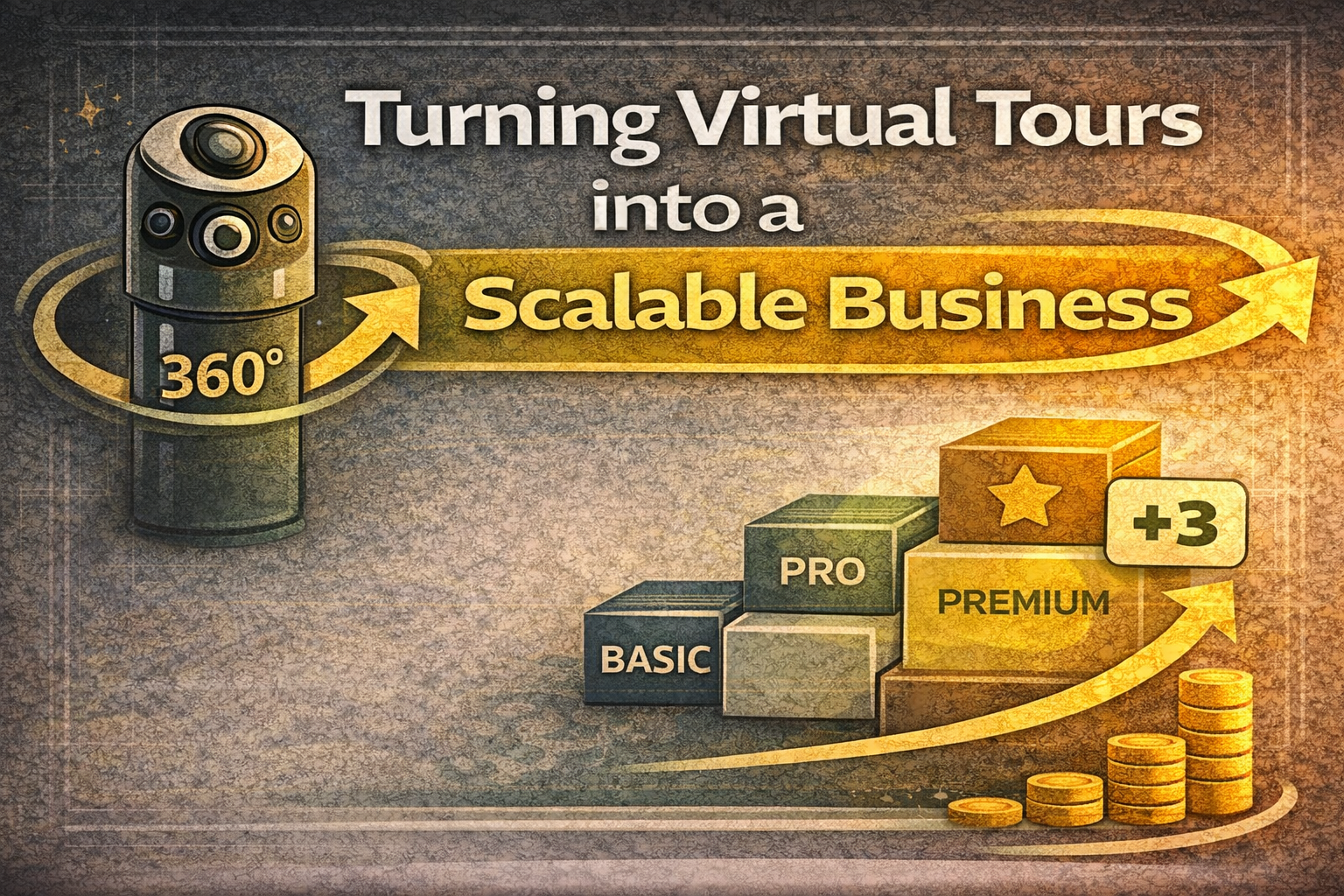
Turning Virtual Tours into a Scalable Business

Cloudpano
January 10, 2026
5 min read
Share this post

Turning Virtual Tours into a Scalable Business 🚀📸

How to Scale Without Burning Out (Using Systems + Automated Virtual Tours)

Virtual tours are one of the best services you can sell today.

They’re visual, easy to explain, and they help businesses build trust faster—meaning clients feel the value immediately.

But there’s a big difference between:

✅ doing virtual tours as a side hustle
and
✅ building a scalable virtual tour company

If you’re stuck doing everything manually—sales, scheduling, shooting, editing, delivery, follow-ups—you’ll eventually hit a ceiling.

The key to long-term growth is this:

You need systems.

In this guide, you’ll learn how to scale virtual tour business operations the right way, how to productize your offers, and how to build predictable income using workflows and automated virtual tours.

Let’s get into it. 💼✨

Why Most Virtual Tour Businesses Don’t Scale 🧠

Most virtual tour providers start like this:

  • get a camera
  • shoot a few tours
  • deliver links
  • get referrals
  • repeat

That works… until it doesn’t.

Because the business becomes dependent on:

  • your time
  • your availability
  • your manual effort

You can only shoot so many tours per week.

That means growth becomes stressful:

  • longer hours
  • delayed turnaround times
  • inconsistent quality
  • missed follow-ups
  • burnout

To scale virtual tour business revenue, you must stop thinking like a freelancer and start thinking like a system builder.

The 3 Pillars of a Scalable Virtual Tour Business 🧱

To scale, you need three things:

1) Productized offers 📦

Clear packages and add-ons (no custom quoting chaos)

2) Standard operating procedures (SOPs) ✅

A repeatable workflow anyone can follow

3) Automation + delegation 🤖

Systems that run without you touching every step

When these three pillars are in place, the business becomes scalable.

Step 1: Productize Your Services (The Foundation) 📦

If you want consistent growth, stop selling “virtual tours.”

Sell packages.

A scalable virtual tour service typically has:

  • a starter option
  • a best-value option
  • a premium option

Examples of package elements:

  • number of scenes
  • hotspot count
  • branding level
  • turnaround time
  • hosting included vs not included
  • floor plan add-on
  • highlight reels add-on

This simplifies your sales process.

It also increases average order value, because people naturally pick the middle or premium tier when value is clear.

Productization is step #1 to scale virtual tour business revenue.

Step 2: Standardize Your Capture Workflow 🎥

Scalability requires consistency.

If every shoot is different, quality varies and training becomes hard.

Create a standard capture method:

  • standard camera height
  • standard spacing between scans
  • standard number of angles per room
  • standard lighting approach
  • standard naming method per scene

When your capture process becomes predictable:
✅ you shoot faster
✅ quality improves
✅ delivery becomes faster
✅ it becomes easier to outsource

Step 3: Build a Demo Library That Sells 24/7 🎯

A demo library is one of the most underrated scaling tools.

Instead of doing long calls and explaining everything, you let prospects click and see it instantly.

You should have at least:

  • 1 local business demo
  • 1 real estate demo
  • 1 apartment / leasing demo

Send your demo in outreach, follow-up, DMs, and email sequences.

This speeds up client acquisition dramatically.

It also makes your automated virtual tours sales funnel possible, because the demo can do the selling without you.

Step 4: Turn Delivery Into a “Product Experience” 🧾✨

Most providers deliver tours like:

“Here’s the link.”

That feels cheap.

A scalable business delivers like a product company.

Create a delivery system that includes:

  • branded email
  • “Your Tour is Ready” subject line
  • embedded preview image
  • CTA buttons: View Tour / Download Assets / Embed Tour
  • simple next-step upsell offer

This increases:

  • retention
  • repeat business
  • upsells
  • referrals

And it makes your business feel premium.

Step 5: Introduce Recurring Revenue (Where Scaling Gets Real) 🔁💰

You don’t truly scale with one-time projects alone.

The biggest lever to scale virtual tour business revenue is recurring income.

Examples of recurring services:

  • tour hosting plan
  • quarterly refresh plan
  • monthly updates
  • seasonal remodel updates
  • multi-location “rollout + maintenance”
  • monthly marketing package including tours

This also creates stability.

Instead of “starting over” each month, you grow like a subscription business.

Step 6: Build Automated Virtual Tours Workflows 🤖

Let’s talk about what automated virtual tours really means.

It doesn’t mean “robots shooting tours.”

It means automating the business operations around tours so you can grow without extra stress.

Here are the best automation areas:

✅ Automated lead capture

  • website forms
  • social link forms
  • booking links

✅ Automated scheduling

Let clients book without going back and forth.

✅ Automated reminders

Reduce no-shows and reschedules.

✅ Automated follow-ups

If someone clicks a demo link and doesn’t respond:

  • follow-up 1
  • follow-up 2
  • “still interested?” follow-up

✅ Automated delivery + upsell sequence

After delivery:

  • upsell hotspots
  • upsell listing page embed
  • upsell hosting plan

✅ Automated review request

After completion:

  • ask for Google review
  • ask for testimonial
  • ask for referral

These “behind-the-scenes automations” are what create automated virtual tours as a business model.

Step 7: Scale Through Templates (Not New Ideas) 🧩

Scaling is not about being creative every time.

It’s about repeating what works.

Create templates for:

  • proposal language
  • scope of work
  • pricing packages
  • onboarding emails
  • delivery emails
  • follow-up messages
  • review request messages

When everything is templated:
✅ you move faster
✅ you make fewer mistakes
✅ your team can operate easier
✅ clients get consistent experience

Templates are a big key to scaling.

Step 8: Build a “Fulfillment Team” (Even If You’re Solo Now) 👥

You don’t need to hire a full team tomorrow.

But you do need roles.

A scalable virtual tour business typically separates into:

  • Sales + client communication
  • Capture / onsite production
  • Tour build + hotspots
  • Publishing + delivery

Once those roles are clear, you can begin delegating:

  • admin tasks first
  • editing tasks next
  • capture tasks last

Delegation unlocks growth.

Step 9: Sell Larger Contracts (Scaling Through Ticket Size) 🏢📈

Here’s another scaling hack:

Instead of only increasing volume, increase deal size.

Go after:

  • apartment groups
  • property management firms
  • franchise businesses
  • clinics with multiple locations
  • commercial properties

Offer:

  • rollout plan
  • standardized branding
  • multi-location tours
  • ongoing updates

A single multi-location contract can equal dozens of small tours.

This is the cleanest way to scale: fewer clients, bigger deals.

Step 10: Build a Simple “Tour Production System” ✅

If you want to scale smoothly, treat tours like manufacturing.

Each tour goes through stages:

  1. Lead comes in
  2. Quote/package selected
  3. Booking scheduled
  4. Capture completed
  5. Build + hotspots
  6. Publish
  7. Deliver
  8. Upsell offer
  9. Review + referral request
  10. Maintenance subscription (optional)

Once you can track this like a pipeline, you’re no longer doing random work—you’re running an operation.

That’s how you truly scale virtual tour business operations.

Don’t Miss These Articles:

Common Scaling Mistakes to Avoid ❌

Avoid these traps:

  • taking custom jobs every time
  • underpricing while trying to scale
  • no packages / no structure
  • relying only on referrals
  • skipping follow-up systems
  • no recurring revenue option
  • doing everything yourself too long

Scaling doesn’t require perfection.

It requires structure.

Final Thoughts: Scaling Virtual Tours Is About Systems 🏁🚀

Virtual tours are an amazing service, but they become a real business when you:

✅ productize your offers
✅ systemize your workflow
✅ automate lead flow + follow-up
✅ add recurring revenue
✅ delegate fulfillment

That’s how you build a company that grows—even when you’re not personally doing every single task.

If your goal is to scale virtual tour business income, the path is clear:

Build a repeatable process, then let automated virtual tours workflows and systems carry the growth.

You’ll close more deals, deliver faster, and create predictable revenue without burning out. 💼📸✨

🚀 Your All-In-One Virtual Experience Stack Starts Here

Share this post
Cloudpano

Choose The Right 360° Camera

Insta360 ONE RS 1-Inch 360 Edition

  • Compact, ready to go anywhere

  • Interchangeable lens that’s upgradeable

  • Dual 1-inch sensors for improved clarity and low light performance

  • Dynamic range and 6K 360° capture

  • 360° photo resolution at 21MP

Learn More

Insta360 X4

  • 8K 360° video recording for ultra-detailed visuals.

  • 4K single-lens mode for traditional wide-angle shots.

  • Invisible selfie stick effect for drone-like perspectives.

  • 2.5-inch touchscreen with Gorilla Glass protection.

  • Waterproof up to 33ft for underwater shooting.

Learn More

Ricoh Theta Z1

  • 360° photo resolution in 23MP

  • Slim design at 24 mm thick

  • Built-in image stabilization for smooth video capture.

  • Internal 19GB storage for photo and video storage.

  • Wireless connectivity for remote control and sharing.

Learn More

Ricoh Theta X

  • 60MP 360° still images for high-resolution photography.

  • 5.7K 360° video recording at 30fps.

  • 2.25-inch touchscreen for intuitive control.

  • USB Type-C port for fast charging and data transfer.

  • MicroSD card slot for expandable storage.

Learn More
Property Marketing
Allows potential buyers to explore properties in detail from anywhere, enhancing the real estate marketing process.
Automotive Spins
Create an interactive virtual showroom and engage affluent digital buyers with live 360º video calls, all through the CloudPano mobile app for a complete automotive sales solution.
Interactive Floor Plans
Create 2D and 3D floor plans with measurements in 4 minutes or less, all from your phone. Download the Floor Plan Scanner app and get your first scan free.

360 Virtual Tours With CloudPano.com. Get Started Today.

Try it free. No credit card required. Instant set-up.

Try it free
Latest posts

See our other posts

Interviews, tips, guides, industry best practices, and news.

AI Avatars vs Traditional Video: Which Converts More Real Estate Leads?

This article compares AI avatars vs traditional video in real estate marketing to determine which converts more leads. It explains how a real estate AI video clone can scale content creation and automate lead follow-ups, while traditional video builds trust and personal connection. The guide introduces a hybrid strategy that combines a personal AI avatar for realtors with authentic on-camera presence to maximize engagement, consistency, and conversions. It also highlights when to use each approach for the best results.
Read post

How to Create a Personal AI Avatar for Real Estate Videos

This guide explains how to create AI clone realtor systems and build a personal AI avatar for realtors to generate real estate videos at scale. It walks through a step-by-step process for creating a real estate AI video clone, from defining your brand voice and recording audio to generating videos and distributing content across platforms. The article also highlights key use cases, common mistakes, and strategies to keep your AI avatar authentic while maximizing efficiency and lead generation.
Read post

Personal AI Avatars for Realtors: The Future of Property Marketing

This article explores how personal AI avatars for realtors are transforming modern property marketing. It explains how agents can use a real estate AI video clone to automate content creation, improve lead response times, and scale their marketing efforts without increasing workload. The guide also walks through how to create AI clone realtor systems, outlines real-world use cases, and highlights the balance between automation and maintaining authentic client relationships.
Read post


