How To Monetize Google Maps in 2025: The Complete Guide to Turning Listings Into Profit

Cloudpano
June 30, 2025
•
5 min read
Share this post

💰 How To Monetize Google Maps in 2025: The Complete Guide to Turning Listings Into Profit 📍

Want to learn how to monetize Google Maps and turn local listings into a real income stream in 2025? You’re in the right place.

Whether you're a solo entrepreneur, SEO agency, or local business hustler, this step-by-step guide shows how to turn Google Business Profiles and Google Maps visibility into a scalable, recurring revenue business.

🎯 Ready to shortcut your learning curve?
👉 Watch the full strategy video here
📦 Or join the free GSV Virtual Tour Profit Challenge

🔎 Why Google Maps Is a Goldmine in 2025

Google Maps isn’t just for directions—it’s where buyers go to find services near them.

Here’s what makes it powerful:

  • 93% of local searches show the Google Map Pack
  • Listings are often clicked before websites
  • Visibility = trust = leads = revenue
  • You don’t need to be a local business owner to profit 📈

📌 Related: What Is the Rank and Rent Model for Google Maps Listings?

💡 What Does “Monetizing Google Maps” Mean?

Monetizing Google Maps means generating leads, sales, or monthly income using optimized local listings—either your own or ones you manage for others.

Ways to do it:

📍 Strategy #1: Rank & Rent Google Business Profiles

This is the most beginner-friendly passive income model in 2025.

  1. Create a new Google Business Profile (GBP)
  2. Rank it in the Map Pack for a local service keyword
  3. Forward the leads to a local business
  4. Charge $500–$1,500/month 🔥

💡 You don’t even need reviews to rank early on.
📚 Read: How to Rank a Google Business Profile With Zero Reviews

🎥 See how this works on YouTube →
👉 Watch here

🧰 Strategy #2: Offer Google Maps Optimization Services

If you already serve clients, you can add GMB optimization as a high-value, high-margin offer.

Here’s what you can do:

  • Add missing fields (services, hours, etc.)
  • Upload geotagged photos
  • Post weekly Google updates
  • Add citations to boost local ranking
  • Manage and respond to reviews

📦 Bundle this into an SEO package and charge monthly.

📌 Related: How to Bundle Google Maps Services Into SEO Packages

📸 Strategy #3: Sell Virtual Tours on Google Street View

As a Google Trusted Photographer, you can shoot 360° tours and upload them directly to Maps.

Virtual tours:

  • Build trust with new customers
  • Help listings stand out visually
  • Improve click-through rates in the Map Pack
  • Are easy to upsell to local businesses

Tools like CloudPano make it simple to publish directly to Maps.

📚 Related: Become a Google Maps Trusted Photographer in 2025

🚀 Learn how to turn virtual tours into a business at → gsv.virtualtourprofit.com

📈 Strategy #4: Generate and Sell Leads

Using Google Maps visibility, you can:

  • Capture inbound calls from searchers
  • Qualify them through tracking tools
  • Sell those leads to local service providers

Use software like:

  • LeadSnap
  • CallRail
  • GoHighLevel
    To track calls, form fills, and text messages.

📌 Related: How to Use Google Maps to Find Local Business Leads

🏆 Bonus: Combine All 4 for Recurring Revenue

Here’s what a full-stack Google Maps agency monetization model looks like:

  1. Rank a listing
  2. Offer a 360° virtual tour
  3. Optimize their profile
  4. Track leads
  5. Charge a monthly fee

💰 Stack those services and you’re earning $1,000+ per client per month, per city.

🎯 Build this stack in 5 days with full scripts, pricing templates, and tools at →
👉 gsv.virtualtourprofit.com

🛠 Tools to Monetize Google Maps

🎥 Want to see how it all connects?
📺 Watch the full strategy video

🧠 Final Thoughts: Google Maps = Digital Real Estate

When you learn how to monetize Google Maps, you unlock:

  • Passive income
  • Local lead flow
  • Client retainers
  • A scalable, low-overhead business

In 2025, small businesses NEED visibility on Maps. You can be the one that delivers it—for a price 💼

📦 Jump into the free challenge now → gsv.virtualtourprofit.com

🎬 Or watch the full breakdown now → https://youtu.be/Yb-jjL-sVoc?si=-3zxy-vu9FEu1UVh

‍

Share this post
Cloudpano

Choose The Right 360° Camera

Insta360 ONE RS 1-Inch 360 Edition

  • Compact, ready to go anywhere

  • Interchangeable lens that’s upgradeable

  • Dual 1-inch sensors for improved clarity and low light performance

  • Dynamic range and 6K 360° capture

  • 360° photo resolution at 21MP

Learn More

Insta360 X4

  • 8K 360° video recording for ultra-detailed visuals.

  • 4K single-lens mode for traditional wide-angle shots.

  • Invisible selfie stick effect for drone-like perspectives.

  • 2.5-inch touchscreen with Gorilla Glass protection.

  • Waterproof up to 33ft for underwater shooting.

Learn More

Ricoh Theta Z1

  • 360° photo resolution in 23MP

  • Slim design at 24 mm thick

  • Built-in image stabilization for smooth video capture.

  • Internal 19GB storage for photo and video storage.

  • Wireless connectivity for remote control and sharing.

Learn More

Ricoh Theta X

  • 60MP 360° still images for high-resolution photography.

  • 5.7K 360° video recording at 30fps.

  • 2.25-inch touchscreen for intuitive control.

  • USB Type-C port for fast charging and data transfer.

  • MicroSD card slot for expandable storage.

Learn More
Property Marketing
Allows potential buyers to explore properties in detail from anywhere, enhancing the real estate marketing process.
Automotive Spins
Create an interactive virtual showroom and engage affluent digital buyers with live 360º video calls, all through the CloudPano mobile app for a complete automotive sales solution.
Interactive Floor Plans
Create 2D and 3D floor plans with measurements in 4 minutes or less, all from your phone. Download the Floor Plan Scanner app and get your first scan free.

360 Virtual Tours With CloudPano.com. Get Started Today.

Try it free. No credit card required. Instant set-up.

Try it free
Latest posts

See our other posts

Interviews, tips, guides, industry best practices, and news.

Egocentric Data for Smart Glasses and Wearable AI

Smart glasses are shipping fast, but the egocentric datasets everyone cites are licensed for non-commercial research only. This guide explains what wearable AI needs, why the public sets block commercial training, and how to source data you can ship.
Read post

Why AI Agents Need Continuous Evaluation

Continuous evaluation is essential for maintaining reliable, accurate, and secure AI agents as models, tools, and user expectations evolve. This guide explores why ongoing testing matters, the key performance metrics to monitor, and how AI chatbot evaluation services help businesses detect hallucinations, improve task completion, and strengthen AI safety. Learn how automated testing, human review, and continuous monitoring work together to build trustworthy AI systems.
Read post

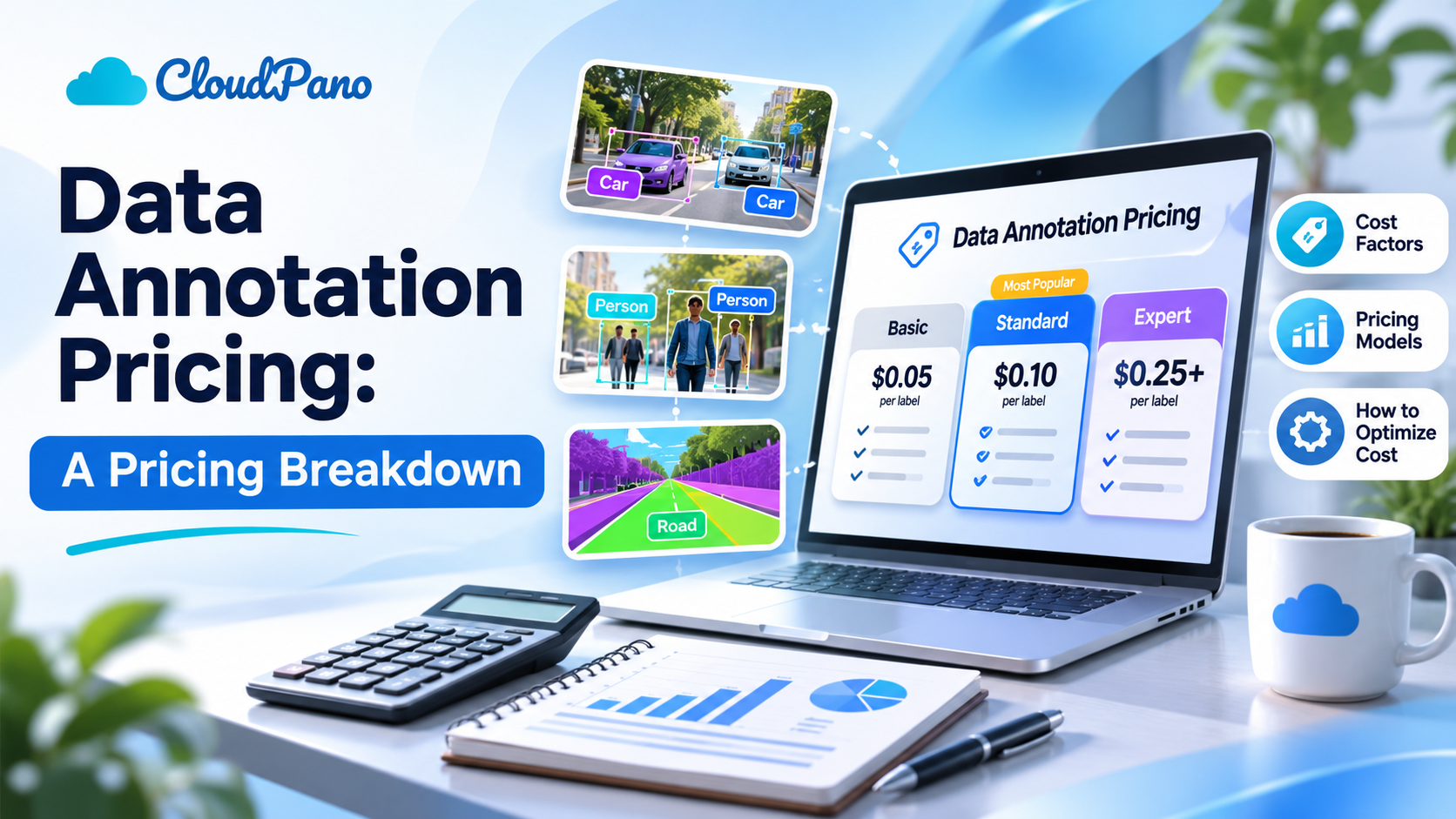
Data Annotation Pricing: A Pricing Breakdown

Understanding data annotation pricing is essential for businesses planning AI and machine learning projects. This guide breaks down annotation costs for images, videos, text, and audio while explaining the factors that influence pricing, including task complexity, dataset size, and quality requirements. Discover common pricing models, hidden expenses, and practical strategies to reduce annotation costs while maintaining high-quality training data.
Read post