


.png)


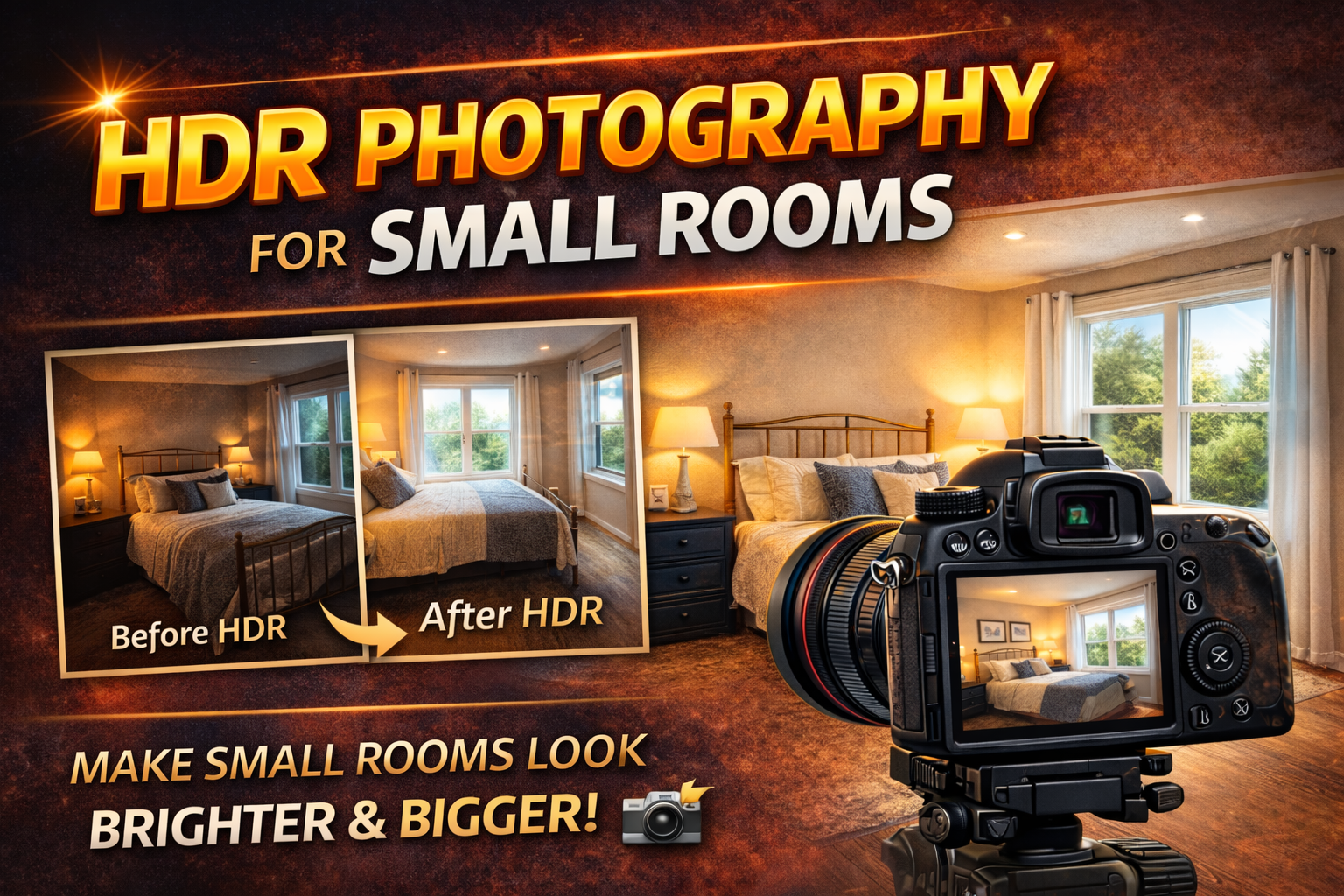
A Complete Guide to HDR Small Room Photography for Bright, Professional Real Estate Photos
Photographing small rooms can be tricky. Tight spaces, limited angles, and challenging lighting often make rooms look darker and more cramped than they really are. But with the right approach, HDR small room photography can transform compact spaces into bright, inviting, and spacious-looking images that attract buyers and impress clients.
Whether you’re shooting bathrooms, bedrooms, offices, or apartments, mastering HDR techniques helps you show every detail clearly — without unnatural lighting or blown-out highlights.
In this evergreen guide, you’ll learn exactly how to use HDR small room photography to capture balanced, professional photos that make even the smallest spaces look their best. Let’s get started. 🚀
Small spaces create unique photography challenges:
❌ Limited room to step back
❌ Strong contrast between windows and interiors
❌ Dark corners and shadows
❌ Mixed lighting from lamps and daylight
Your camera struggles to capture both bright highlights and deep shadows in a single shot. That’s where HDR small room photography becomes essential.
HDR (High Dynamic Range) combines multiple exposures to create one balanced image that shows detail everywhere — from window views to shadowed corners.
HDR small room photography is a technique where you take multiple photos at different exposure levels and blend them together during editing.
This helps you:
✔ Preserve window views
✔ Brighten dark corners
✔ Reduce harsh shadows
✔ Create natural-looking light
Instead of choosing between a bright window or a properly exposed room, HDR lets you have both.

A wide-angle lens is crucial in small spaces. It allows you to capture more of the room without physically moving backward.
Best focal range for HDR small room photography:
📌 Full-frame: 16mm–20mm
📌 Crop sensor: 10mm–14mm
Avoid ultra-wide distortion that makes walls bend unnaturally. Buyers want rooms to look realistic, not stretched.
HDR requires multiple exposures of the exact same composition. Even slight movement between shots can cause ghosting or blur during blending.
A tripod helps you:
✔ Keep framing consistent
✔ Use slower shutter speeds for cleaner images
✔ Maintain sharpness in low light
Stability is a foundation of successful HDR small room photography.
RAW files contain much more detail in highlights and shadows than JPEGs.
For small rooms, this means:
✨ Better window detail
✨ Cleaner shadow recovery
✨ More flexible editing
HDR blending works best when each exposure contains maximum image data.
Bracketing is the heart of HDR small room photography.
Take 3–5 exposures of each composition:
• One underexposed (for windows and highlights)
• One properly exposed
• One overexposed (for shadow details)
Most cameras have an Auto Exposure Bracketing (AEB) setting that makes this easy.
Small rooms often have lamps, ceiling lights, and daylight mixing together. This creates color casts and uneven exposure.
To improve results:
✔ Turn off yellow tungsten lights when possible
✔ Use natural window light as your main source
✔ Correct white balance during editing
Cleaner lighting makes HDR blending more natural and professional.
Protect highlights, especially near windows or bright fixtures.
If your histogram is pushed hard to the right, you’re losing important detail. Slight underexposure gives you room to brighten shadows later without clipping highlights.
This is key in HDR small room photography where light differences are extreme.
HDR can enhance lighting, but it can’t fix clutter or cramped composition.
Before shooting:
✔ Open doors to create depth
✔ Remove unnecessary items
✔ Tidy surfaces
Cleaner spaces photograph larger and brighter, making HDR blending more effective.
Corner compositions make small rooms feel bigger.
Position your camera:
📌 About chest height
📌 In a corner facing diagonally across the room
This perspective adds depth and makes HDR small room photography images feel more spacious.
Small rooms exaggerate perspective distortion. Crooked verticals make walls look like they’re falling backward.
Use a tripod and level to keep lines straight. Correct remaining distortion during editing.
Straight lines = professional results.
The goal of HDR small room photography is natural balance, not dramatic effects.
Avoid:
❌ Overly bright shadows
❌ Gray, flat walls
❌ Glowing halos around lights or windows
Instead, aim for:
✔ Soft, natural light
✔ Visible detail without harsh contrast
✔ Realistic color tones
Subtle editing always looks more professional.
Small rooms often require lifting shadows significantly, which can introduce noise.
To reduce grain:
✔ Use low ISO while shooting
✔ Apply noise reduction during editing
✔ Avoid over-brightening dark areas
Clean shadows help HDR images look polished.
Buyers want realism. If your HDR is too aggressive, rooms can look artificial.
Signs you’ve gone too far:
❌ Surreal lighting
❌ Crunchy textures
❌ Glowing edges around objects
Good HDR small room photography should look like natural light — just better.
Avoid these pitfalls:
🚫 Shooting handheld HDR
🚫 Using too wide a lens
🚫 Leaving lights with mixed color temperatures
🚫 Overexposing to brighten the room
🚫 Ignoring composition
Fixing these improves both HDR quality and overall image appeal.
Balanced lighting creates the illusion of space.
When shadows are lifted and highlights are controlled:
✨ Corners become visible
✨ Walls appear cleaner
✨ Depth increases
✨ Rooms feel open instead of cramped
That’s the magic of HDR small room photography.
HDR isn’t always necessary.
Skip it when:
✔ The lighting is already balanced
✔ There are no bright windows
✔ The room has even, soft light
Overusing HDR can add extra work without noticeable benefits.
Before you leave each room:
✅ Tripod stable
✅ Bracketing enabled
✅ RAW format
✅ Vertical lines straight
✅ Clutter removed
✅ Windows not blown out
Consistency is what separates average photographers from pros.
Small rooms don’t have to look dark or cramped in photos. With the right techniques, HDR small room photography helps you create bright, natural, and inviting images that show properties at their best.
Master bracketing, keep your edits subtle, and focus on clean composition. When done right, HDR doesn’t just fix lighting — it transforms the way small spaces feel on camera.
And in real estate, that visual impact makes all the difference. 🏡📸✨


Compact, ready to go anywhere
Interchangeable lens that’s upgradeable
Dual 1-inch sensors for improved clarity and low light performance
Dynamic range and 6K 360° capture
360° photo resolution at 21MP

8K 360° video recording for ultra-detailed visuals.
4K single-lens mode for traditional wide-angle shots.
Invisible selfie stick effect for drone-like perspectives.
2.5-inch touchscreen with Gorilla Glass protection.
Waterproof up to 33ft for underwater shooting.

360° photo resolution in 23MP
Slim design at 24 mm thick
Built-in image stabilization for smooth video capture.
Internal 19GB storage for photo and video storage.
Wireless connectivity for remote control and sharing.

60MP 360° still images for high-resolution photography.
5.7K 360° video recording at 30fps.
2.25-inch touchscreen for intuitive control.
USB Type-C port for fast charging and data transfer.
MicroSD card slot for expandable storage.
.png)

.png)

Try it free. No credit card required. Instant set-up.







.svg)


.svg)