


.png)


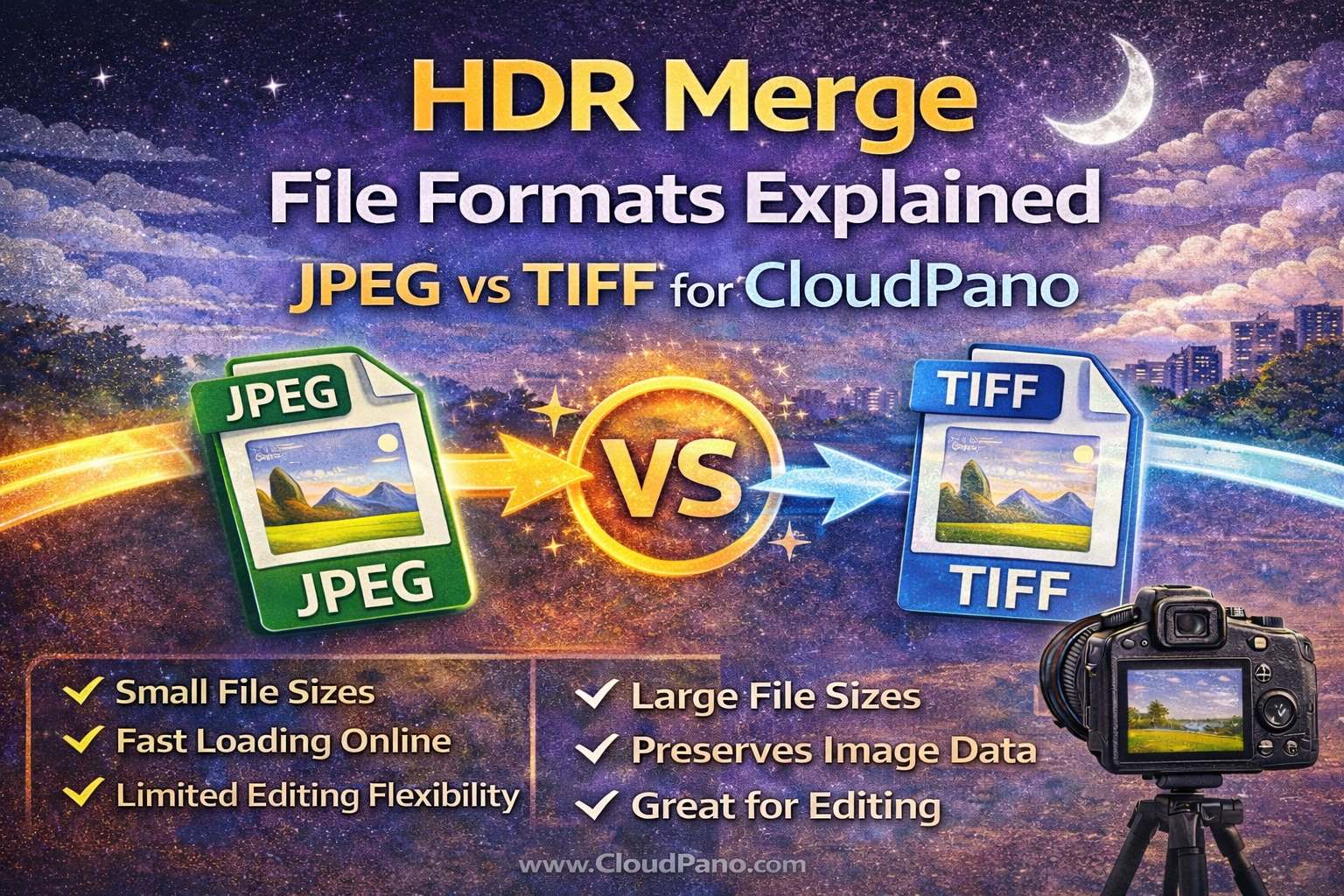
When creating high-quality virtual tours, most photographers focus on lighting, composition, and stitching. But there’s another critical factor that affects final image quality: file format.
Understanding HDR Merge file formats CloudPano workflows helps ensure your panoramas look sharp, load efficiently, and display correctly across devices. Choosing between JPEG vs TIFF CloudPano formats impacts editing flexibility, storage needs, and overall performance.
This CloudPano HDR photography guide explains how file types affect real estate HDR file types and how to select the best CloudPano virtual tour image formats for your workflow.
Let’s break it down. 🚀
HDR merge photography combines multiple exposures into one balanced image. That final image contains a wide range of tones, colors, and detail.
The file format you choose determines:
• How much image data is preserved
• How much editing flexibility remains
• File size and upload speed
• Final image clarity in virtual tours
Selecting the right HDR Merge file formats CloudPano strategy ensures the best balance between quality and efficiency.

Before comparing JPEG vs TIFF CloudPano, it’s important to understand what each format does.
JPEG is a compressed image format designed to reduce file size while maintaining good visual quality. It’s widely used for web display and virtual tours.
JPEG characteristics:
• Smaller file sizes
• Faster upload and loading times
• Limited editing flexibility after export
• Some compression loss
TIFF is a high-quality, lossless format often used in professional editing workflows.
TIFF characteristics:
• Very large file sizes
• Maximum image data retention
• Greater flexibility during editing
• Slower processing and uploading
Both formats play roles in real estate HDR file types workflows.
One major difference between JPEG and TIFF is bit depth, which affects how many color tones are stored.
JPEG files typically use 8-bit color, which provides millions of colors but less editing headroom.
TIFF files can support 16-bit color, which stores significantly more tonal data. This is useful during HDR merging because:
• Gradients are smoother
• Color banding is reduced
• Exposure adjustments are cleaner
For HDR editing stages, TIFF often provides better flexibility. But for final delivery, JPEG may be more practical.
TIFF is ideal during HDR merge processing because it preserves more data. When making adjustments like:
• Exposure correction
• White balance changes
• Shadow recovery
• Highlight control
TIFF files hold up better and reduce the risk of artifacts or banding.
This is why many photographers use TIFF during the editing stage in a CloudPano HDR photography guide workflow.
JPEG files have less flexibility for heavy editing. Large adjustments may introduce:
• Color banding
• Compression artifacts
• Loss of detail in highlights and shadows
For this reason, JPEG is often used only after editing is complete.
When uploading panoramas to CloudPano, file size becomes important.
TIFF files can be extremely large, which leads to:
• Longer upload times
• Slower processing
• Increased storage use
JPEG files are much smaller and optimized for web use, making them better suited as final CloudPano virtual tour image formats.
Virtual tours must load quickly and display smoothly across devices. Large TIFF files are not ideal for final delivery.
Most professional workflows use both formats strategically.
Step 1: Merge HDR exposures and edit in TIFF for maximum quality.
Step 2: Export final panoramas as high-quality JPEG for CloudPano upload.
This approach preserves quality during editing while ensuring fast, efficient performance in virtual tours.
This balance is central to understanding HDR Merge file formats CloudPano workflows.
JPEG uses lossy compression, meaning some image data is discarded to reduce file size. However, at high-quality settings, this loss is usually invisible in virtual tours.
To maintain strong quality:
• Export JPEGs at high resolution
• Use minimal compression
• Avoid multiple re-saves (each save adds compression)
Proper JPEG settings ensure excellent real estate HDR file types for online display.
Although JPEG is better for final upload, TIFF is valuable when:
• Archiving master HDR files
• Delivering high-resolution prints
• Making major re-edits in the future
Keeping TIFF masters ensures you always have a high-quality source file for future needs.
CloudPano is designed for high-quality panoramas that load smoothly on desktops and mobile devices.
For best results:
• Use high-resolution JPEG panoramas
• Maintain 2:1 equirectangular format
• Avoid excessive sharpening
• Keep color natural and balanced
These practices ensure optimized CloudPano virtual tour image formats that look professional and perform well.
TIFF files are too large and unnecessary for online virtual tours.
Too much compression leads to visible artifacts and soft detail.
Heavy editing on JPEG files reduces quality quickly.
Understanding these pitfalls helps maintain strong HDR Merge file formats CloudPano workflows.
HDR merges often include subtle tonal transitions, especially in skies and shadows. TIFF preserves these transitions better during editing.
However, once the HDR image is finalized, a high-quality JPEG can retain those smooth gradients while being far more efficient for delivery.
That’s why understanding JPEG vs TIFF CloudPano is key to both quality and workflow efficiency.
TIFF files require significantly more storage space. For photographers managing large virtual tour libraries, storing only TIFFs would quickly consume disk space.
A practical approach:
• Archive final JPEG panoramas for quick access
• Store TIFF masters only for important or high-value projects
This keeps your real estate HDR file types organized and manageable.
Selecting the correct file format is about balance. TIFF provides maximum flexibility during editing, while JPEG delivers efficient, high-quality results for online tours.
In summary:
📷 Use TIFF during HDR merging and heavy editing
💾 Export high-quality JPEGs for CloudPano upload
🌐 Optimize file size without sacrificing visible quality
Following this CloudPano HDR photography guide ensures your images look professional while keeping workflows fast and efficient.
Understanding HDR Merge file formats CloudPano is a small technical detail that makes a big difference in overall virtual tour quality and performance.


Compact, ready to go anywhere
Interchangeable lens that’s upgradeable
Dual 1-inch sensors for improved clarity and low light performance
Dynamic range and 6K 360° capture
360° photo resolution at 21MP

8K 360° video recording for ultra-detailed visuals.
4K single-lens mode for traditional wide-angle shots.
Invisible selfie stick effect for drone-like perspectives.
2.5-inch touchscreen with Gorilla Glass protection.
Waterproof up to 33ft for underwater shooting.

360° photo resolution in 23MP
Slim design at 24 mm thick
Built-in image stabilization for smooth video capture.
Internal 19GB storage for photo and video storage.
Wireless connectivity for remote control and sharing.

60MP 360° still images for high-resolution photography.
5.7K 360° video recording at 30fps.
2.25-inch touchscreen for intuitive control.
USB Type-C port for fast charging and data transfer.
MicroSD card slot for expandable storage.
.png)

.png)

Try it free. No credit card required. Instant set-up.







.svg)


.svg)