


.png)


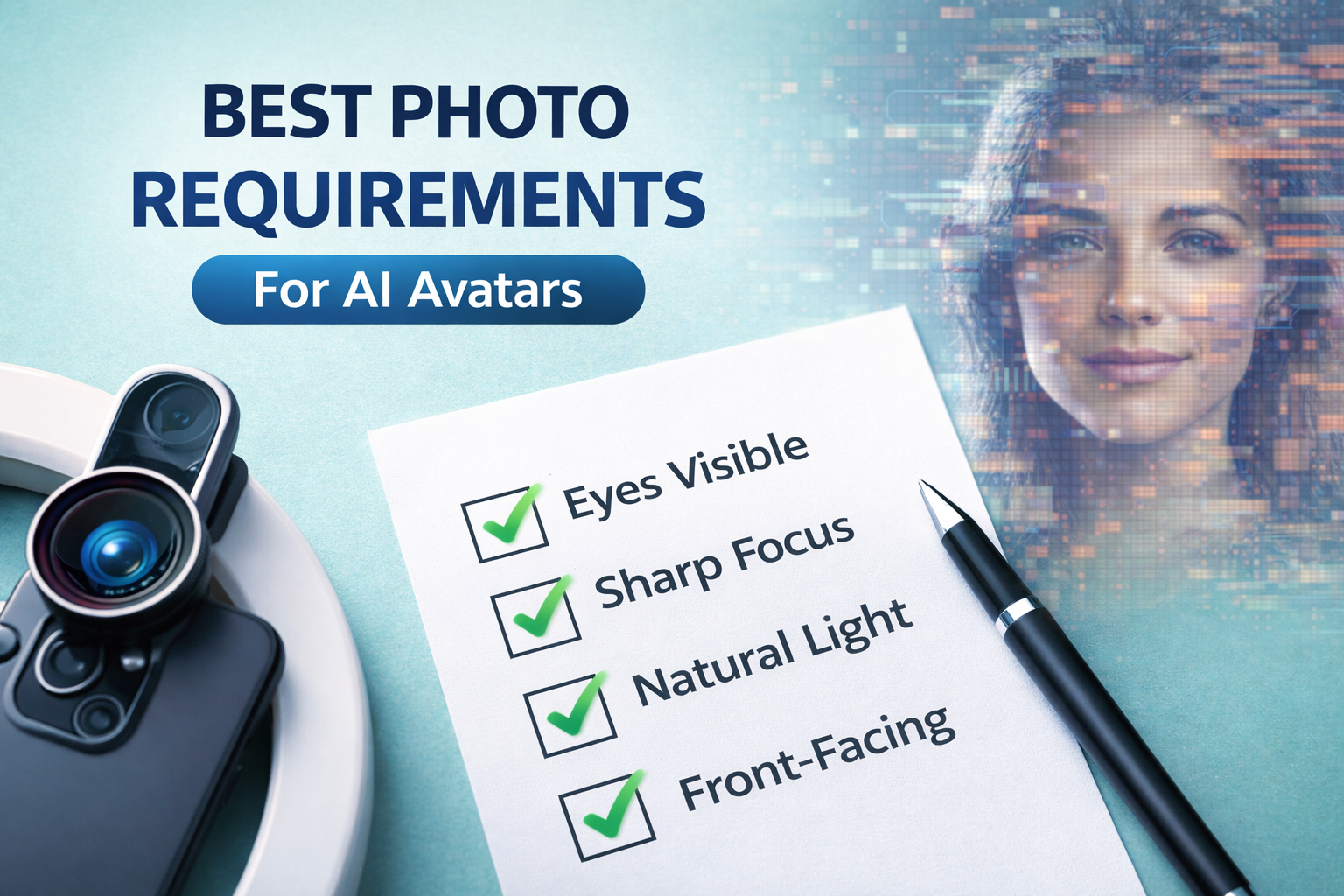
If you’ve ever created an AI avatar and thought, “This doesn’t quite look like me,” you’re not alone.
The truth is simple: even the most advanced AI technology can’t fix a bad input photo. Whether you’re a real estate agent, broker, content creator, or marketer, understanding the photo requirements for AI avatar cloning is the difference between a hyper-realistic digital twin and a stiff, unnatural animation.
In this complete guide, we’ll break down:
Let’s build your digital twin the right way.
AI avatar systems analyze facial landmarks, lighting gradients, skin texture, head angle, and shoulder positioning. From there, the software animates lip sync, eye movement, facial expressions, and micro-motions.
But here’s the key:
👉 The AI cannot invent missing detail.
👉 It cannot fix heavy filters.
👉 It cannot correct bad lighting.
That’s why understanding how to take photos for realistic AI avatars is essential.
When done correctly, your avatar can:
When done poorly? It looks robotic.
The most important of all photo requirements for AI avatar cloning is framing.
AI mapping relies on shoulder structure and facial proportions. A cropped selfie limits motion realism.
📷 Recommended Image
Alt tag: waist up professional photo for AI avatar cloning
Lighting dramatically impacts realism.
If your face is half-lit, your avatar will be too.
💡 Pro Tip: Stand facing a window with indirect sunlight. This produces the most natural skin tone for AI facial modeling.
Blurry images produce blurry avatars.
Zoom into your eyes. If they’re crisp, your photo is likely usable.
This is one of the most overlooked AI avatar creation best photo tips — resolution directly affects mouth tracking and eye animation quality.
AI avatars animate from your baseline expression.
A soft smile gives the AI flexibility to animate naturally.
AI needs clean edge detection.
A clean background improves subject separation and realism.
📷 Suggested Graphic
Alt tag: clean background vs busy background for AI avatar photo
AI modeling uses neck and shoulder positioning to anchor facial motion.
For real estate agents, dressing professionally enhances credibility in AI-generated listing videos.
This is critical.
Filters distort:
AI animation amplifies these distortions.
The best approach is natural skin texture and authentic lighting.
When discussing how to take photos for realistic AI avatars, this rule cannot be overstated: keep it real.

Modern AI avatar platforms analyze:
From there, they sync:
If you upload your own voice, the avatar will match lip movement precisely. This is powerful for real estate marketing where authenticity builds trust.
For more on AI-driven marketing strategies, you can reference resources from Harvard Business Review:
https://hbr.org
If you’re a real estate agent, AI avatars can:
According to the National Association of Realtors (NAR), listings with video receive significantly higher engagement rates.
Link: https://www.nar.realtor
But engagement only increases if the presenter looks believable.
That starts with proper photo requirements for AI avatar cloning.
Follow this quick checklist:
1️⃣ Stand facing a window
2️⃣ Wear structured professional clothing
3️⃣ Use a neutral background
4️⃣ Hold phone at eye level
5️⃣ Capture waist-up framing
6️⃣ Keep expression natural
7️⃣ Ensure image is high resolution
That’s it.
Even premium AI tools cannot compensate for poor photo input.
For next-level realism:
Consistency across your:
Builds brand trust.
To improve ranking and user experience:
📊 Infographic: “AI Avatar Photo Do’s and Don’ts”
Alt tag: AI avatar creation best photo tips infographic
🎥 60-second demo video embed
Alt tag: how to take photos for realistic AI avatars tutorial
📸 Before-and-after comparison
Alt tag: photo requirements for AI avatar cloning example comparison
Visual elements improve time-on-page and reduce bounce rate.
For media professionals and brokers:
Because once the avatar is created, it can be reused across unlimited projects.
That’s scalable branding.
Technology evolves. Input fundamentals don’t.
Whether today’s platform or tomorrow’s, these principles remain:
Mastering these ensures long-term success with AI avatars.
AI avatars are transforming real estate marketing, personal branding, and content creation. But their realism depends entirely on understanding the correct photo requirements for AI avatar cloning.
If you follow the steps in this guide:
Take five minutes today.
Capture a proper waist-up photo.
Apply these AI avatar creation best photo tips.
Test your first realistic clone.
Your future digital presence starts now. 🚀
If you found this helpful, share it with your team or drop a comment about your AI avatar experience.


Compact, ready to go anywhere
Interchangeable lens that’s upgradeable
Dual 1-inch sensors for improved clarity and low light performance
Dynamic range and 6K 360° capture
360° photo resolution at 21MP

8K 360° video recording for ultra-detailed visuals.
4K single-lens mode for traditional wide-angle shots.
Invisible selfie stick effect for drone-like perspectives.
2.5-inch touchscreen with Gorilla Glass protection.
Waterproof up to 33ft for underwater shooting.

360° photo resolution in 23MP
Slim design at 24 mm thick
Built-in image stabilization for smooth video capture.
Internal 19GB storage for photo and video storage.
Wireless connectivity for remote control and sharing.

60MP 360° still images for high-resolution photography.
5.7K 360° video recording at 30fps.
2.25-inch touchscreen for intuitive control.
USB Type-C port for fast charging and data transfer.
MicroSD card slot for expandable storage.
.png)

.png)

Try it free. No credit card required. Instant set-up.





.svg)


.svg)