


.png)



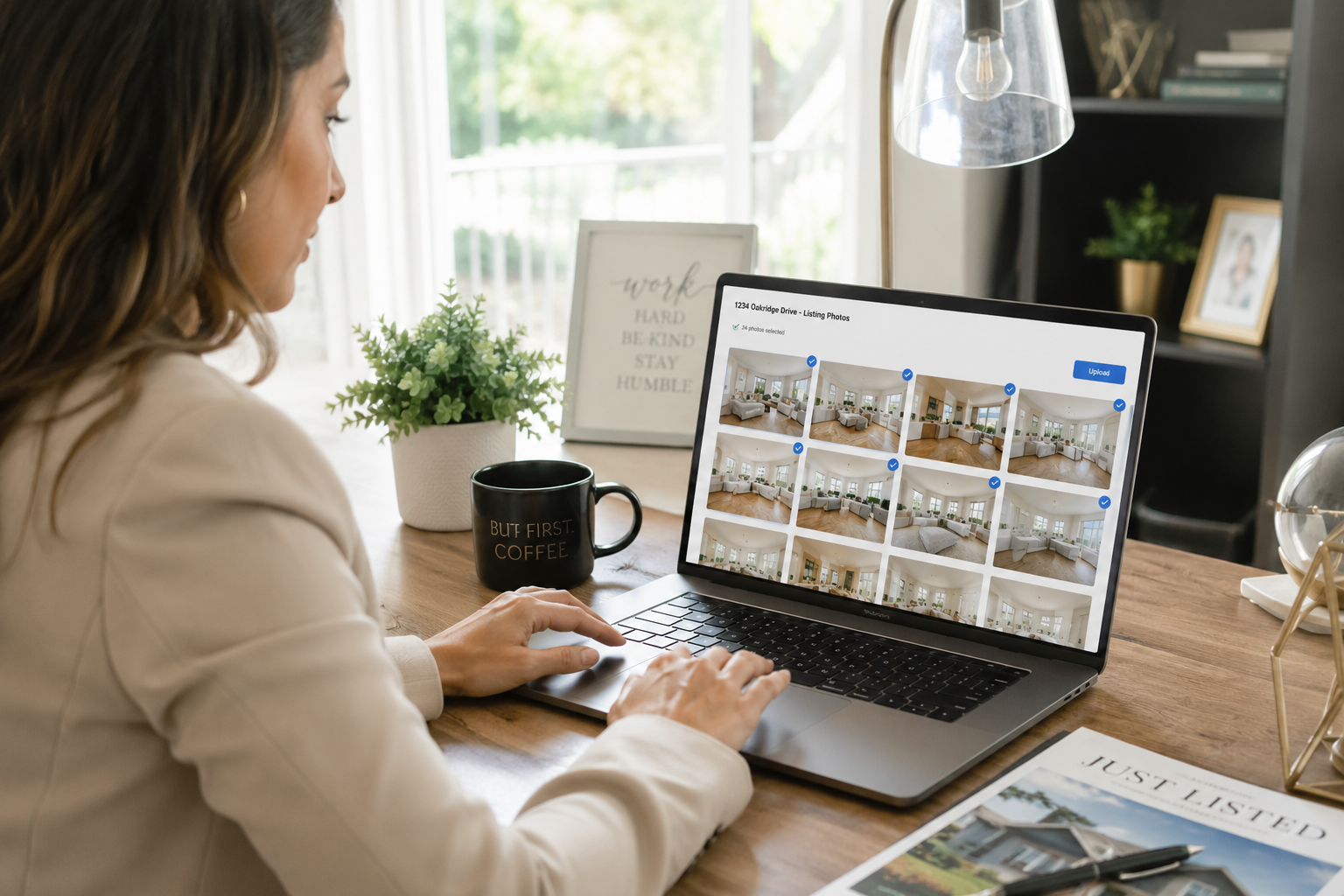
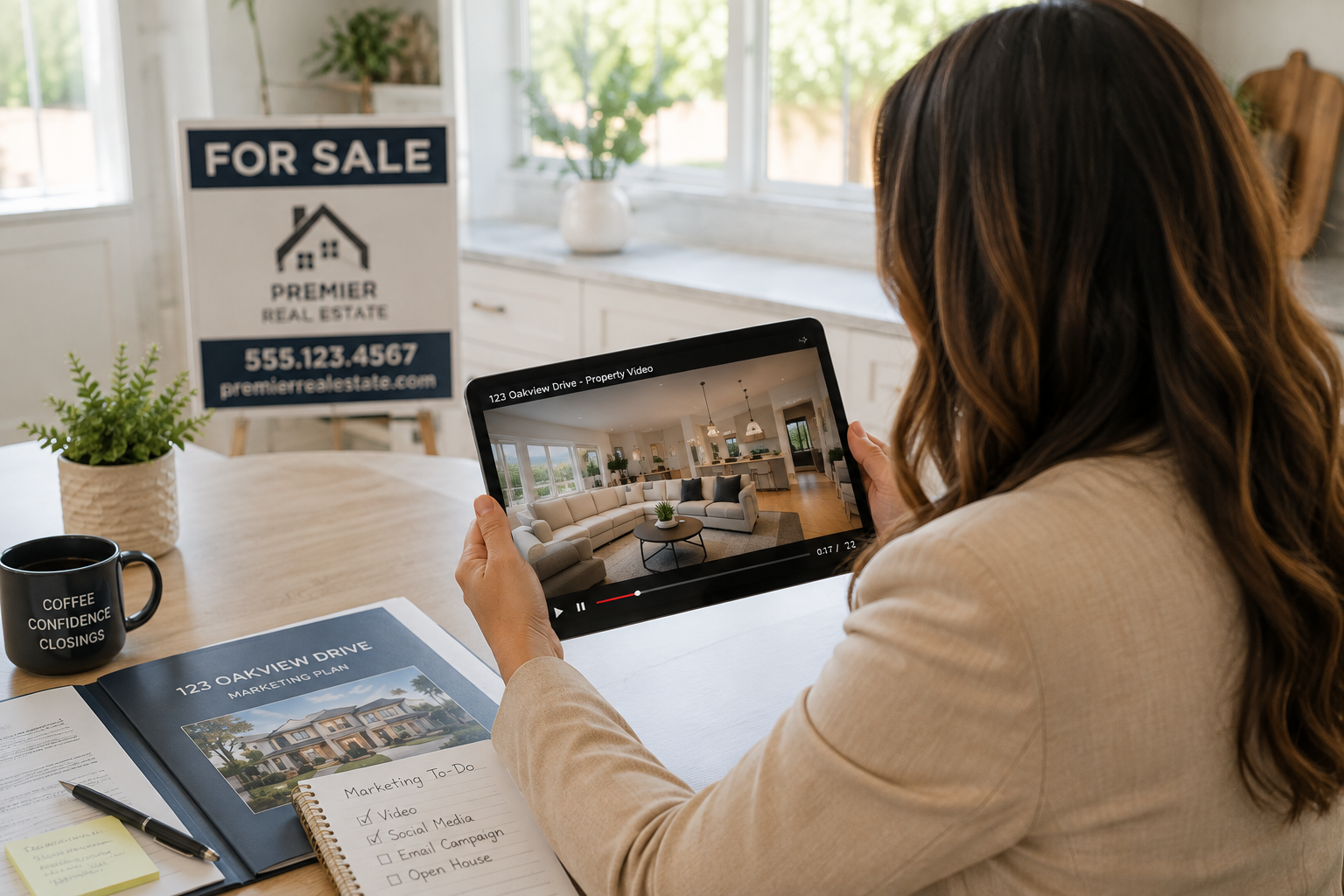
If you sell real estate, you already know that listings with video get more attention than listings without it. What's changed recently is how that video gets made. An AI real estate video maker can take the photos you already have from a listing shoot and turn them into a polished, cinematic property video in a matter of minutes — no camera crew, no editing software, and no waiting days for a videographer's schedule to open up. For agents juggling multiple listings, open houses, and client calls, that shift matters as much as the technology behind it.
This isn't about replacing photography or pretending a video was filmed with a drone and a Steadicam. It's about giving every listing — not just the flagship ones — a real shot at video marketing, using tools that are fast, affordable, and built for how agents actually work. Below is a plain-language look at how these tools work, what they're genuinely good at, where they still have limits, and what to look for if you're considering one.
The basic workflow behind most AI real estate video makers is simpler than it sounds. You upload the listing photos you already have — the same ones used for the MLS or a marketing flyer — and the software does the rest. Rather than requiring you to storyboard shots or learn timeline-based editing, the AI analyzes each photo and automatically applies camera movement, transitions, and pacing to simulate the feel of a professionally filmed walkthrough.
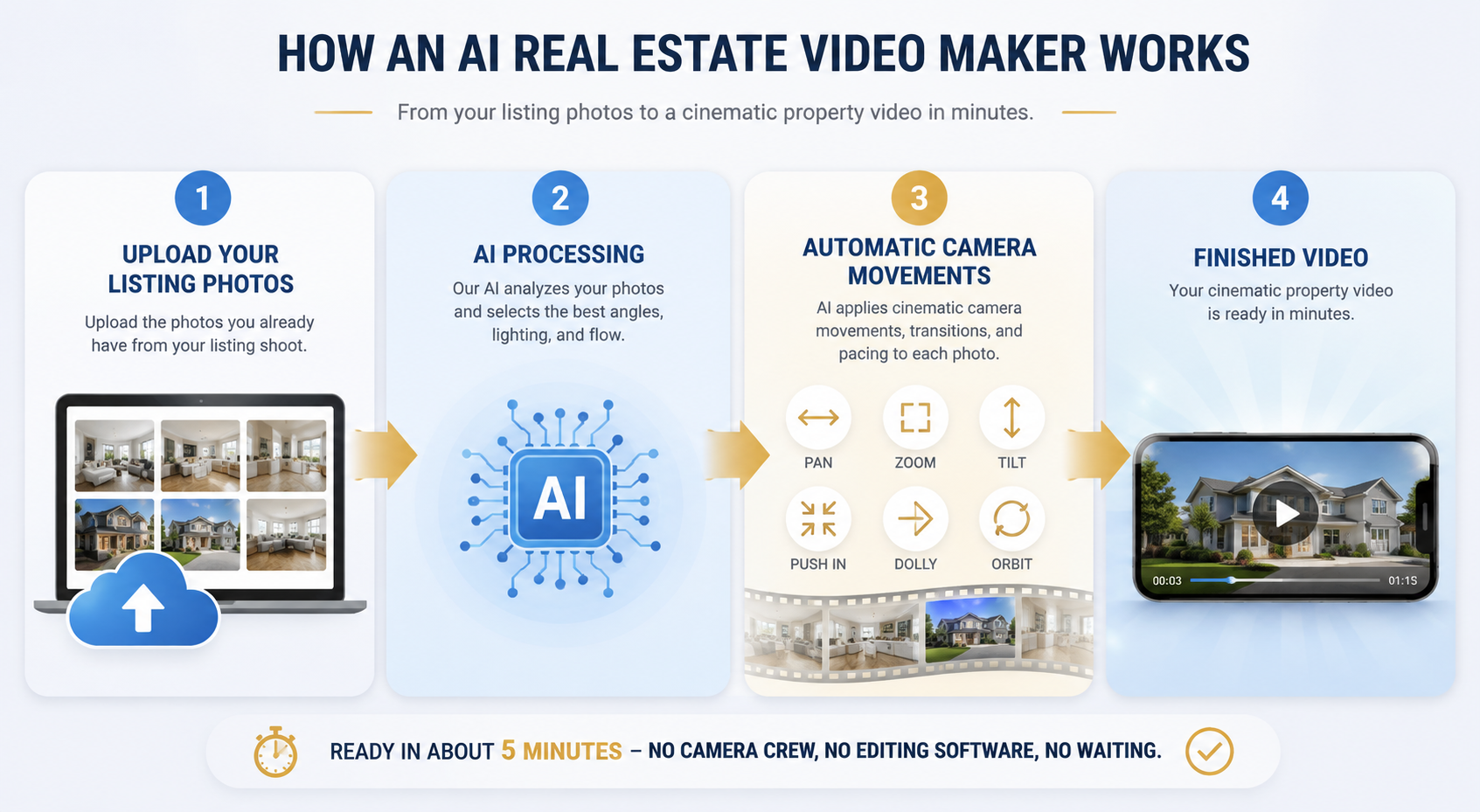
That typically includes a library of camera movements — pans, zooms, tilts, dolly-style pushes, orbits, and more — chosen to suit each room or exterior shot. A kitchen photo might get a slow pan across the countertops, while an exterior shot might get a gentle push-in toward the front door. The software also sequences the images into a logical flow, adds transitions between rooms, and syncs everything to background music so the finished product feels like one continuous video rather than a slideshow with effects layered on top.
The output is usually ready in about five minutes, which is a meaningful difference from traditional video production timelines that can stretch into days. Many platforms also let you layer in your brokerage branding, add an AI-generated voiceover describing the property, or even include an AI avatar version of yourself introducing the listing — all without stepping in front of a camera. If you want a concrete sense of what this actually looks like, it's worth browsing real AI-generated before-and-after video examples to see how static photos translate into finished, moving footage.
The appeal of an AI video generator for real estate isn't just a novelty — it solves a handful of practical problems agents deal with constantly.
Time. Booking a videographer, coordinating a shoot around the seller's schedule, and waiting for edited footage can take the better part of a week. An AI-based tool compresses that into minutes, which matters most when a listing needs to go live quickly or when you're trying to capture buyer interest during the first weekend it's on the market.
Cost. Professional real estate videography, especially with drone footage or a dedicated editor, adds up fast — and it adds up per listing. That math makes it hard to justify video for every property, so many agents have historically reserved it for luxury or high-commission listings only. An AI-driven approach lowers the cost enough that video becomes viable for a $250,000 starter home and a $2 million estate alike.
Consistency. When every listing video is produced through the same tool, with the same branding, the same intro style, and similar pacing, an agent's marketing starts to look like a recognizable, professional body of work rather than a mix of one-off efforts. That consistency is part of what builds a personal brand over time.
Coverage. Perhaps most importantly, AI tools make it realistic to create a listing video for every property you represent, not just your top two or three. That shift — from occasional video marketing for realtors to routine video marketing for realtors — is arguably the biggest practical change this technology brings.
It also lines up with a broader trend that isn't unique to real estate: video consistently outperforms static content for engagement and time spent, a pattern well documented in general video marketing statistics from HubSpot. Buyers already expect to see more than photos before they'll commit to visiting a property in person, and industry research from groups like the National Association of Realtors has tracked the growing role video and virtual tools play in how buyers search for homes.
An AI real estate video maker is at its best when it's doing exactly what it's designed for: transforming still photography into dynamic, watchable video. Given a solid set of listing photos, the AI-driven camera movement, transitions, and pacing genuinely do most of the heavy lifting that used to require a trained video editor. The result is a video that looks intentional and cinematic, not like a PowerPoint with pans and zooms slapped on.
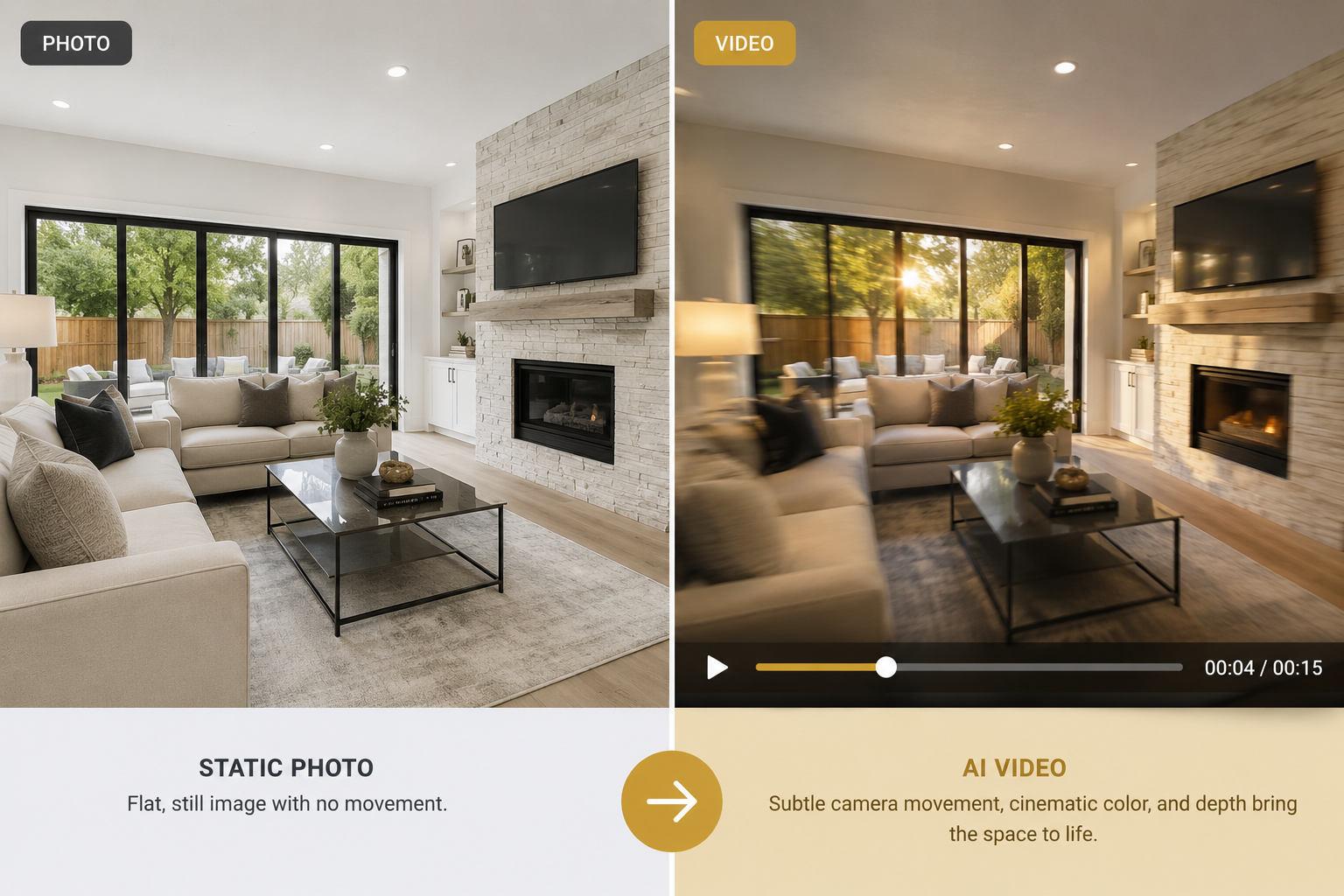
These tools also shine at scale and speed. If you have five new listings this month, an AI real estate video maker can produce a video for each one in the time it would take to schedule a single traditional video shoot. And because the process is largely automated, quality doesn't drop off on listing number five the way it might for a rushed human editor working through a backlog.
Add-ons extend that value further. AI voiceover can narrate a property's features without requiring you to record and re-record audio until it sounds right. AI avatar tools can generate a version of you introducing the listing on camera, which is a useful way to add a personal touch to a video without needing to be on-site or on-camera for every single one.
It's worth being honest about what an AI video generator for real estate can't fully do — at least not yet.
The quality of the output is still tied to the quality of the input. A video generated from blurry, poorly lit, or awkwardly framed photos will reflect those flaws, just with movement added. Good source photography remains the foundation; the AI enhances and animates it, but it isn't correcting fundamental photography mistakes.
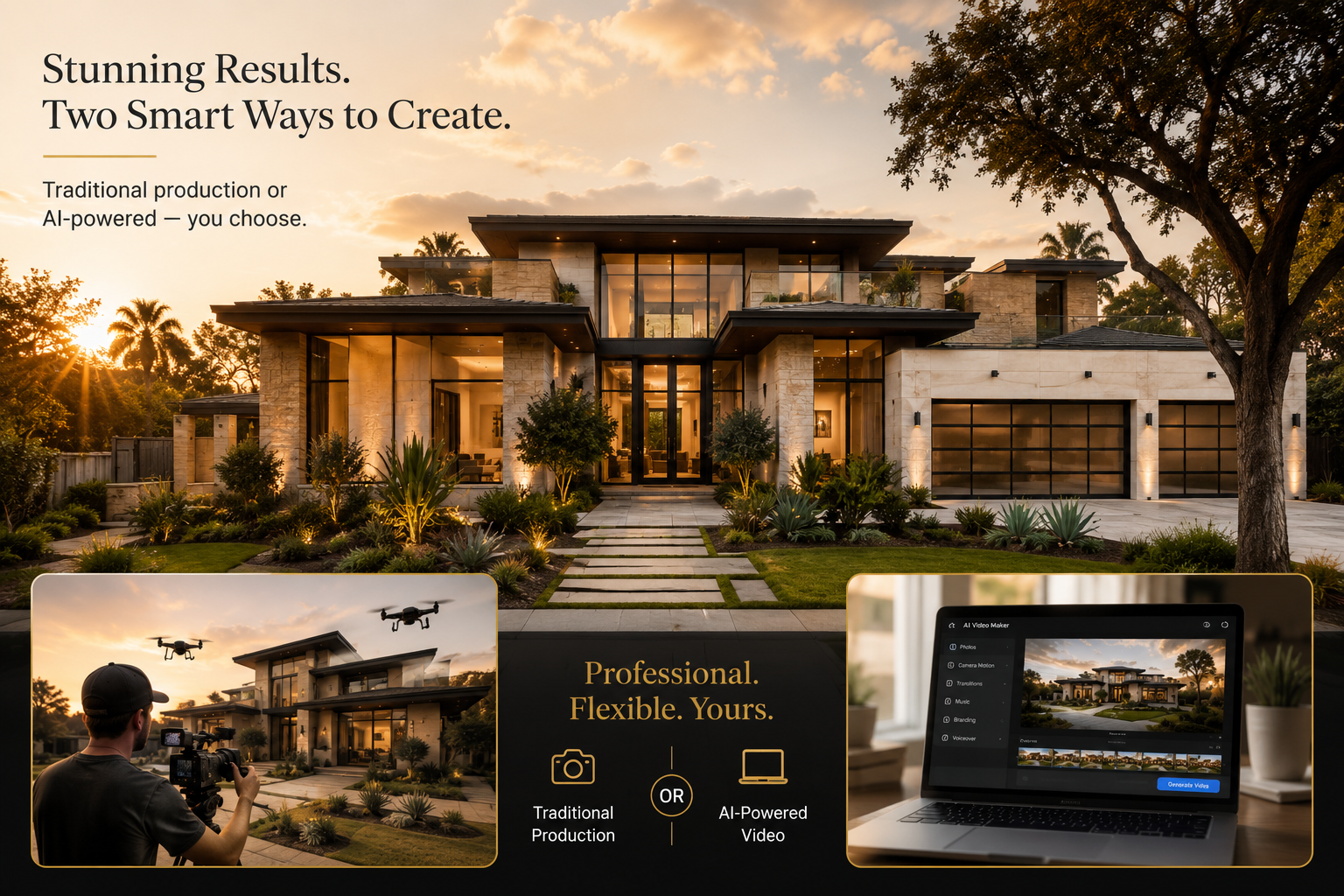
There's also a ceiling relative to true high-end cinematography. For a flagship luxury listing where the marketing budget supports drone footage, a professional film crew, and custom editing, a human-directed production can still capture nuance — a specific architectural detail, a golden-hour exterior shot timed perfectly, a narrative arc built around the property's story — that an automated tool isn't trying to replicate. In those cases, an AI real estate video maker is better understood as a complement to premium video production rather than a wholesale replacement for it. Think of it as the tool that makes video possible for every listing, while traditional production remains an option for the handful of properties where budget and stakes justify it.
The practical takeaway: match the tool to the listing. For the vast majority of properties, an automated real estate video maker is the fast, cost-effective, and genuinely professional-looking choice. For a small number of top-tier listings, it can still work alongside more traditional production rather than instead of it.
Not all AI video tools are built the same way, and a few features make a meaningful difference for agents specifically.
The near-term trajectory for AI real estate video makers is less about dramatic new capabilities and more about refinement: faster processing, broader accessibility, and features that save agents even more time. Turnaround times that are already measured in minutes are likely to keep shrinking. Tools are becoming more accessible to agents who aren't naturally tech-savvy, with simpler upload-and-go workflows replacing anything resembling traditional editing software.
Features like AI voiceover and AI avatar presenters point toward a future where a single agent can produce a full suite of marketing content — a property video, a narrated walkthrough, and a personalized on-camera introduction — without hiring outside help for any of it. As buyer behavior continues shifting toward video-first research, a trend reflected in ongoing housing market research from sources like Zillow Research, agents who've already built video into their routine listing process will have a head start.
None of this replaces the fundamentals of real estate marketing — good photography, accurate listing details, responsive communication. But as a real estate video maker, AI-driven tools are quickly becoming as standard a part of the listing toolkit as professional photos already are.
Do I need video editing experience to use an AI real estate video maker? No. The entire premise of these tools is that you upload photos and the software handles camera movement, transitions, pacing, and music automatically. No editing timeline or technical skills are required.
How long does it take to create a property video with AI? Most AI-generated real estate videos are ready in about five minutes from a set of listing photos, compared to the days it can take to book, film, and edit a traditional video shoot.
Can AI video work for luxury listings, or only standard homes? It works well for both, though for top-tier luxury properties, many agents use AI-generated video alongside — rather than instead of — high-end cinematography, reserving the biggest production budgets for their most exclusive listings.
What do I need to get started? Just the listing photos you'd normally use for the MLS or marketing materials. The AI does the work of turning them into a finished video, and options like branding, voiceover, and avatar presenters can be added from there.
The shift toward AI-powered video isn't about chasing a trend — it's about making video marketing realistic for every listing an agent represents, not just the ones with the biggest budgets behind them. An AI real estate video maker won't replace a full production crew for your most exclusive listings, but for the vast majority of properties, it offers a faster, more affordable, and consistently professional way to give buyers more than static photos to look at. If you're ready to see what it looks like for your own listings, PhotoAIVideo offers a free plan to help you turn your next set of listing photos into a finished video today.


Compact, ready to go anywhere
Interchangeable lens that’s upgradeable
Dual 1-inch sensors for improved clarity and low light performance
Dynamic range and 6K 360° capture
360° photo resolution at 21MP

8K 360° video recording for ultra-detailed visuals.
4K single-lens mode for traditional wide-angle shots.
Invisible selfie stick effect for drone-like perspectives.
2.5-inch touchscreen with Gorilla Glass protection.
Waterproof up to 33ft for underwater shooting.

360° photo resolution in 23MP
Slim design at 24 mm thick
Built-in image stabilization for smooth video capture.
Internal 19GB storage for photo and video storage.
Wireless connectivity for remote control and sharing.

60MP 360° still images for high-resolution photography.
5.7K 360° video recording at 30fps.
2.25-inch touchscreen for intuitive control.
USB Type-C port for fast charging and data transfer.
MicroSD card slot for expandable storage.
.png)

.png)

Try it free. No credit card required. Instant set-up.






.svg)


.svg)