How to Use AI Video in Email Marketing for Creators

June 29, 2025
5 min read
Share this post

📩 How to Use AI Video in Email Marketing for Creators (2025 Strategy)

Email is still king in 2025 — but the inbox is more crowded than ever. If you want your subscribers to open, click, and convert, you need more than clever subject lines…
You need video — and even better, AI video.

The good news? With AI tools, you can now:

  • Create engaging videos in minutes
  • Personalize content at scale
  • Boost your click-through rates
  • Deliver better storytelling — with less effort

In this guide, you’ll learn how creators are using AI-powered video inside email campaigns to build trust, drive traffic, and sell more — with a complete link strategy to build your SEO cluster.

🧠 Why Video Belongs in Your Emails (Especially in 2025)

But creating personalized videos used to take hours…
Now, AI video tools automate the process so you can scale your strategy.

📖 Related: Build a 6-Figure Business With AI Video Automation: 2025 Playbook

🧩 Where to Use AI Video in Your Email Marketing

✅ 1. Welcome Sequences

Add a short 15–30 second AI video to welcome new subscribers and:

  • Share your story
  • Set expectations
  • Invite them to your best content

Tool Tip: Use PropertyEdits.ai to upload 1–2 brand photos, generate a voiceover intro, and style it to your brand.

✅ 2. Product or Offer Launches

Instead of a wall of text, embed a product teaser video:

  • Highlight benefits
  • Add motion graphics or CTAs
  • Include a “Watch Demo” GIF preview

📖 Related: How to Launch a New Product With AI Video

✅ 3. Testimonial or Social Proof

Share a video case study inside your sales sequence to build trust.

Use AI to:

  • Convert a written testimonial into a short video
  • Add voiceover narration with ElevenLabs
  • Format it as a vertical or landscape thumbnail for email

📖 Related: AI-Powered Case Study Videos: How to Build Trust Fast

✅ 4. Weekly Content Emails

Turn your weekly blog post, podcast, or YouTube video into:

  • A quick teaser clip
  • A Reel-style highlight
  • A branded motion thumbnail inside your email

Why? Video content gives people a reason to click — and stick.

📖 Related: Turn One Video Into 10 Pieces of Content: A Repurposing Strategy for 2025

✅ 5. Cart Abandonment & Promo Emails

Bring back subscribers with personalized videos:

  • “Hey [First Name], here’s what you left behind…”
  • Show product mockups or offer recaps in video
  • Add countdown timers or CTA overlays

Bonus Tip: Use a thumbnail GIF with a fake “play button” — it increases clicks by 41%.

🛠️ Best AI Tools for Email Video Strategy

📖 Related: The Best Caption, Voiceover, and Repurposing Tools for AI Video in 2025

🎬 How to Embed AI Videos in Email (Step-by-Step)

Most email clients don’t support autoplay video — so use this strategy:

  1. Host your video on YouTube, your website, or a project link (PropertyEdits gives you one)
  2. Create a thumbnail or animated GIF with a “play” button overlay
  3. Insert thumbnail into email, and link it to the full video
  4. Track clicks with your email tool to see performance

📖 Related: How to Build a Video Brand Identity With AI Tools

👤 Creator Use Case: Email Funnel With Video = More Sales

Profile: Noah, a productivity YouTuber and course creator

What he did:

  • Used PropertyEdits.ai to create a 30-second intro video for his free course
  • Embedded a clickable thumbnail in his welcome email
  • Sent weekly tips with video previews
  • Added a short testimonial video to his sales emails

Result:

  • 42% more clicks on sales emails
  • 20% bump in course conversion
  • Increased replies and trust from new subs

📖 Related: From Solo to Scale: Entrepreneurs Using AI Video in 2025

✅ Final Thoughts: Email + AI Video = Creator Superpower

In a noisy inbox, AI video gives you the edge:

  • It's visual
  • It's scalable
  • It’s personal
  • And best of all — it's automated

Whether you’re warming up leads, launching a new product, or nurturing your list, adding video to your email strategy can dramatically boost results.

🎬 Start Sending Better Emails With AI Video

🡆 Try https://www.photoaivideo.com/ for Free

✔️ Create short, branded videos in minutes
✔️ Add voiceover, music, and call-to-action overlays
✔️ Embed in email campaigns with pro thumbnails
✔️ Scale your list, engagement, and sales — automatically

Share this post

Choose The Right 360° Camera

Insta360 ONE RS 1-Inch 360 Edition

  • Compact, ready to go anywhere

  • Interchangeable lens that’s upgradeable

  • Dual 1-inch sensors for improved clarity and low light performance

  • Dynamic range and 6K 360° capture

  • 360° photo resolution at 21MP

Learn More

Insta360 X4

  • 8K 360° video recording for ultra-detailed visuals.

  • 4K single-lens mode for traditional wide-angle shots.

  • Invisible selfie stick effect for drone-like perspectives.

  • 2.5-inch touchscreen with Gorilla Glass protection.

  • Waterproof up to 33ft for underwater shooting.

Learn More

Ricoh Theta Z1

  • 360° photo resolution in 23MP

  • Slim design at 24 mm thick

  • Built-in image stabilization for smooth video capture.

  • Internal 19GB storage for photo and video storage.

  • Wireless connectivity for remote control and sharing.

Learn More

Ricoh Theta X

  • 60MP 360° still images for high-resolution photography.

  • 5.7K 360° video recording at 30fps.

  • 2.25-inch touchscreen for intuitive control.

  • USB Type-C port for fast charging and data transfer.

  • MicroSD card slot for expandable storage.

Learn More
Property Marketing
Allows potential buyers to explore properties in detail from anywhere, enhancing the real estate marketing process.
Automotive Spins
Create an interactive virtual showroom and engage affluent digital buyers with live 360º video calls, all through the CloudPano mobile app for a complete automotive sales solution.
Interactive Floor Plans
Create 2D and 3D floor plans with measurements in 4 minutes or less, all from your phone. Download the Floor Plan Scanner app and get your first scan free.

360 Virtual Tours With CloudPano.com. Get Started Today.

Try it free. No credit card required. Instant set-up.

Try it free
Latest posts

See our other posts

Interviews, tips, guides, industry best practices, and news.

How to Save Time Editing Car Photos with AI Automation

In this comprehensive guide, we break down how dealerships and automotive resellers can save hours every week by using AI automation to edit vehicle photos. The article explains how to automate car photo editing through bulk uploads, background locking, AI-generated studio environments, and one-click batch processing. You’ll learn how automation improves workflow efficiency, maintains brand consistency, reduces labor costs, and enhances online vehicle presentation. Designed as an evergreen resource, this step-by-step guide shows how modern AI tools transform high-volume car photo editing into a scalable, profitable system for dealerships of any size.
Read post

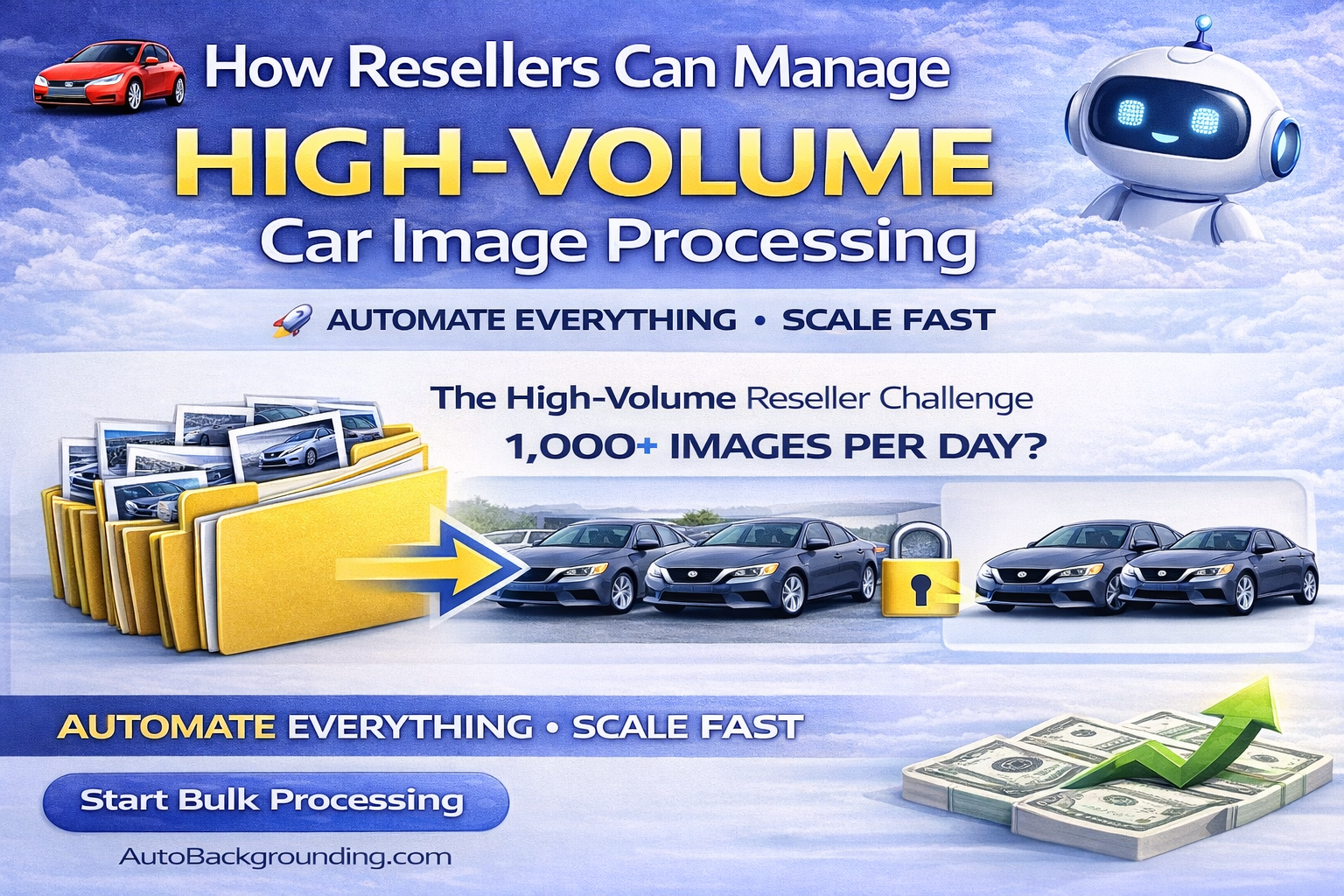
How Resellers Can Manage High-Volume Car Image Processing

This comprehensive guide explains how resellers can efficiently manage high-volume vehicle image production using AI-powered automation. It outlines how to structure workflows, use saved background presets, implement background locking, batch process inventory, and maintain quality control across multiple dealership clients. By leveraging modern car photo reseller software, resellers can reduce labor costs, increase turnaround speed, improve consistency, and scale profitably while delivering studio-quality results that dealerships trust.
Read post

How to Maintain Brand Consistency Across Multiple Rooftops

This article explains how dealership groups can maintain strong brand consistency across multiple rooftops using AI-powered image standardization. It covers how to create unified visual standards, use saved studio presets, implement background locking, bulk process inventory, and centralize quality control. By optimizing dealership brand consistency photos, multi-location dealer groups can improve trust, increase engagement, and accelerate sales while reducing manual editing workload. The guide provides an evergreen strategy for scaling consistent vehicle presentation across every location.
Read post