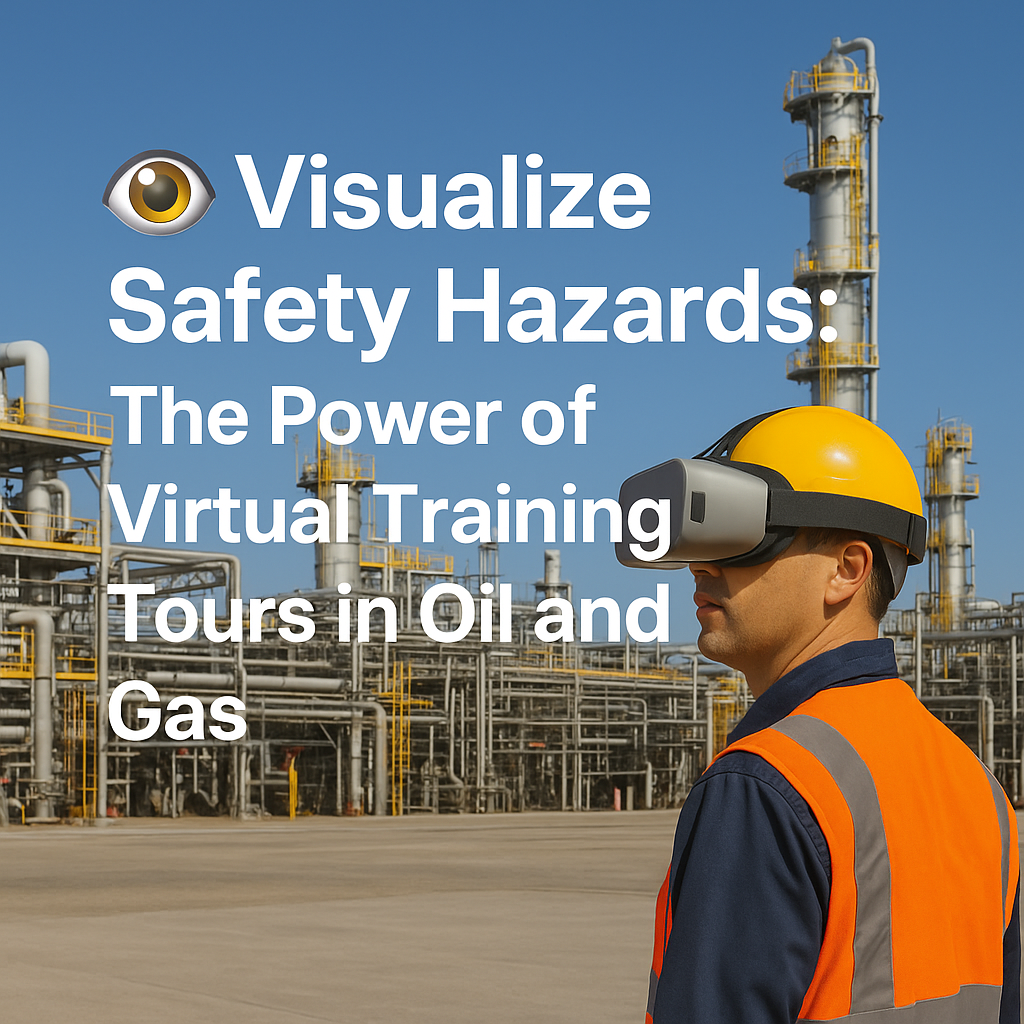
Visualize Safety Hazards: The Power of Virtual Training Tours in Oil and Gas

Cloudpano
July 21, 2025
5 min read
Share this post

👁️ Visualize Safety Hazards: The Power of Virtual Training Tours in Oil and Gas

In oil and gas, it only takes one missed hazard to cause a catastrophic incident. ⚠️ From chemical exposure to high-pressure equipment and fall zones, the risks are real — and costly.

So how can companies improve hazard awareness, especially for new hires and rotating contractors?

The answer: virtual training tours. 🖥️👷‍♂️

These interactive 360° experiences help workers visualize job-site hazards, understand safe operating procedures, and mentally rehearse emergency response — all before they arrive on-site.

In this post, we’ll break down how virtual safety tours help teams see danger before it strikes, reduce incidents, and meet compliance standards — with links to other oilfield safety articles throughout.

🔥 Why Hazard Awareness Matters More Than Ever

The oil and gas industry consistently ranks among the most dangerous sectors. According to OSHA, hazard miscommunication contributes to:

  • 🧯 60% of confined space fatalities
  • 🔥 70% of chemical mishandlings
  • ⚡ Countless electrocution or pressurized system accidents

Training workers to read their environment — not just follow rules — is the true key to safety.

🔗 Related: Top Benefits of Virtual Tours for Safety of Oil and Gas Workers

👓 What Are Virtual Training Tours?

A virtual training tour is an immersive 360° walkthrough of a real oil and gas site (like a well pad, refinery, or offshore rig). Workers can:

  • Explore the environment interactively 🔄
  • Identify hazard zones via on-screen icons 🚧
  • Watch embedded safety videos 🎬
  • Complete quizzes to test knowledge ✅

It’s hazard training that’s realistic, scalable, and consistent.

🔗 Dive deeper: Virtual Tours for Oil and Gas Safety Training: What You Need to Know

🛠️ Key Hazard Scenarios Visualized in Virtual Tours

☠️ 1. H2S Gas Zones

Hydrogen sulfide is deadly — and odorless in high concentrations.

Virtual tours help workers:

  • Learn exact H2S boundary zones
  • Spot detector placements
  • Practice response steps and PPE protocols

🔗 See it in action: How 3D Virtual Tours Improve Hazard Awareness in Oil and Gas Sites

🔋 2. Lockout/Tagout (LOTO) Procedures

Interactive guides walk workers through:

  • Electrical panel shutoff locations
  • Lock stations
  • Tag protocols
  • Emergency override training

🔗 Related: Step Into Safety: Virtual Tours for Oil and Gas Industry Training

🧯 3. Fire Zones & Evacuation Routes

Prepare your team before it’s too late:

  • Identify fire suppression systems
  • Simulate evacuation paths
  • Rehearse muster zone entry

🔗 Explore more: Virtual Safety Walkthroughs: A Game Changer in Oil and Gas Training

🧗 4. Fall Protection Areas

Falls from heights are a leading cause of oilfield injuries.

Virtual tours can:

  • Highlight elevated platforms and ladders
  • Display fall hazard signage
  • Include PPE demos with embedded videos

🔗 Learn more: Boost Safety Compliance with 360° Virtual Training in Oil and Gas

👨‍🏫 Real-World Use Case: New Hire Hazard Simulation

At a shale operation in West Texas, a company rolled out virtual training tours for its new hires.

Results:

  • 47% faster onboarding time 🕐
  • 63% improvement in hazard ID scores on post-tour tests ✅
  • 0 reported incidents in the first 90 days 🚫

By showing, not just telling, the site layout and hazards, new workers were mentally prepared before ever clocking in.

🔗 Related: Preparing New Hires with Oil and Gas Virtual Safety Orientation Tours

🧩 Integrating With Safety Programs

Virtual tours fit seamlessly into:

  • ✅ Learning Management Systems (LMS)
  • 📱 Mobile safety training apps
  • 🧾 Compliance documentation workflows
  • 🧠 Toolbox talk refreshers

Many companies embed tours into pre-job planning or tailgate meetings — especially for high-risk tasks.

🔗 Explore: Train Your Oil and Gas Workforce Remotely with Interactive Virtual Tours

🧠 Bonus: Combine Virtual Tours + Digital Twins

Imagine combining your 360° virtual tour with live sensor data from your site. This gives trainees contextual awareness — like:

  • Live temperature readings 🌡️
  • Real-time pressure warnings 💥
  • Active hazard status icons 🚨

🔗 Learn more: Digital Twins and Safety: Virtual Tour Integration in Oil and Gas Training

🔑 How to Get Started

📸 1. Capture Your Site

Use 360° cameras like:

  • Insta360 X3
  • Ricoh Theta Z1
  • GoPro Max

Focus on:

  • High-risk areas
  • Emergency exits
  • Equipment zones
  • Confined spaces

🖥️ 2. Build the Tour

Platforms like CloudPano allow you to:

  • Upload panoramas
  • Add interactive hotspots
  • Embed training modules
  • Track completions and certifications

👩‍💼 3. Assign to Teams

Include virtual tours in:

  • Orientation packages
  • Safety refreshers
  • Pre-job planning checklists
  • Contractor onboarding portals

🔗 Related: Oilfield Training Reimagined: Safety Simulations Through Virtual Tours

✅ Final Thoughts: See the Danger Before It Happens

Hazard awareness isn’t just about reading signs — it’s about recognizing danger in context. With virtual safety training tours, oil and gas teams can:

  • Visualize hazards before stepping foot on-site 👣
  • Rehearse emergency responses under zero risk conditions 🚨
  • Standardize training across global job sites 🌍
  • Reduce incidents and save lives 🛡️

It’s time to empower your workforce with sight-based safety training that sticks.

Share this post
Cloudpano

Choose The Right 360° Camera

Insta360 ONE RS 1-Inch 360 Edition

  • Compact, ready to go anywhere

  • Interchangeable lens that’s upgradeable

  • Dual 1-inch sensors for improved clarity and low light performance

  • Dynamic range and 6K 360° capture

  • 360° photo resolution at 21MP

Learn More

Insta360 X4

  • 8K 360° video recording for ultra-detailed visuals.

  • 4K single-lens mode for traditional wide-angle shots.

  • Invisible selfie stick effect for drone-like perspectives.

  • 2.5-inch touchscreen with Gorilla Glass protection.

  • Waterproof up to 33ft for underwater shooting.

Learn More

Ricoh Theta Z1

  • 360° photo resolution in 23MP

  • Slim design at 24 mm thick

  • Built-in image stabilization for smooth video capture.

  • Internal 19GB storage for photo and video storage.

  • Wireless connectivity for remote control and sharing.

Learn More

Ricoh Theta X

  • 60MP 360° still images for high-resolution photography.

  • 5.7K 360° video recording at 30fps.

  • 2.25-inch touchscreen for intuitive control.

  • USB Type-C port for fast charging and data transfer.

  • MicroSD card slot for expandable storage.

Learn More
Property Marketing
Allows potential buyers to explore properties in detail from anywhere, enhancing the real estate marketing process.
Automotive Spins
Create an interactive virtual showroom and engage affluent digital buyers with live 360º video calls, all through the CloudPano mobile app for a complete automotive sales solution.
Interactive Floor Plans
Create 2D and 3D floor plans with measurements in 4 minutes or less, all from your phone. Download the Floor Plan Scanner app and get your first scan free.

360 Virtual Tours With CloudPano.com. Get Started Today.

Try it free. No credit card required. Instant set-up.

Try it free
Latest posts

See our other posts

Interviews, tips, guides, industry best practices, and news.

Step-by-Step Drone Profit Secrets: Build a Successful Drone Services Business

This guide breaks down the step-by-step Drone Profit Secrets system for building a profitable drone services business from scratch. It explains how to choose a niche, price your services, attract clients, build a strong online presence, and scale using automation and recurring revenue. Packed with strategies for drone entrepreneurs, the article outlines a complete drone business blueprint covering marketing, sales, service packaging, growth tactics, and long-term success principles. If you want to turn drone flying skills into consistent income, this summary reveals the essential strategies needed to launch and grow a thriving drone business. 🚁💼📈
Read post

Drone Profit Secrets Review: Zach Calhoon’s Guide to Making Money with Drones

Drone Profit Secrets is a powerful, step-by-step drone entrepreneur guide created by Zach Calhoon to help pilots turn their flying skills into real income. This review breaks down the core lessons, including market opportunities, niche selection, pricing strategies, service packaging, and proven drone business growth strategies. You’ll learn how the book teaches a complete drone business blueprint—from landing your first client to scaling with automation and recurring revenue. Whether you're a beginner, side hustler, or established pilot, this book provides clear, actionable insight to build a profitable drone business with confidence.
Read post

Top Lessons from Drone Profit Secrets: Turn Your Drone Skills into Cash

This article breaks down the most valuable lessons from the Drone Profit Secrets book by Zach Calhoon, offering a practical and proven drone entrepreneur guide for anyone looking to turn drone skills into a profitable business. Readers learn how to choose profitable niches, price services correctly, market effectively, and scale using Zach’s drone business blueprint. The guide also explores essential drone business growth strategies, including client acquisition, branding, automation, and service expansion. Whether you're a beginner or seasoned pilot, this summary shows exactly how to turn aerial expertise into predictable revenue.
Read post



