


.png)


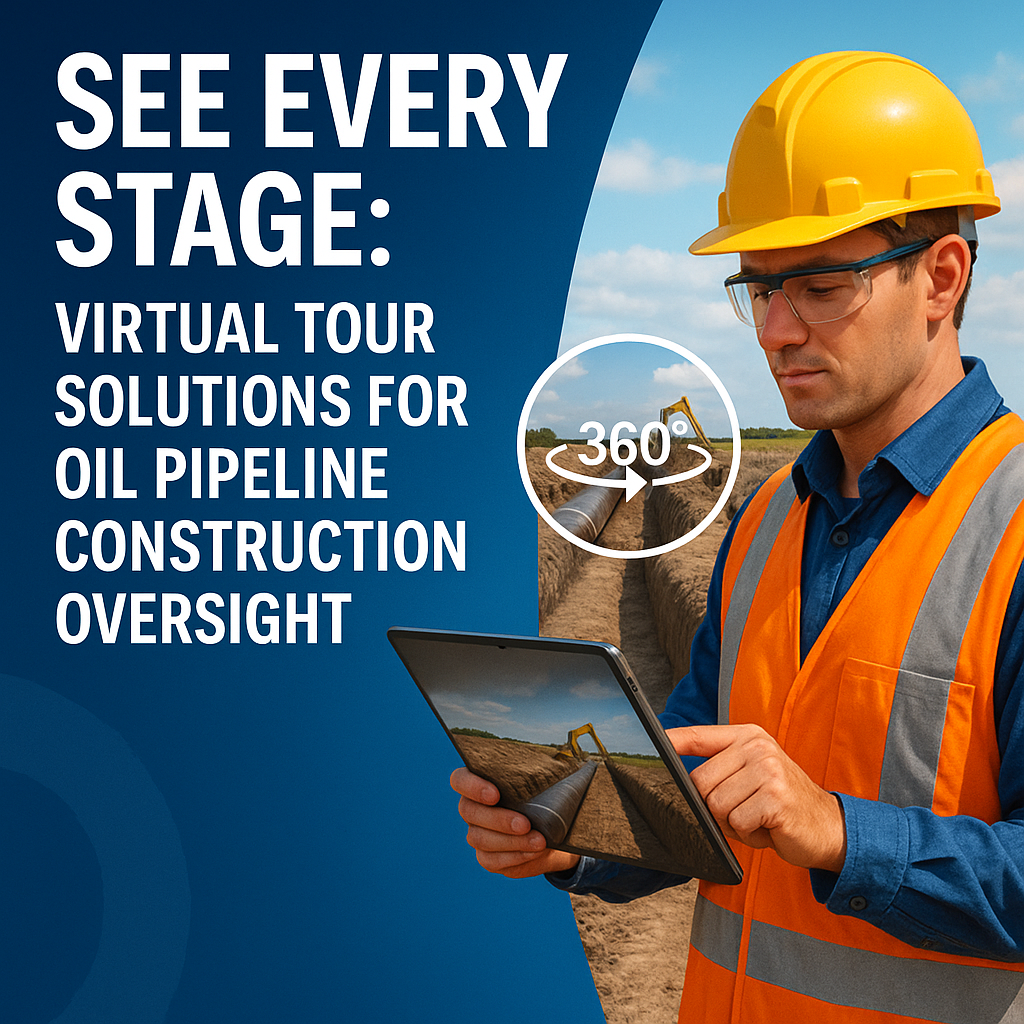
Oil pipeline construction projects are high-stakes, high-cost, and high-risk. From right-of-way clearing to final backfill, every phase demands precision, compliance, and oversight. But with teams spread across vast distances and timelines that stretch for months, maintaining accurate visibility is a constant challenge.
That’s where 360° virtual tour solutions come in. 🧠💡
These immersive tools give project managers, regulators, and contractors the power to "see every stage" of the pipeline lifecycle — without ever stepping foot on-site. Let’s explore how this technology is reshaping oil pipeline oversight, step by step.
Historically, project teams relied on:
While these tools worked, they lacked context, timeliness, and interactivity — all essential for making fast, informed decisions.
By contrast, virtual tour platforms like CloudPano allow stakeholders to virtually walk the project in real-time, complete with zoom, angle control, and embedded notes. No more "guesstimating" what’s happening in the field.
At its core, a virtual tour is a stitched-together series of 360° images that users can navigate like a Google Street View — but tailored to your pipeline site. Each capture can be tagged with metadata like:
These tours are updated weekly or even daily and give your team a live snapshot of progress — all accessible from a browser or mobile device.
Need a deeper dive into how this improves jobsite performance? 👉 Boost Efficiency with Remote Site Inspections for Oil and Gas Operations
Capture the condition of the land, terrain elevation, environmental markers, and adjacent infrastructure before work begins. This serves as a baseline for future comparison. 📍
Document the depth and spacing of trenches. Confirm safety barriers, slope grading, and soil compaction measures visually. 👷♀️
Take snapshots at every weld point. If an inspector wants to review joint fusion later, they can do so virtually. 🧰
Ensure protective coating was applied properly before the pipeline is covered. Great for verifying compliance and warranty documentation. 💬
Capture “after” shots of environmental restoration and verify erosion control measures. 🌱
One of the most underrated benefits of virtual tour oversight?
Cross-functional collaboration. 🛠️📡
Virtual tours eliminate the need for repeated site visits or lengthy update calls. Everyone works from the same visual record — with zero delay.
Pipeline projects are subject to intense scrutiny from:
With virtual tours, your compliance team can document and archive:
It’s a defensible audit trail you can reference long after construction is complete.
Need a tour solution for onboarding safety teams? Don’t miss 👉 Oil Rig Onboarding Simplified With Interactive Virtual Tours
A recent 12-mile oil pipeline project used weekly virtual tour updates to document:
When heavy rains washed out one section, the project team used the archived 360° data to show that erosion controls were in place — and avoid fines.
Virtual tours didn’t just save time — they saved money and liability exposure.
See more digital pipeline use cases 👉 Oil & Gas Pipeline Projects Go Digital With Immersive Virtual Tours
From the first trench to the final layer of topsoil, 360 virtual tours empower you to see every stage of your oil pipeline project.
They're affordable, scalable, and instantly impactful.
Whether you’re managing field operations, proving compliance, or sharing status with stakeholders, virtual tours deliver clarity, trust, and accountability.
💡 Stop relying on static reports. Step into the next phase of project visibility — virtually.


Compact, ready to go anywhere
Interchangeable lens that’s upgradeable
Dual 1-inch sensors for improved clarity and low light performance
Dynamic range and 6K 360° capture
360° photo resolution at 21MP

8K 360° video recording for ultra-detailed visuals.
4K single-lens mode for traditional wide-angle shots.
Invisible selfie stick effect for drone-like perspectives.
2.5-inch touchscreen with Gorilla Glass protection.
Waterproof up to 33ft for underwater shooting.

360° photo resolution in 23MP
Slim design at 24 mm thick
Built-in image stabilization for smooth video capture.
Internal 19GB storage for photo and video storage.
Wireless connectivity for remote control and sharing.

60MP 360° still images for high-resolution photography.
5.7K 360° video recording at 30fps.
2.25-inch touchscreen for intuitive control.
USB Type-C port for fast charging and data transfer.
MicroSD card slot for expandable storage.
.png)

.png)

Try it free. No credit card required. Instant set-up.







.svg)


.svg)