


.png)


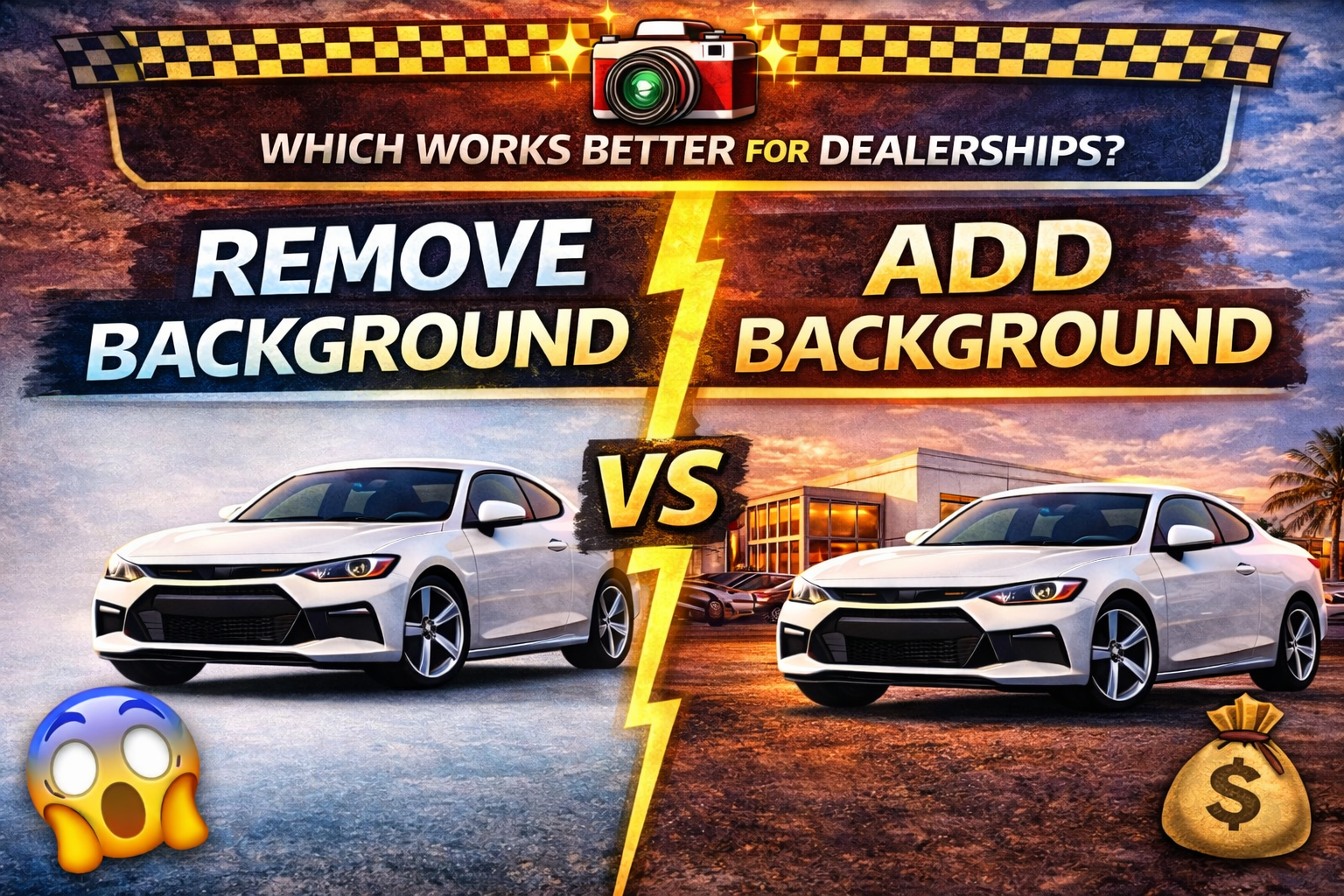
Dealerships today compete in a digital showroom long before a customer ever steps foot on the lot. When buyers search online, they’re judging your inventory instantly—often within seconds. That means your car photos aren’t just “nice to have”… they’re one of the biggest conversion factors in your marketing stack.
And that brings us to one of the most important debates in modern automotive photo editing:
✅ remove background vs add background — which one works better for dealerships?
The truth is: both strategies can be effective, but they serve different goals. Choosing the right workflow can dramatically improve your online listings, reduce photo editing costs, increase consistency, and even boost trust with buyers.
In this guide, we’ll break down the pros, cons, best use cases, and real-world dealership scenarios for both methods—so you can confidently decide which approach will deliver the most impact.
Let’s dig in. 🚀
Online buyers don’t only compare vehicle prices… they compare vehicle presentation.
And background quality directly influences perception.
A clean background communicates:
On the flip side, cluttered or inconsistent backgrounds can make even great cars feel less valuable.
Common background problems include:
This is why more dealerships are adopting background editing workflows.
Removing the background means taking the vehicle and isolating it from the original environment.
The result is often:
This method is commonly used to create:
It works great for dealerships that want their photos to feel polished, uniform, and distraction-free.

Adding a background means replacing the original environment with a new, staged scene.
This can include:
This method is more about creating an emotional vibe around the vehicle—while still maintaining consistency.
It’s especially popular when dealerships want:
Here’s the simple breakdown:
✅ Remove background = clean + minimal + distraction-free
✅ Add background = branded + stylized + visually memorable
But which is better for dealerships?
Let’s compare both options in a real dealership marketing context.
Removing backgrounds is a powerful strategy because it creates consistency and trust fast.
Key benefits:
This is ideal for dealerships that sell volume and want every car listed quickly in a consistent format.
There are a few potential drawbacks:
👉 The key is doing it well. A clean cutout with realistic shadow makes all the difference.
Adding backgrounds can dramatically increase visual impact, especially for certain vehicle categories like luxury, sports, or specialty inventory.
Key benefits:
For example, a truck looks more powerful in a rugged outdoor setting. A luxury sedan looks better with a city skyline. A sports car pops in a studio or high-end backdrop.
However, adding backgrounds can backfire if not done correctly.
Risks include:
Dealership customers want photos to be clean and accurate. If edits feel like deception, conversion suffers.
If your goal is inventory consistency and speed, removing backgrounds usually wins.
If your goal is brand presentation and attention grabbing, adding backgrounds can win—but only when done cleanly and consistently.
The real answer is:
👉 Use both strategically depending on where the photos will be used.
This is the best modern dealership workflow.
Let’s break down when each method works best.
This method is best when you care most about:
This is best when you care most about:
In the past, dealerships had to pick one because editing was expensive.
But now, AI editing tools can:
This means dealerships can create a hybrid workflow without increasing labor costs.
Trust is one of the most important conversion elements in vehicle listings.
Buyers distrust:
So in the remove background vs add background debate, trust usually leans toward:
✅ Remove background — because it feels cleaner and more honest.
But…
If your added background is subtle, realistic, and consistent, it can still look trustworthy—and elevate the entire dealership presentation.
Whether you remove or add backgrounds, these mistakes kill realism:
This happens when shadows don’t ground the tires naturally.
When the cutout edge looks too crisp or glowy.
If the original lighting was warm and the new background is cold, it screams “edited.”
A background horizon line that doesn’t match the camera angle looks off instantly.
Too much color looks cartoonish.
✅ The best edits are subtle. When customers don’t notice the edit, you win.
If you’re running a modern dealership marketing workflow, here’s what works best:
Standardize:
This ensures:
Use branded backgrounds for:
This ensures:
So, which works better for dealerships?
✅ Remove background is best for consistent inventory and trust
✅ Add background is best for branding and attention (when done right)
The smartest dealerships don’t choose one…
They build a system where both exist in the workflow strategically.


Compact, ready to go anywhere
Interchangeable lens that’s upgradeable
Dual 1-inch sensors for improved clarity and low light performance
Dynamic range and 6K 360° capture
360° photo resolution at 21MP

8K 360° video recording for ultra-detailed visuals.
4K single-lens mode for traditional wide-angle shots.
Invisible selfie stick effect for drone-like perspectives.
2.5-inch touchscreen with Gorilla Glass protection.
Waterproof up to 33ft for underwater shooting.

360° photo resolution in 23MP
Slim design at 24 mm thick
Built-in image stabilization for smooth video capture.
Internal 19GB storage for photo and video storage.
Wireless connectivity for remote control and sharing.

60MP 360° still images for high-resolution photography.
5.7K 360° video recording at 30fps.
2.25-inch touchscreen for intuitive control.
USB Type-C port for fast charging and data transfer.
MicroSD card slot for expandable storage.
.png)

.png)

Try it free. No credit card required. Instant set-up.







.svg)


.svg)