


.png)



If you've ever tried to make a listing stand out in a crowded feed, you already know that photos alone don't always tell the full story. Buyers scroll quickly, and video can help capture their attention. That's exactly why more agents are turning to real estate video makers to transform the listing photos they already have into polished marketing content without spending hours manually editing.
The best part? You don't need a film crew, advanced video-editing skills, or an entire weekend to get started.
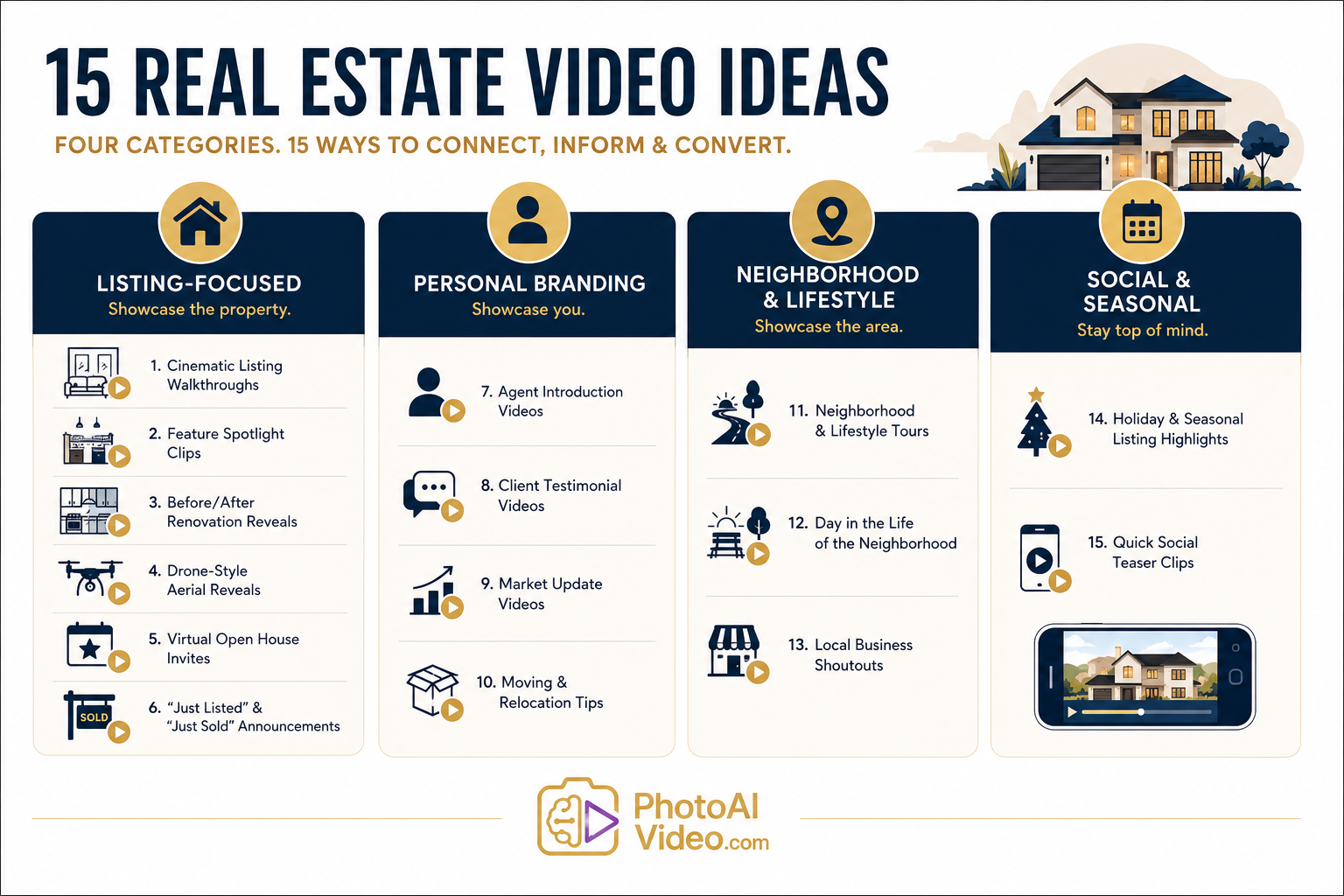
This guide walks through 15 real estate video ideas you can start using right away, grouped into four categories: listing-focused videos that showcase the property, personal branding videos that showcase you, neighborhood and lifestyle videos that highlight the area, and quick social clips that keep your audience engaged between closings.
According to Think with Google's research on video marketing strategies, video plays an important role in capturing attention throughout the customer journey, which is one reason it deserves a regular place in your real estate marketing strategy rather than being treated as an occasional experiment.
Each idea below comes with practical guidance for shooting, editing, or generating it, along with ways a real estate video maker can simplify the process. Whether you're a solo agent juggling every listing yourself or part of a team with a photographer on call, these ideas can scale with your available time and resources.
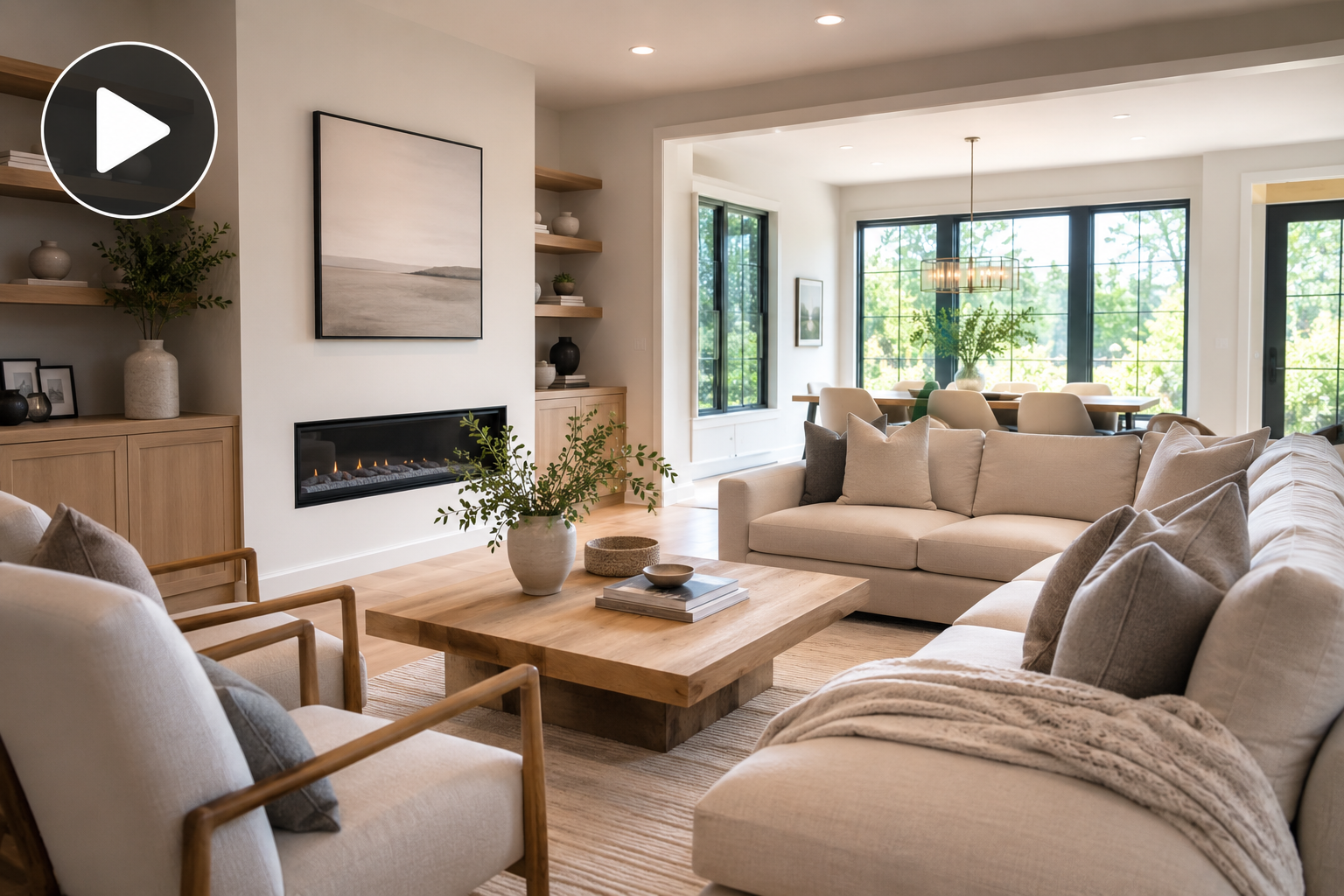
These videos are designed to showcase a specific property — the ones that can live on your listing page, appear in your MLS marketing where supported, and become part of your first wave of social media posts.
The classic — and for good reason.
A well-paced walkthrough video takes buyers from curb to closet using smooth pans, gentle zooms, and room-to-room transitions that recreate some of the flow of an in-person tour.
Rather than scheduling a videographer for every listing, you can also turn the same photos your photographer already captured into a cinematic property video. See how walkthrough-style video creation works if you want a shortcut that can eliminate the need for another site visit.
Not every room deserves equal screen time.
Pick two or three features that really help the home stand out — a chef's kitchen, a spa-style primary bathroom, a backyard built for entertaining, or an impressive view — and give each one a short 15–20 second clip of its own.
These bite-sized listing videos are easy to post individually across social platforms, and they allow you to lead with some of the home's strongest selling points.
If a seller recently updated the kitchen, refinished the floors, remodeled a bathroom, or converted a garage into a bonus room, a before-and-after reveal can be an engaging format.
Pair an older photo — either yours or one provided by the seller — with the finished result and a simple transition. The visual contrast can tell the renovation story without requiring a lengthy explanation.
You won't always have the time or budget to book a drone pilot for every listing, especially for properties with smaller marketing budgets.
When appropriate, a drone-style opening effect — such as a slow rise or sweeping establishing movement — can add a sense of scale and visual drama before transitioning into the interior.
For actual aerial footage, however, use properly captured drone imagery and follow applicable local drone regulations.
Create a short 20–30 second video a few days before your open house.
Show a quick glimpse of the property, clearly display the date and time on screen, and finish with a direct call to action encouraging viewers to RSVP, contact you for details, or simply stop by.
It's a simple way to turn an ordinary open-house announcement into something more visually engaging.
These are momentum-building videos that show your audience you're actively working in the market.
Keep them short, lead with the neighborhood or an important property detail, and use a consistent visual style so your audience begins to recognize your "Just Listed" and "Just Sold" content when it appears in their feeds.
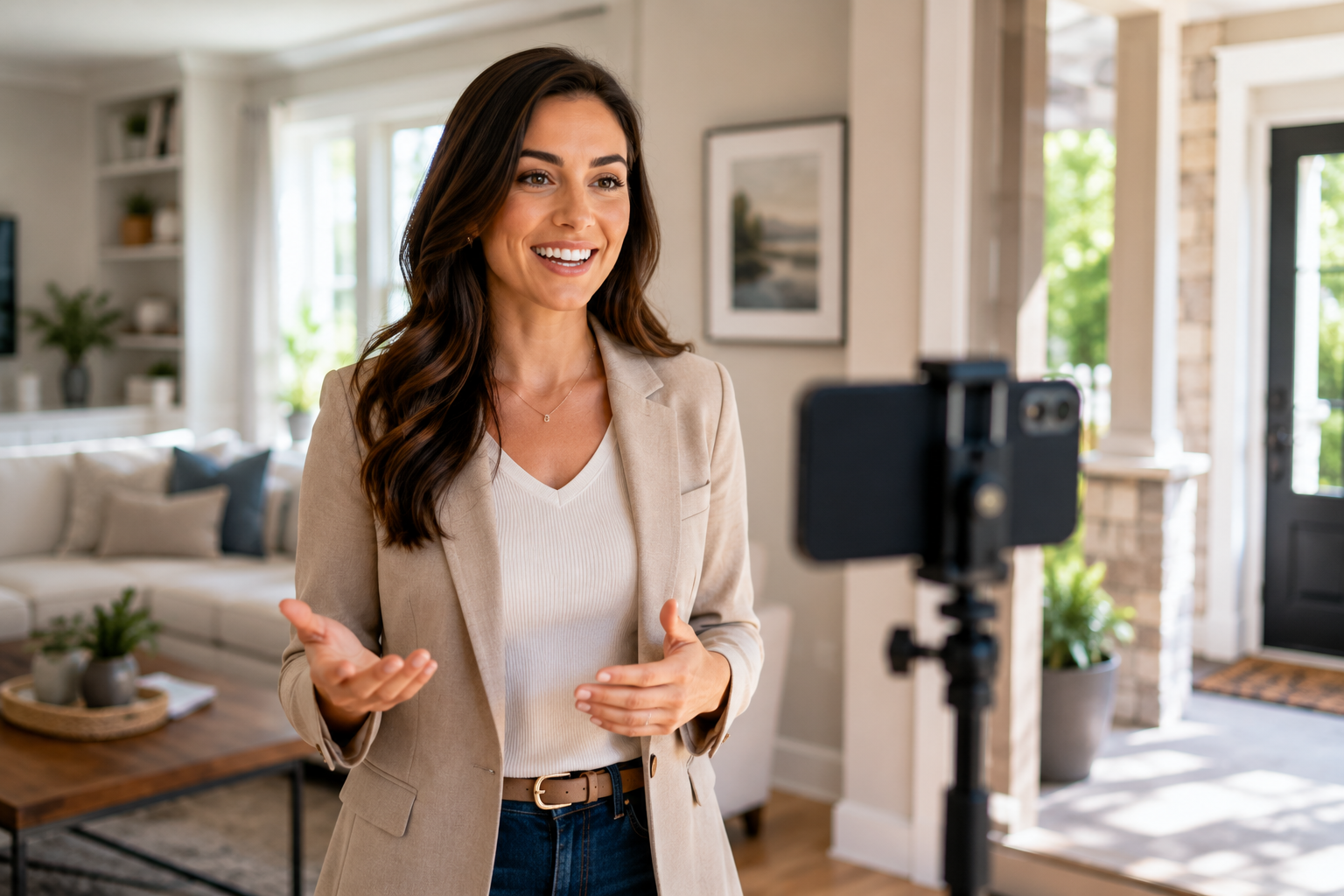
Buyers and sellers don't just choose properties — they also choose the agents they trust to guide them through the process.
These videos put your personality, expertise, voice, and experience front and center.
Your website, listing pages, and social profiles are good places for a short introduction video explaining who you are, which neighborhoods or markets you specialize in, and what clients can expect when working with you.
If being on camera isn't your comfort zone, some AI video platforms offer avatar or presenter features that can help create consistent introduction content without requiring you to record yourself every time you update your message.
A simple phone-recorded testimonial from a happy buyer or seller can make a strong addition to your marketing.
Ask satisfied clients shortly after closing, while the experience is still fresh. Instead of asking only whether they enjoyed working with you, try more specific questions: What challenge were they facing? What part of the process worried them most? How did you help?
Specific stories often make testimonials feel more authentic and useful to prospective clients.
Create a short recurring video explaining what's happening in your local real estate market.
You don't need to invent your own statistics. Use established housing resources such as Zillow Research for national and regional context, then add your own expertise to explain what those broader trends could mean for buyers and sellers in your specific market.
Not every video needs to revolve around a specific listing.
Create short, practical videos about topics such as moving preparation, utility transfers, commuting, local amenities, or what newcomers should know about your area.
Helpful content like this can position you as a useful local resource before someone is ready to buy or sell.
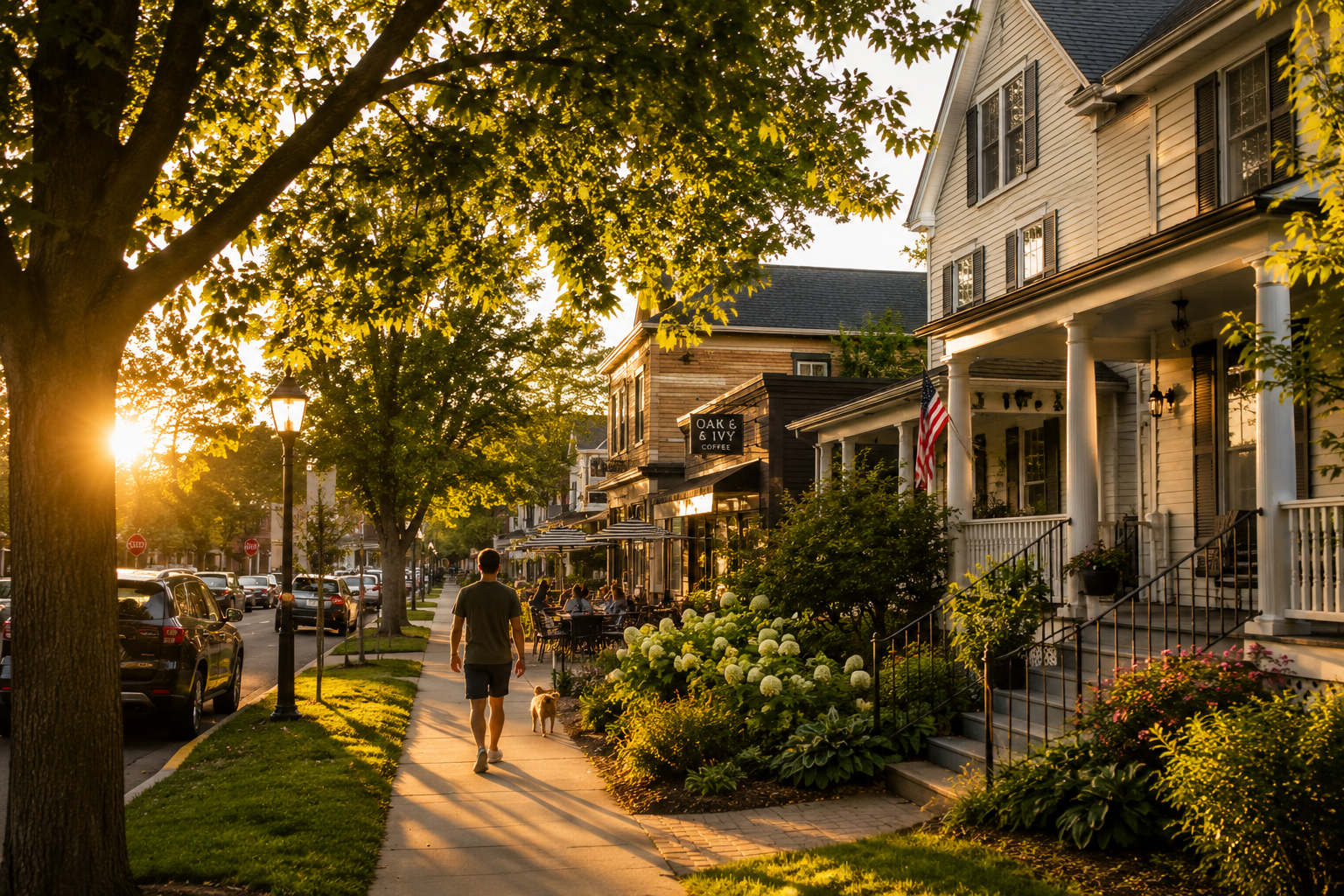
Buyers aren't only choosing square footage — they're also choosing a location and lifestyle.
These videos help showcase what surrounds the property.
Walk or drive through the neighborhood while highlighting parks, walkability, restaurants, coffee shops, shopping, transportation, and the overall character of the area.
This can be particularly helpful for out-of-town buyers researching an unfamiliar neighborhood, and the same video may be reusable for future listings in that area.
You can also use resources such as Redfin's Data Center when you need broader housing-market context to complement your local knowledge.
Take the neighborhood tour a step further by showing what the area feels like throughout the day.
You might include clips of a local farmers market opening, people enjoying a nearby park, morning activity at a coffee shop, neighborhood streets, and a sunset over a recognizable local spot.
Rather than presenting a list of amenities, this format focuses on atmosphere and lifestyle.
Feature a nearby coffee shop, restaurant, boutique, or other local business in a short video.
It's useful content for people considering moving to the area, can help you build relationships with local businesses, and reinforces your position as someone who genuinely knows the community.
Just make sure you have permission when filming inside privately owned businesses or prominently featuring staff or customers.
Not every real estate video needs to be a full production.
Some of the easiest content to create is also ideal for keeping your social channels active between major listings.
A listing photographed in golden autumn light or decorated tastefully for the holidays can create a very different feeling from the same home photographed under flat midday light.
Create seasonal versions of existing listing content by highlighting a cozy fireplace during winter, an inviting patio during spring, or a bright backyard during summer.
This can help refresh the way an existing listing is presented without requiring an entirely new marketing campaign.
Pull 6–15 seconds from your strongest walkthrough footage, add a short on-screen caption and your branding, and use it as a teaser for platforms such as Instagram Reels, TikTok, Facebook Reels, or YouTube Shorts.
Think of these clips as previews rather than miniature versions of the entire property tour.
Show enough to create interest, then direct viewers toward the full listing, property video, or your contact information.
Fifteen video concepts can sound like a full-time content calendar added to an already busy schedule.
In practice, you don't need to produce all of them manually.
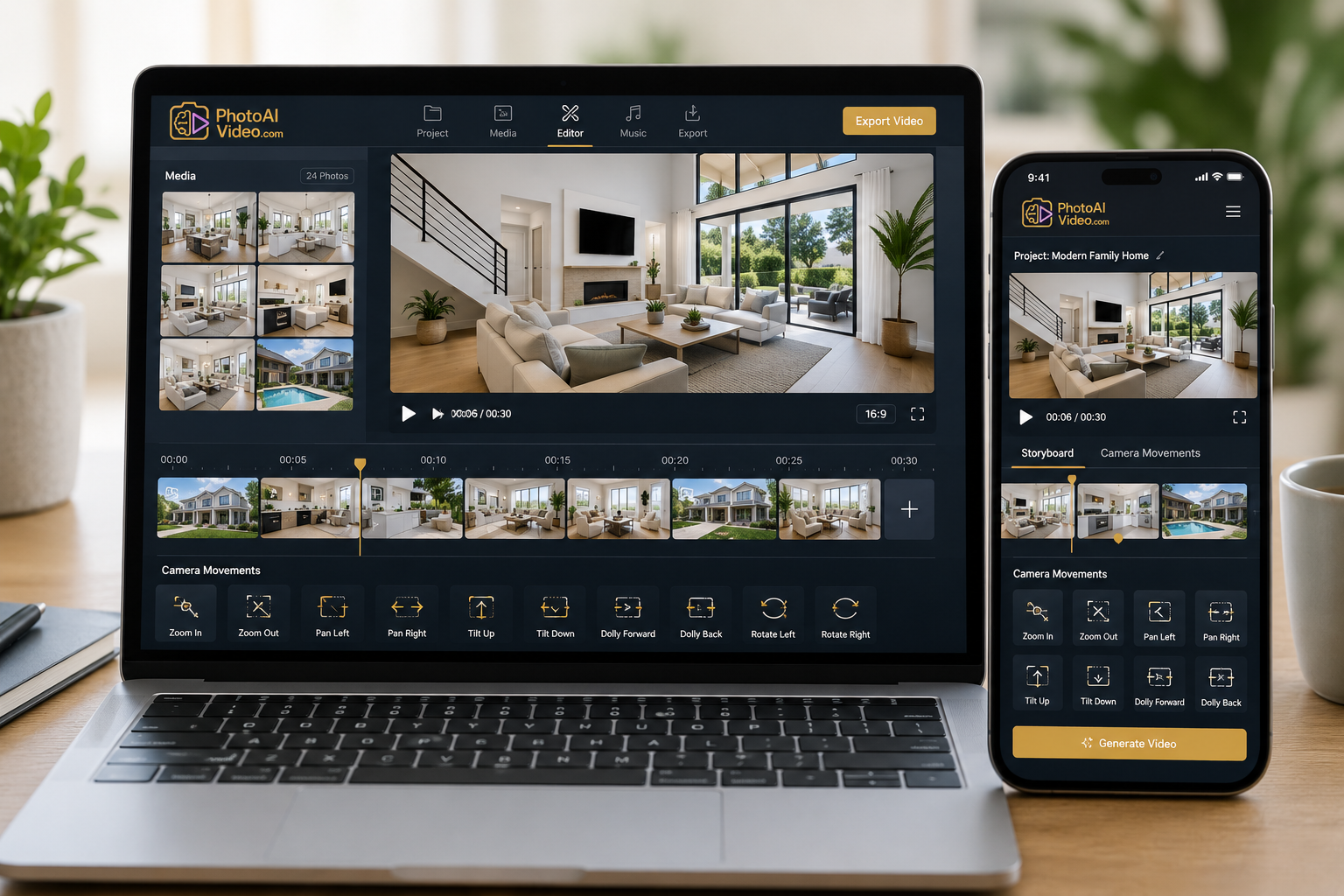
This is where a dedicated real estate video maker can simplify the workflow. Instead of coordinating a videographer and editor for every piece of content, AI-powered tools can help turn photos and other existing property assets into videos with significantly less manual editing.
PhotoAIVideo is designed specifically for this type of workflow, helping real estate professionals turn property photos into marketing videos using AI-powered camera movements and other video-creation tools.
Agents can also explore PhotoAIVideo's real estate tools to see the current features, services, and plans available for their workflow.
The important part isn't producing all 15 formats immediately. It's having a repeatable system that makes video realistic enough to use consistently.
Do I need professional camera equipment to make real estate videos?
No. Some real estate videos can be created with a smartphone, while others can be generated from listing photos you or your photographer have already captured. Professional equipment can be valuable for higher-end productions, but it isn't necessary for every type of real estate video.
How long should a listing video be?
There's no single perfect length for every listing. A full property walkthrough may need more time than a short social teaser, while platforms such as Instagram Reels, TikTok, and YouTube Shorts generally lend themselves to more concise content.
Focus on keeping the video long enough to showcase the property's strongest features without adding unnecessary footage.
What's the best real estate video maker for agents on a budget?
Look for a platform that lets you test the workflow before making a major commitment. Consider factors such as ease of use, output quality, camera movement options, branding features, export options, and current pricing.
If you're considering PhotoAIVideo, check its current plans and features directly before choosing the option that best fits your needs.
How often should I post real estate videos?
There's no universal posting schedule that works for every agent. Consistency is usually more useful than posting heavily for a week and then disappearing for a month.
Choose a schedule you can realistically maintain, mixing listing videos with personal branding, neighborhood content, market information, and useful tips for buyers and sellers.
Fifteen ideas are plenty to work with, but you don't have to tackle them all at once.
Start with one or two listing-focused videos for your current inventory, add a personal branding video to your profile, and gradually layer in neighborhood and social content as you find your rhythm.
With a real estate video maker handling some of the production work, building a consistent library of property and marketing videos becomes much more manageable.
If you're ready to try it on your next listing, explore PhotoAIVideo and see how your existing real estate photos can become polished video content.


Compact, ready to go anywhere
Interchangeable lens that’s upgradeable
Dual 1-inch sensors for improved clarity and low light performance
Dynamic range and 6K 360° capture
360° photo resolution at 21MP

8K 360° video recording for ultra-detailed visuals.
4K single-lens mode for traditional wide-angle shots.
Invisible selfie stick effect for drone-like perspectives.
2.5-inch touchscreen with Gorilla Glass protection.
Waterproof up to 33ft for underwater shooting.

360° photo resolution in 23MP
Slim design at 24 mm thick
Built-in image stabilization for smooth video capture.
Internal 19GB storage for photo and video storage.
Wireless connectivity for remote control and sharing.

60MP 360° still images for high-resolution photography.
5.7K 360° video recording at 30fps.
2.25-inch touchscreen for intuitive control.
USB Type-C port for fast charging and data transfer.
MicroSD card slot for expandable storage.
.png)

.png)

Try it free. No credit card required. Instant set-up.






.svg)


.svg)