


.png)


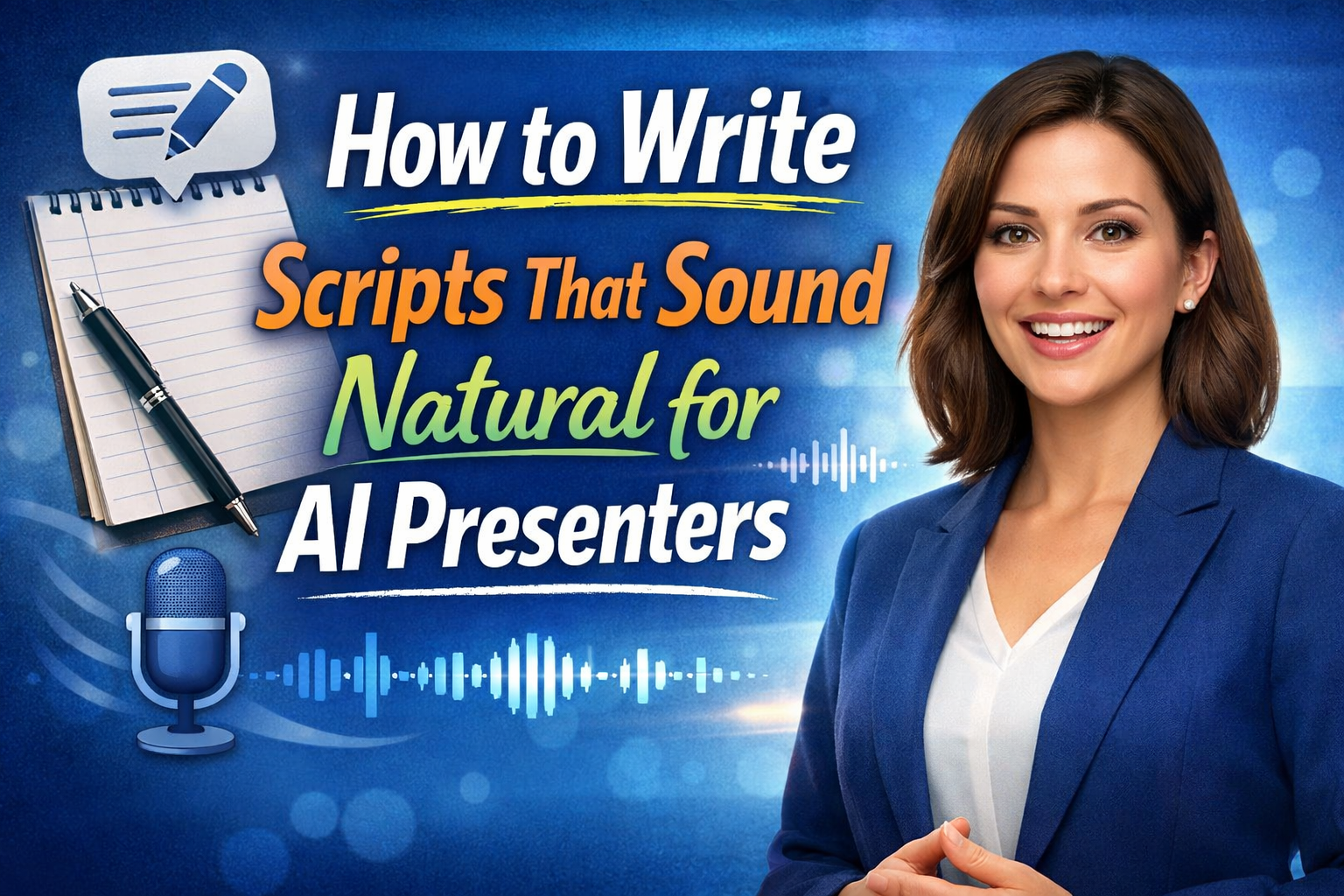
The Complete Guide to AI Avatar Script Writing That Feels Human
Quick question for you…
If you watched a polished video presentation online, could you tell whether it was filmed live… or generated by an AI presenter?
That’s the new reality.
With modern AI avatar technology, you can upload a single image, add a script, and generate a professional talking video in minutes. No studio. No lighting. No camera setup. Just an image and a script.
But here’s what most people get wrong:
The realism doesn’t come from the technology alone.
It comes from the script.
If you want your AI presenter to sound natural, confident, and engaging, you must master AI avatar script writing.
This guide will show you exactly how to do that — step by step — so your AI videos feel authentic, not robotic. 🚀
AI avatars can:
But the script is what drives the experience.
A poorly written script will:
A well-written script will:
Technology delivers the voice.
You deliver the message.
The biggest mistake in AI avatar script writing is sounding too formal.
People write like this:
“Welcome to this presentation where we will explore the features of this property in detail.”
No one talks like that.
Instead, write:
“Let me show you something special about this property.”
Shorter.
More direct.
More human.
If you wouldn’t naturally say it in conversation, rewrite it.
AI presenters sound most realistic when scripts mimic real speech patterns.
AI voices perform better with shorter phrases.
Long sentences often feel robotic.
Instead of:
“This property offers a wide range of amenities including upgraded flooring, modern lighting fixtures, and a fully renovated kitchen designed for entertaining guests.”
Break it up:
“This home has upgraded flooring.
Modern lighting.
And a fully renovated kitchen that’s perfect for entertaining.”
Short sentences create natural rhythm.
That rhythm makes AI sound human.
In real conversation, we pause.
We breathe.
We emphasize.
You can simulate that by using:
Example:
“Here’s what makes this different.
It’s not just the space.
It’s the feeling.”
That structure helps AI pacing feel organic.
Simple words win.
You don’t need big vocabulary to sound professional.
In fact, simpler language:
Instead of:
“This residence exemplifies architectural sophistication.”
Say:
“This home feels modern and thoughtfully designed.”
Clear beats complicated.
Speak to the viewer.
Use words like:
Example:
“Imagine walking into this kitchen every morning.”
Direct address creates connection.
Even when delivered by AI.
Real people use transitions like:
These phrases soften the delivery.
They make AI presenters feel less scripted.
AI voices can amplify tone, but your words should carry energy.
Avoid flat descriptions.
Instead of:
“This property includes a backyard.”
Say:
“And wait until you see the backyard.”
Subtle emotional cues elevate delivery.
Write natural scripts for AI presenters.
Structure your scripts in three parts:
Hook
Body
Close
Grab attention immediately.
“Can you tell if this is real or AI?”
Curiosity works.
Deliver value in clear segments.
Short paragraphs.
Simple ideas.
End with clarity.
“Let me know what you think.”
Or:
“Let’s get you scheduled for a showing.”
Clear endings prevent awkward AI fade-outs.
Reading and watching are different experiences.
On video:
For natural scripts for AI presenters., focus on:
Don’t write like a blog post.
Write like a conversation.
One advantage of AI presenters?
You can test variations instantly.
Try:
See which performs better.
AI allows iteration without refilming.
That’s powerful.
Robotic Version:
“Today we are going to discuss the features of this property and highlight the amenities it offers to potential buyers.”
Natural Version:
“Let me walk you through what makes this home special.”
The difference?
Tone.
Clarity.
Human rhythm.
If you’re offering AI videos to clients, natural scripts matter even more.
Because:
You’re not just creating videos.
You’re building marketing automation systems.
Imagine telling a client:
“I’ll create professional AI listing videos for you every week.”
Now you’re not selling photos.
You’re selling systems.
And strong scripts make those systems effective.
To streamline natural scripts for AI presenters, create reusable frameworks:
Opening curiosity hook
Feature explanation
Emotional benefit
Call to action
For example:
Hook:
“Can you tell if this is filmed or AI?”
Feature:
“This home has been completely renovated.”
Benefit:
“That means less maintenance and more peace of mind.”
CTA:
“Let’s schedule your showing.”
This keeps scripts consistent and efficient.
Overstuffing information
Using overly formal language
Writing long paragraphs
Ignoring natural speech patterns
Forgetting a clear call to action
If it sounds like a brochure, rewrite it.
AI avatars are becoming more realistic every year.
But realism depends on messaging.
The better your script, the more believable your AI presenter becomes.
Technology handles:
You handle:
That’s where human skill still wins.
AI presenter technology is powerful.
But it’s not magic.
It amplifies what you give it.
If your script feels robotic, your video will too.
If your script feels natural, conversational, and engaging…
Your AI avatar will sound human.
The key to great AI avatar script writing is simple:
Write like you talk.
Keep sentences short.
Use natural rhythm.
Speak directly to the viewer.
End with clarity.
Master that — and your AI presenter won’t just look real.
It’ll feel real.
And that’s where the real power begins. 🚀


Compact, ready to go anywhere
Interchangeable lens that’s upgradeable
Dual 1-inch sensors for improved clarity and low light performance
Dynamic range and 6K 360° capture
360° photo resolution at 21MP

8K 360° video recording for ultra-detailed visuals.
4K single-lens mode for traditional wide-angle shots.
Invisible selfie stick effect for drone-like perspectives.
2.5-inch touchscreen with Gorilla Glass protection.
Waterproof up to 33ft for underwater shooting.

360° photo resolution in 23MP
Slim design at 24 mm thick
Built-in image stabilization for smooth video capture.
Internal 19GB storage for photo and video storage.
Wireless connectivity for remote control and sharing.

60MP 360° still images for high-resolution photography.
5.7K 360° video recording at 30fps.
2.25-inch touchscreen for intuitive control.
USB Type-C port for fast charging and data transfer.
MicroSD card slot for expandable storage.
.png)

.png)

Try it free. No credit card required. Instant set-up.






.svg)


.svg)