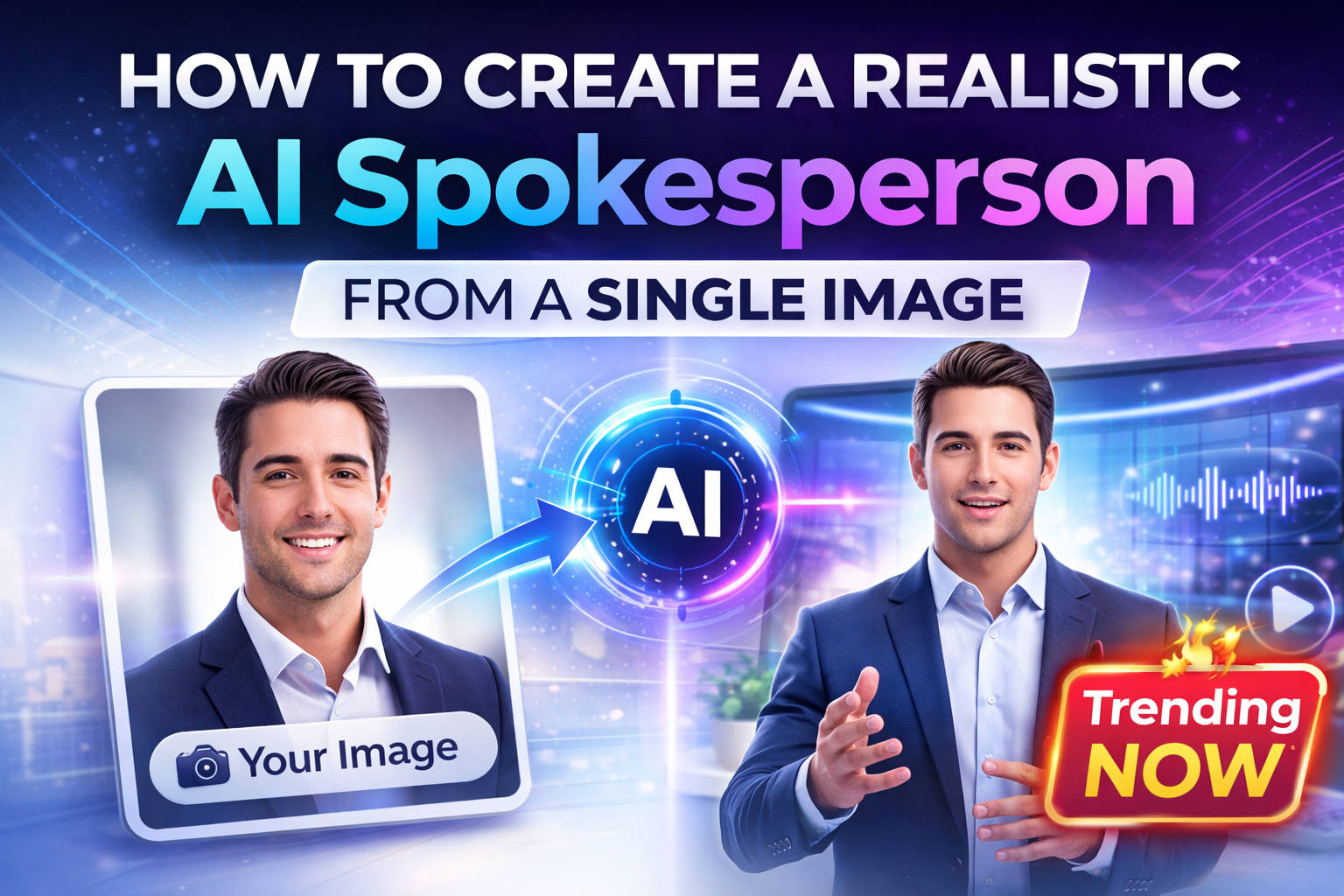
How to Create a Realistic AI Spokesperson from a Single Image

Cloudpano
February 21, 2026
5 min read
Share this post

How to Create a Realistic AI Spokesperson from a Single Image 🚀

Turn One Photo into a Professional AI Spokesperson from Image in Minutes

Quick question for you…

If someone watched your latest video, would they know if it was really you… or an AI avatar?

That question isn’t just fun.

It represents a massive shift in how content is created.

Today, you can generate a fully realistic AI spokesperson from image — without filming, without lighting setups, and without stepping into a studio. Just one high-quality photo and a script can become a polished, professional video presenter in minutes.

This article breaks down exactly how to create a realistic AI spokesperson from a single image, why it works so well, and how it opens up entirely new revenue opportunities for creators, photographers, marketers, and real estate professionals. 🤖✨

And yes — this feature is coming soon, and we’re incredibly excited about it. Stay tuned.

Why Creating an AI Spokesperson from Image Changes Everything

Traditionally, creating a spokesperson video required:

  • A camera
  • A quiet recording environment
  • Lighting
  • Retakes
  • Editing
  • Rendering

Even short videos could take hours to produce.

Now imagine this workflow instead:

  1. Upload a single image.
  2. Add a script or voice recording.
  3. Generate a talking AI avatar.
  4. Export a professional video.

No filming.

No mic setup.

No reshoots.

Just an image.

That’s the power of generating an AI spokesperson from image technology.

What Is an AI Spokesperson from Image?

An AI spokesperson from image is a digital avatar created from a static photo that can:

  • Speak naturally
  • Lip-sync accurately
  • Maintain realistic facial movements
  • Deliver scripted messaging
  • Present professionally on camera

It turns a headshot into a fully animated, voice-driven presenter.

This technology uses advanced AI models trained on facial structure, voice patterns, and human motion to create believable expressions and speech synchronization.

The result?

A video that looks like you filmed it — even though you didn’t.

Step-by-Step: How to Create a Realistic AI Spokesperson from a Single Image

Let’s walk through the process in simple, clear steps.

Step 1: Choose the Right Image 📸

The quality of your final AI spokesperson starts with your image.

Use:

  • A high-resolution headshot
  • Neutral background
  • Good lighting
  • Clear facial visibility
  • Direct eye contact

Avoid:

  • Heavy shadows
  • Blurry images
  • Obstructed faces
  • Extreme angles

A clean professional headshot works best.

Step 2: Upload the Image

Inside the platform, upload your selected image.

The AI system analyzes:

  • Facial landmarks
  • Jaw structure
  • Lip shape
  • Eye placement
  • Skin tone
  • Expression patterns

This allows it to build a dynamic digital model from your static photo.

In seconds, your image becomes a usable avatar.

Step 3: Add Your Script or Voice Recording 🎤

Next, choose how your AI spokesperson will speak.

You have two options:

Option 1: Upload your own voice recording.
Option 2: Select an AI voice and paste your script.

The system then:

  • Synchronizes lip movements
  • Matches facial expressions
  • Adjusts subtle head movement
  • Creates realistic speech pacing

The result is natural-looking delivery — not robotic, not stiff.

Step 4: Generate the Talking Avatar

With image and script ready, click generate.

In minutes, you have:

  • A professional talking head video
  • Realistic facial animation
  • Clear voice delivery
  • Studio-quality presentation

No camera required.

This is where the transformation happens.

Step 5: Drop It into Your Marketing Content

Now your AI spokesperson can be used in:

  • Listing walkthrough videos
  • Website homepage videos
  • Social media content
  • Email campaigns
  • Sales funnels
  • Educational content
  • Product demos

Everything from a single image.

Why This Feels So Real

You might wonder — why does it look so believable?

Because modern AI:

  • Models micro-expressions
  • Simulates natural blinking
  • Tracks subtle lip curvature
  • Reproduces breathing rhythm
  • Mimics conversational pauses

The realism creates viewer trust.

And trust drives engagement.

The Hidden Opportunity: This Is a Revenue Stream 💰

Most people think this is just a cool feature.

It’s not.

It’s a business model upgrade.

If you’re a:

  • Photographer
  • Media professional
  • Real estate marketer
  • Agency owner
  • Content creator

You can offer:

  • AI walkthrough videos
  • Agent avatar clones
  • Monthly content packages
  • Subscription-based spokesperson videos
  • Automated listing presentations

Instead of charging once for media, you can build recurring revenue.

Imagine telling a client:

“I’ll create a professional AI spokesperson video for every listing you have — automatically.”

That’s not content creation.

That’s marketing automation.

Don’t Want to Clone Yourself? Use Pre-Built Avatars

Not everyone wants to create a personal clone.

That’s why professional pre-built AI avatars are powerful.

You can:

  • Select a polished presenter
  • Choose voice style
  • Paste your script
  • Generate content instantly

This lowers the barrier for clients.

No camera confidence required.

No recording stress.

Just results.

Industries That Benefit Most from AI Spokesperson from Image

This technology works far beyond real estate.

Here are some evergreen use cases:

Real Estate

  • Listing walkthroughs
  • Neighborhood explainers
  • Market updates
  • Open house promotions

Small Businesses

  • Website intro videos
  • Product demonstrations
  • Service explanations

Agencies

  • Client presentation videos
  • Lead magnet content
  • Sales funnel personalization

Coaches and Educators

  • Course intros
  • Lesson explainers
  • YouTube content

One image becomes a content engine.

Why This Is So Scalable

Filming takes time.

Editing takes time.

Scheduling takes time.

An AI spokesperson from image eliminates all that friction.

You can:

  • Produce multiple videos per day
  • Update scripts instantly
  • Test messaging variations
  • Localize content
  • Personalize outreach

Scalability is what turns creativity into growth.

The Competitive Advantage

Most businesses still rely on:

  • Static images
  • Basic text posts
  • One-time recorded videos

Meanwhile, you can deploy:

  • Dynamic AI presenters
  • Consistent weekly content
  • Automated video marketing
  • On-demand spokesperson content

That differentiation is powerful.

And early adopters always win.

The Psychology Behind AI Spokesperson Videos

People connect with faces.

Video outperforms static content.

Personal presentation builds trust.

When your AI spokesperson delivers your message clearly and confidently, it:

  • Humanizes your brand
  • Improves engagement
  • Increases watch time
  • Strengthens authority

Even though it’s AI-powered, the emotional impact remains real.

The Future of Content Creation

We are moving toward:

  • Faster production
  • Automated personalization
  • On-demand spokesperson videos
  • Scalable marketing systems

And it all starts with one image.

No fancy filming.

No studio.

No complex setup.

Just an image.

Final Thoughts: One Image, Unlimited Possibilities 🚀

Creating a realistic AI spokesperson from image is not just about convenience.

It’s about leverage.

When you can turn:

One headshot
Into
A professional video presenter
In minutes

You unlock:

  • Faster content creation
  • Higher output
  • Recurring revenue potential
  • Marketing automation
  • Brand scalability

This feature is not yet released — but it’s coming soon.

And we’re incredibly excited about what it makes possible.

The team has been working hard behind the scenes.

It’s powerful.

It’s simple.

And it’s going to change how professionals create video content.

Stay tuned.

🚀 Your All-In-One Virtual Experience Stack Starts Here

Share this post
Cloudpano

Choose The Right 360° Camera

Insta360 ONE RS 1-Inch 360 Edition

  • Compact, ready to go anywhere

  • Interchangeable lens that’s upgradeable

  • Dual 1-inch sensors for improved clarity and low light performance

  • Dynamic range and 6K 360° capture

  • 360° photo resolution at 21MP

Learn More

Insta360 X4

  • 8K 360° video recording for ultra-detailed visuals.

  • 4K single-lens mode for traditional wide-angle shots.

  • Invisible selfie stick effect for drone-like perspectives.

  • 2.5-inch touchscreen with Gorilla Glass protection.

  • Waterproof up to 33ft for underwater shooting.

Learn More

Ricoh Theta Z1

  • 360° photo resolution in 23MP

  • Slim design at 24 mm thick

  • Built-in image stabilization for smooth video capture.

  • Internal 19GB storage for photo and video storage.

  • Wireless connectivity for remote control and sharing.

Learn More

Ricoh Theta X

  • 60MP 360° still images for high-resolution photography.

  • 5.7K 360° video recording at 30fps.

  • 2.25-inch touchscreen for intuitive control.

  • USB Type-C port for fast charging and data transfer.

  • MicroSD card slot for expandable storage.

Learn More
Property Marketing
Allows potential buyers to explore properties in detail from anywhere, enhancing the real estate marketing process.
Automotive Spins
Create an interactive virtual showroom and engage affluent digital buyers with live 360º video calls, all through the CloudPano mobile app for a complete automotive sales solution.
Interactive Floor Plans
Create 2D and 3D floor plans with measurements in 4 minutes or less, all from your phone. Download the Floor Plan Scanner app and get your first scan free.

360 Virtual Tours With CloudPano.com. Get Started Today.

Try it free. No credit card required. Instant set-up.

Try it free
Latest posts

See our other posts

Interviews, tips, guides, industry best practices, and news.

Image + Script + Voice: The 3-Part Formula for AI Avatar Videos

This article explains the AI avatar video formula — a simple three-part system that turns a single image, script, and voice into a professional talking avatar video. It breaks down how each component works together to create realistic AI spokesperson content without filming, lighting, or studio production. The post highlights how creators, photographers, marketers, and agencies can use this formula to scale content creation, automate video production, and build recurring revenue streams. By understanding the Image + Script + Voice framework, readers learn how to transform one headshot into unlimited marketing assets.
Read post

How AI Cloning Technology Works (In Simple Terms)

This article explains how AI cloning works in simple, easy-to-understand terms. It breaks down the full process of creating a realistic AI clone from a single image, including facial analysis, 3D modeling, voice processing, lip synchronization, and micro-expression rendering. The post clarifies how AI uses deep learning and pattern recognition to simulate human speech and movement, while also exploring practical use cases for marketing, content creation, and automation. Readers gain a clear understanding of how an AI spokesperson can be generated from just one photo and why this technology is transforming modern video production.
Read post

How to Create a Realistic AI Spokesperson from a Single Image

This article explains how to create a realistic AI spokesperson from image using a single headshot and a script. It walks through the step-by-step process of uploading an image, adding a voice or script, generating a talking AI avatar, and integrating the final video into marketing campaigns. The post highlights how this technology eliminates the need for filming, lighting, and studio setups while enabling scalable content production. It also explores how creators, photographers, agencies, and real estate professionals can turn AI spokesperson videos into recurring revenue streams through automation and subscription-based services.
Read post



