


.png)


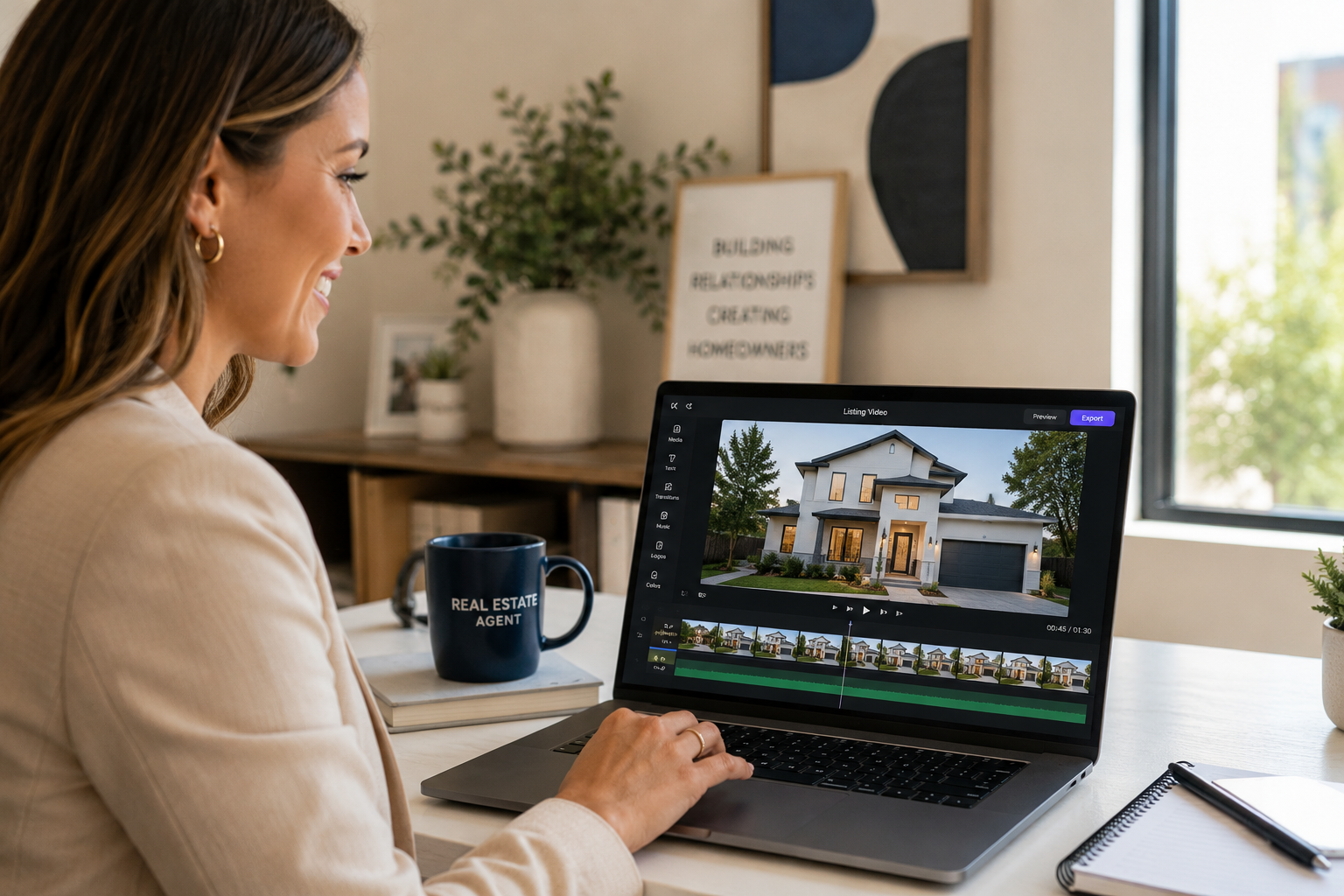
A great real estate video maker can help turn an ordinary listing into one buyers stop scrolling to watch — and you don't need a film crew or professional video-editing experience to make that happen. If you've ever flipped through a static photo gallery and felt nothing, then watched a short property walkthrough and immediately started picturing yourself in the kitchen, you already understand why video can be such a powerful real estate marketing tool.
Buyer behavior research, including work from the National Association of Realtors, has consistently highlighted how much home shoppers rely on visual and digital tools before they ever request a showing.
This guide walks you through the entire process of creating your first real estate video, from planning what to shoot to choosing the right creation method and deciding where to publish it. You don't have to choose between "flawless cinematic production" and "no video at all."
There's a practical middle path that can fit into a busy agent's week. We'll cover what to capture, how to prepare a home for the camera, which creation method fits your budget and schedule, and where to post the finished video so it can reach potential buyers.
One of the biggest mistakes new agents can make with video isn't bad lighting or shaky footage — it's showing up without a plan. Walking into a listing and "figuring it out" wastes time, produces inconsistent footage, and increases the chances of forgetting an important room or feature.
A few minutes of planning can turn a stressful shoot into a much smoother one.
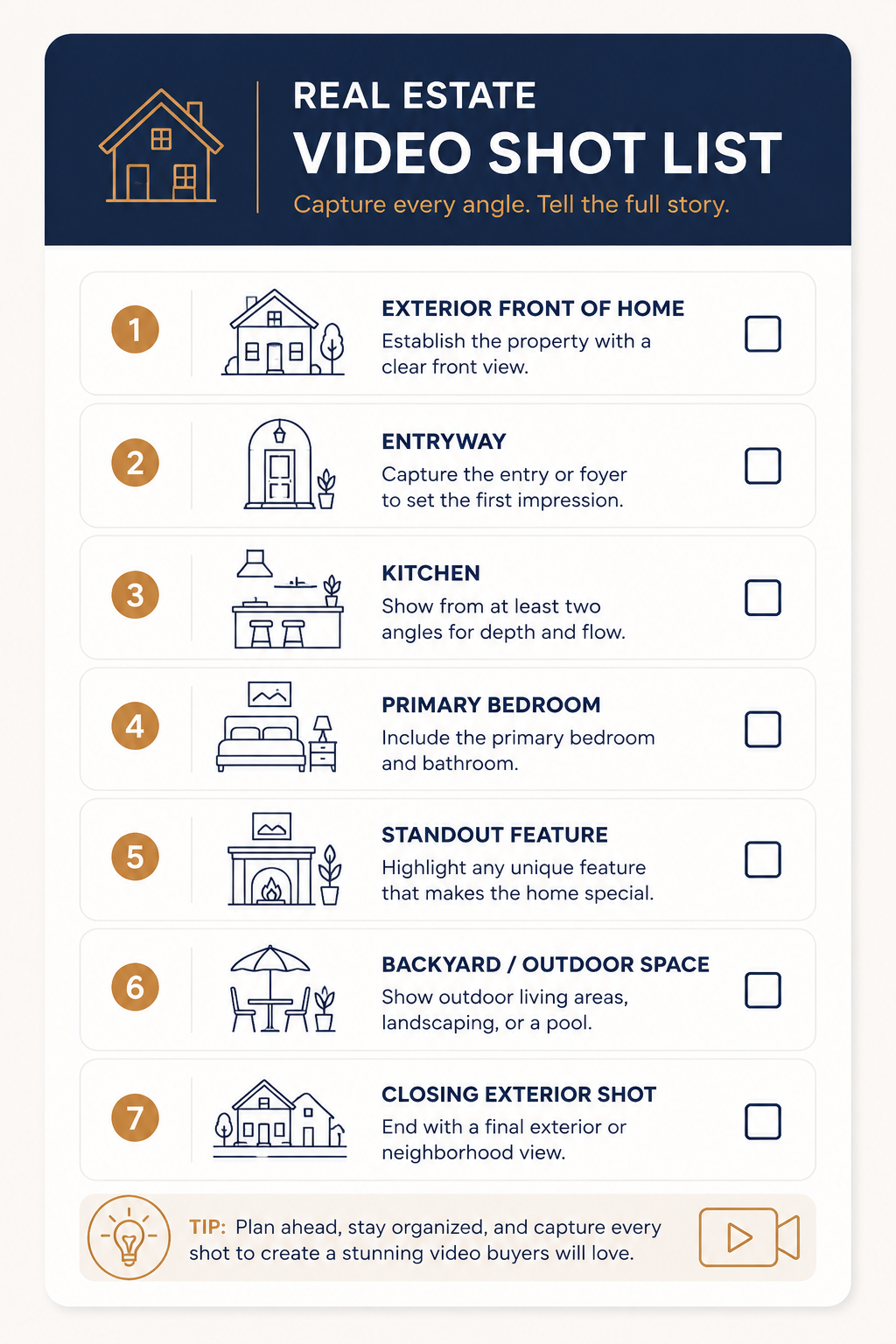
Before you touch a camera or upload a single photo, write down every shot you need. A dependable shot list for a listing video might include:
Having this list on your phone means you're not wandering from room to room hoping you didn't miss anything.
It matters just as much if you're shooting your own footage as it does if you're capturing photos for an AI-based property video. In either case, better source material gives you more to work with when creating the finished video.
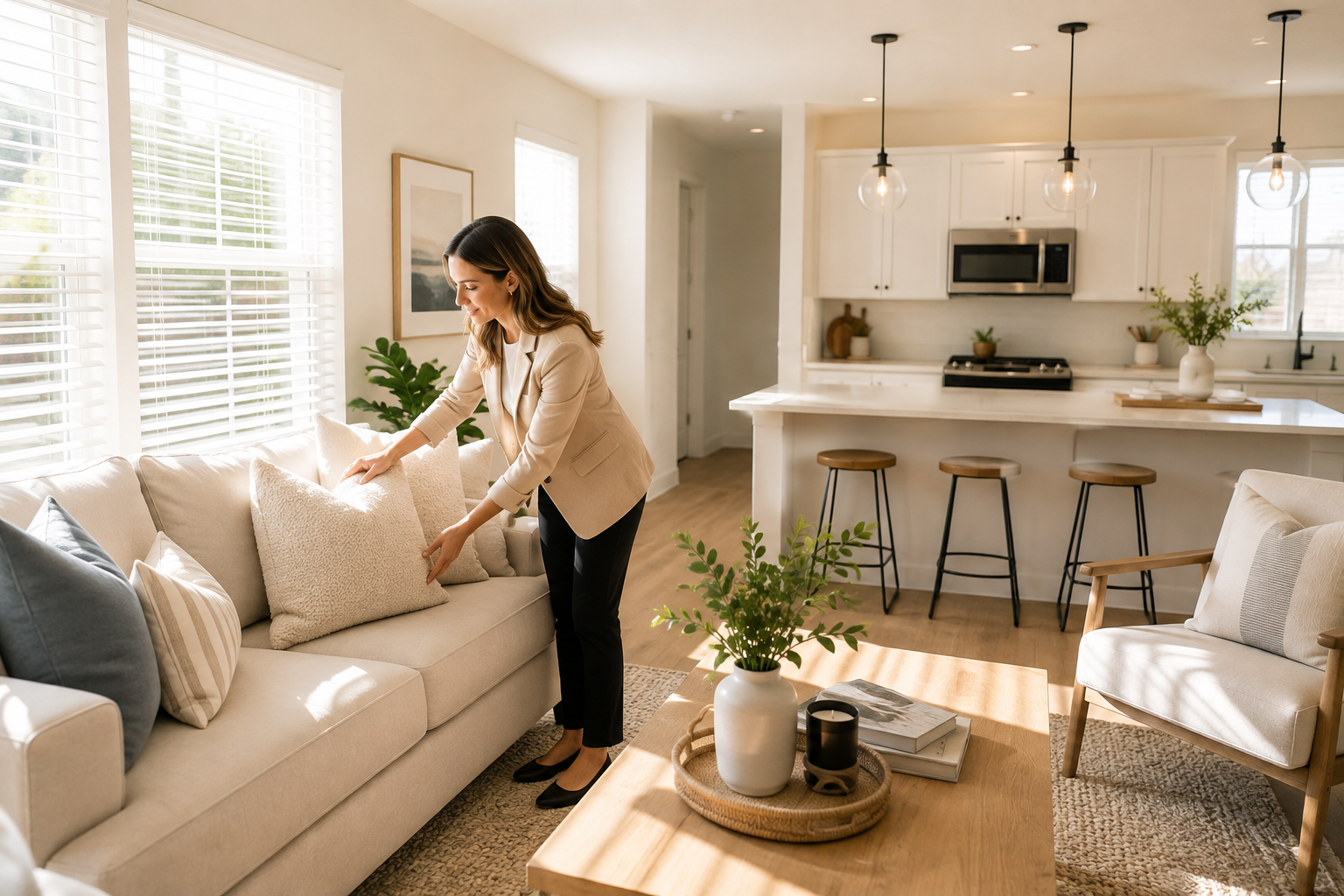
Staging for a buyer walking through a home in person can be different from staging for a camera.
Make sure rooms are well lit, open blinds and curtains when appropriate, clear countertops, tuck away cords and trash cans, and remove overly personal items, such as family photos, that could distract viewers.
Straighten rugs, fluff pillows, and arrange furniture so walkways feel open on screen.
This preparation doesn't take long, and the difference can show up throughout your finished listing video.
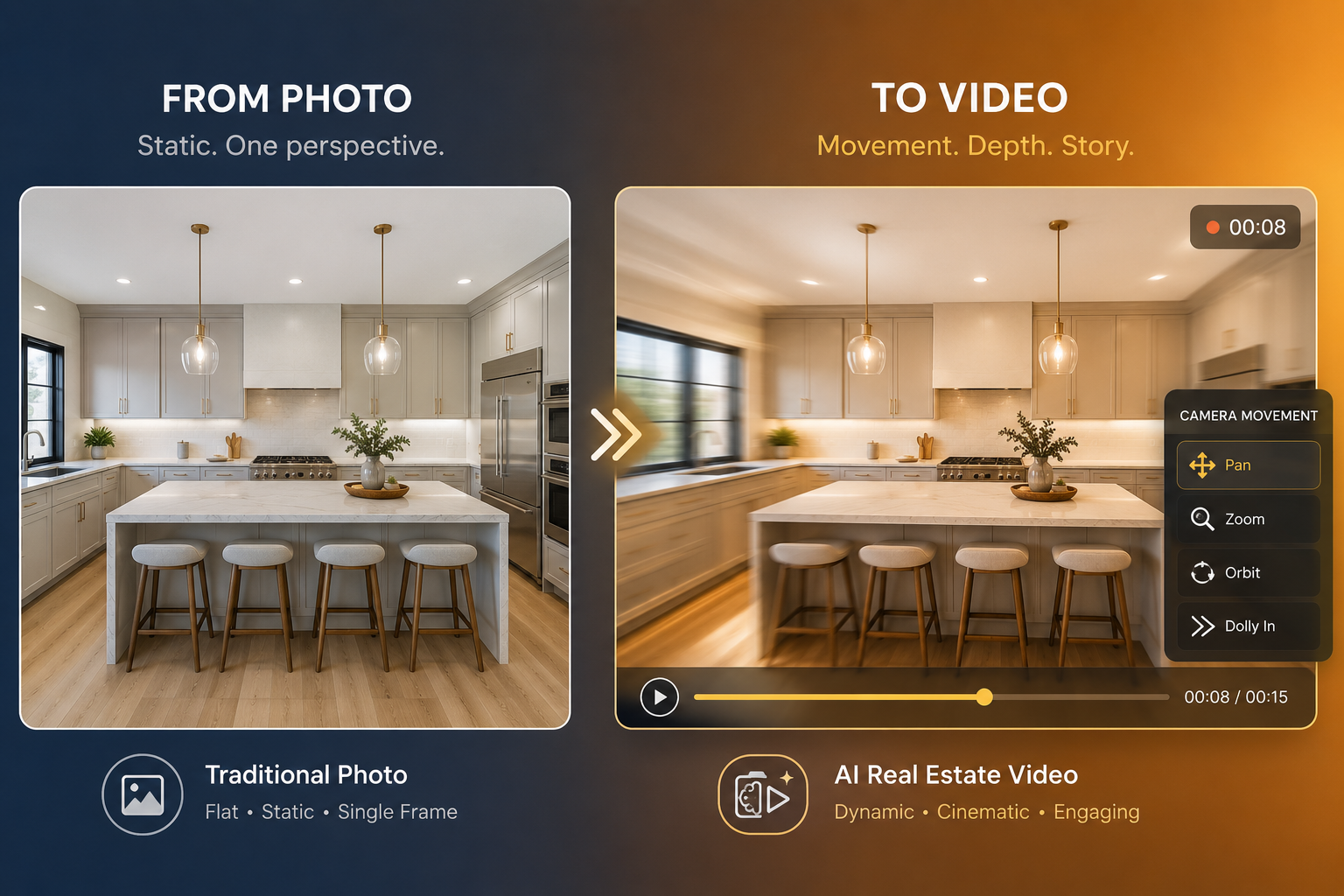
Once you know what you're capturing, you need to decide how you're going to turn it into a finished video.
There are three realistic paths, and the right one depends on your budget, timeline, experience, and how many listings you're marketing in a given month.
Shooting your own video with a smartphone and a basic gimbal can be an affordable option and gives you plenty of creative control.
The tradeoff is time. Capturing smooth, well-lit footage takes practice, and editing everything into a polished final video can take even longer.
This route works particularly well for agents who enjoy the creative process and have enough time to handle filming and editing themselves.
A professional videographer can deliver a highly polished result using specialized equipment, professional editing, and, when appropriate, drone footage.
It's an especially strong option for luxury listings where the marketing budget can justify the additional investment.
The downside is scheduling and cost. You need to coordinate calendars and pay for production for each property, which may become difficult to scale when you're marketing multiple listings every month.
A practical middle path for solo agents is using an AI video generator that turns listing photos you or your photographer already have into video.
Instead of filming an entirely new set of footage, you can upload existing property images and use software to automate much of the video-creation process.
This is where a dedicated real estate video maker like PhotoAIVideo fits in — it's designed to turn ordinary listing photos into polished marketing videos without requiring traditional filming or manual video-editing skills.
Industry research from Wyzowl's State of Video Marketing report also demonstrates how widely video has become established as a digital marketing format.
If you choose the AI route, the creation process can be straightforward. Here's what it typically looks like with a real estate video maker built for this type of workflow:
Before committing to any tool, it's worth browsing real before-and-after examples to see how static property photos translate into finished videos. This can give you a more realistic idea of what your own listing photos could look like after going through the process.
Music and branding can make a listing video feel more complete, but the additions should complement the property rather than overwhelm it.
Choose background music that matches the tone of the home — perhaps something upbeat for a starter home aimed at first-time buyers or something softer and more atmospheric for a luxury property.
If your video includes narration or spoken content, keep the background music low enough that it doesn't compete with the voiceover.
Branding matters, too. Consistent use of your logo, brand colors, and a closing screen with your contact information can turn individual listing videos into recognizable pieces of your overall real estate marketing.
Depending on the platform, you may also find features such as AI voiceovers or avatars that can add a more personal element to listing videos without requiring you to record new footage every time. Check the specific tool's current feature list before choosing a platform based on these capabilities.
You can also review PhotoAIVideo's current plans and pricing to see which features and options are currently available.
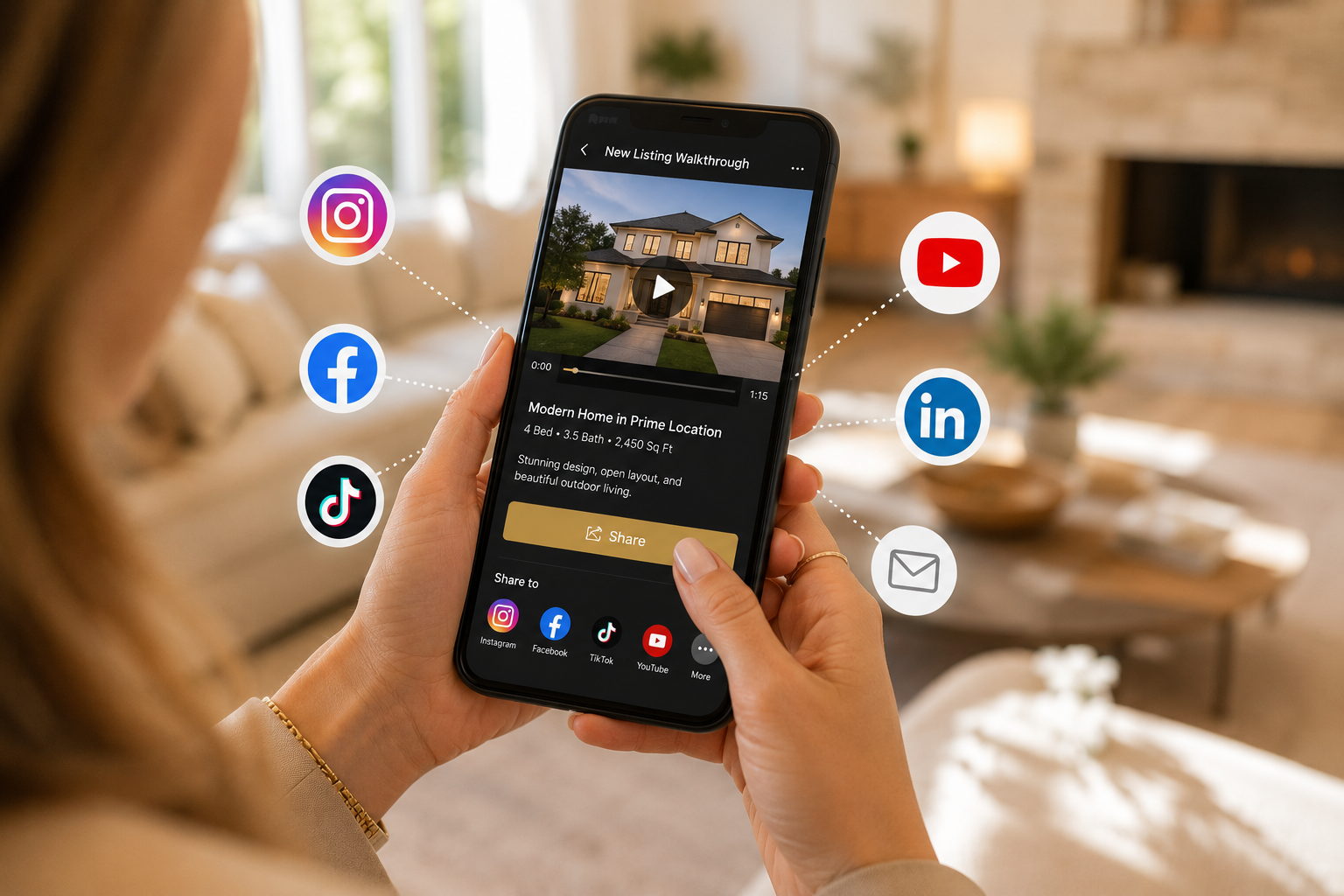
A finished video only works as a marketing asset if people actually see it, so distribution deserves just as much attention as production.
Cross-posting isn't necessarily redundant. One listing video can become a useful marketing asset across several different channels, allowing you to get more value from the same piece of content.
Research summarized in HubSpot's video marketing statistics also highlights the significant role video plays across modern digital marketing.
How long should a real estate listing video be?
There's no single ideal length for every property or platform. Keep the video long enough to showcase the property's most important spaces and features without adding unnecessary footage. Shorter edits can also work well for platforms such as Instagram Reels, TikTok, and YouTube Shorts.
Do I need professional equipment to make a real estate video?
No. You can shoot your own video using a smartphone, hire a professional videographer, or use existing listing photos with an AI-powered property video tool. The best option depends on the type of property, your budget, and how much time you want to spend on production.
What's the best real estate video maker for someone just starting out?
Look for a real estate video maker with a free plan or affordable entry point, a straightforward workflow, and the features you actually need. Being able to test the process on a real listing before committing to a larger subscription can help you determine whether the platform fits your workflow.
Can I add my own voice or face to an AI-generated listing video?
It depends on the platform. Some AI video tools offer voiceover, avatar, or presenter features, while others focus specifically on transforming property photos into video. Check the tool's current feature list if these capabilities are important to your workflow.
Making a real estate video doesn't have to mean hiring a crew or learning complicated video-editing software.
Plan your shots, prepare the home, and choose a creation method that fits your schedule and budget. For agents who already have professional listing photos, an AI real estate video maker offers another option: turning those existing images into polished marketing content without starting a traditional video production from scratch.
If you're ready to see what that looks like for your own listings, give PhotoAIVideo a try and turn your next set of listing photos into a video worth sharing.


Compact, ready to go anywhere
Interchangeable lens that’s upgradeable
Dual 1-inch sensors for improved clarity and low light performance
Dynamic range and 6K 360° capture
360° photo resolution at 21MP

8K 360° video recording for ultra-detailed visuals.
4K single-lens mode for traditional wide-angle shots.
Invisible selfie stick effect for drone-like perspectives.
2.5-inch touchscreen with Gorilla Glass protection.
Waterproof up to 33ft for underwater shooting.

360° photo resolution in 23MP
Slim design at 24 mm thick
Built-in image stabilization for smooth video capture.
Internal 19GB storage for photo and video storage.
Wireless connectivity for remote control and sharing.

60MP 360° still images for high-resolution photography.
5.7K 360° video recording at 30fps.
2.25-inch touchscreen for intuitive control.
USB Type-C port for fast charging and data transfer.
MicroSD card slot for expandable storage.
.png)

.png)

Try it free. No credit card required. Instant set-up.






.svg)


.svg)