


.png)


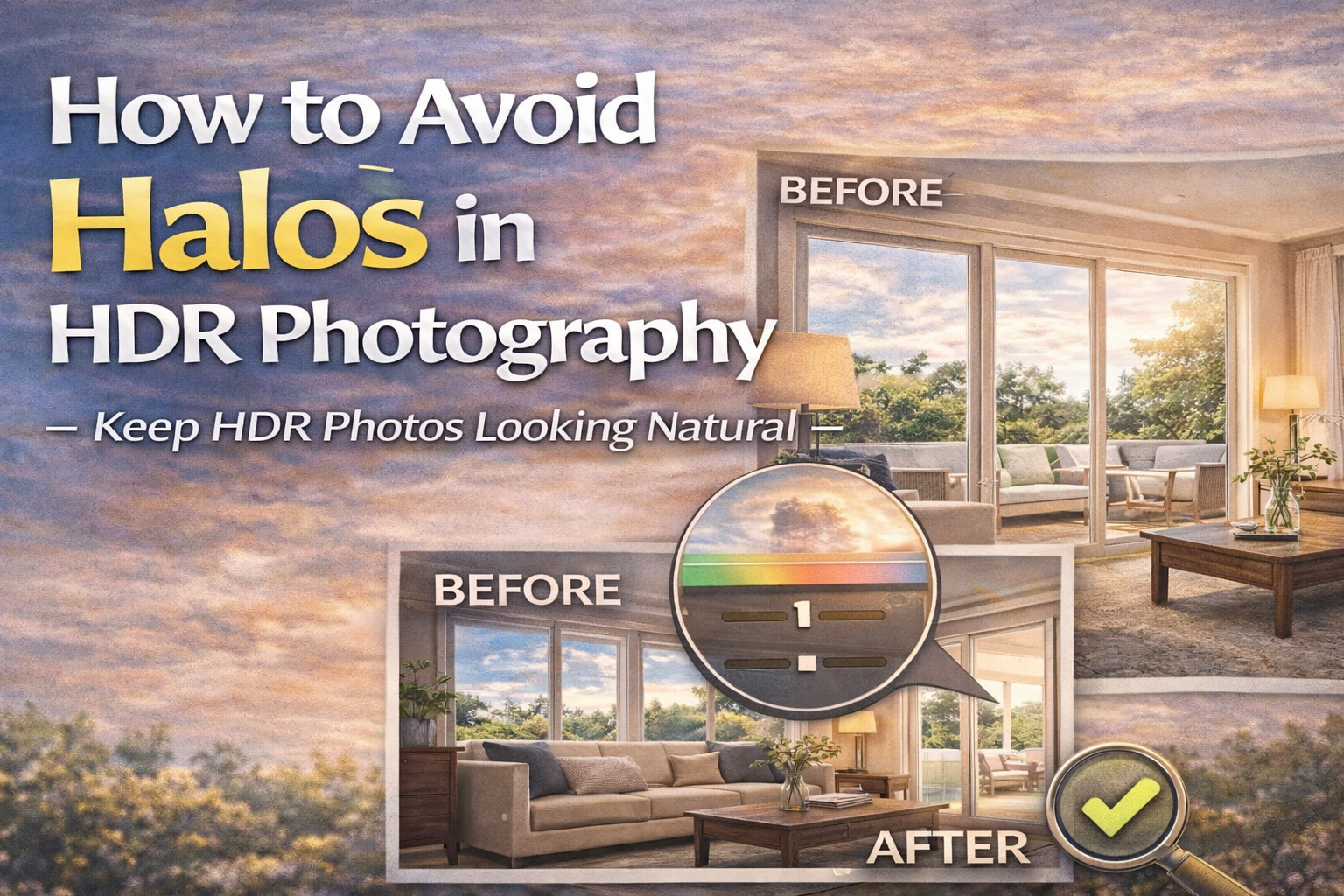
A Complete Guide to Preventing and Fixing the HDR Halo Effect
One of the most common complaints about HDR photography is that it can look “fake.” The biggest giveaway? Halos.
If you’ve ever noticed glowing outlines around windows, trees, buildings, or furniture edges, you’ve seen the dreaded HDR halo effect. It’s one of the fastest ways to make a photo look overprocessed.
The good news is that preventing halos — and applying an HDR halo effect fix — is much easier once you understand what causes them.
In this guide, we’ll break down why halos happen, how to avoid them while shooting and editing, and how to fix them if they appear.
Let’s clean up those edges. ✨
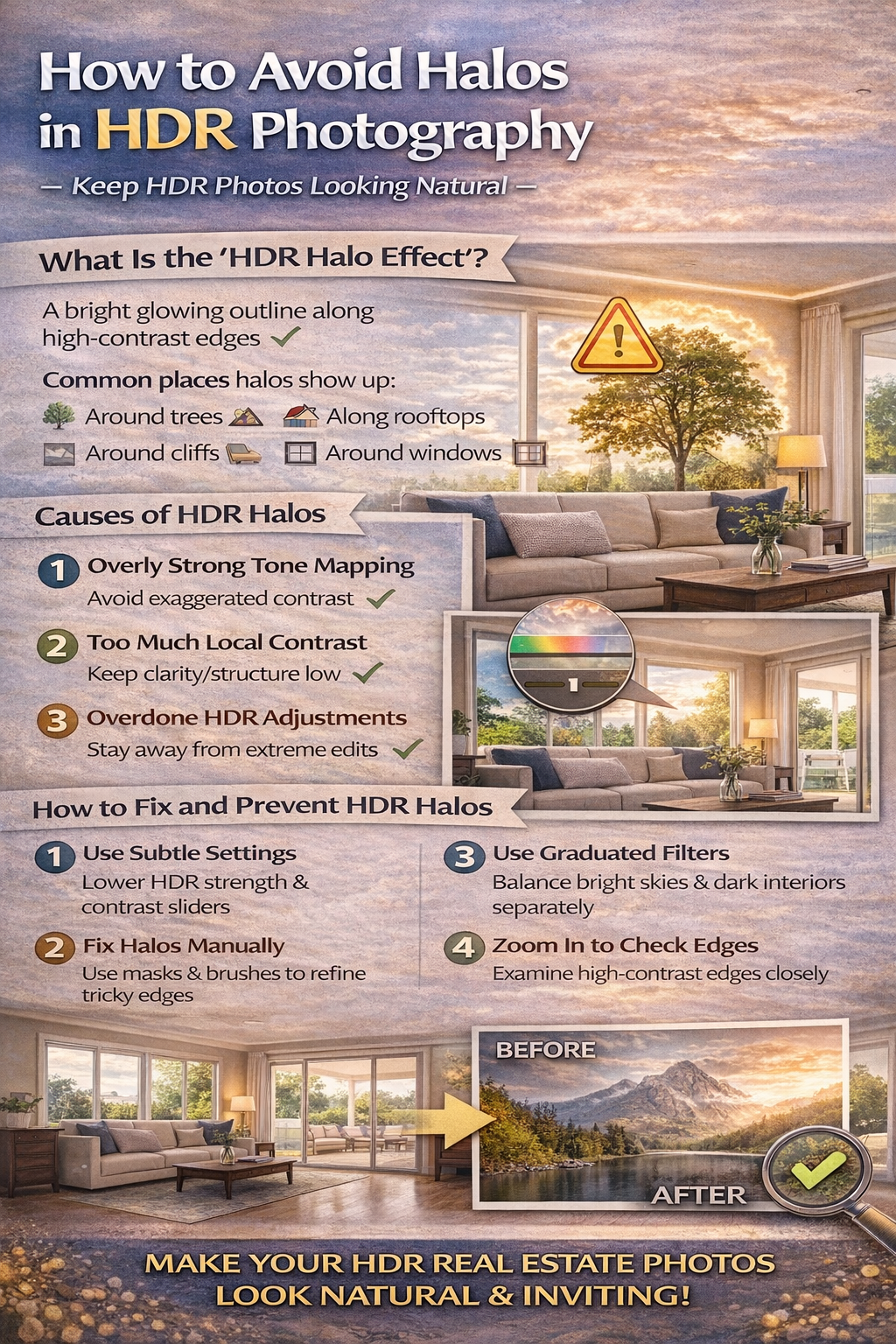
The HDR halo effect appears as a bright or dark glow around high-contrast edges in an image.
Common places halos show up:
🪟 Around window frames
🌳 Around trees against bright skies
🏠 Along rooflines
🪑 Around furniture edges
Halos happen when HDR software exaggerates contrast between light and dark areas.
They’re not natural — and viewers notice them instantly.
Halos usually come from overly aggressive tone mapping.
When HDR software tries to:
✔ Brighten shadows
✔ Darken highlights
✔ Boost local contrast
…it can create unnatural transitions between light and dark areas.
That’s when halos appear.
Understanding this is the first step toward an effective HDR halo effect fix.
Many HDR programs include sliders for clarity, structure, or local contrast.
Pushing these too far enhances edges and creates glowing outlines.
✔ Use clarity sparingly
✔ Avoid maxing out detail sliders
✔ Zoom in to check edges while editing
Subtle adjustments prevent halos before they start.
Tone mapping compresses the dynamic range of an HDR image.
If it’s too strong, it exaggerates edges between bright and dark areas.
✔ Lower HDR strength
✔ Reduce micro-contrast settings
✔ Aim for natural transitions
Less aggressive blending leads to cleaner results.
Lifting shadows too much can create contrast edges against darker areas, producing halos.
✔ Keep some shadow depth
✔ Avoid turning shadows gray
✔ Add gentle contrast instead of extreme shadow boosts
Realistic shadows reduce halo risk.
Pulling highlights down too far can create harsh contrast around bright edges like windows or light fixtures.
✔ Keep highlights bright but not blown
✔ Avoid flattening bright areas too much
✔ Let light sources stay naturally bright
Balanced highlights = fewer halos.
Prevention starts in-camera.
More exposures capture smoother tonal transitions.
Avoid blowing highlights completely.
Noise exaggerates edge artifacts.
Good capture reduces the need for aggressive edits later.
If halos already exist, you can still fix them.
Reduce clarity or structure sliders.
Boosting overall contrast is safer than boosting micro-contrast.
Balance bright skies and dark foregrounds separately.
These steps soften halo edges.
Photoshop offers precise control for an HDR halo effect fix.
Paint softly over halo areas to blend tones naturally.
Remove obvious bright outlines along edges.
Restore natural light falloff.
Manual correction works well for important shots.
Windows are common halo trouble spots.
Tips:
✔ Blend exposures manually
✔ Avoid extreme highlight recovery
✔ Use masks for window areas
Window blending is often better done manually than with automatic HDR.
Trees and skylines easily produce halos.
✔ Keep clarity low
✔ Don’t over-darken skies
✔ Use gentle gradient adjustments
Natural transitions make outdoor HDR look realistic.
Zoom in and look at high-contrast edges.
If you see:
✨ Bright glowing outlines
🌫 Light haze around edges
🪶 Feathered light borders
…it’s time for an HDR halo effect fix.
Good HDR should not look like HDR.
It should simply look like a well-exposed photo.
If viewers notice editing artifacts, it’s usually because halos are present.
Subtle blending is key.
If it looks dramatic, it’s probably too much.
Dial back:
✔ Clarity
✔ Tone mapping strength
✔ Highlight/shadow extremes
Natural light transitions always win.
The more you practice subtle editing, the better you’ll get at spotting halo risks early.
Soon you’ll instinctively know how far sliders can go without causing problems.
Halos are one of the most common HDR issues — but also one of the easiest to prevent.
By understanding how they form and applying a proper HDR halo effect fix, you can keep your photos looking clean, natural, and professional.
Remember:
✔ Keep contrast natural
✔ Avoid extreme edits
✔ Blend gently
✔ Zoom in to check edges
When done right, HDR enhances your image without anyone noticing how you did it.
And that’s the goal.


Compact, ready to go anywhere
Interchangeable lens that’s upgradeable
Dual 1-inch sensors for improved clarity and low light performance
Dynamic range and 6K 360° capture
360° photo resolution at 21MP

8K 360° video recording for ultra-detailed visuals.
4K single-lens mode for traditional wide-angle shots.
Invisible selfie stick effect for drone-like perspectives.
2.5-inch touchscreen with Gorilla Glass protection.
Waterproof up to 33ft for underwater shooting.

360° photo resolution in 23MP
Slim design at 24 mm thick
Built-in image stabilization for smooth video capture.
Internal 19GB storage for photo and video storage.
Wireless connectivity for remote control and sharing.

60MP 360° still images for high-resolution photography.
5.7K 360° video recording at 30fps.
2.25-inch touchscreen for intuitive control.
USB Type-C port for fast charging and data transfer.
MicroSD card slot for expandable storage.
.png)

.png)

Try it free. No credit card required. Instant set-up.







.svg)


.svg)