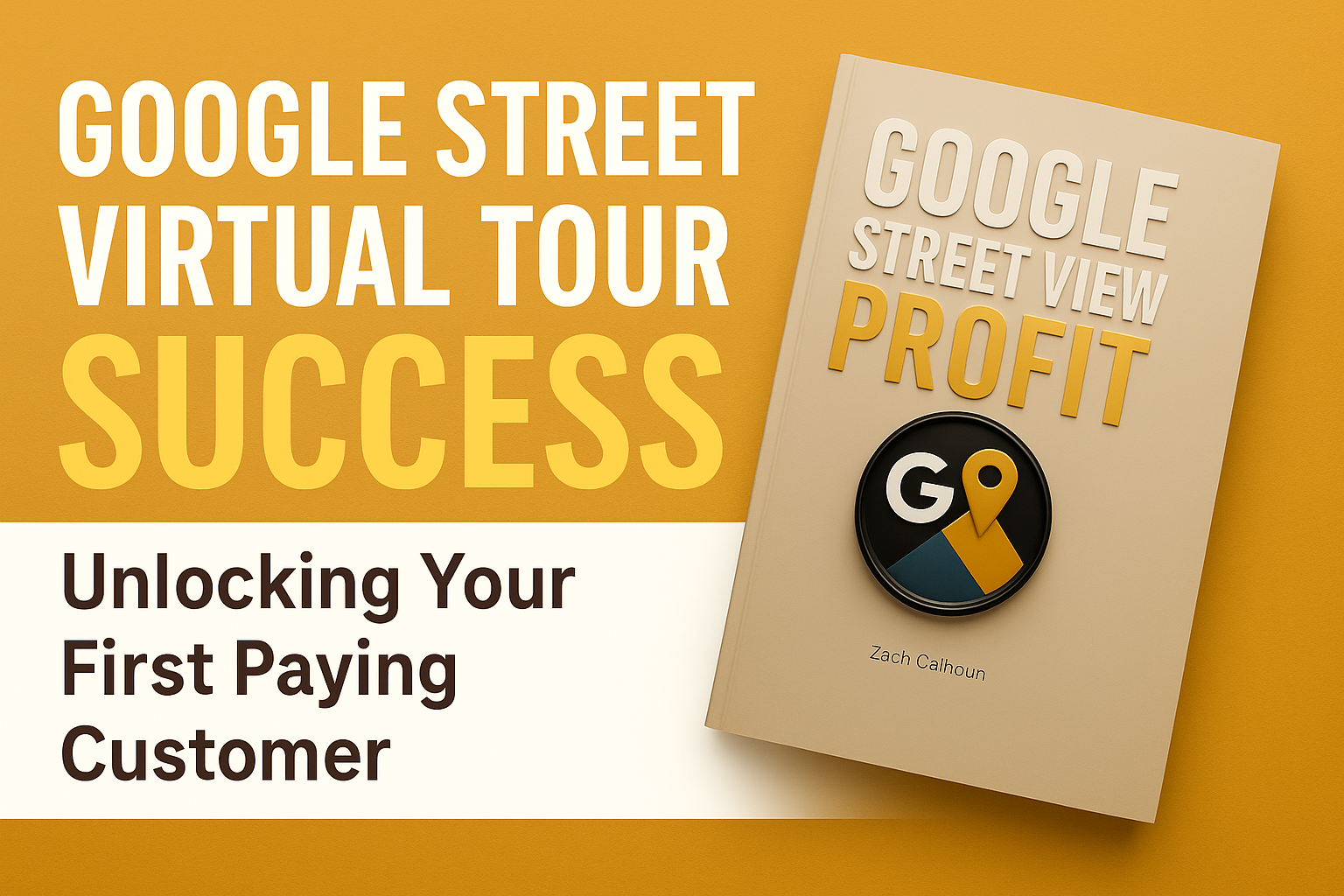
Google Street View Virtual Tour Success: Unlocking Your First Paying Customer

Cloudpano
September 22, 2025
‱
5 min read
Share this post

🌐 Google Street View Virtual Tour Success: Unlocking Your First Paying Customer 🚀

So, you’re ready to turn your camera skills and love for 360° experiences into a real business. That’s exciting! But there’s one question every new Google Street View entrepreneur asks:

👉 How do I get my very first paying customer?

The answer is simpler than you think. In this guide, I’ll walk you step by step through the proven strategy to land that crucial first deal, build trust with prospects, and unlock long-term success. This approach comes directly from the lessons I shared in my book Google Street View Profit and is also explained in detail in my YouTube video.

👉 Get the book here: https://gsv.virtualtourprofit.com/

🎯 Step 1: Don’t Pitch First—Ask Questions

The biggest mistake beginners make? They start with the pitch.

They walk into a business and say things like:

  • “I sell Google Street View tours.”
  • “Here’s how much it costs.”
  • “Do you want to buy one?”

❌ That approach kills sales before they even begin.

Instead, here’s the secret: Ask questions before you pitch.

When you ask questions, you uncover the real challenges the business owner is facing. For example:

  • “How do most of your new customers find you today?”
  • “Do people ever ask what your space looks like before visiting?”
  • “Have you noticed competitors showing up higher on Google Maps?”

These questions help the business owner admit their pain points: low visibility, fewer customers, poor online engagement. Once you understand their pain, you can present your tour as the solution.

✅ “A Street View tour can make your business stand out on Google Maps, engage customers before they arrive, and help you rank higher.”

That’s when the prospect sees the value—and is ready to buy.

đŸ€ Step 2: Start With Referral Leads

If you’re nervous about sales, don’t start cold. Instead, start with referrals.

A referral is when someone introduces you to a potential customer through a mutual connection: a friend, past client, or industry contact.

Why does this work so well? Because referrals come with built-in trust. Trust is the hardest thing to create in sales. But if a trusted source introduces you, that credibility is already in place.

💡 Quick Tip: Ask your friends or colleagues:

“Do you know any business owners who’d like more visibility on Google Maps? I can help with that.”

Those introductions will give you warm leads that are 10x easier to close.

đŸ–Œïž Step 3: Understand the Power of Pre-Framing

Here’s where sales psychology comes in: the message before the message matters more than the message itself.

This is called pre-framing.

A pre-frame is what someone sees or hears before your pitch. It sets the tone, shapes their expectations, and determines how they view you.

Examples of pre-framing:

  • A friend says: “This is the person who helped me get more customers from Google.”
  • A business owner watches a video where you explain the value of Street View tours.
  • A prospect reads a chapter of my book Google Street View Profit and already believes the service works.

By the time you show up with your offer, the prospect is already halfway convinced.

👉 That’s why pre-framing is so powerful—it warms them up before you even start.

📚 Real-Life Pre-Frame Example

Think about this blog post you’re reading right now.

It’s already shifting your perspective. Instead of wondering “Do virtual tours really work?” you’re thinking “This is a proven business model. I can sell this.”

That’s pre-framing in action. And you can apply it in your own sales process with testimonials, case studies, and educational content.

đŸ› ïž Step 4: Build Pre-Frames Into Your Process

Here are five practical ways to use pre-framing to land customers:

  1. Referrals → The introduction itself frames you as trustworthy.
  2. Content → Share short videos or blog posts on the benefits of Google Maps visibility.
  3. Case Studies → Show results from another client’s Street View tour.
  4. Testimonials → Let happy clients do the talking for you.
  5. Books & Resources → Hand a prospect Google Street View Profit or send them a guide.

Each layer of pre-framing reduces resistance and makes your pitch easier.

đŸ’Œ Step 5: Craft a Simple, Repeatable Pitch

When the time comes to pitch, don’t complicate it. Keep it short and focused.

Example Script:

You: “How do most of your customers find you right now?”
Prospect: “Mostly Google.”
You: “Exactly. Did you know businesses with Google Street View tours get double the interest compared to those without? A virtual walkthrough helps customers trust you before they visit. Would that help you attract more clients?”
Prospect: “Yes, definitely.”
You: “Great. I can create a professional tour for [$X] that will live on your Google profile and website. Would you like to get started this week?”

That’s it. Simple. Direct. Focused on solving their problem.

📩 Step 6: Package Your Services

One-off sales are good. But recurring revenue is better.

That’s why you should package your services. Here’s how:

Starter Package ($500–$700)

  • One Street View Virtual Tour
  • Upload to Google Maps

Growth Package ($1,200–$1,500)

  • Tour + Website Embed
  • 1 Year of Hosting/Updates

Pro Package ($2,000+)

  • Street View + Full 360° Virtual Tour
  • Branded Landing Page
  • Hosting, Updates, and Bonus Marketing

💡 Pro Tip: Always show how one or two new customers could pay for the service itself. When clients see ROI, the decision is easy.

📈 Step 7: Scale Beyond Your First Paying Customer

After landing your first client, rinse and repeat:

  1. Ask that client for referrals.
  2. Use testimonials and case studies as new pre-frames.
  3. Keep asking questions and listening.
  4. Sell packages for long-term revenue.

From there, you can scale into niches like:

  • 🏹 Hotels & Vacation Rentals
  • đŸœïž Restaurants & Cafes
  • đŸŠ· Dentists & Clinics
  • đŸ‹ïžâ€â™‚ïž Gyms & Studios
  • đŸ›ïž Retail Shops

Every business with a physical location is a candidate for your services.

✅ Key Takeaways

  • 🎯 Don’t pitch first—ask questions to find pain.
  • đŸ€ Use referrals for trust and easy closes.
  • đŸ–Œïž Leverage pre-framing to warm prospects before you pitch.
  • đŸ’Œ Keep your pitch simple and solution-focused.
  • 📩 Sell packages for recurring revenue.
  • 📈 Scale with referrals, case studies, and expanding into new niches.

🚀 Final Thoughts

Unlocking your first paying customer with Google Street View virtual tours is all about trust, strategy, and simplicity.

Don’t overwhelm yourself with complicated tactics. Instead:

  • Ask smart questions.
  • Use referrals.
  • Leverage pre-framing.
  • Present a clear, valuable solution.

That first sale is a milestone. It proves your business works. And from there, the process becomes repeatable—and scalable.

If you want a complete roadmap with scripts, frameworks, and growth strategies, check out my book Google Street View Profit. It’s designed to help you grow your virtual tour business step by step.

Your first client is out there. Go unlock them today. đŸ’Ș

💡Read More

✅ GET STARTED

📾 Don’t just take photos—build a business. Discover the proven strategies inside Google Street View Profit. Grab your copy on Amazon today!

‍

Share this post
Cloudpano

Choose The Right 360° Camera

Insta360 ONE RS 1-Inch 360 Edition

  • Compact, ready to go anywhere

  • Interchangeable lens that’s upgradeable

  • Dual 1-inch sensors for improved clarity and low light performance

  • Dynamic range and 6K 360° capture

  • 360° photo resolution at 21MP

Learn More

Insta360 X4

  • 8K 360° video recording for ultra-detailed visuals.

  • 4K single-lens mode for traditional wide-angle shots.

  • Invisible selfie stick effect for drone-like perspectives.

  • 2.5-inch touchscreen with Gorilla Glass protection.

  • Waterproof up to 33ft for underwater shooting.

Learn More

Ricoh Theta Z1

  • 360° photo resolution in 23MP

  • Slim design at 24 mm thick

  • Built-in image stabilization for smooth video capture.

  • Internal 19GB storage for photo and video storage.

  • Wireless connectivity for remote control and sharing.

Learn More

Ricoh Theta X

  • 60MP 360° still images for high-resolution photography.

  • 5.7K 360° video recording at 30fps.

  • 2.25-inch touchscreen for intuitive control.

  • USB Type-C port for fast charging and data transfer.

  • MicroSD card slot for expandable storage.

Learn More
Property Marketing
Allows potential buyers to explore properties in detail from anywhere, enhancing the real estate marketing process.
Automotive Spins
Create an interactive virtual showroom and engage affluent digital buyers with live 360Âș video calls, all through the CloudPano mobile app for a complete automotive sales solution.
Interactive Floor Plans
Create 2D and 3D floor plans with measurements in 4 minutes or less, all from your phone. Download the Floor Plan Scanner app and get your first scan free.

360 Virtual Tours With CloudPano.com. Get Started Today.

Try it free. No credit card required. Instant set-up.

Try it free
Latest posts

See our other posts

Interviews, tips, guides, industry best practices, and news.

Mastering Compliance: The Future of Automated Property Video

This article provides a definitive guide for real estate professionals on navigating strict MLS branding regulations through AI-driven automation. It addresses the risks of compliance violations, details the limitations of manual editing workflows, and introduces a scalable, "compliance-first" system for generating high-quality, MLS-approved property videos. The post serves as a strategic blueprint for agents aiming to maintain listing visibility, avoid regulatory penalties, and streamline their marketing operations.
Read post

Future-Proofing Your Business with MLS Safe AI Video for Listings

This high-authority guide focuses on long-term operational stability and the strategic advantages of leveraging artificial intelligence to bypass the industry-wide friction between high-impact marketing and regulatory compliance. Key Takeaways & Content Structure: The Reputation-Risk Factor: Explains the high cost of compliance errors, focusing on how a single technical oversight—such as a misplaced logo or branded watermark—can trigger a systemic board audit, leading to immediate listing suspension and lasting reputational damage with sellers. The Production Disconnect: Breaks down the "two-version" operational tax, where marketing teams suffer from repetitive rendering, file-management bloat, and the persistent danger of human error when manually managing branded vs. unbranded media assets. AI as a Compliance Engine: Defines how advanced AI media platforms move beyond mere aesthetics to function as regulatory safeguards. It illustrates the technical architecture where the AI engine isolates branding data from structural property data at the rendering level, effectively "forking" the output into two distinct, safe-to-use tracks. Operational Blueprint: Maps out a transparent, 6-step automation funnel that takes a listing from flat photograph ingestion to syndicate-ready, neutral-hosted media in minutes. Strategic Scalability: Demonstrates why centralizing production into a single SaaS platform is the only way for growing brokerages to maintain consistency, remove contractor-level liability, and recover significant administrative time. The PhotoAIVideo.com Edge: Concludes by positioning the platform as a purpose-built solution that combines high-definition parallax AI motion with an automated "compliance-first" export workflow, ensuring Realtors can generate professional, engaging video content that passes even the most stringent board audits on the first attempt.
Read post

Streamlining Your Workflow with a Specialized MLS Compliant Real Estate Media App

This article functions as a tactical operations guide for real estate marketers and brokerage leaders focused on reducing technical friction and human error in their media publishing pipeline. Key Takeaways & Content Structure: The "Stop-Work" Order: Addresses the high-stakes reality of MLS compliance flags, where automated rules block properties from IDX feeds due to accidental branding, causing immediate listing velocity loss. The Fragmented Workflow Problem: Identifies the "manual bottleneck"—the inefficiency of having field photographers deliver single assets that then require internal staff to manually strip, re-render, and verify separate branded and unbranded versions. Architecture of Dual-Path Rendering: Illustrates the technological shift toward programmatic asset management. It explains how a modern app processes a single source file into two isolated rendering tracks: a lead-gen-heavy marketing track and a strictly compliant, unbranded track for MLS syndication. Operational Workflow Mapping: Provides a clear, 6-step blueprint for moving from raw photography ingestion to compliant deployment, including automated motion application, metadata scrubbing, and neutral link hosting. Risk Mitigation for Brokerages: Highlights how centralized management dashboards eliminate the "wild west" of agent-led media creation, providing brokers with a single-pane-of-glass view to ensure compliance across all active listings. The PhotoAIVideo.com Advantage: Positions the platform as the ideal MLS compliant real estate media app that leverages AI to inject cinematic motion into flat listing photos, effectively automating the entire compliance-forking process and increasing overall production capacity by up to 94%.
Read post



