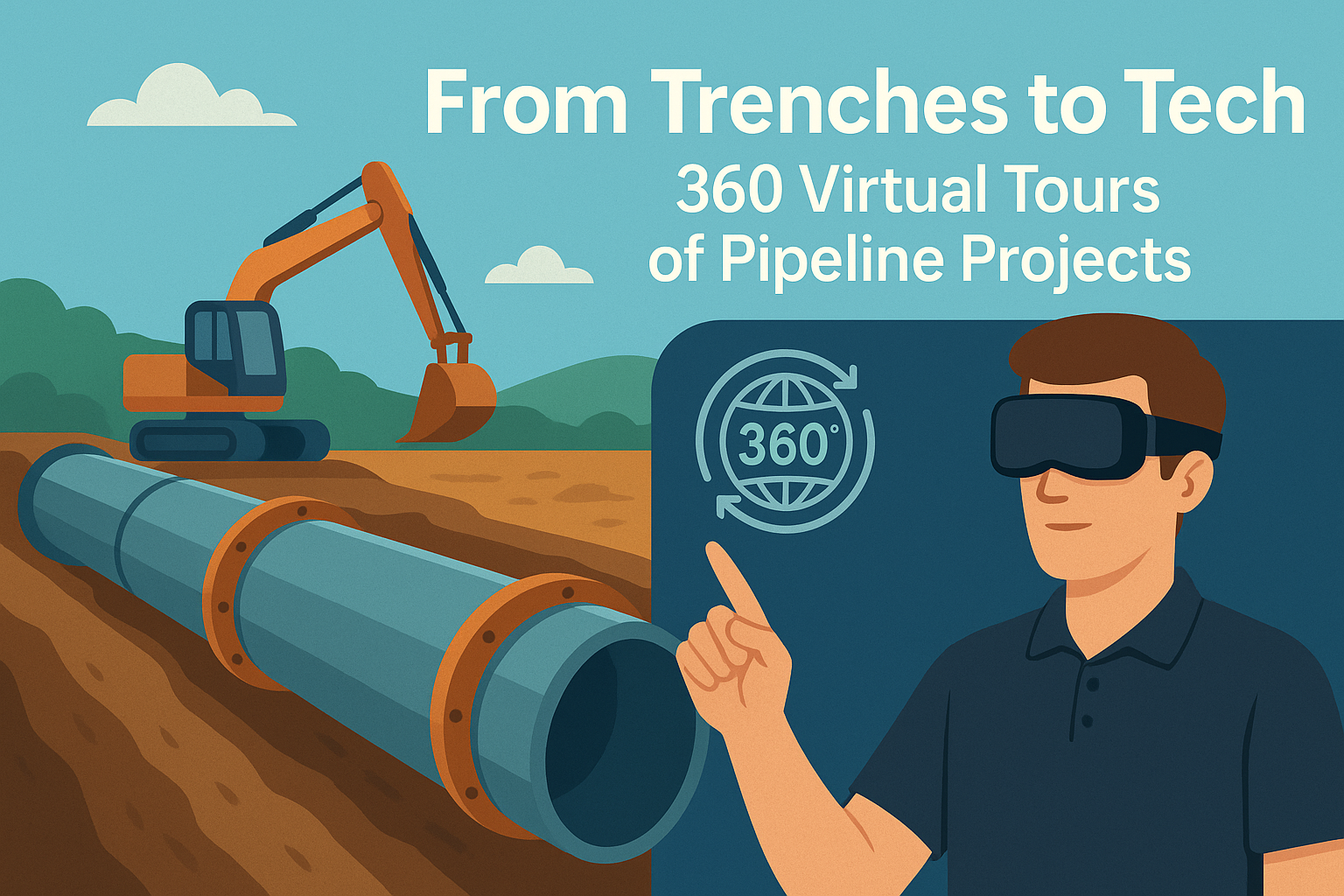
From Trenches to Tech: 360 Virtual Tours of Pipeline Projects

Cloudpano
July 26, 2025
5 min read
Share this post

From Trenches to Tech: 360 Virtual Tours of Pipeline Projects 🚧🛠️

The oil and gas industry is evolving at a rapid pace, with digital transformation revolutionizing every stage of operations. One of the most exciting developments? The use of immersive 360° virtual tours to map, monitor, and manage pipeline construction projects. From trench excavation to final installation, this technology brings clarity, speed, and precision to the table. 📈💻

Whether you're a pipeline project manager, EPC contractor, or HSE officer, leveraging virtual tours is quickly becoming essential to improving efficiency and minimizing costly surprises.

Why Traditional Pipeline Monitoring Falls Short 📝❌

Pipeline construction is complex — involving multiple crews, regulators, environmental constraints, and critical safety checks. Traditionally, project updates relied on:

  • Static photos and drone flyovers 📷
  • Weekly site reports 📊
  • Occasional in-person inspections 🧍‍♂️

But these methods are time-consuming, disconnected, and often outdated by the time they're shared.

Enter 360° virtual tours.

By capturing every angle of the job site in high-definition, you can provide stakeholders with an interactive, navigable, real-time view of progress. No more guessing — just clarity. 🔍🌐

How 360 Virtual Tours Work for Pipeline Projects 🛠️🎥

With a 360 camera and software like CloudPano or similar, contractors can:

  1. Walk the pipeline route and capture stitched 360 scenes at regular intervals
  2. Upload the scenes to a secure platform
  3. Create an interactive timeline of the pipeline’s progression
  4. Share the link with stakeholders for review and markup

This is especially helpful in remote locations, where travel is expensive and inspection time is limited.

Key Benefits of 360° Pipeline Documentation ✅📅

🔍 Better Progress Tracking

Instead of waiting for weekly updates, project managers can view the job site daily — down to the trench depth, weld line, and valve placement.

🤝 Improve Collaboration

Multiple teams can annotate, comment, and share views inside the tour. Field teams, engineers, and execs stay aligned.

🧠 Historical Jobsite Records

360 tours serve as a living archive of your pipeline project. Perfect for audits, insurance claims, and warranty discussions.

From Dirt to Digital: Real Examples of Pipeline Use Cases 🛣️📲

Let’s take a real-world walkthrough:

1. Pre-Construction Route Survey

Use a 360 tour to document terrain, easements, and environmental features before any equipment arrives. This saves on unexpected clearance issues and helps during permit reviews.

💡 Pro Tip: Combine your virtual tour with GIS mapping for maximum visibility.

2. Active Construction Phase

As trenches are dug and pipe sections laid, capture the exact layout with time-stamped 360 images. Identify problems early, such as misalignments or soil instability.

3. Inspection & Pressure Testing

Use virtual walkthroughs to confirm pipeline bedding, joint inspections, and pressure test equipment placements. Compliance teams love having this level of detail archived. 🧪

Use 360 Tours to Improve Regulatory Compliance 📋✅

Pipeline projects are heavily regulated. You need clean records of:

  • Weld joints and inspections
  • Environmental protection measures
  • HDD bore paths and crossings
  • Restoration and backfill documentation

360 tours make this simple. Regulators can log in and virtually walk the ROW (Right of Way) without setting foot on-site.

This minimizes delays and streamlines approvals. 🔄

Need an onboarding system for new crews too? Don’t miss 👉 Oil Rig Onboarding Simplified With Interactive Virtual Tours

Remote Stakeholder Visibility Is Now Expected 🌍👷‍♀️

Today's pipeline clients, investors, and engineers want instant access to what's happening on the ground — without physically flying in.

With virtual tours:

  • Investors can monitor milestones
  • Engineers can approve layout changes
  • Safety officers can log hazards from anywhere

No Zoom call can compete with this level of spatial awareness.

Thinking bigger? Explore 👉 Oil & Gas Pipeline Projects Go Digital With Immersive Virtual Tours

How to Get Started with 360 Tours for Pipeline Construction 🚀🎬

Getting started is easier than you think:

  1. Choose a 360 camera (Insta360, Ricoh Theta, GoPro Max)
  2. Use software like CloudPano to upload and create tours
  3. Train field teams to capture consistently during key milestones
  4. Create shared links to distribute to stakeholders

You’ll instantly reduce confusion, boost transparency, and provide a professional experience that sets your company apart.

Final Thoughts: The New Era of Pipeline Project Oversight 📡🌐

The oil and gas industry has always been about moving energy across long distances. Now it’s time to move information just as efficiently.

From trenches to tech, virtual tours are the smart way to document, review, and share pipeline progress. They're cost-effective, easy to deploy, and bring your entire team into the field — virtually.

👷‍♂️💡 Start turning your construction sites into interactive workspaces today.

Want a Demo of 360 Tours for Your Pipeline Project? 🎥

Book a live tour or get started free at CloudPano.com

Share this post
Cloudpano

Choose The Right 360° Camera

Insta360 ONE RS 1-Inch 360 Edition

  • Compact, ready to go anywhere

  • Interchangeable lens that’s upgradeable

  • Dual 1-inch sensors for improved clarity and low light performance

  • Dynamic range and 6K 360° capture

  • 360° photo resolution at 21MP

Learn More

Insta360 X4

  • 8K 360° video recording for ultra-detailed visuals.

  • 4K single-lens mode for traditional wide-angle shots.

  • Invisible selfie stick effect for drone-like perspectives.

  • 2.5-inch touchscreen with Gorilla Glass protection.

  • Waterproof up to 33ft for underwater shooting.

Learn More

Ricoh Theta Z1

  • 360° photo resolution in 23MP

  • Slim design at 24 mm thick

  • Built-in image stabilization for smooth video capture.

  • Internal 19GB storage for photo and video storage.

  • Wireless connectivity for remote control and sharing.

Learn More

Ricoh Theta X

  • 60MP 360° still images for high-resolution photography.

  • 5.7K 360° video recording at 30fps.

  • 2.25-inch touchscreen for intuitive control.

  • USB Type-C port for fast charging and data transfer.

  • MicroSD card slot for expandable storage.

Learn More
Property Marketing
Allows potential buyers to explore properties in detail from anywhere, enhancing the real estate marketing process.
Automotive Spins
Create an interactive virtual showroom and engage affluent digital buyers with live 360º video calls, all through the CloudPano mobile app for a complete automotive sales solution.
Interactive Floor Plans
Create 2D and 3D floor plans with measurements in 4 minutes or less, all from your phone. Download the Floor Plan Scanner app and get your first scan free.

360 Virtual Tours With CloudPano.com. Get Started Today.

Try it free. No credit card required. Instant set-up.

Try it free
Latest posts

See our other posts

Interviews, tips, guides, industry best practices, and news.

How Photographers Can Sell AI Listing Videos to Their Agent Clients

AI technology is transforming real estate media — and photographers who adapt early have a major competitive advantage. This in-depth guide explains how to sell AI listing videos to agent clients by positioning them as a premium marketing upgrade rather than a technical novelty. The article walks through practical sales strategies, pricing models, subscription opportunities, and common objections, while showing how AI-powered talking head videos can increase average order value and create recurring revenue. Readers will learn how to package AI listing videos into photo bundles, monthly content plans, and brokerage-wide solutions that elevate their services from simple media delivery to full marketing automation. If you’re a photographer looking to future-proof your business and increase profitability, this guide provides a clear roadmap to selling AI listing videos effectively.
Read post

How to Build a Recurring Revenue Stream Using AI Avatar Videos

AI avatar videos are transforming how real estate media professionals build stable, scalable businesses. In this comprehensive guide, we break down how to turn one-off video projects into a predictable recurring revenue real estate media model using AI-powered talking head technology. Instead of selling per-listing shoots, you’ll learn how to package automated listing videos, market updates, and branded content into monthly subscription offers that increase client retention and lifetime value. The article explores practical use cases, pricing strategies, workflow automation, competitive advantages, and common objections — all designed to help photographers, videographers, and marketing agencies shift from transactional income to recurring revenue. If you’re ready to move from freelancer to scalable media platform, this guide outlines a clear roadmap for building consistent monthly income in real estate marketing.
Read post

How to Create an AI Avatar Listing Video From One Headshot (Step-by-Step)

Learn how to create an AI avatar listing video from a single professional headshot using simple, step-by-step software tools. This guide walks real estate agents, brokers, and photographers through the exact process of turning one static image into a talking AI avatar that delivers listing presentations automatically. Discover how AI avatar listing videos save time, boost engagement, improve consistency across marketing channels, and help agents scale their video content without recording new footage. Perfect for anyone looking to modernize their real estate marketing with AI-powered automation.
Read post



