


.png)


A broker I talked to last spring had approved four different "AI video" tools in eighteen months. Not because the first three were bad — because nobody on her team could tell her, in plain numbers, what any of them actually cost once you factored in per-listing fees, seat limits, and the "starter" plan that quietly capped exports at ten videos a month. She was paying for three subscriptions and using one.
That's the real question underneath this whole topic. Not "is AI video worth it" — everyone already believes that. The real question is why the pricing pages read like phone plans, and what a Realtor, photographer, or property manager should actually expect to pay before they hand over a credit card.
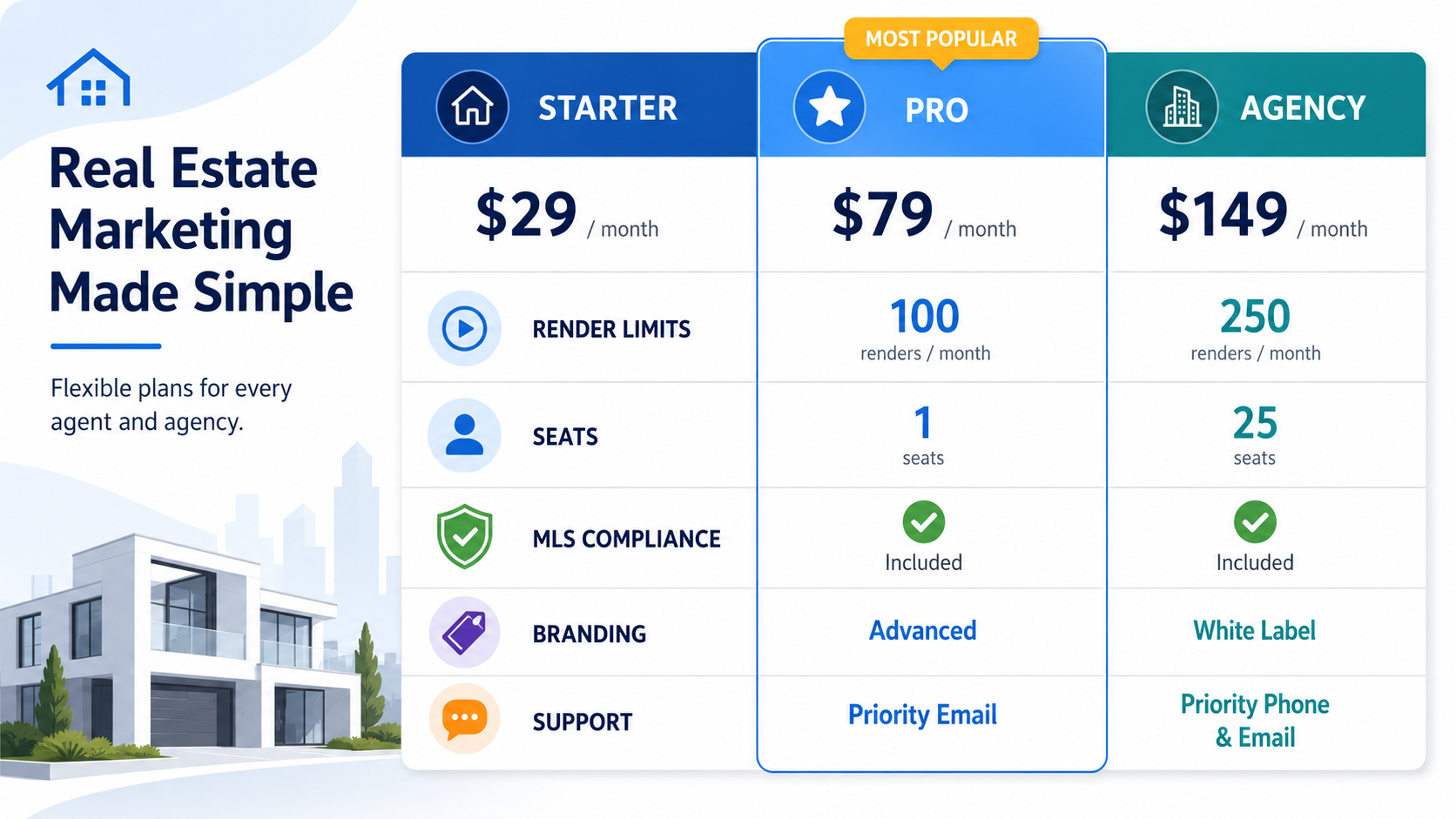
When people search real estate video AI software pricing, they're rarely asking about a single number. They're asking about a structure — because most of these tools don't have one price. They have a base subscription, then a second layer of costs that only shows up after onboarding: export limits, watermark removal, branding customization, additional seats for a team, and sometimes a per-video render fee stacked on top of the monthly plan.
In practice, "pricing" for this category breaks into three components:
Any tool that only advertises component one is not giving you the real number.

A restaurant using AI video for social clips can absorb an overage fee — worst case, they wait until next month. A Realtor cannot. Listings have a shelf life. If a property manager needs a unit video live before a Friday showing and the account has hit its monthly export cap, that's not an inconvenience — it's a missed lease. The National Association of Realtors has repeatedly noted that listings with video draw significantly more inquiry activity than static-photo listings, which means the cost of not having video ready on time is measured in lost buyer or tenant interest, not just a subscription fee.

This is also a category where compliance costs money. MLS compliant video software pricing searches spike because MLS rules around branding, contact information overlays, and disclosure text vary by board — and some platforms charge extra to unlock the controls needed to stay compliant across multiple MLS regions. A brokerage operating in three MLS jurisdictions may pay more not because they're generating more videos, but because they need more configuration flexibility.
Here's what actually happens in most offices: an agent signs up for a tool advertising "unlimited video" at $29/month. Three weeks in, they discover "unlimited" applies only to draft exports — final, watermark-free, MLS-safe renders are capped at fifteen per month, and additional renders cost $4–8 each. For a single agent doing four listings a month, that's manageable. For a team of eight agents sharing one license, it becomes an accounting headache by month two, with someone manually tracking who's used their quota.
The second common problem is seat pricing disguised as "team plans." A brokerage assumes a $99/month "team" tier covers the office. It covers five seats. The sixth agent gets locked out mid-listing.
Neither of these are dishonest pricing practices, exactly — they're just rarely explained clearly upfront, and Realtors end up doing the math after they've already committed a budget line.
This is where a lot of the frustration above becomes avoidable. PhotoAIVideo.com was built around a simpler idea: agents and photographers should be able to see, before they commit, exactly how many listings a plan actually covers — not a vague "unlimited" that turns into a per-render bill later. The pricing page breaks down render limits and seat counts in plain terms, so a solo agent and an eight-person team aren't guessing which tier fits.
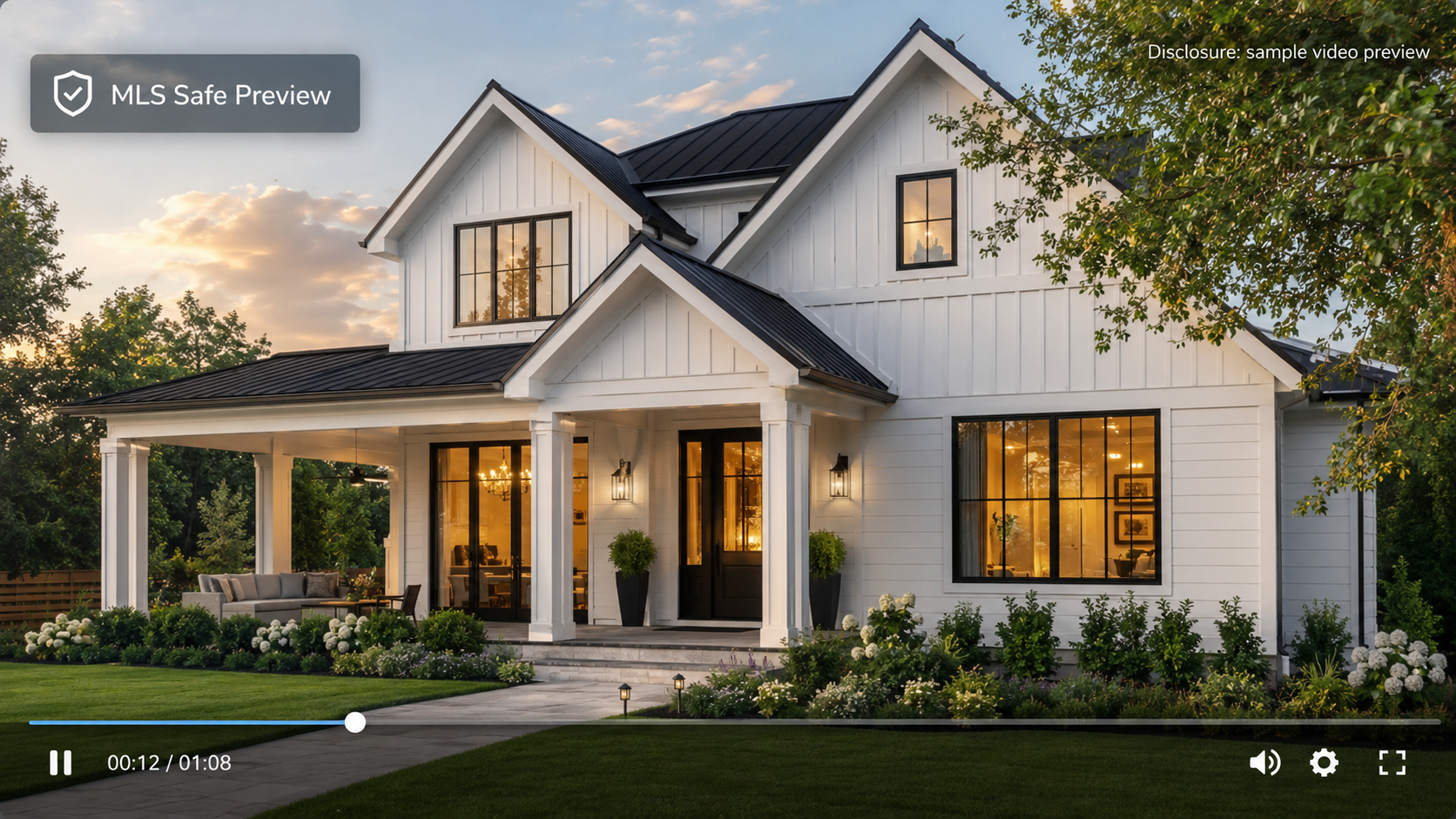
For teams specifically weighing an AI listing video software subscription, the practical question is whether the plan scales with listing volume rather than punishing it. A brokerage running twelve active listings a month needs a structure that doesn't force a mid-month upgrade just because a good week happened.
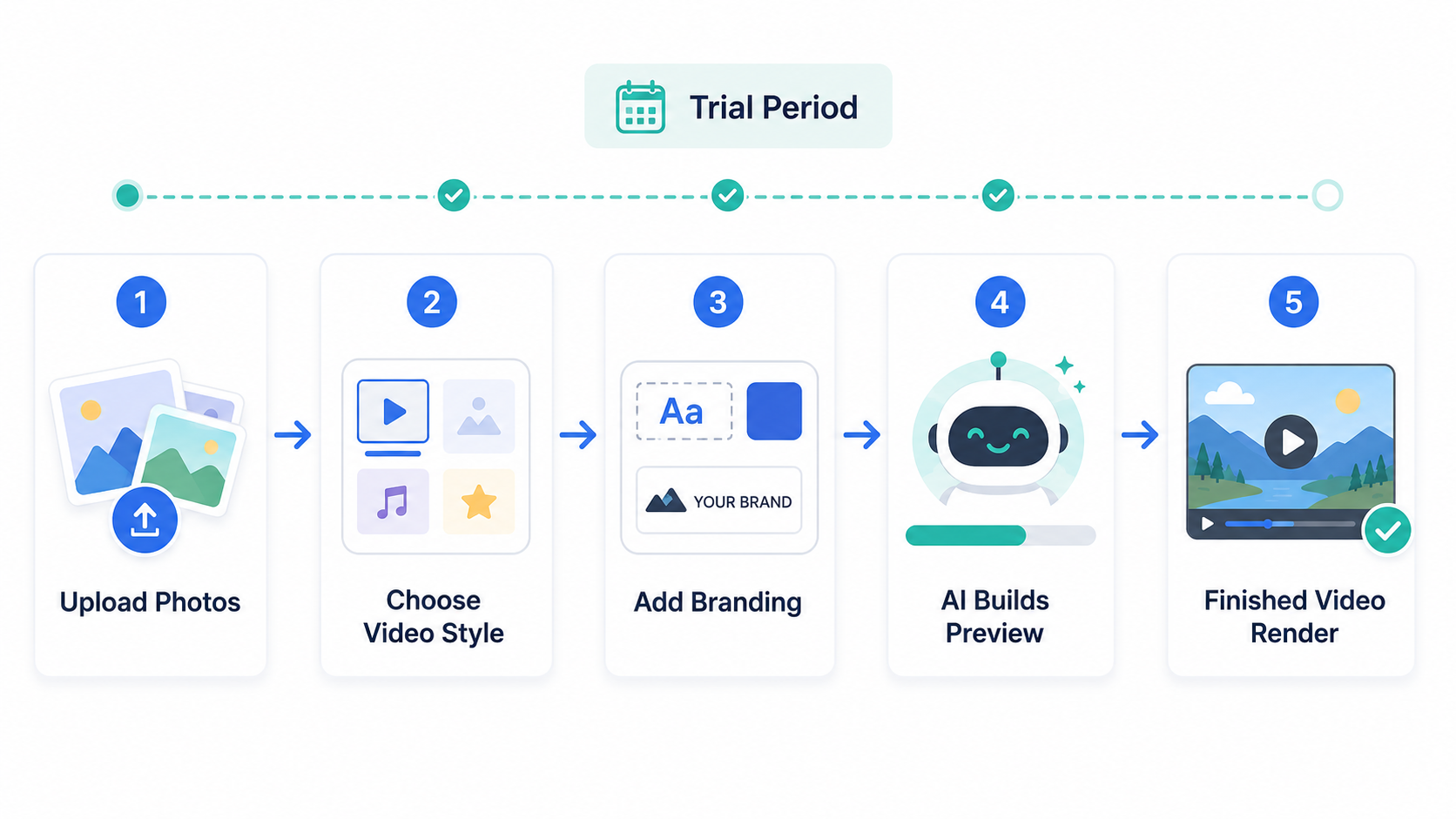
Running a AI real estate video app free trial through an actual, imperfect listing — not the polished demo property every vendor uses on their homepage — is the single fastest way to see whether the pricing tier you're eyeing will hold up in your real workflow.


Compact, ready to go anywhere
Interchangeable lens that’s upgradeable
Dual 1-inch sensors for improved clarity and low light performance
Dynamic range and 6K 360° capture
360° photo resolution at 21MP

8K 360° video recording for ultra-detailed visuals.
4K single-lens mode for traditional wide-angle shots.
Invisible selfie stick effect for drone-like perspectives.
2.5-inch touchscreen with Gorilla Glass protection.
Waterproof up to 33ft for underwater shooting.

360° photo resolution in 23MP
Slim design at 24 mm thick
Built-in image stabilization for smooth video capture.
Internal 19GB storage for photo and video storage.
Wireless connectivity for remote control and sharing.

60MP 360° still images for high-resolution photography.
5.7K 360° video recording at 30fps.
2.25-inch touchscreen for intuitive control.
USB Type-C port for fast charging and data transfer.
MicroSD card slot for expandable storage.
.png)

.png)

Try it free. No credit card required. Instant set-up.







.svg)


.svg)