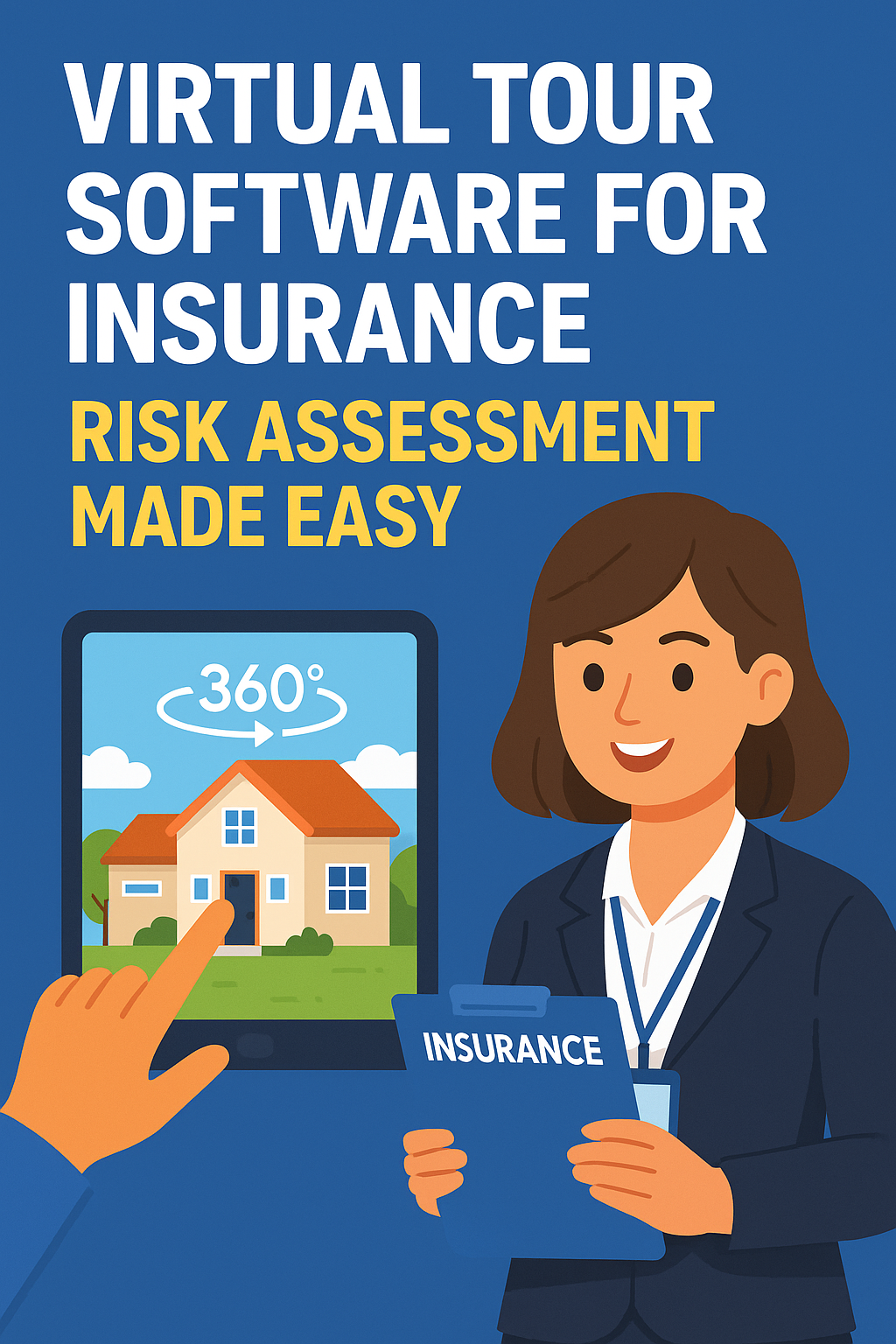
Virtual Tour Software for Insurance: Risk Assessment Made Easy

Cloudpano
August 6, 2025
5 min read
Share this post

Virtual Tour Software for Insurance: Risk Assessment Made Easy 🧾🏠📸

Insurance professionals are under more pressure than ever to conduct faster, more accurate, and more transparent risk assessments. Traditional inspections can be time-consuming, expensive, and prone to human error. That’s where virtual tour software powered by 360° photo documentation steps in — transforming how insurance companies assess risk before policies are issued.

In this guide, we’ll show you how using 360° documentation tools simplifies risk assessment workflows and improves outcomes for adjusters, underwriters, and property owners alike.

Why Virtual Tour Software Is a Game-Changer for Risk Assessments 🎯

Gone are the days of relying solely on in-person visits. With modern 360° documentation solutions, insurers can:

  • Conduct detailed pre-policy inspections remotely
  • Get immersive, room-by-room visibility without stepping on-site
  • Identify potential risks with visual clarity and timestamped metadata
  • Store visual records for compliance and audit-ready reporting

This shift not only reduces operational costs, but also improves the accuracy and speed of evaluations.

Real-World Use Cases of Virtual Tour Risk Assessment Tools 🔍

Insurance companies are already using 360° tools for:

  • Residential Property Inspections – Reduce the need for repeated site visits by capturing every corner of a property.
  • Commercial Risk Audits – Document fire exits, equipment, hazardous materials, and more with panoramic precision.
  • Disaster Preparedness Planning – Visually record a property’s condition prior to coverage for natural disasters.

Key Benefits for Insurance Field Teams 💼

360° virtual tours offer insurers:

Remote Accessibility – Review properties from your desk
Standardized Assessments – Remove subjectivity from site reviews
Time-Stamped Evidence – Keep a clear audit trail
Improved Collaboration – Share links instantly with stakeholders

This makes adjuster work faster and simplifies decision-making for underwriters.

Integrating Virtual Tours Into Your Workflow 🛠️

Getting started with virtual tour software doesn’t require a tech team. Cloud-based platforms let insurance companies:

  • Capture images using consumer-grade 360 cameras
  • Upload and auto-generate a virtual walkthrough
  • Share securely with agents, underwriters, or policyholders
  • Embed links in internal systems or reports

Need help choosing a platform? Read: Top Benefits of Using 360° Photo Tools in Facility Maintenance and Inspections

Risk Assessment + Policy Creation = Better Insurance Outcomes 🧠

Combining a virtual tour with traditional underwriting data allows insurers to:

  • Set accurate premiums based on verified conditions
  • Identify overlooked liabilities (e.g., poor electrical systems)
  • Increase transparency with clients
  • Drastically reduce disputes at the time of a claim

Pre-claim documentation reduces friction when it matters most. Learn more: Pre-Claim Documentation: How 360 Virtual Tours Help Prevent Insurance Disputes

Bonus Use Case: Remote Training & QA for New Inspectors 👷‍♀️

You can also use past 360° inspections to train new hires or audit how previous risk assessments were handled.

Want to streamline team training? Check out: The Ultimate Guide to 360 Documentation Software for Insurance Adjusters

📌 Quick Recap: Why 360° Tour Software for Risk Assessments

  • 🧾 Document properties pre-claim for better accuracy
  • 📷 Capture every detail without needing multiple visits
  • 🧠 Make informed decisions with clear visual records
  • 🕒 Save time, money, and reduce claim disputes

🚀 Ready to Get Started? Here’s How:

Want help launching your virtual tour documentation system? Contact us today.

Share this post
Cloudpano

Choose The Right 360° Camera

Insta360 ONE RS 1-Inch 360 Edition

  • Compact, ready to go anywhere

  • Interchangeable lens that’s upgradeable

  • Dual 1-inch sensors for improved clarity and low light performance

  • Dynamic range and 6K 360° capture

  • 360° photo resolution at 21MP

Learn More

Insta360 X4

  • 8K 360° video recording for ultra-detailed visuals.

  • 4K single-lens mode for traditional wide-angle shots.

  • Invisible selfie stick effect for drone-like perspectives.

  • 2.5-inch touchscreen with Gorilla Glass protection.

  • Waterproof up to 33ft for underwater shooting.

Learn More

Ricoh Theta Z1

  • 360° photo resolution in 23MP

  • Slim design at 24 mm thick

  • Built-in image stabilization for smooth video capture.

  • Internal 19GB storage for photo and video storage.

  • Wireless connectivity for remote control and sharing.

Learn More

Ricoh Theta X

  • 60MP 360° still images for high-resolution photography.

  • 5.7K 360° video recording at 30fps.

  • 2.25-inch touchscreen for intuitive control.

  • USB Type-C port for fast charging and data transfer.

  • MicroSD card slot for expandable storage.

Learn More
Property Marketing
Allows potential buyers to explore properties in detail from anywhere, enhancing the real estate marketing process.
Automotive Spins
Create an interactive virtual showroom and engage affluent digital buyers with live 360º video calls, all through the CloudPano mobile app for a complete automotive sales solution.
Interactive Floor Plans
Create 2D and 3D floor plans with measurements in 4 minutes or less, all from your phone. Download the Floor Plan Scanner app and get your first scan free.

360 Virtual Tours With CloudPano.com. Get Started Today.

Try it free. No credit card required. Instant set-up.

Try it free
Latest posts

See our other posts

Interviews, tips, guides, industry best practices, and news.

How to Pass the FAA Part 107 Exam Without Overstudying (AI Practice Tests + Smart Study Guide)

This guide explains the fastest way to pass the FAA Part 107 exam for commercial drone pilots using a smarter study method: an AI-powered practice test system paired with a structured Part 107 study guide. You’ll learn why most people fail by overstudying without practice, how AI feedback helps you remember missed questions, what topics matter most on the exam (airspace, charts, weather, operations, regulations), and a simple repeatable study plan that builds confidence and helps you pass on the first try.
Read post

Pass the FAA Part 107 Exam Faster With AI Practice Tests (Commercial Drone Pilot Prep)

This blog post breaks down a proven, modern strategy to pass the FAA Part 107 exam on your first try by combining a complete Part 107 study guide with AI-powered practice tests. It explains why most students fail (lack of repetition and no feedback), how AI quiz tools accelerate learning through personalized explanations for missed questions, and the best step-by-step plan to build confidence using realistic exam simulations. Perfect for aspiring commercial drone pilots who want to get certified legally and start earning faster. 🚁💰✅
Read post

Top Reasons Inventory Photos Look Inconsistent (And How to Fix It)

Inconsistent inventory photos can make a dealership look unprofessional, reduce click-through rates, and hurt buyer trust. This guide breaks down the top reasons inventory photos look inconsistent—such as multiple photographers without standards, changing lighting conditions, inconsistent editing, random shot lists, mixed background removal workflows, and lack of quality control. It also provides clear solutions including creating a dealership photo standards guide, using a dedicated photo zone or studio backgrounds, locking in hero image rules, applying editing presets, standardizing photo order, and implementing a simple QC checklist to keep every listing consistent at scale.
Read post



