


.png)


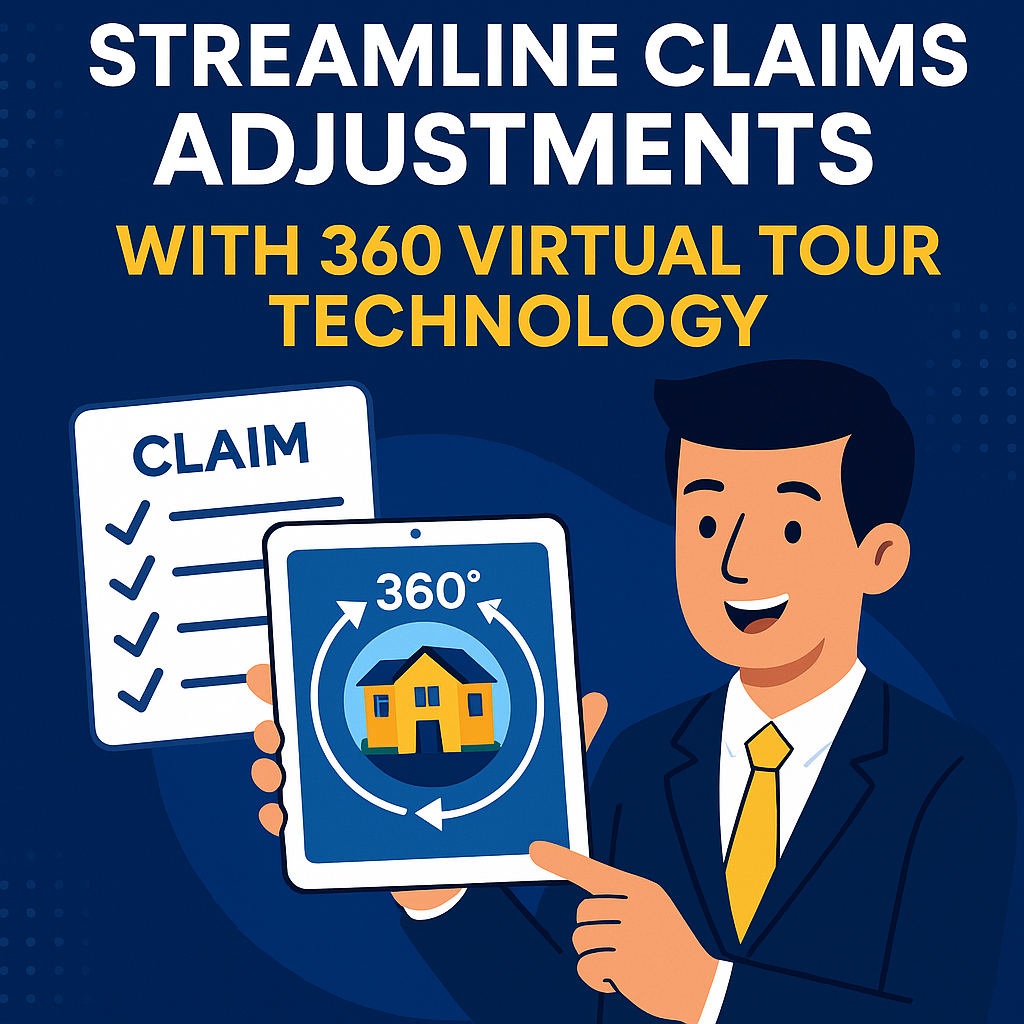
When it comes to insurance claims, adjusters face tight deadlines, limited resources, and the risk of miscommunication. Traditional claims workflows—relying on spot photos and fragmented paperwork—are outdated and inefficient. That’s why 360° virtual tour technology is fast becoming a game-changer for streamlining claim adjustments across the industry.
In this guide, you'll discover how insurance firms are using immersive 360° tours to boost accuracy, cut processing times, and enhance transparency—setting a new industry standard for claims excellence.
Standard claims practices often include:
These inefficiencies lead to delays, increased costs, and frustrated policyholders. A 360° virtual tour solves these challenges by delivering complete visual context in one click.
A 360° virtual tour is an interactive, panoramic view created from stitched together high-resolution images. When combined with documentation software, adjusters gain:
Platforms like CloudPano make uploading, annotating, and sharing tours seamless—enabling adjusters to focus on decisions instead of logistics.
With 360° capture, every angle and corner is documented in a single pass. This minimizes oversights and ensures that adjusters have full coverage.
Explore the technology further in How Virtual Tours and 360 Documentation Are Transforming Insurance Claims.
Conduct remote evaluations with full context. Adjusters no longer need to physically revisit locations—saving both time and resources.
Annotations and notes within the tour reduce misunderstandings and make claim evaluations more precise.
Check out: Boost Accuracy and Efficiency with 360° Virtual Tour Documentation Tools
Instead of debating conditions or repair costs, the footage speaks for itself. Both adjusters and policyholders can visualize the same data.
Explore transparency benefits at: Enhancing Transparency in Insurance Claims with 360° Virtual Tours
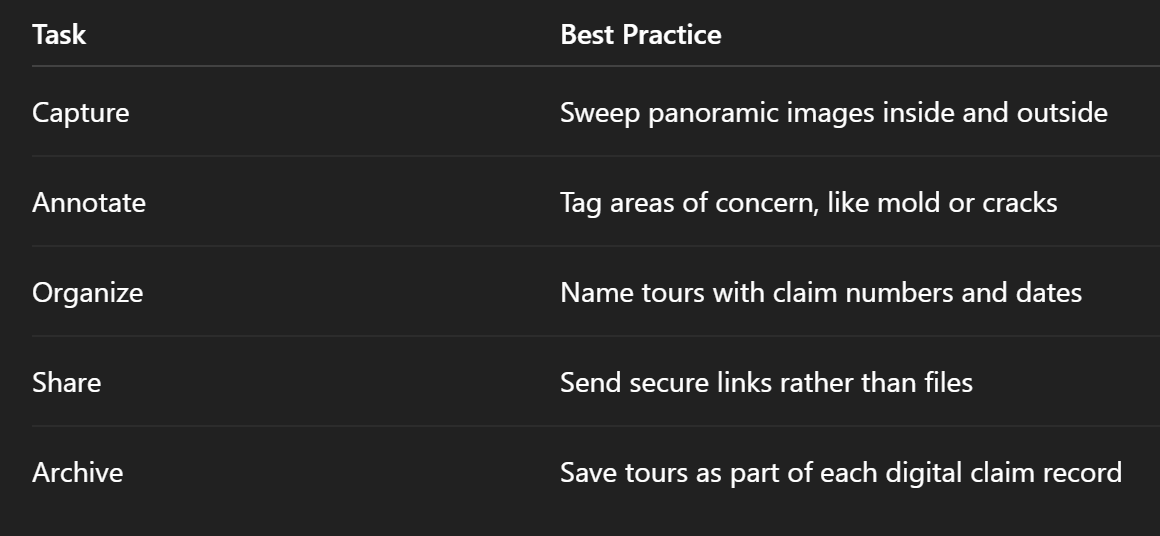
Organizations that have adopted 360° tours report:


Compact, ready to go anywhere
Interchangeable lens that’s upgradeable
Dual 1-inch sensors for improved clarity and low light performance
Dynamic range and 6K 360° capture
360° photo resolution at 21MP

8K 360° video recording for ultra-detailed visuals.
4K single-lens mode for traditional wide-angle shots.
Invisible selfie stick effect for drone-like perspectives.
2.5-inch touchscreen with Gorilla Glass protection.
Waterproof up to 33ft for underwater shooting.

360° photo resolution in 23MP
Slim design at 24 mm thick
Built-in image stabilization for smooth video capture.
Internal 19GB storage for photo and video storage.
Wireless connectivity for remote control and sharing.

60MP 360° still images for high-resolution photography.
5.7K 360° video recording at 30fps.
2.25-inch touchscreen for intuitive control.
USB Type-C port for fast charging and data transfer.
MicroSD card slot for expandable storage.
.png)

.png)

Try it free. No credit card required. Instant set-up.






.svg)


.svg)