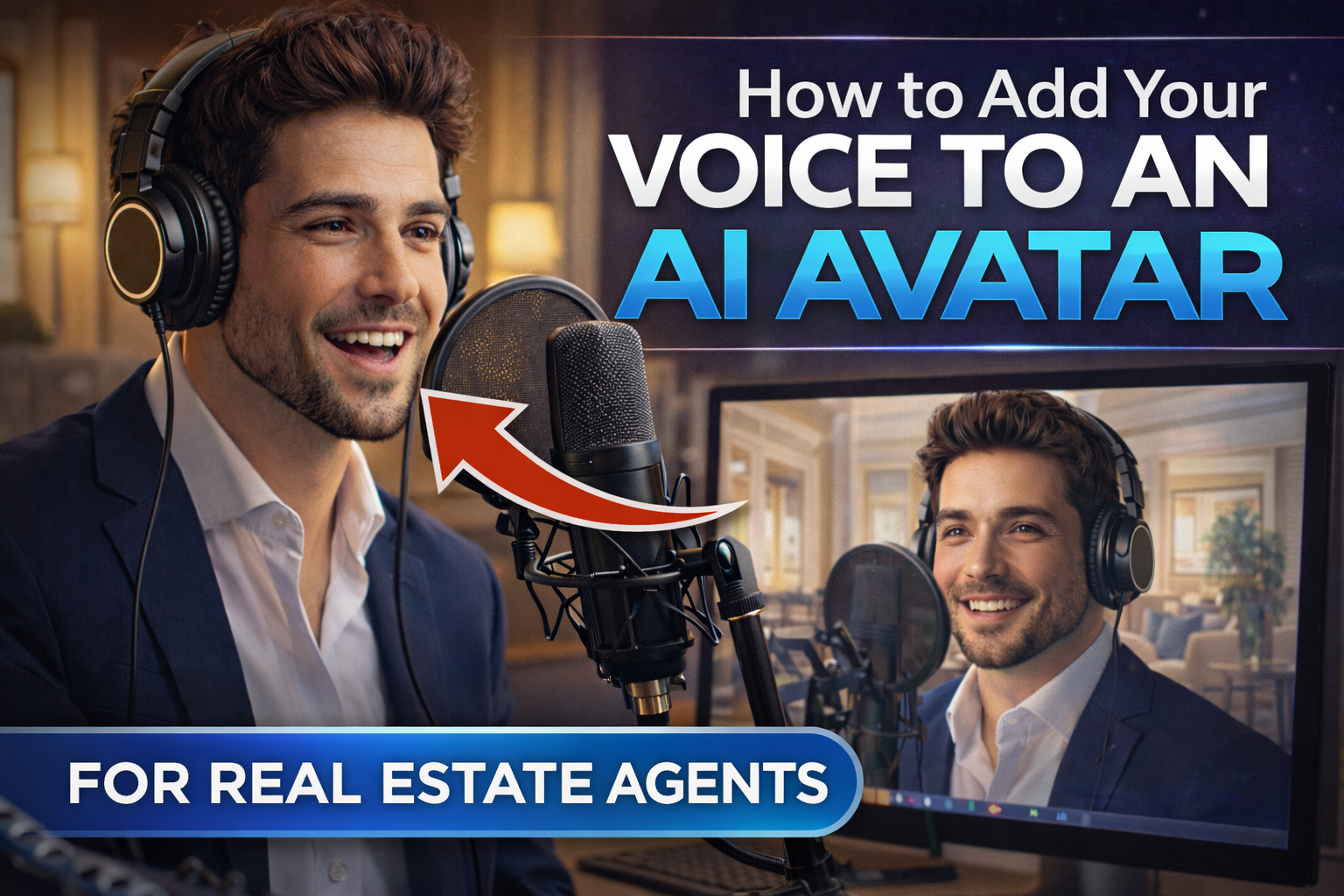
How to Add Your Voice to an AI Avatar for Listing Videos

Cloudpano
February 27, 2026
5 min read
Share this post

How to Add Your Voice to an AI Avatar for Listing Videos

If you’ve ever wished you could be in every real estate listing video without constantly filming yourself… this is for you.

Real estate agents today face a serious content challenge:

  • You need consistent real estate listing videos
  • You need your face and voice to build trust
  • You don’t have time to record every walkthrough
  • And you still want it to feel authentic

The solution? AI avatar voice technology.

In this guide, you’ll learn exactly how to add voice to AI avatars for real estate listing videos, how the process works step-by-step, and how to turn it into a scalable marketing advantage for your business. 🚀

This article is evergreen and built for long-term ranking, so bookmark it for future use.

Why Adding Your Voice to an AI Avatar Changes Everything 🎙️

AI avatars alone are powerful.

But when you add your own voice to AI, something shifts:

  • The presentation feels personal
  • The listing feels trustworthy
  • Your brand becomes consistent
  • You scale without filming

In real estate, trust is currency. According to the National Association of Realtors (NAR), video significantly increases listing engagement and buyer interest. When that video includes your own voice, it strengthens recognition and credibility.

External reference:
https://www.nar.realtor/research-and-statistics

Your voice builds familiarity.
Your avatar builds scalability.
Together? You win.

What Is an AI Avatar Voice for Real Estate?

An AI avatar voice system allows you to:

  • Upload a photo of yourself
  • Clone your likeness
  • Upload an audio recording (your real voice)
  • Sync your voice to the avatar’s facial movement
  • Generate professional listing walkthrough videos automatically

Instead of recording video after video, you:

  1. Upload images of the property
  2. Upload your recorded script
  3. Attach your AI clone
  4. Generate the final real estate listing video

Your avatar speaks your exact voice — but you never had to film.

Step-by-Step: How to Add Voice to AI for Real Estate Listing Videos

Let’s break this down into a simple, repeatable workflow.

Step 1: Create or Select Your AI Avatar

You have two main options:

Option A: Use a Stock AI Avatar

Many platforms provide pre-built professional avatars with well-trained voices.

This is ideal if:

  • You’re testing the feature
  • You want fast setup
  • You don’t need personal branding yet

Option B: Clone Yourself (Recommended for Agents)

To clone yourself:

  • Upload a waist-up professional photo
  • Ensure your face is clear and well-lit
  • Crop appropriately
  • Name your avatar
  • Create the clone

💡 Pro Tip: Avoid full-body or far-away photos. A head-to-waist shot works best.

Alt tag suggestion:
waist up professional photo for AI avatar clone real estate

Step 2: Upload or Record Your Voice 🎤

Now comes the powerful part: adding your own voice.

Most platforms allow you to:

  • Upload an MP3 audio file
  • Record directly inside the platform
  • Paste text and generate AI voice (optional)

To truly add voice to AI, upload your own recording.

How to Record Properly:

  • Use a quiet room
  • Speak clearly and naturally
  • Keep the script under 90 seconds
  • Maintain consistent tone

When uploaded, the AI avatar synchronizes:

  • Mouth movement
  • Facial expressions
  • Timing and pauses

It looks like you filmed it — but you didn’t.

Step 3: Sync the Avatar to Your Listing

After uploading:

  • Select your AI clone
  • Attach it to your listing project
  • Choose where it appears on screen (e.g., bottom-left presenter)
  • Generate the video

Processing usually takes a few minutes.

Then you can:

  • Download the final video
  • Add it to listing reels
  • Post to Instagram, Facebook, YouTube
  • Upload to MLS where allowed
  • Embed on your website

This transforms simple property media into branded real estate listing videos.
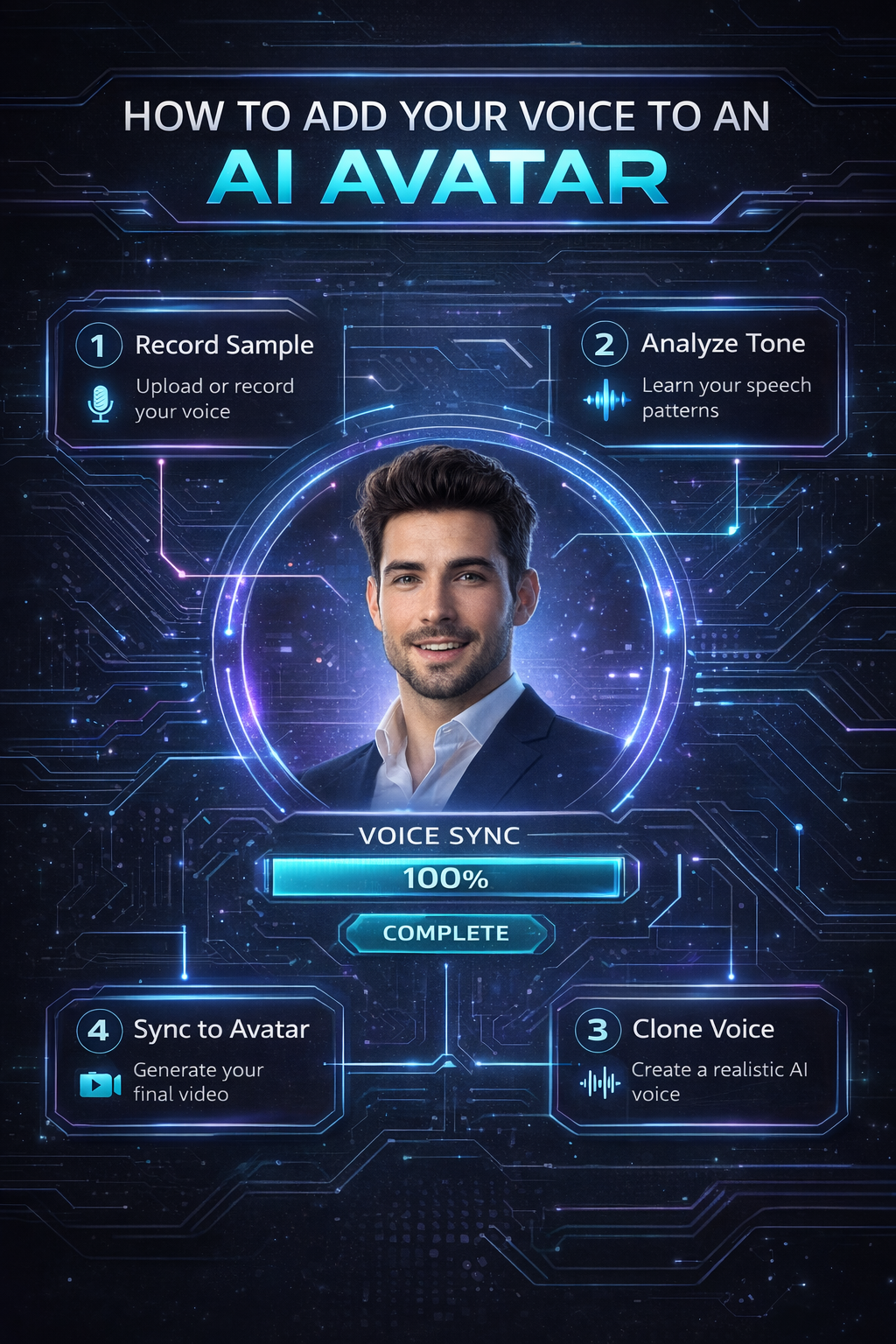
How AI Avatar Voice Sync Works 🤖

Modern AI systems analyze:

  • Your speech patterns
  • Timing
  • Voice tone
  • Mouth movement mapping
  • Facial micro-expressions

The result?

An avatar that feels like you’re actually speaking.

Unlike older text-to-speech systems, AI avatar voice tech delivers:

  • Natural pacing
  • Emotional inflection
  • High realism
  • Professional presentation

For more on AI video advancements, see:
https://www.mckinsey.com/featured-insights/artificial-intelligence

Best Practices for Real Estate Listing Videos with AI Avatars

To rank better and convert more leads, follow these tips:

1️⃣ Keep Scripts Conversational

Write like you speak.

Instead of:
“This property offers 2,035 square feet of multi-functional space.”

Say:
“This home gives you over 2,000 square feet of comfortable living space.”

Your AI avatar voice should sound human, not robotic.

2️⃣ Keep Videos Under 90 Seconds

Shorter videos:

  • Retain attention
  • Cost fewer credits
  • Convert better

Ideal length:
45–90 seconds

3️⃣ Focus on Benefits, Not Specs

Don’t list numbers.
Sell lifestyle.

Instead of:
“Three bedrooms and two bathrooms.”

Try:
“Perfect for families, guests, or a dedicated home office.”

4️⃣ Add a Strong Call to Action

End every AI listing video with:

  • “Schedule your private showing today.”
  • “Message me for full details.”
  • “Click the link to view the full listing.”

Never end without direction.

Business Model: Monetizing AI Avatar Voice 💰

If you’re a media professional or agency, this becomes a revenue stream.

You can:

  • Charge agents monthly for AI clone hosting
  • Add AI avatar voice as a listing upgrade
  • Bundle it into a marketing package
  • Offer subscription-based video services

Some platforms charge per clone (for example, $19/month per clone beyond initial slots).

So if you charge:
$39–$79 per month per agent

You build recurring revenue.

Agents win with branding.
You win with scalability.

Why This Is the Future of Real Estate Marketing 🚀

Imagine:

  • Your face on every listing
  • Your voice on every social media post
  • Every property acting as a branding ad
  • Zero filming required

AI avatar voice technology allows you to:

  • Create unlimited reels
  • Repurpose content
  • Maintain consistency
  • Build authority

The agents who adopt early gain visibility.

The ones who wait get left behind.

Common Mistakes to Avoid 🚫

  • Uploading poor audio quality
  • Using full-body clone images
  • Writing long 3–4 minute scripts
  • Speaking too fast
  • Forgetting a CTA
  • Not branding the video

Keep it clean.
Keep it simple.
Keep it professional.

Internal Linking Suggestions

If publishing on your website, link internally to:

  • “How to Write a Script for Your AI Real Estate Walkthrough”
  • “Best Photo Requirements for AI Avatar Cloning”
  • “AI Video Marketing for Real Estate Agents”

This strengthens SEO structure.

Final Thoughts: Scale Your Voice Without Filming 🎙️

If you take one thing from this guide, let it be this:

You no longer need to record yourself every time to appear professional.

With AI avatar voice technology, you can:

  • Add voice to AI instantly
  • Create consistent real estate listing videos
  • Clone yourself
  • Scale your presence
  • Save hours per week

Your brand becomes automated.
Your marketing becomes consistent.
Your listings become lead magnets.

Now it’s your move.

Start with one listing.
Upload your voice.
Generate your first AI avatar walkthrough.

Then imagine doing that for every property you ever list.

If this helped you, share it with your team and drop a comment below about how you plan to use AI in your next listing.

The AI real estate race is here.

Let’s win it. 🏁

🚀 Your All-In-One Virtual Experience Stack Starts Here

Share this post
Cloudpano

Choose The Right 360° Camera

Insta360 ONE RS 1-Inch 360 Edition

  • Compact, ready to go anywhere

  • Interchangeable lens that’s upgradeable

  • Dual 1-inch sensors for improved clarity and low light performance

  • Dynamic range and 6K 360° capture

  • 360° photo resolution at 21MP

Learn More

Insta360 X4

  • 8K 360° video recording for ultra-detailed visuals.

  • 4K single-lens mode for traditional wide-angle shots.

  • Invisible selfie stick effect for drone-like perspectives.

  • 2.5-inch touchscreen with Gorilla Glass protection.

  • Waterproof up to 33ft for underwater shooting.

Learn More

Ricoh Theta Z1

  • 360° photo resolution in 23MP

  • Slim design at 24 mm thick

  • Built-in image stabilization for smooth video capture.

  • Internal 19GB storage for photo and video storage.

  • Wireless connectivity for remote control and sharing.

Learn More

Ricoh Theta X

  • 60MP 360° still images for high-resolution photography.

  • 5.7K 360° video recording at 30fps.

  • 2.25-inch touchscreen for intuitive control.

  • USB Type-C port for fast charging and data transfer.

  • MicroSD card slot for expandable storage.

Learn More
Property Marketing
Allows potential buyers to explore properties in detail from anywhere, enhancing the real estate marketing process.
Automotive Spins
Create an interactive virtual showroom and engage affluent digital buyers with live 360º video calls, all through the CloudPano mobile app for a complete automotive sales solution.
Interactive Floor Plans
Create 2D and 3D floor plans with measurements in 4 minutes or less, all from your phone. Download the Floor Plan Scanner app and get your first scan free.

360 Virtual Tours With CloudPano.com. Get Started Today.

Try it free. No credit card required. Instant set-up.

Try it free
Latest posts

See our other posts

Interviews, tips, guides, industry best practices, and news.

AI vs Traditional Real Estate Video: Which Converts Better?

This comprehensive guide explores the key differences between AI-powered real estate videos and traditional on-camera listing videos to determine which converts better. It analyzes speed, scalability, engagement metrics, branding impact, and cost-efficiency through a detailed Real Estate Video Engagement Comparison. The article explains how AI talking head videos and avatar-based property tours can dramatically increase AI Real Estate Video Conversion by enabling agents to create consistent, scalable, and professional listing presentations without filming. It also highlights when traditional cinematic video still outperforms AI and concludes with a hybrid strategy for maximizing listing engagement and lead generation.
Read post

Why AI Talking Head Videos Increase Listing Engagement

This in-depth guide explains why AI Talking Head Videos Increase Listing Engagement and how real estate professionals can leverage AI Real Estate Video Marketing to stand out in competitive markets. The article breaks down how AI talking head property tours work, why human-like avatars dramatically improve watch time and buyer trust, and how agents can automate listing videos without sacrificing personalization. It also explores monetization opportunities, best practices for maximizing listing engagement boost, and step-by-step implementation tips. By integrating AI talking head videos into listing promotions and social media strategies, agents can scale content production, strengthen personal branding, and convert more viewers into showings.v
Read post

AI Talking Head Videos for Real Estate Listings: The Complete Guide

AI talking head videos are transforming the way agents create real estate listing videos. In this complete guide, we break down how AI-powered avatars work, how to clone yourself or use stock presenters, and how to integrate them into your real estate marketing strategy. You’ll learn step-by-step how to create scalable, professional listing videos, customize voice and tone, repurpose content across social platforms, and avoid common mistakes. Whether you’re an agent, broker, or real estate media professional, this guide shows how to leverage AI talking head videos to elevate your AI real estate marketing and generate more engagement from every listing.
Read post



