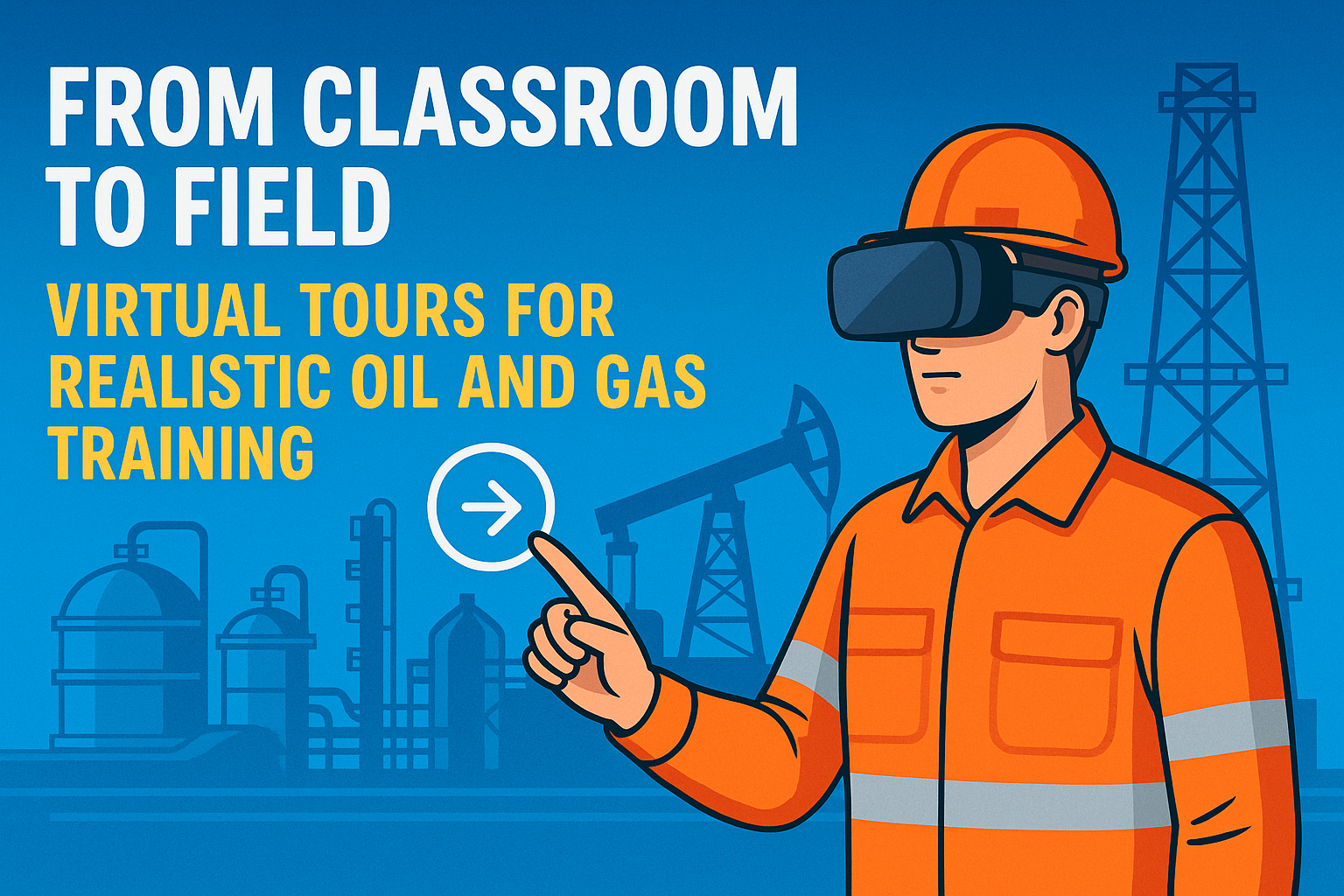
From Classroom to Field: Virtual Tours for Realistic Oil and Gas Training

Cloudpano
July 20, 2025
5 min read
Share this post

🎓 From Classroom to Field: Virtual Tours for Realistic Oil and Gas Training

In the oil and gas industry, safety and speed are everything. 🛢️⛑️ But traditional classroom training is struggling to keep up with the demands of high-risk environments and global teams. Enter a powerful solution: virtual tours for immersive oilfield training. 🌐👷‍♀️

Whether onboarding a new roustabout in Texas or preparing engineers for an offshore platform in Qatar, virtual tours bring real-world context to training — without stepping foot on-site. 🛰️

This post explores how energy companies are bridging the gap between classroom theory and on-field application using 360° virtual tours. Plus, we’ll link to other key safety training blog articles to help you build a full-scale virtual onboarding system.

🧠 Why Traditional Training Falls Short

Before we dive into the tech, let’s address the elephant in the room: traditional classroom-based oil and gas training often lacks realism. 🐘📓

  • ❌ No spatial awareness of actual job sites
  • ❌ Passive, lecture-style learning
  • ❌ Hard to replicate live hazard response
  • ❌ Inconsistent delivery across regions

That’s where virtual tours change the game.

🔗 Learn more: Why Oil and Gas Companies Are Adopting Virtual Tours for Safety Training

🚀 What Are Virtual Tours for Oilfield Training?

A virtual safety tour is a fully interactive 360° simulation of a real-world oilfield environment — such as a refinery, drill site, offshore rig, or pipeline compressor station.

Workers can:

  • Move through the site virtually 👣
  • Click on hotspots to explore SOPs and hazards 🧯
  • Watch videos or animations of safety procedures 🎥
  • Complete quizzes or sign-offs ✅

This turns passive training into immersive learning.

🔗 See a full breakdown: Virtual Tours for Oil and Gas Safety Training: What You Need to Know

🔍 Key Use Cases: Classroom to Site in Minutes

🛢️ 1. Onboarding New Workers

Instead of walking new hires through long PowerPoint decks, companies can walk them through the actual worksite — virtually.

✅ Faster onboarding
✅ Better spatial awareness
✅ Repeatable across job sites

🔗 Related: Train Your Oil and Gas Workforce Remotely with Interactive Virtual Tours

🧯 2. Emergency Response Drills

Classroom fire safety briefings don’t help much when panic sets in on the rig.

Virtual tours let workers rehearse response procedures in real spaces:

  • Gas leaks
  • Fire shutdowns
  • H2S alarms
  • Confined space rescues

🔗 Read more: Revolutionizing Safety: Virtual Tour Technology in Oil and Gas Training

🔗 3. Standardizing Safety Across Sites

If you operate multiple rigs or terminals, how do you ensure consistent safety instruction?

Virtual tours are:

  • Easy to replicate 📂
  • Language-translatable 🌍
  • LMS-friendly 📚
  • Ideal for contractors + global crews

🔗 Explore: Immersive Safety Training for Oil and Gas Teams Using Virtual Tours

🧰 What Tech Do You Need?

🎥 1. 360° Capture Tools

Use cameras like:

  • Insta360 X3
  • Ricoh Theta Z1
  • GoPro Max

Capture:

  • Entry/exit routes
  • Emergency shutoffs
  • PPE stations
  • Control panels

💻 2. Virtual Tour Software

Use a platform like CloudPano to:

  • Build white-labeled training tours
  • Embed videos, PDFs, and quizzes
  • Track who completed each step
  • Integrate into your existing LMS

🔗 Related: Boost Safety Compliance with 360° Virtual Training in Oil and Gas

⚠️ Realistic Simulations: Bringing Training to Life

With hotspots and conditional logic, you can simulate:

  • Lockout/tagout walkthroughs 🔒
  • Fall protection routines 🧗‍♂️
  • Equipment startup/shutdown 💡
  • Emergency muster drills 🚨

This helps workers practice decisions before they ever enter a live site.

🔗 Example: How 3D Virtual Tours Improve Hazard Awareness in Oil and Gas Sites

🧪 Success Stories: What Companies Are Seeing

🏭 40% Faster Onboarding

Using virtual tours cut training time nearly in half while boosting retention.

🌊 60% Drop in On-Site Incidents

New contractors exposed to virtual walkthroughs had fewer recordable incidents.

🌍 Global Scale, Local Delivery

Refineries in 5 countries now use identical onboarding programs with localized content.

🔗 Related: Using VR and 360 Tours for Safer Oil and Gas Work Environments

🧠 Bonus: Integrate with Digital Twins

Some companies are combining virtual tours with live digital twins, syncing safety training with IoT data, live equipment states, and AI-driven hazard modeling.

🔗 Deep dive: Digital Twins and Safety: Virtual Tour Integration in Oil and Gas Training

🧱 Ready-to-Use Safety Training Topics

Build modules like:

  • “Virtual Walkthrough: H2S Zone Entry”
  • “Interactive Spill Containment Drill”
  • “Electrical Panel Lockout Demo”
  • “Fire Extinguisher Usage Scenario”

🔗 Check out: Virtual Safety Walkthroughs: A Game Changer in Oil and Gas Training

✅ Final Thoughts

From offshore rigs to shale plays, virtual tours are turning oil and gas training into an immersive, scalable, and safety-first experience. 🚧📲

By bridging the gap between classroom theory and field practice, you can:

  • Train faster
  • Reduce accidents
  • Standardize across global teams
  • Save money and lives

Share this post
Cloudpano

Choose The Right 360° Camera

Insta360 ONE RS 1-Inch 360 Edition

  • Compact, ready to go anywhere

  • Interchangeable lens that’s upgradeable

  • Dual 1-inch sensors for improved clarity and low light performance

  • Dynamic range and 6K 360° capture

  • 360° photo resolution at 21MP

Learn More

Insta360 X4

  • 8K 360° video recording for ultra-detailed visuals.

  • 4K single-lens mode for traditional wide-angle shots.

  • Invisible selfie stick effect for drone-like perspectives.

  • 2.5-inch touchscreen with Gorilla Glass protection.

  • Waterproof up to 33ft for underwater shooting.

Learn More

Ricoh Theta Z1

  • 360° photo resolution in 23MP

  • Slim design at 24 mm thick

  • Built-in image stabilization for smooth video capture.

  • Internal 19GB storage for photo and video storage.

  • Wireless connectivity for remote control and sharing.

Learn More

Ricoh Theta X

  • 60MP 360° still images for high-resolution photography.

  • 5.7K 360° video recording at 30fps.

  • 2.25-inch touchscreen for intuitive control.

  • USB Type-C port for fast charging and data transfer.

  • MicroSD card slot for expandable storage.

Learn More
Property Marketing
Allows potential buyers to explore properties in detail from anywhere, enhancing the real estate marketing process.
Automotive Spins
Create an interactive virtual showroom and engage affluent digital buyers with live 360º video calls, all through the CloudPano mobile app for a complete automotive sales solution.
Interactive Floor Plans
Create 2D and 3D floor plans with measurements in 4 minutes or less, all from your phone. Download the Floor Plan Scanner app and get your first scan free.

360 Virtual Tours With CloudPano.com. Get Started Today.

Try it free. No credit card required. Instant set-up.

Try it free
Latest posts

See our other posts

Interviews, tips, guides, industry best practices, and news.

AI Avatar Compliance and Best Practices for Real Estate Marketing

This article explores how real estate professionals can responsibly use AI avatars in property marketing while maintaining transparency and trust. It explains the importance of AI real estate compliance, including how agents should implement proper disclosure for AI videos and follow ethical AI marketing practices when using AI-generated presenters in listing videos. The guide walks through how AI avatars are created, how they can automate listing presentations, and how agents can integrate them into their marketing workflow without misleading buyers or violating advertising standards. By following clear best practices—such as accurate scripts, transparent disclosures, and consistent review of generated content—real estate teams can scale video marketing while protecting their reputation and building long-term client trust.
Read post

Managing Multiple AI Clones Inside One Real Estate Team

This article explains how real estate teams can successfully manage AI avatars across multiple agents to scale their marketing and listing presentations. It walks through the process of creating AI avatar clones, organizing them into a structured team avatar management system, and integrating them into a streamlined real estate AI workflow. The guide demonstrates how listing descriptions can quickly be converted into scripts, allowing AI avatars to present properties automatically in listing videos. By combining automation with personalization, brokerages can maintain individual agent branding while producing high-quality marketing content faster than ever. The article also highlights how photographers and real estate media companies can resell AI avatar presentations as an additional service, creating new revenue streams while helping agents generate engaging listing videos without filming themselves.
Read post

Stock AI Avatars vs Custom Realtor Clones: Which Should You Use?

This article explores the key differences between stock AI avatars and custom realtor clones, helping brokerages decide which option fits their marketing strategy. It explains how AI-powered presenters allow agents to transform listing photos and scripts into engaging property videos without filming new content. The guide compares the benefits of stock avatars—such as speed and scalability—with the advantages of custom realtor clones that strengthen personal branding and client trust. Through a clear realtor avatar comparison, the article shows how brokerages can implement a balanced AI clone strategy that combines both approaches to scale real estate marketing efficiently. By leveraging AI avatars, agents and marketing teams can produce more listing videos, increase engagement, and streamline content creation across multiple properties.
Read post