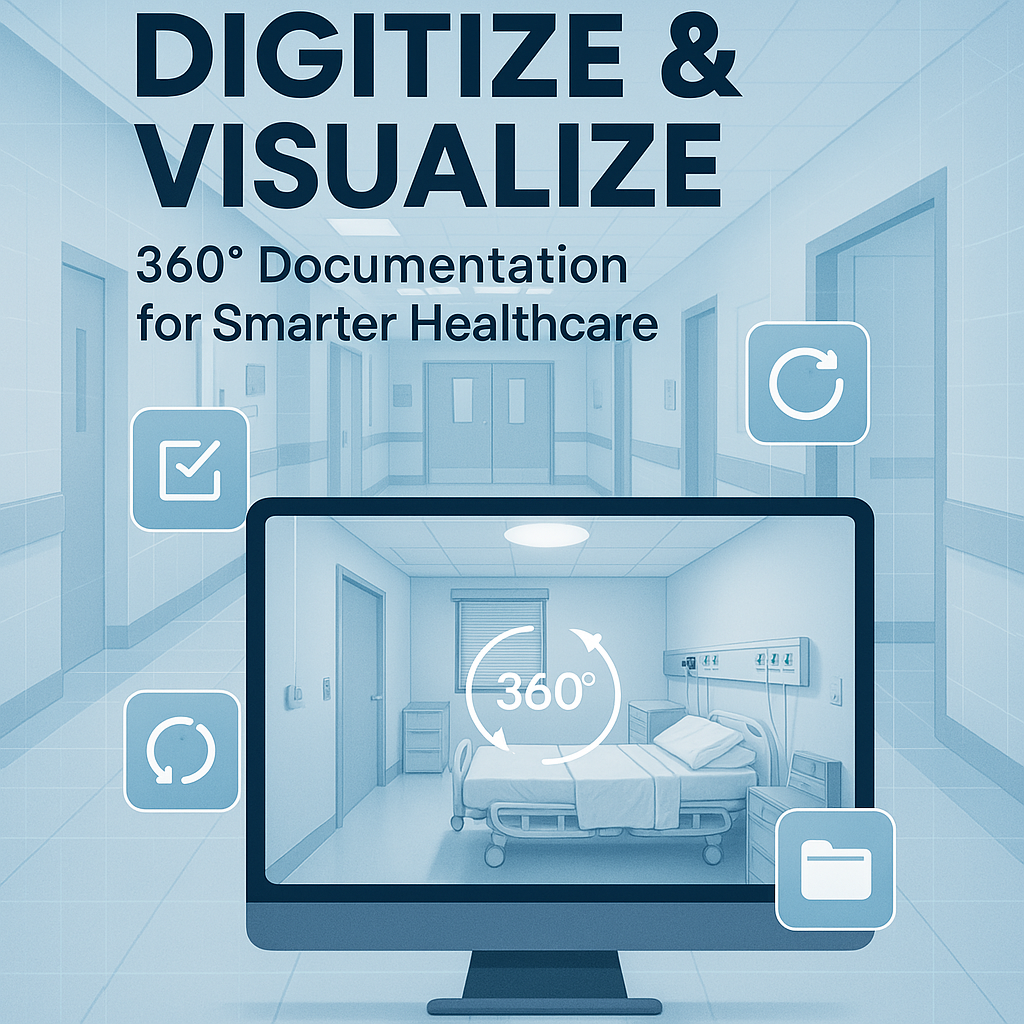
Digitize and Visualize: Documentation Software with Virtual Tours for Healthcare

Cloudpano
August 1, 2025
5 min read
Share this post

Digitize and Visualize: Documentation Software with Virtual Tours for Healthcare 🏥📸💻

In the world of healthcare, precision and documentation are everything. From surgical suites to outpatient clinics, every square foot of your facility must be inspected, documented, and accessible — not just for compliance, but for safety, operations, and patient care.

That’s why leading healthcare organizations are shifting from paper binders and photo folders to digitized, visual-first solutions like 360° virtual tour documentation software. 🎯

This powerful approach lets healthcare teams see, manage, and share their physical environment in real time — all from one interactive, cloud-based system.

In this guide, we’ll show you how combining virtual tours with documentation software creates smarter, more efficient, and audit-ready healthcare environments.

1. 🏥 Why Healthcare Facilities Need Better Documentation

Let’s face it: traditional documentation methods are outdated.

You’re likely juggling:

  • 📄 Paper floor plans
  • 📷 Static hallway photos
  • 🗂️ Compliance checklists in Excel
  • 🗣️ Verbal handoffs between shifts
  • 🔐 Files stored across multiple folders or devices

This slows everything down and creates risk. Missed documentation can lead to:

  • Failed inspections
  • Delayed certifications
  • Patient safety hazards
  • Emergency planning gaps

Healthcare facilities need a smarter, visual solution that brings everything together.

2. 📸 What Is Virtual Tour Documentation Software?

Virtual tour documentation platforms use 360° panoramic photography and interactive tagging to turn real-world spaces into clickable, digital walkthroughs.

When combined with cloud-based software like CloudPano, you can:

  • Capture a full walkthrough of your facility
  • Tag compliance points like extinguishers, AEDs, or signage
  • Add notes, documents, or checklists in each room
  • Share links with staff, auditors, or vendors
  • Update and version-control changes in real time

3. 🔍 See Everything. Document Everything.

Instead of flipping through reports and pictures, users can now:

  • Virtually walk the entire hospital or clinic
  • Click on any hotspot to view documentation
  • Add voiceovers, training PDFs, or compliance notes
  • Use tags to track inspections, safety assets, or storage issues
  • See what changed between visits with date-stamped updates

With this visual-first interface, teams across facilities can stay aligned — fast.

4. 📋 Streamline Audits and Compliance Reviews

Healthcare audits are notoriously detailed. Whether it’s The Joint Commission, OSHA, or a fire marshal, they want to see:

  • Safety exits
  • Storage protocols
  • Equipment placement
  • Accessibility and ADA compliance
  • Staff readiness procedures

360° documentation tours help you:

  • Run remote pre-audits
  • Share visual compliance records instantly
  • Reduce prep time by 60–80%
  • Keep a consistent inspection record year-round

📚 Learn more: Boost Accuracy and Efficiency with 360-Degree Virtual Tour Documentation Tools

5. 🚨 Emergency Planning, Simplified

In emergency response, knowing the space is critical. With virtual tour tools, you can:

  • Highlight egress paths and shelter zones
  • Map fire extinguishers and oxygen shutoffs
  • Provide security teams with layout access
  • Create visual emergency training simulations

This empowers staff and first responders to make faster, safer decisions — even without stepping foot inside the building.

6. 👨‍⚕️ Better Staff Onboarding and Communication

Clinics and hospitals often face:

  • High staff turnover
  • Rotating temp workers
  • Visiting specialists and contractors

With virtual tour documentation:

  • New hires can explore the space before day one
  • Vendors can understand layout and requirements remotely
  • Managers can assign tasks based on visual references
  • Team leaders can embed walkthroughs with checklists or SOPs

You’re turning your environment into a living training tool.

7. 🛠️ Maintain and Update Facilities with Visual Logs

Renovations and repairs don’t stop — and they require documentation. With CloudPano:

  • Capture pre/post-construction snapshots
  • Track plumbing, HVAC, and IT closets over time
  • Store permits, vendor info, and plans in each area
  • Keep a visual log of changes for compliance and insurance

No more digging through emails or folders. It’s all there, visually documented and cloud-secure.

8. 🌍 Manage Multi-Site Healthcare Systems Seamlessly

Operating more than one location? Virtual tour documentation lets you:

  • Create standardized facility maps
  • Maintain consistent compliance across sites
  • Compare layouts and asset tags remotely
  • Share internal reviews with executive leadership
  • Reduce travel time between audits

📌 Bonus: Streamline Your Virtual Tours with 360-Degree Documentation Software

9. 🔐 Secure, Real-Time, Cloud-Based Access

With CloudPano’s virtual tour platform, you get:

  • Secure login & access control
  • Browser-based viewing (no installs needed)
  • Real-time editing and version history
  • Easy sharing via secure links
  • Mobile and tablet compatibility for field use

Your documentation becomes a single source of visual truth — available to the right people, anytime.

Final Thoughts: Digitize & Visualize for Better Healthcare Oversight 💡

360° documentation tools aren’t just about “cool tech.”
They’re about:

  • Improving facility visibility
  • Reducing audit stress
  • Empowering your teams
  • Staying compliant — and safe

Digitizing your documentation and visualizing it in real-time gives your healthcare organization a competitive, compliant, and operational edge.

With CloudPano, it’s easier than ever to launch your first tour, tag your first asset, and take control of your facility oversight.

🔥 Ready to Digitize and Visualize Your Healthcare Space?

Start your 360° documentation journey today with CloudPano — the platform trusted by healthcare professionals for real-time, immersive facility management:

Create  Stunning 360° Virtual Tours in Minutes – Launch Your First Tour with  CloudPano!
📋Turn Photos into  Scroll-Stopping Videos with AI – Get Started with PhotoAIVideo Now!
🏥
Stage Your Listings  Instantly – Try Virtual Staging with Pictastic Today!
🎥Find 21+ Leads in Your Niche in  Seconds – Try 21 Lead Finder Now!

Visualize better. Document smarter.
Manage healthcare facilities the modern way — with CloudPano.

Share this post
Cloudpano

Choose The Right 360° Camera

Insta360 ONE RS 1-Inch 360 Edition

  • Compact, ready to go anywhere

  • Interchangeable lens that’s upgradeable

  • Dual 1-inch sensors for improved clarity and low light performance

  • Dynamic range and 6K 360° capture

  • 360° photo resolution at 21MP

Learn More

Insta360 X4

  • 8K 360° video recording for ultra-detailed visuals.

  • 4K single-lens mode for traditional wide-angle shots.

  • Invisible selfie stick effect for drone-like perspectives.

  • 2.5-inch touchscreen with Gorilla Glass protection.

  • Waterproof up to 33ft for underwater shooting.

Learn More

Ricoh Theta Z1

  • 360° photo resolution in 23MP

  • Slim design at 24 mm thick

  • Built-in image stabilization for smooth video capture.

  • Internal 19GB storage for photo and video storage.

  • Wireless connectivity for remote control and sharing.

Learn More

Ricoh Theta X

  • 60MP 360° still images for high-resolution photography.

  • 5.7K 360° video recording at 30fps.

  • 2.25-inch touchscreen for intuitive control.

  • USB Type-C port for fast charging and data transfer.

  • MicroSD card slot for expandable storage.

Learn More
Property Marketing
Allows potential buyers to explore properties in detail from anywhere, enhancing the real estate marketing process.
Automotive Spins
Create an interactive virtual showroom and engage affluent digital buyers with live 360º video calls, all through the CloudPano mobile app for a complete automotive sales solution.
Interactive Floor Plans
Create 2D and 3D floor plans with measurements in 4 minutes or less, all from your phone. Download the Floor Plan Scanner app and get your first scan free.

360 Virtual Tours With CloudPano.com. Get Started Today.

Try it free. No credit card required. Instant set-up.

Try it free
Latest posts

See our other posts

Interviews, tips, guides, industry best practices, and news.

Choosing ADA Compliant Walkthrough Software: What to Look For

Not all walkthrough software is built with accessibility in mind, and choosing the wrong platform can quietly exclude a meaningful portion of your audience. This guide breaks down exactly what to look for when evaluating ADA compliant walkthrough software — from keyboard navigation and screen reader support to alt text and caption features — plus the key questions to ask vendors before you commit.
Read post

Should Your Virtual Tour Be ADA Compliant, Even If It's Not Required?

Not every business is legally required to make its virtual tours ADA compliant—but accessibility is still worth considering. This article explores why accessible virtual tours can help businesses reach more people, improve user experience, support inclusive digital experiences, and demonstrate a commitment to accessibility. Discover practical ways to make your virtual tours more accessible and why doing so can be a smart business decision.
Read post

Why the Difference Between ADA Compliant and Non-Compliant Virtual Tours Matters for Your Business

ADA compliance can make a significant difference in how customers experience your virtual tours and interact with your business. This article explains the key differences between ADA compliant and non-compliant virtual tours, including accessibility features such as keyboard navigation, screen reader support, alt text, color contrast, and video captions. Discover how creating more accessible virtual tours can improve the customer experience, support inclusive marketing, reduce accessibility risks, and help your business serve a wider audience.
Read post