


.png)


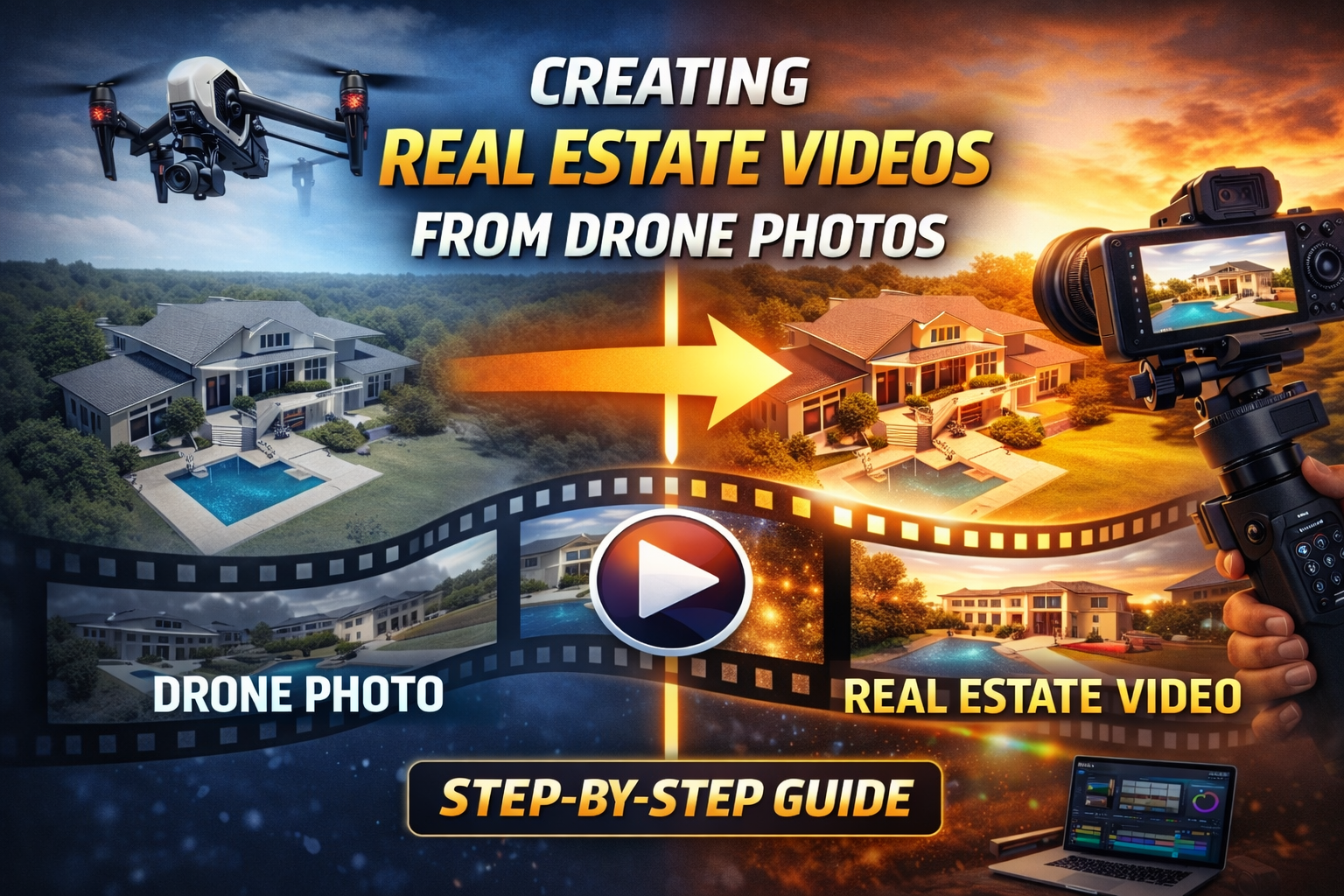
Real estate marketing has changed dramatically over the last few years. Buyers expect immersive visual experiences long before they schedule a showing. While drone photography for real estate listings has become common, real estate video marketing still outperforms photos in engagement, time on page, social reach, and lead conversion.
The challenge?
Traditional real estate video production is time-consuming, expensive, and difficult to scale—especially for agents, teams, and drone photographers managing multiple listings.
The solution?
Creating real estate videos from drone photos using modern workflows and AI-powered video creation tools.
In this step-by-step guide, you’ll learn exactly how to turn aerial drone photos into professional real estate listing videos that help properties stand out, attract more buyers, and close faster—without complex editing software or massive production costs.
With a real estate video app, agents can quickly produce MLS-ready videos, social media listing videos, and property marketing content that drives attention and inquiries.
👉 Ready to Earn With Your Drone? Start now at DroneProfit.com.
Real estate videos consistently outperform photo-only listings across every major platform, including MLS portals, property websites, and social media. Video helps buyers:
Drone photos already capture unique aerial perspectives that ground-level photos can’t. When those photos are transformed into cinematic real estate videos, they create a compelling storytelling experience that static images simply can’t match.
This is why real estate agents, brokerages, developers, and property managers increasingly demand video content for listings—even when no traditional drone video footage was captured.
Many professionals assume that creating real estate videos requires flying complex drone video paths and manually editing footage. In reality, high-resolution drone photos are often better than raw drone video for scalable production.
Drone photos offer:
With the right real estate video workflow, still images can be animated into smooth, professional videos that feel intentional, cinematic, and optimized for marketing.
Everything starts with capture.
When shooting drone photos specifically for real estate video creation, focus on visual storytelling, not just coverage.
Key capture tips for real estate drone photographers:
These best practices give your AI video software more flexibility for smooth pans, zooms, and transitions later.
Before creating the video, narrow your photos down to a clean, intentional sequence.
Choose images that:
A strong real estate marketing video usually works best with 10–20 curated drone photos, not dozens.
Less clutter equals stronger engagement.
Every real estate video should have a clear goal.
Ask yourself:
Your purpose will influence:
For example, MLS videos should be clean and compliant, while Instagram Reels, YouTube Shorts, and Facebook listing videos can be more dynamic.
This is where modern tools shine.
Instead of manually animating photos in traditional video editing software, many professionals now use AI-powered real estate video platforms to generate motion automatically.
These tools simulate:
The result is a polished real estate video created from drone photos—without timelines, keyframes, or manual animation.
Music plays a critical role in real estate video performance and buyer perception.
Choose tracks that:
Luxury listings benefit from cinematic or ambient music, while residential homes often perform best with light, upbeat tracks that feel inviting.
Professional real estate videos always include subtle branding.
This may include:
Branding should build trust and recognition—never distract from the property itself.
One major advantage of creating real estate videos from drone photos is multi-platform flexibility.
From a single project, you can export:
This dramatically increases the value of each drone shoot and listing package.
Videos don’t just attract buyers—they help listings perform better online.
To maximize visibility:
Search engines favor pages with video, and buyers spend more time engaging with visual content—boosting rankings and lead quality.
The most successful professionals don’t just deliver videos—they sell results.
Real estate videos created from drone photos help:
Once agents experience higher engagement and inquiries, photo-only listings become a thing of the past.
Once the workflow is dialed in, scaling becomes simple.
You can:
Automation and AI-assisted video creation make it possible to scale without burning out or expanding your team.
To ensure consistent results, avoid:
Simplicity always wins in real estate marketing.
Creating real estate videos from drone photos is no longer a technical challenge—it’s a strategic advantage.
With the right tools and workflow, you can transform still images into compelling videos that:
Whether you’re a drone operator, real estate photographer, agent, or marketing team, mastering this process puts you ahead of the curve.


Compact, ready to go anywhere
Interchangeable lens that’s upgradeable
Dual 1-inch sensors for improved clarity and low light performance
Dynamic range and 6K 360° capture
360° photo resolution at 21MP

8K 360° video recording for ultra-detailed visuals.
4K single-lens mode for traditional wide-angle shots.
Invisible selfie stick effect for drone-like perspectives.
2.5-inch touchscreen with Gorilla Glass protection.
Waterproof up to 33ft for underwater shooting.

360° photo resolution in 23MP
Slim design at 24 mm thick
Built-in image stabilization for smooth video capture.
Internal 19GB storage for photo and video storage.
Wireless connectivity for remote control and sharing.

60MP 360° still images for high-resolution photography.
5.7K 360° video recording at 30fps.
2.25-inch touchscreen for intuitive control.
USB Type-C port for fast charging and data transfer.
MicroSD card slot for expandable storage.
.png)

.png)

Try it free. No credit card required. Instant set-up.







.svg)


.svg)