


.png)


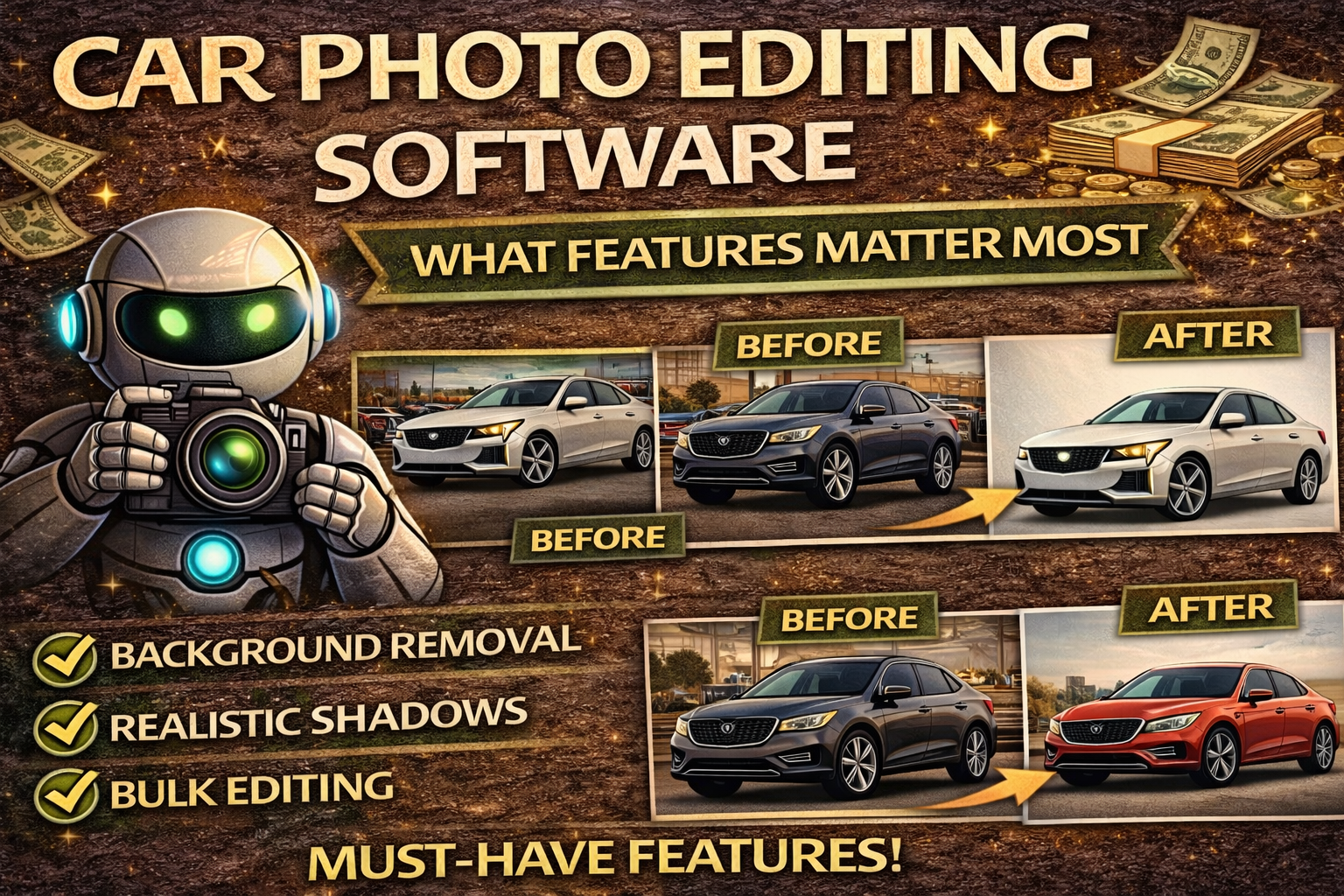
If you sell vehicles online—whether you’re a dealership, wholesaler, photographer, or marketplace seller—your photos are doing more work than your sales team. 👀
Before a buyer ever calls, messages, or schedules an appointment, they already decided one thing:
✅ “Do I trust this listing?”
And that decision is largely based on…
📸 photo quality.
That’s why choosing the right car photo editing software matters more than most people realize.
The right tool doesn’t just “make pictures look better.” It helps you:
In this guide, we’ll break down exactly what features matter most, which features are overrated, and how to choose the right car photo editing software for your workflow.
Years ago, buyers accepted messy lot photos.
Today? Not anymore.
Online car shopping has evolved.
What buyers now expect as “normal”:
✅ clean backgrounds
✅ bright interior photos
✅ consistent angles
✅ catalog-style inventory presentation
✅ proof photos (odometer, trunk, features)
So the dealerships and sellers who present inventory cleanly and consistently win attention first.
And in online car sales…
👉 attention = leads
👉 leads = appointments
👉 appointments = sales
That’s why car photo editing software is no longer optional.
It’s a conversion tool.
Before we talk features, let’s clarify the goal:
The best car photo editing software helps you create photos that are:
✅ clean
✅ consistent
✅ fast to produce
✅ scalable
✅ trustworthy
This isn’t about art.
It’s about merchandising.
Your images should make every vehicle look listing-ready.
If you’re evaluating car photo editing software, these are the features that actually affect results.
(Most important feature for inventory photos)
In a dealership environment, backgrounds are chaotic:
Buyers don’t consciously analyze the background…
…but they feel it.
A messy background makes the listing feel low quality.
Car photo editing software should be able to:
✅ isolate the vehicle cleanly
✅ remove background distractions
✅ replace backgrounds with a consistent style
✅ preserve details around mirrors, wheels, antennas
Marketplace grids are thumbnail-first.
A clean background makes your listing pop instantly.
Background replacement is only effective if it looks natural.
The #1 issue that makes edited photos look fake:
🚫 floating cars
Great car photo editing software keeps:
✅ realistic shadows under the tires
✅ grounded perspective
✅ natural contrast
This small detail makes the difference between:
“professionally edited” ✅
and
“bad Photoshop job” ❌
One reason buyers complain about photos is simple:
They can’t see the vehicle clearly.
Car photos often suffer from:
The right software should:
✅ brighten interior photos
✅ normalize exposure
✅ balance highlights/shadows
✅ keep the car looking natural
Better lighting = better perceived vehicle quality.
This is HUGE.
Most dealerships don’t need “perfect editing.”
They need:
✅ consistent editing at scale
If your software can’t process photos in bulk, you’ll hit bottlenecks.
Look for features like:
✅ upload full sets
✅ apply edits across an entire vehicle
✅ process multiple vehicles at once
✅ export ready-to-list folders
This is the feature that makes the difference between:
a tool ✅
and
a scalable workflow ✅✅✅
Inconsistent framing makes inventory feel messy.
If buyers scroll your inventory and see:
…it looks like the dealership has no system.
Car photo editing software should support:
✅ consistent crop settings
✅ normalized vehicle placement
✅ same “catalog look” across inventory
This makes your inventory page feel premium.
Paint color accuracy is critical for trust.
Over-saturation makes listings feel deceptive.
Software should:
✅ correct white balance
✅ maintain realistic paint color
✅ reduce weird tint (blue/orange/green cast)
Buyers notice when paint color looks off.
And when trust drops, leads drop.
Glare is a conversion killer.
It blocks:
Good car photo editing software should:
✅ reduce windshield glare
✅ brighten interiors
✅ improve readability
This reduces “send more pics” messages and increases confidence.
Even great editing doesn’t matter if your workflow is slow.
Your software should make it easy to:
✅ upload from phone/camera
✅ edit quickly
✅ export optimized files
✅ publish in correct order
Speed matters because:
faster listing = faster sale.
Some features look cool but don’t drive sales.
These are often distractions:
❌ cinematic filters
❌ heavy HDR “glow”
❌ trendy effects
❌ dramatic color grading
❌ fancy overlays on every photo
Why?
Because cars must look real.
Over-editing reduces trust.
And trust is the #1 conversion driver.
Here’s a truth most sellers miss:
The software isn’t the full solution.
The system is.
Even the best car photo editing software won’t save:
So the software must support a repeatable workflow.
Here’s the ideal lot-to-listing flow:
This creates:
✅ speed
✅ consistency
✅ trust
✅ more leads
Not everyone needs the same features.
Here’s how to choose the right setup.
Priority features:
✅ bulk processing
✅ background replacement
✅ consistent framing
✅ export pipeline
✅ consistent inventory style across stores
Priority features:
✅ speed
✅ clarity enhancement
✅ clean backgrounds
✅ batch editing
✅ exposure normalization
Priority features:
✅ high-quality edge isolation
✅ consistent styling controls
✅ fast turnaround
✅ scalable bulk workflow
Priority features:
✅ easy background cleanup
✅ fast enhancement
✅ mobile-friendly workflow
✅ simple export
If your tool creates these issues, it’s not dealership-grade:
❌ jagged edges around wheels/mirrors
❌ floating vehicles
❌ inconsistent edits between cars
❌ slow workflow
❌ poor bulk controls
❌ over-processed fake look
Dealership photo editing should feel effortless.
If we had to summarize the best car photo editing software in one sentence:
✅ “It makes every vehicle look like it belongs to the same dealership.”
That’s what makes buyers trust faster.
That’s what increases click-through rate.
That’s what generates more leads.
And that’s what reduces days on lot.
When you’re choosing car photo editing software, don’t choose what looks cool.
Choose what converts.
The features that matter most are the ones that create:
✅ clean backgrounds
✅ consistent inventory grids
✅ bright, clear photos
✅ accurate paint color
✅ scalable bulk editing
Because in online vehicle sales…
📸 your photos ARE the showroom.
And the right software turns your inventory into a professional catalog that sells more cars. 🚗🔥


Compact, ready to go anywhere
Interchangeable lens that’s upgradeable
Dual 1-inch sensors for improved clarity and low light performance
Dynamic range and 6K 360° capture
360° photo resolution at 21MP

8K 360° video recording for ultra-detailed visuals.
4K single-lens mode for traditional wide-angle shots.
Invisible selfie stick effect for drone-like perspectives.
2.5-inch touchscreen with Gorilla Glass protection.
Waterproof up to 33ft for underwater shooting.

360° photo resolution in 23MP
Slim design at 24 mm thick
Built-in image stabilization for smooth video capture.
Internal 19GB storage for photo and video storage.
Wireless connectivity for remote control and sharing.

60MP 360° still images for high-resolution photography.
5.7K 360° video recording at 30fps.
2.25-inch touchscreen for intuitive control.
USB Type-C port for fast charging and data transfer.
MicroSD card slot for expandable storage.
.png)

.png)

Try it free. No credit card required. Instant set-up.






.svg)


.svg)