


.png)


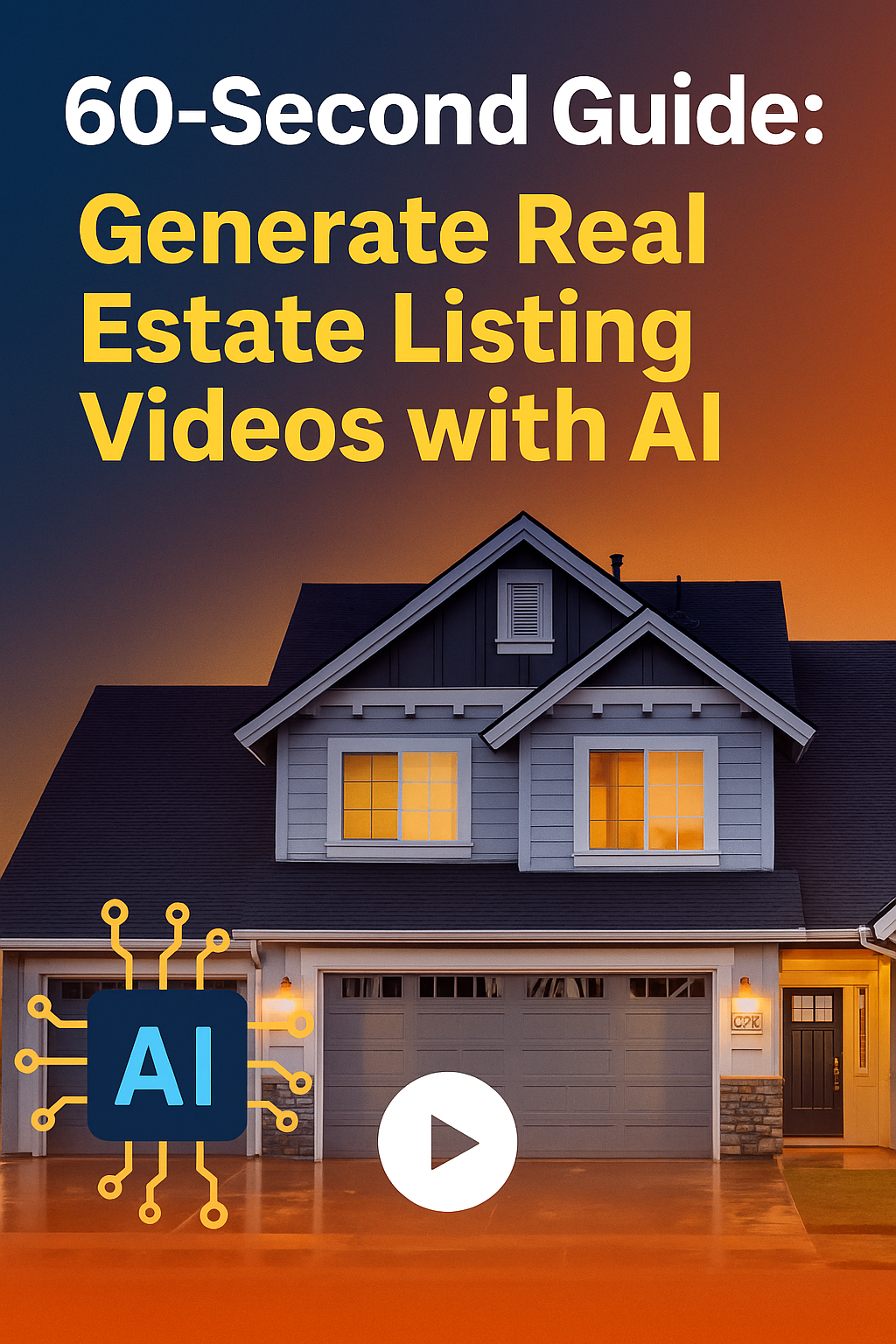
Real estate marketing moves fast — and the agents who win today are the ones who create more content, faster, and with higher quality. That’s exactly why AI-generated listing videos are exploding in popularity. What once required expensive gear, editing skills, and hours of time can now be created in just 60 seconds using AI.
Whether you’re a real estate agent, photographer, property manager, broker, or short-term rental host, AI gives you the power to generate stunning, cinematic listing videos with nothing more than photos. Instantly transform photos into cinematic walkthroughs — no editing skills needed! With a real estate video app, agents can quickly produce professional listing videos that attract more buyers.
This guide will walk you step-by-step through how to generate real estate listing videos with AI in under a minute — and why this strategy is now essential to modern real estate marketing.
Let’s dive in. 👇
Before we focus on the “how,” here’s why every agent and photographer is switching to AI-powered video creation.
Social media algorithms love video:
Video content receives:
✅ More reach
✅ More clicks
✅ More shares
✅ More inquiries
AI lets you produce video content every day, without slowing down.
Showing homeowners that you use:
✅ AI videos
✅ Cinematic walkthroughs
✅ Social-optimized reels
✅ Branded video content
…instantly elevates your value. You look modern, capable, and competitive — not like the average agent relying only on MLS photos.
It becomes a listing presentation superpower.
AI gives you the power to publish new video content the moment you receive the listing photos.
No waiting.
No outsourcing.
No editing backlog.
You can market every listing at lightning speed.
Traditionally, a listing video required:
❌ A videographer
❌ Editing software
❌ Hours of labor
❌ A higher marketing budget
Today, AI gives you:
✅ Instant video creation
✅ High-end quality
✅ No editing skills required
✅ The ability to scale your marketing effortlessly
This is how agents produce more content with less effort — and win more listings.
Now let’s break down the step-by-step workflow that takes you from photos → cinematic listing video in under a minute.
AI works best with 10–25 high-quality images, including:
Bright, wide shots produce the most compelling AI videos — but the software can enhance lower-quality photos too.
Most AI video tools offer multiple templates, such as:
🎬 Cinematic – slow, elegant, perfect for luxury homes
⚡ Fast-paced – ideal for social media
🏡 Modern clean – balanced and professional
✨ Luxury – dramatic, stylish, premium
😊 Soft + warm – friendly suburban listings
Choose the vibe that best matches the property.
This is where the magic happens.
AI automatically:
✅ Detects room types
✅ Sorts photos into a natural home-tour order
✅ Identifies the best pacing
✅ Enhances lighting and depth
✅ Chooses transitions
✅ Builds cinematic motion paths
Instead of a basic slideshow, you get a smooth, dynamic, professional video.
No dragging files around.
No timeline editing.
No manual sequencing.
It’s instant.
To create the illusion of real video footage, AI applies:
This transforms still images into a visually engaging walkthrough.
Buyers LOVE this because it feels like they’re actually inside the property.
Choose from styles like:
Music dramatically increases watch time and emotional engagement.
Since many viewers watch videos on mute, captions matter.
AI can add:
✅ Property address
✅ Bed/bath count
✅ Square footage
✅ Desirable features
✅ Neighborhood perks
✅ Agent contact details
This helps buyers quickly understand the home’s key selling points.
AI voiceovers elevate the experience.
You can choose:
✅ Male or female
✅ Professional, soft, luxury, or energetic
✅ Multiple languages
✅ Auto-generated or custom scripts
✅ Even your own AI-cloned voice
Narration makes the video feel like a guided tour.
Build your personal brand into every video.
AI lets you upload:
✅ Logo
✅ Headshot
✅ Agent name
✅ Brokerage details
✅ Phone number
✅ Website or QR code
✅ Brand colors
This turns every video into a marketing asset that promotes YOU.
In under 60 seconds, you receive:
✅ A polished listing video
✅ Multiple aspect ratios (vertical, square, horizontal)
✅ High-resolution 1080p or 4K files
✅ A social-media-ready version
✅ A clean MLS-friendly version
This is the fastest way to create professional real estate video content.
Once you generate your video, post it everywhere:
Incredible organic reach.
Perfect for quick, eye-catching listing clips.
Boosts long-term SEO visibility.
Great for both organic and paid ads.
Videos help you rank higher in local search.
Videos instantly separate your listing from the crowd.
Buyers stay longer → higher conversion rates.
Video thumbnails = more clicks.
Show sellers premium marketing from day one.
AI videos don’t just look good — they perform better.
Buyers visualize themselves living in the home.
Video conveys spatial flow much better than photos.
More watch time = more leads.
Essential for relocation and investment markets.
Buyers who feel confident message faster.
Sellers LOVE seeing next-level marketing.
To maximize performance:
✅ Start with clear, bright photos
✅ Use 15–30 images
✅ Always include the exterior shot first
✅ Use vertical format for social media
✅ Add captions for silent viewers
✅ Keep the video 30–60 seconds
✅ Add your branding at the end
✅ Post your video everywhere
Small changes = major marketing gains.
AI is evolving fast — and here’s what’s coming:
✨ Fully AI-generated 3D walk-throughs
✨ Drone-style video generated from photos
✨ Auto-created floor plans from images
✨ Interactive room-by-room narration
✨ Virtual staging inside the video
✨ Personalized videos for specific buyer types
Real estate content creation will soon be fully autonomous.
Thanks to AI, anyone can now produce premium listing videos instantly.
✅ No editing skills
✅ No expensive software
✅ No videographer
✅ Just upload → generate → download
AI listing videos help you:
✅ Win more listings
✅ Impress sellers
✅ Boost social media reach
✅ Create daily content effortlessly
✅ Sell properties faster
✅ Build a premium brand
This is the 60-second competitive advantage every agent needs in 2025 and beyond.


Compact, ready to go anywhere
Interchangeable lens that’s upgradeable
Dual 1-inch sensors for improved clarity and low light performance
Dynamic range and 6K 360° capture
360° photo resolution at 21MP

8K 360° video recording for ultra-detailed visuals.
4K single-lens mode for traditional wide-angle shots.
Invisible selfie stick effect for drone-like perspectives.
2.5-inch touchscreen with Gorilla Glass protection.
Waterproof up to 33ft for underwater shooting.

360° photo resolution in 23MP
Slim design at 24 mm thick
Built-in image stabilization for smooth video capture.
Internal 19GB storage for photo and video storage.
Wireless connectivity for remote control and sharing.

60MP 360° still images for high-resolution photography.
5.7K 360° video recording at 30fps.
2.25-inch touchscreen for intuitive control.
USB Type-C port for fast charging and data transfer.
MicroSD card slot for expandable storage.
.png)

.png)

Try it free. No credit card required. Instant set-up.







.svg)


.svg)